
Vpn and Proxy for Telegram PC
Satomi Allison
Download Vpn and Proxy for Telegram on PC With GameLoop Emulator
Vpn and Proxy for Telegram on PC
Vpn and Proxy for Telegram, coming from the developer Satomi Allison, is running on Android systerm in the past.
Now, You can play Vpn and Proxy for Telegram on PC with GameLoop smoothly.
Download it in the GameLoop library or search results. No more eyeing the battery or frustrating calls at the wrong time any more.
Just enjoy Vpn and Proxy for Telegram PC on the large screen for free!
Vpn and Proxy for Telegram Introduction
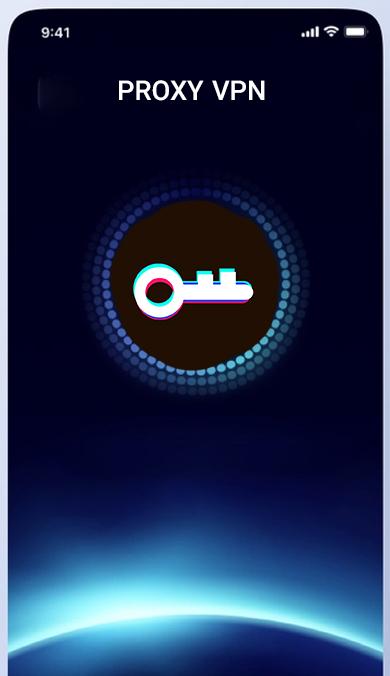
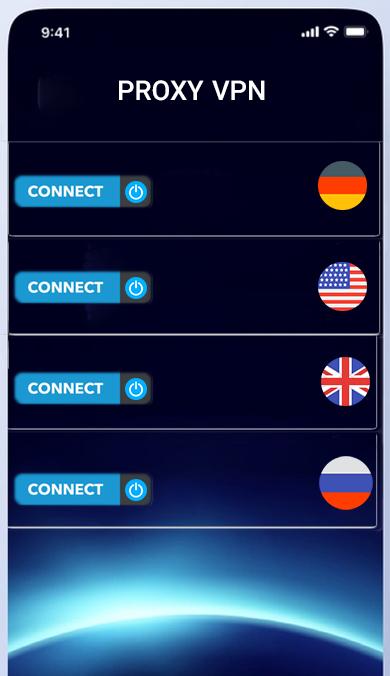
With this free program, get the latest active proxy for Telegram and click the Connect button.
You no longer need to use a vpn to connect to a telegram or an x telegram
If the proxies were inactive or slow, you can use other proxies by clicking the Load More button.
This software also provides a proxy subscription and you can send any proxy you like to your friends.
If you are looking for a strong for Telegram proxy, it is better to try this application because it finds all the strong and high-speed proxies of Telegram and shows it to you.
Proxies that are disabled will be automatically removed from the list
Telegram Proxy allows you to use the software quickly and easily. For the proxy installation to be successful, the Telegram
application must be updated to the latest version.
. Everything is very simple, all you have to do is open the application, select a proxy and enjoy a quick connection in Telegram.
you can connect to Telegram without a filter breaker.
Filter breakers or VPNs will slow down your phone and your internet, so the best thing to do to connect to Telegram is to use the proxy
A new proxy every 4 minutes
Always be online with VPN and proxy for Telegram
Features of strong proxy and filter breaker, filter breaker and VPN for Telegram:
Update proxy list every minute
Simple and easy user interface
A complete list of the world's fastest proxies
User-friendly environment with easy to use
Important note :
Note that all the proxies shown to you in the list are all safe, but if the proxy is not connected to you, it means that this proxy is not suitable for your Internet and you should try another proxy.
If none of the proxies are connected to you, it means that there is currently no healthy proxy on the Internet for your Internet, so you have to wait a while and click the refresh button for a few more minutes to search for a new list for you.
This application is a smart proxy search, so note that if one proxy is not connected, we are not to blame and you must test another proxy
The important functionality of this software is its unfiltering and is not blocked at all
Preview
Tags
ToolsInformation
Developer
Satomi Allison
Latest Version
4
Last Updated
2023-04-16
Category
Tools
Available on
Google Play
Show More
How to play Vpn and Proxy for Telegram with GameLoop on PC
1. Download GameLoop from the official website, then run the exe file to install GameLoop
2. Open GameLoop and search for “Vpn and Proxy for Telegram” , find Vpn and Proxy for Telegram in the search results and click “Install”
3. Enjoy playing Vpn and Proxy for Telegram on GameLoop
Minimum requirements
OS
Windows 8.1 64-bit or Windows 10 64-bit
GPU
GTX 1050
CPU
i3-8300
Memory
8GB RAM
Storage
1GB available space
Recommended requirements
OS
Windows 8.1 64-bit or Windows 10 64-bit
GPU
GTX 1050
CPU
i3-9320
Memory
16GB RAM
Storage
1GB available space