
Voooice PC
Bulud
Download Voooice on PC With GameLoop Emulator
Voooice on PC
Voooice, coming from the developer Bulud, is running on Android systerm in the past.
Now, You can play Voooice on PC with GameLoop smoothly.
Download it in the GameLoop library or search results. No more eyeing the battery or frustrating calls at the wrong time any more.
Just enjoy Voooice PC on the large screen for free!
Voooice Introduction
Help us to build the best speech recognition AI. Contribute your voice!
Interact, communicate, and compete with other players.
+ HOW DOES IT WORK?
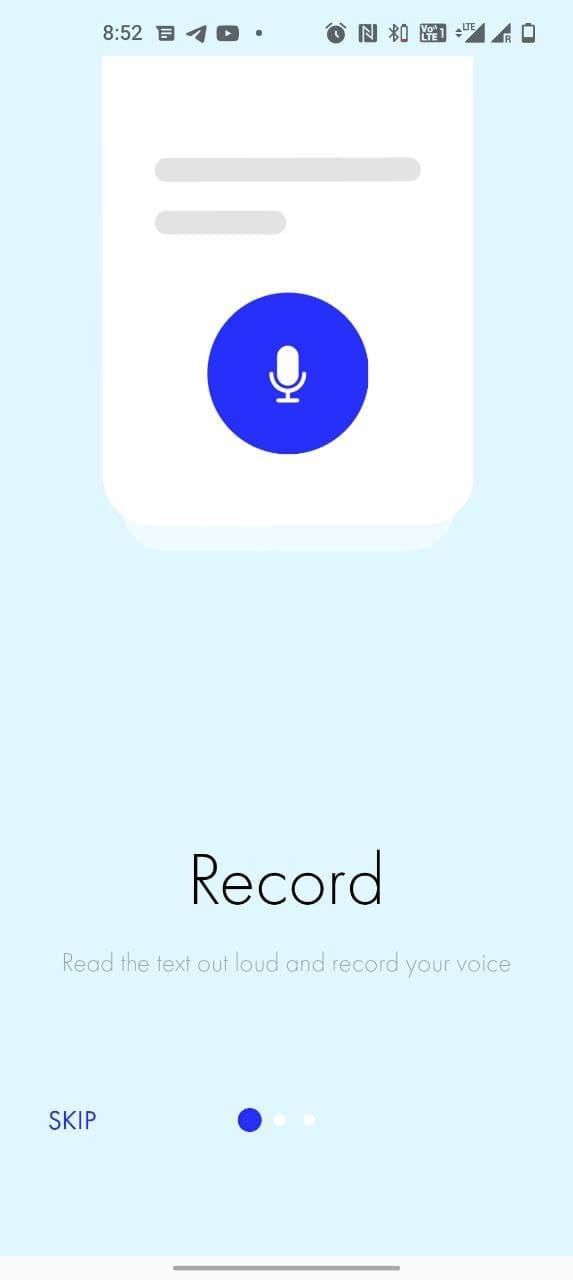
- Push the "record button" and read the text. Release the button
- Your voice record will be validated by the algorithm and if you read the sentence or word fully with the right pronunciation you will get points equal to the number of symbols in the sentence. If one word in the sentence was not read or was read with wrong pronunciation you do not get any points.
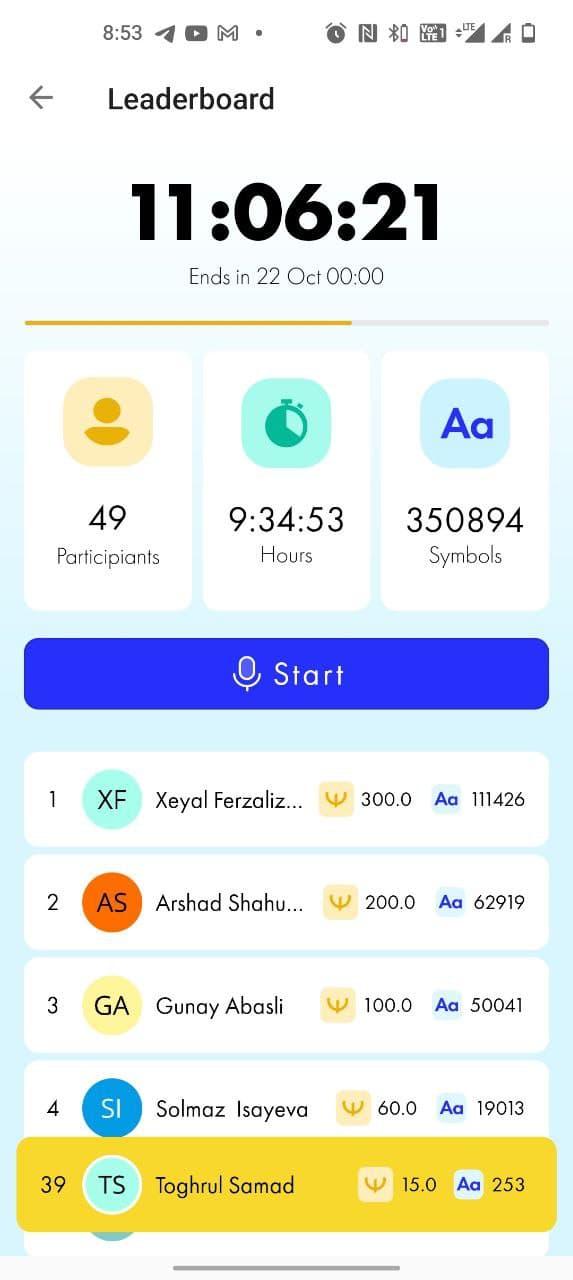
- If you read enough text in 24 hours you take place in the daily leaderboards and get rewarded
- The recorded data will be sent to Voooice directly, and used for the development of speech technology.
+TIPS
- Please read the text in quiet environment
- Start recording before you start reading and stop recording only after you finished reading the text
- Try to practice your pronunciation and read the words as they should be read in English.
+ WARNING
- In case of fraudulent activity, we reserve the right to re-calculate your earned Echo tokens.
- If you have more questions let us know! ask@voooice.com
Good luck!
Preview
Tags
ToolsInformation
Developer
Bulud
Latest Version
1.3.0
Last Updated
2023-03-11
Category
Tools
Available on
Google Play
Show More
How to play Voooice with GameLoop on PC
1. Download GameLoop from the official website, then run the exe file to install GameLoop
2. Open GameLoop and search for “Voooice” , find Voooice in the search results and click “Install”
3. Enjoy playing Voooice on GameLoop
Minimum requirements
OS
Windows 8.1 64-bit or Windows 10 64-bit
GPU
GTX 1050
CPU
i3-8300
Memory
8GB RAM
Storage
1GB available space
Recommended requirements
OS
Windows 8.1 64-bit or Windows 10 64-bit
GPU
GTX 1050
CPU
i3-9320
Memory
16GB RAM
Storage
1GB available space