Voice Translator(Translate) PC
AndroTranslate
Download Voice Translator(Translate) on PC With GameLoop Emulator
Voice Translator(Translate) on PC
Voice Translator(Translate), coming from the developer AndroTranslate, is running on Android systerm in the past.
Now, You can play Voice Translator(Translate) on PC with GameLoop smoothly.
Download it in the GameLoop library or search results. No more eyeing the battery or frustrating calls at the wrong time any more.
Just enjoy Voice Translator(Translate) PC on the large screen for free!
Voice Translator(Translate) Introduction
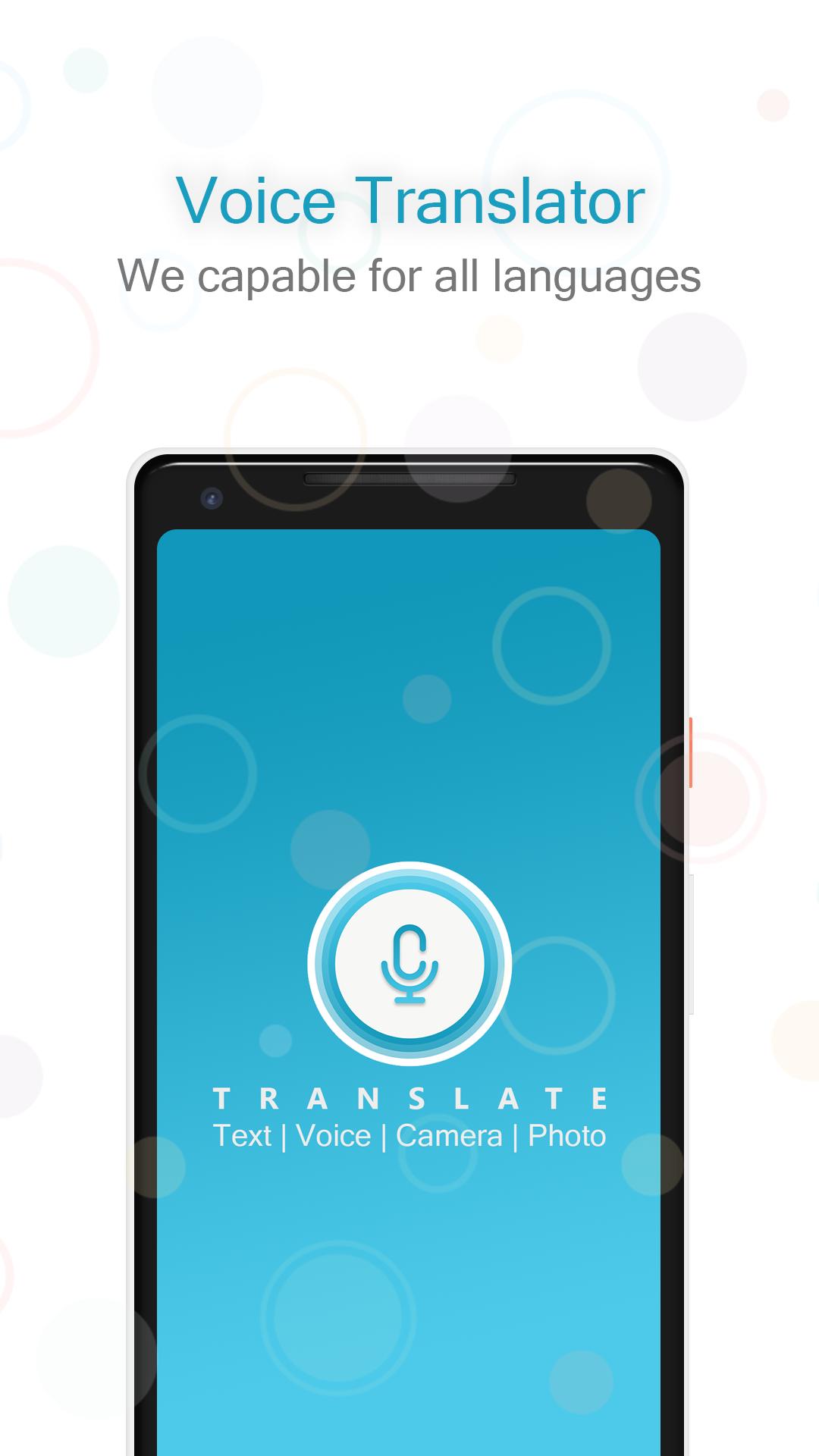
- Speak to your voice and get the result any app to share and copied to the clipboard.
- Translate Voice to all Language very easy and quick translation Way.
- Voice Translator is a Free voice translation app for all the users.
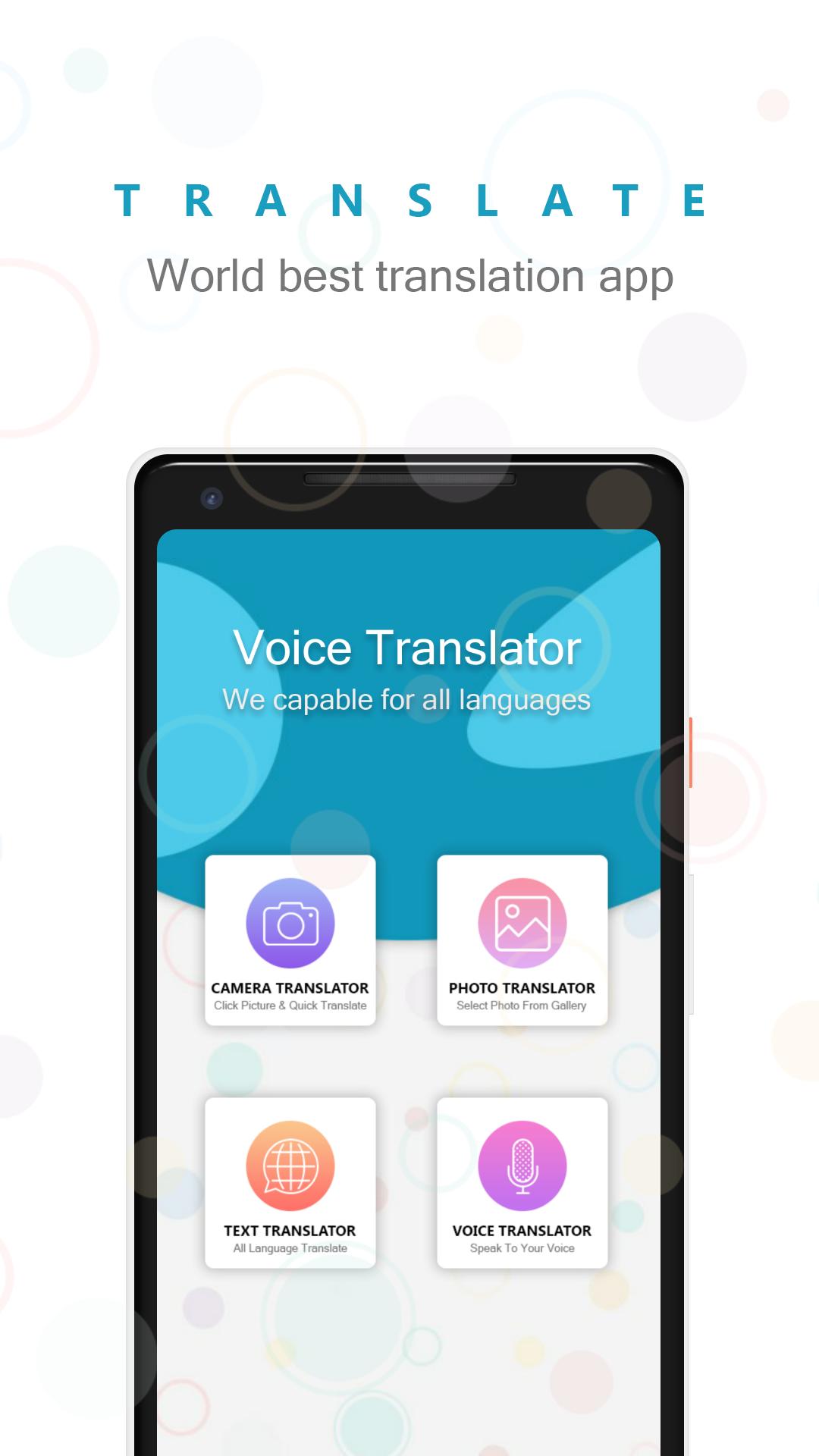
- Camera Translator has a smart OCR features you to translate ant text directly using the camera without the need of writing it.
- Camera translator for capture and select from gallery to translate.
- you can translate your voice in any language to other languages.
- It's very easy to use And the most important thing is allowing you to travel, communication, social networking is no longer a language barrier using this app.
- Photo translator app also supports voice recolonization mean you can enter text in more 50+ languages via just speaking. you don`t have to type the text.
🌐 Some of the feature of Voice translator app
👉 Beautiful and easy to use interface
👉 User-Friendly Material design
👉 Very useful app for easy and fast translations
👉 Easily copy and paste sentences
👉 Instantly translate words and sentences
👉 Listen to the translation
👉 Translate spoken text
👉 Using OCR you can get the text from image
👉 Translate image text with Multiple Language
👉 Share Voice or Text with any Social Network
👉 Share your translation with others
👉 Text to speech support.
👉 All language translator
👉 Voice Translator translate in multiple Language
👉 The perfect way to translate what you want with this application
🎙 Voice Translator(Translate)
🎙 Language Translator
🎙 voice translator all languages
🎙 language translator camera
Translations between the following languages are supported:
🇿🇦 Africa
🇦🇪 Arabic
🇮🇳 Bengali
🇨🇳 Chinese
🇩🇰 Danish
🇺🇸 English
🇫🇷 French
🇩🇪 German
🇬🇷 Greek
🇮🇳 Gujarati
🇮🇱 Hebrew
🇮🇳 Hindi
🇮🇩 Indonesia
🇮🇹 Italian
🇯🇵 Japanese
🇮🇳 Kannada
🇰🇷 Korean
🇮🇳 Malayalam
🇮🇳 Marathi
🇵🇹 Portuguese
🇮🇳 Punjabi
🇷🇺 Russian
🇪🇸 Spanish
🇮🇳 Tamil
🇮🇳 Telugu
🇹🇭 Thai
🇹🇷 Turkish
🇮🇳 Urdu
Preview
Tags
ToolsInformation
Developer
AndroTranslate
Latest Version
1.5
Last Updated
2020-08-02
Category
Tools
Available on
Google Play
Show More
How to play Voice Translator(Translate) with GameLoop on PC
1. Download GameLoop from the official website, then run the exe file to install GameLoop
2. Open GameLoop and search for “Voice Translator(Translate)” , find Voice Translator(Translate) in the search results and click “Install”
3. Enjoy playing Voice Translator(Translate) on GameLoop
Minimum requirements
OS
Windows 8.1 64-bit or Windows 10 64-bit
GPU
GTX 1050
CPU
i3-8300
Memory
8GB RAM
Storage
1GB available space
Recommended requirements
OS
Windows 8.1 64-bit or Windows 10 64-bit
GPU
GTX 1050
CPU
i3-9320
Memory
16GB RAM
Storage
1GB available space