
Video Notification for Tube PC
Luiz Santos
Download Video Notification for Tube on PC With GameLoop Emulator
Video Notification for Tube on PC
Video Notification for Tube, coming from the developer Luiz Santos, is running on Android systerm in the past.
Now, You can play Video Notification for Tube on PC with GameLoop smoothly.
Download it in the GameLoop library or search results. No more eyeing the battery or frustrating calls at the wrong time any more.
Just enjoy Video Notification for Tube PC on the large screen for free!
Video Notification for Tube Introduction
Are you part of the group of people who do not receive notification when their favorite channel publishes a new video? Yes? Then you found the right app !!!
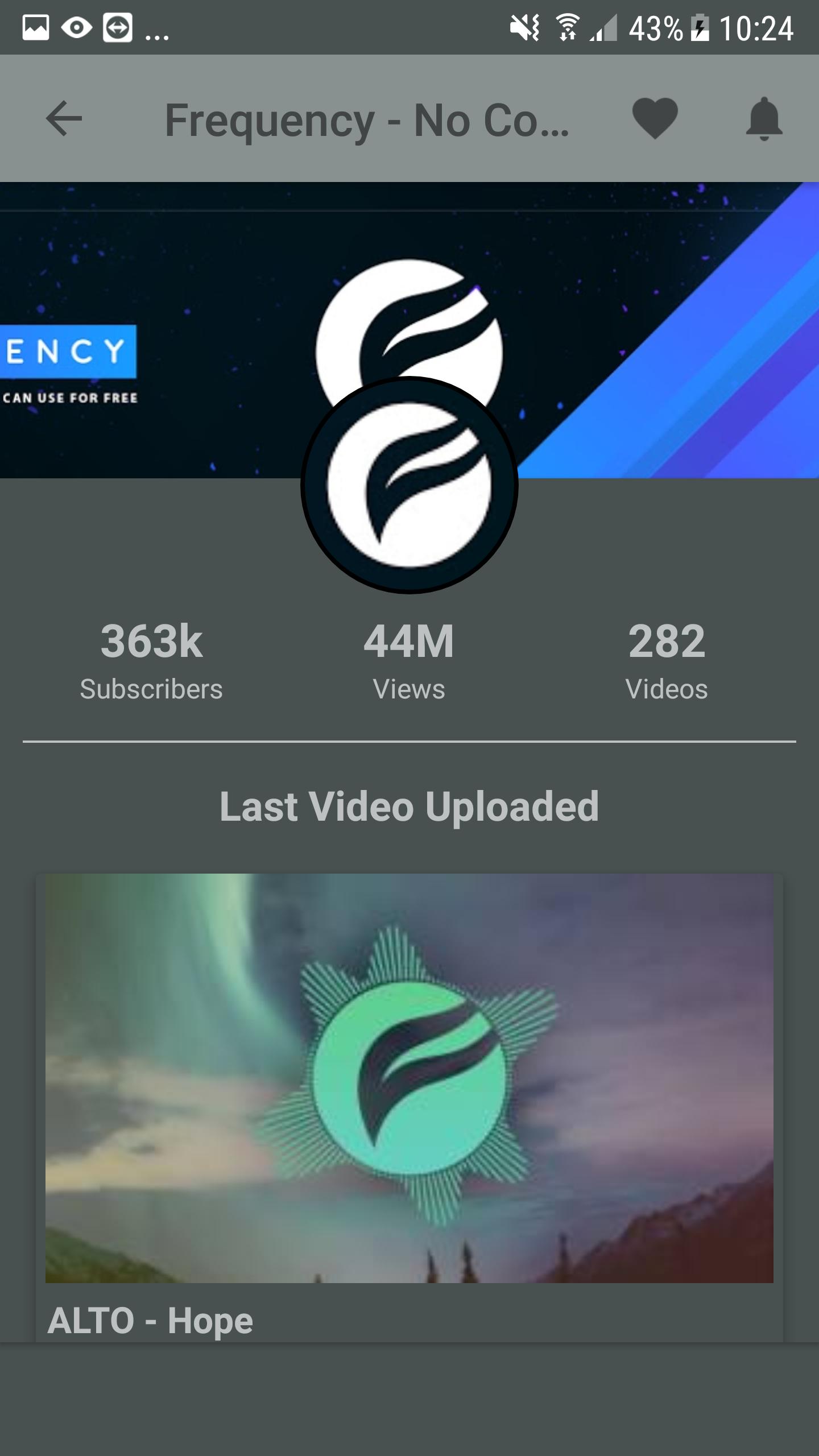
The "Video Notification for Tube" application allows you to be alerted when a channel, on which you are subscribed, publishes a new video.
How does it work?
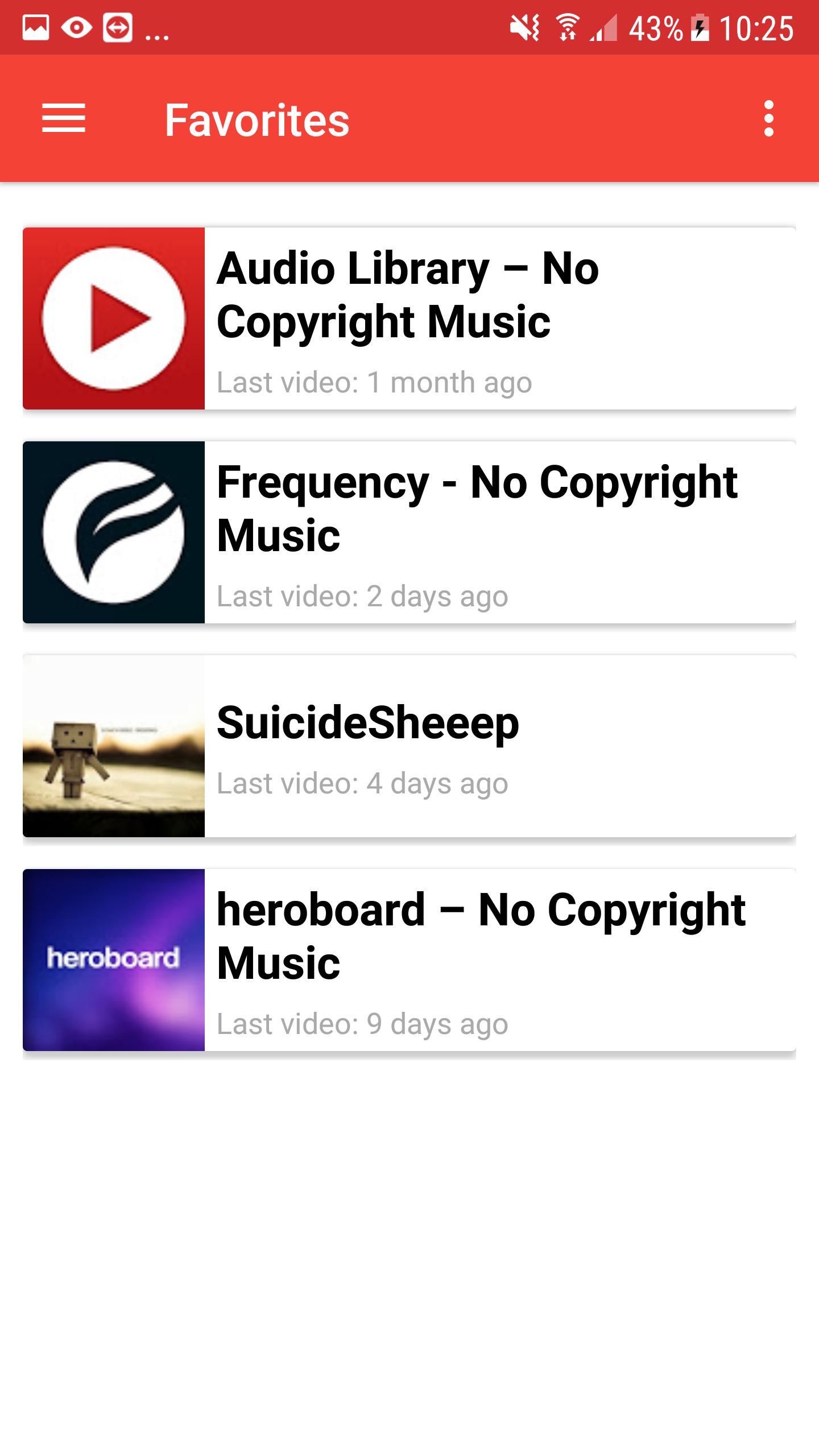
When the application opens for the first time, it asks for permission to read your account data. After receiving a permission, it receives all the channels where you subscribed and lists them in the "Favorites" menu. After that, the application is already configured and you can be alerted to the new releases of the channels.
Main Features
- Connection with your Google / YouTube account
- Automatic synchronization between the application and your profile. If you subscribe to a new channel, this channel will be added to your favorites list.
- You can manually search and highlight channels
- Sort favorite channels by name or by date of publication
- It is possible to disable the alert of any channel
- The app checks for new videos every 10 minutes
- Simple and objective interface
It is important to clarify that all information used by this application is public
I hope this app helps you track your favorites channel. Good luck!
Preview
Tags
ToolsInformation
Developer
Luiz Santos
Latest Version
1.6.1
Last Updated
2023-07-08
Category
Tools
Available on
Google Play
Show More
How to play Video Notification for Tube with GameLoop on PC
1. Download GameLoop from the official website, then run the exe file to install GameLoop
2. Open GameLoop and search for “Video Notification for Tube” , find Video Notification for Tube in the search results and click “Install”
3. Enjoy playing Video Notification for Tube on GameLoop
Minimum requirements
OS
Windows 8.1 64-bit or Windows 10 64-bit
GPU
GTX 1050
CPU
i3-8300
Memory
8GB RAM
Storage
1GB available space
Recommended requirements
OS
Windows 8.1 64-bit or Windows 10 64-bit
GPU
GTX 1050
CPU
i3-9320
Memory
16GB RAM
Storage
1GB available space