
VGamepad Lite PC
PJSoftCo
Download VGamepad Lite on PC With GameLoop Emulator
VGamepad Lite on PC
VGamepad Lite, coming from the developer PJSoftCo, is running on Android systerm in the past.
Now, You can play VGamepad Lite on PC with GameLoop smoothly.
Download it in the GameLoop library or search results. No more eyeing the battery or frustrating calls at the wrong time any more.
Just enjoy VGamepad Lite PC on the large screen for free!
VGamepad Lite Introduction
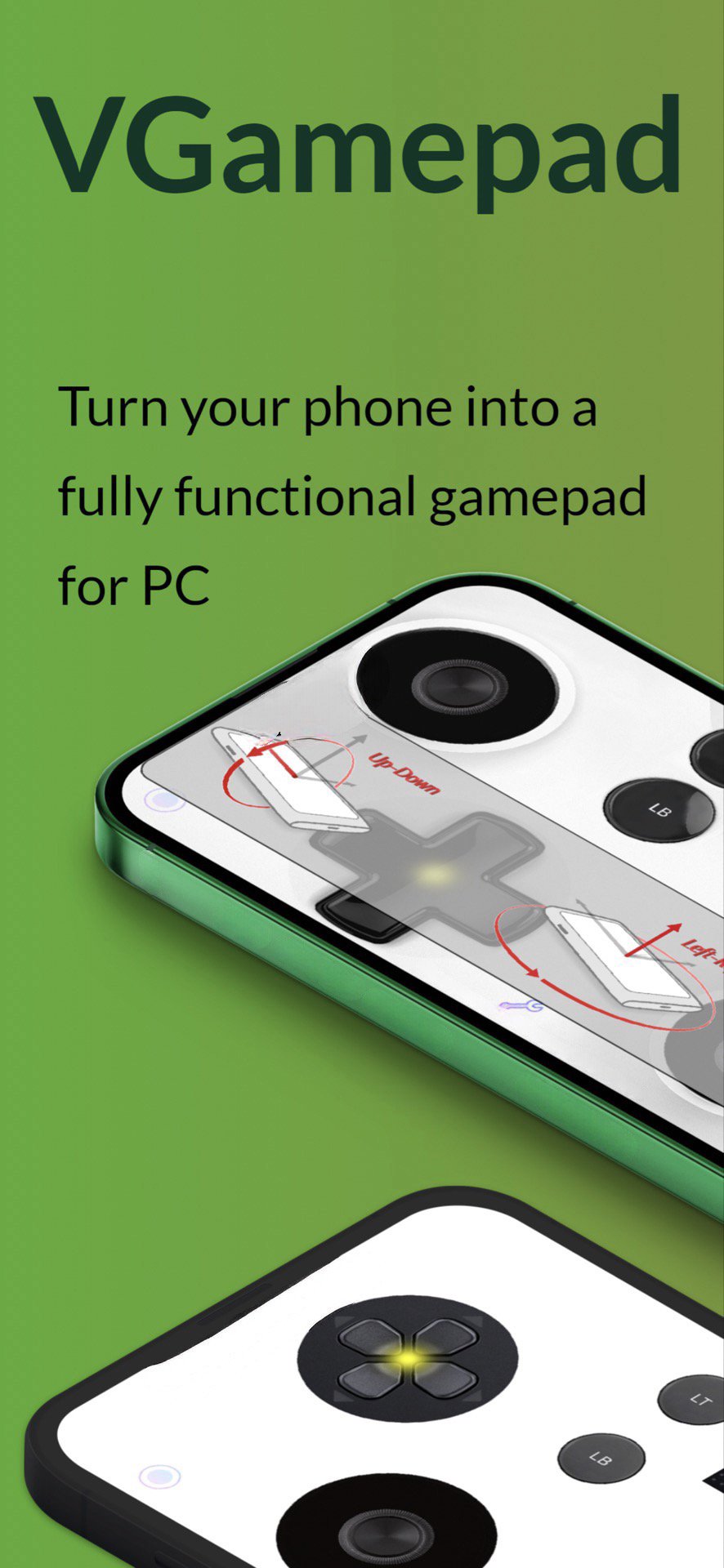
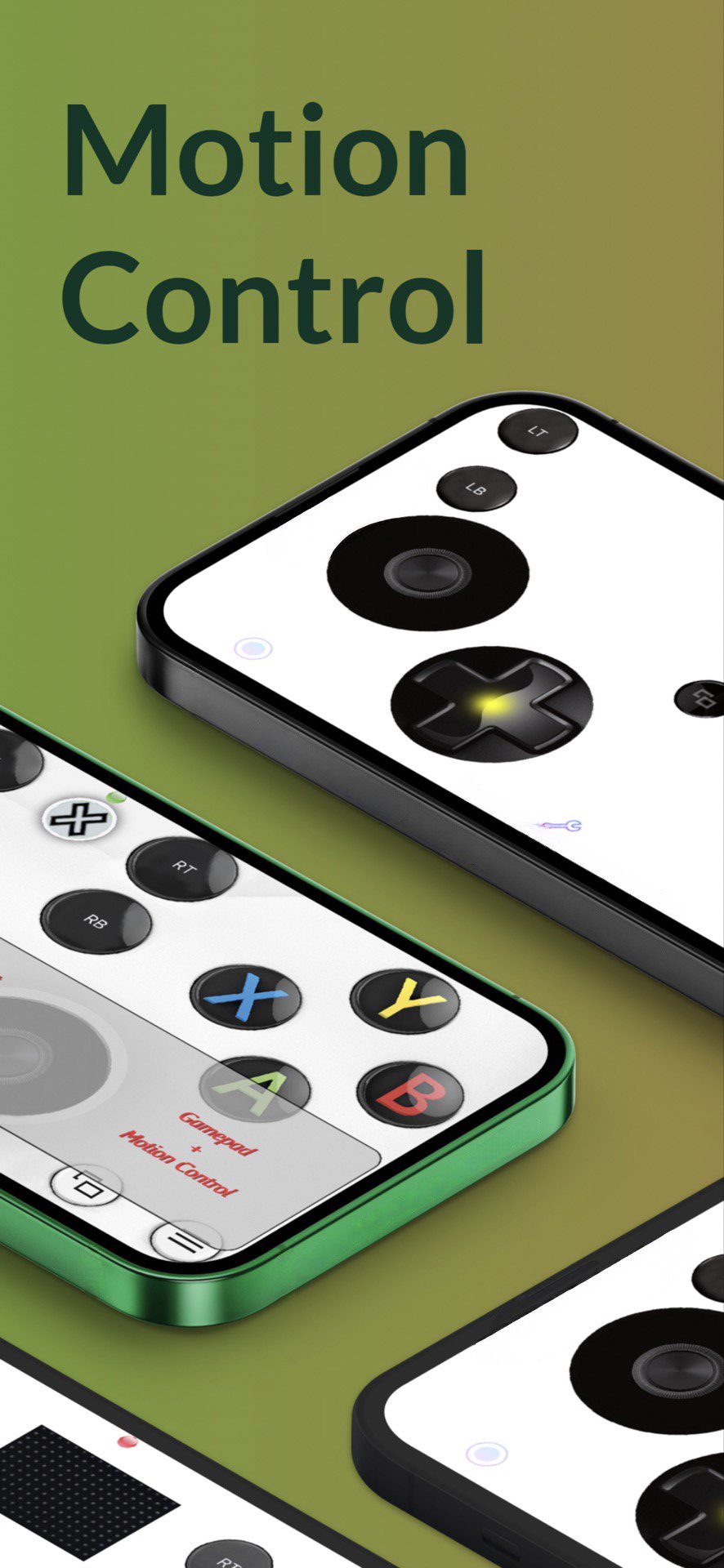
VGamepad gives you the full experience of a physical controller. Customizable buttons, haptic feedback, motion control, and more. Play on your PC using nothing but your phone.
Features:
- Emulates standard controllers (including Joy-Con).
- Motion Control: steer, aim, and move using your phone’s sensors.
- Customizable layout: move and resize buttons to fit your hands.
- Game Capture button for quick recording.
- Haptic feedback that makes every press feel physical.
- Pressure-sensitive inputs with 3D Touch (supported devices).
- Optional sound feedback for buttons.
- Change joystick images from a large selection.
- Basic mouse & keyboard support (W/A/S/D buttons on keyboard).
Connectivity:
Use the simple Windows/Mac companion app for Wi-Fi/LAN pairing, or use PCGameConsole to turn your PC into a full gaming console compatible with VGamepad.
Full SETUP GUIDE:
https://github.com/PJSoftCo/VGamepad
ONLINE SUPPORT:
Please join our Discord channel: https://discord.gg/ZcAuAJp8py
Preview
Tags
ToolsInformation
Developer
PJSoftCo
Latest Version
9.5
Last Updated
2025-12-23
Category
Tools
Available on
Google Play
Show More
How to play VGamepad Lite with GameLoop on PC
1. Download GameLoop from the official website, then run the exe file to install GameLoop
2. Open GameLoop and search for “VGamepad Lite” , find VGamepad Lite in the search results and click “Install”
3. Enjoy playing VGamepad Lite on GameLoop
Minimum requirements
OS
Windows 8.1 64-bit or Windows 10 64-bit
GPU
GTX 1050
CPU
i3-8300
Memory
8GB RAM
Storage
1GB available space
Recommended requirements
OS
Windows 8.1 64-bit or Windows 10 64-bit
GPU
GTX 1050
CPU
i3-9320
Memory
16GB RAM
Storage
1GB available space