USB OTG Checker: USB Connector PC
The App Company INC
Download USB OTG Checker: USB Connector on PC With GameLoop Emulator
USB OTG Checker: USB Connector on PC
USB OTG Checker: USB Connector, coming from the developer The App Company INC, is running on Android systerm in the past.
Now, You can play USB OTG Checker: USB Connector on PC with GameLoop smoothly.
Download it in the GameLoop library or search results. No more eyeing the battery or frustrating calls at the wrong time any more.
Just enjoy USB OTG Checker: USB Connector PC on the large screen for free!
USB OTG Checker: USB Connector Introduction
Manage Your USB Files Easily with OTG Connector – The Ultimate USB OTG File Manager for Android!
Looking for a fast and easy way to access your USB drive on your Android phone? USB OTG Connector: OTG Checker is your go-to app for managing USB files, checking OTG support, and transferring data with ease. Whether you’re using a USB OTG connector, OTG adapter for Android, or a micro USB OTG cable, our app makes file management seamless.
🔍 Key Features
✔️ Detect and connect to USB OTG devices
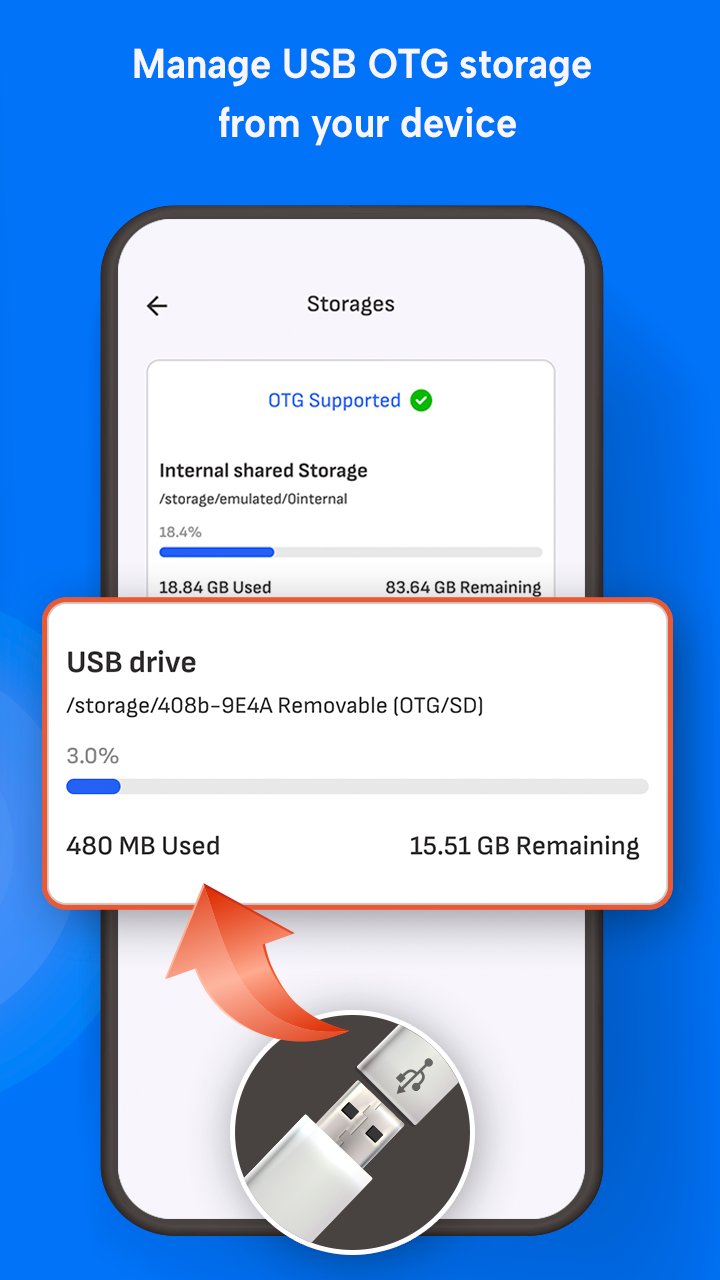
✔️ Copy, Paste, Delete and Move files from USB to Internal Storage
✔️ Works with OTG adapter micro USB and USB OTG connector
✔️ Built-in USB checker to test port compatibility
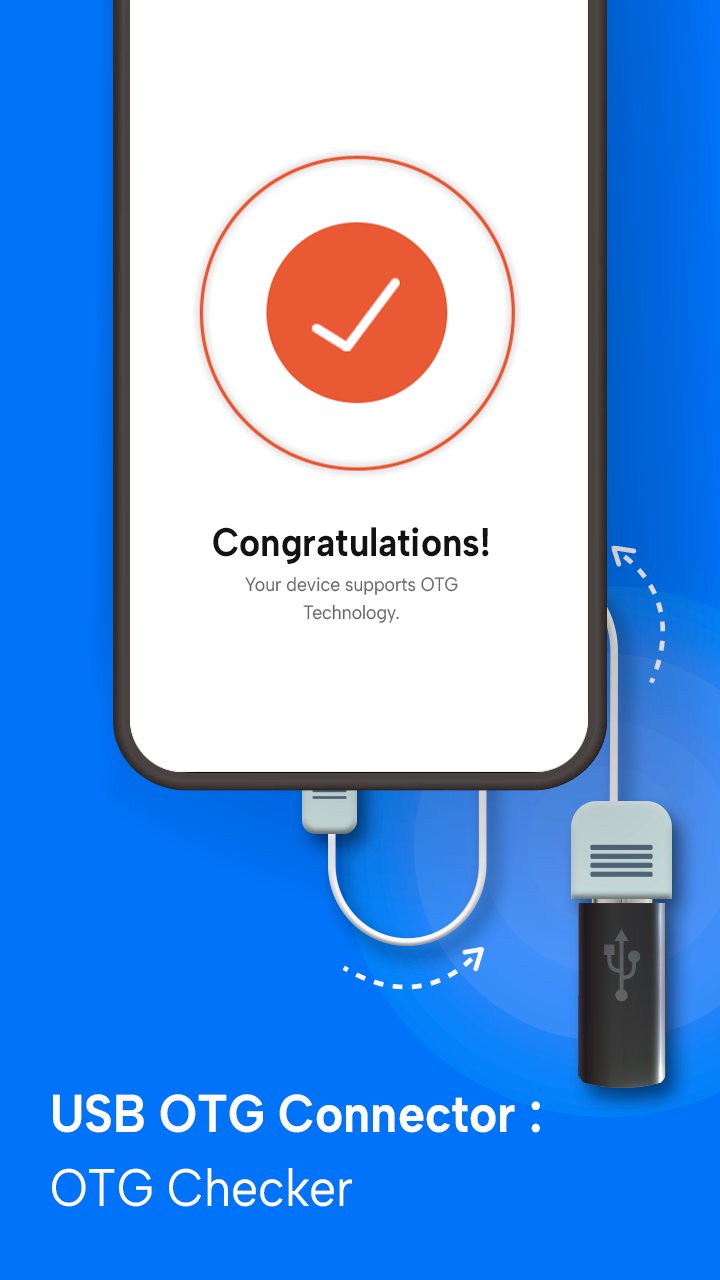
✔️ OTG checker tool to verify device support
✔️ Fast file transfer with intuitive interface
✔️ Supports all major file formats and USB drives
✔️ Lightweight OTG connector software for Android devices
💡 Why Choose This USB OTG File Manager?
Our app combines the power of a file explorer with smart USB detection. If you're using an OTG adapter or USB OTG checker, this app ensures full compatibility and smooth operation. No need to root your device — just plug in your USB drive and get started!
📦 Perfect For
• Accessing external USB storage
• Transferring large files without internet
• Using USB flash drives with OTG-enabled phones
• Managing folders with an OTG connector app
• Users searching for USB checker and USB file transfer tools
🧪 Built-in USB & OTG Checkers
Not sure if your device supports OTG? Use the app’s built-in USB OTG checker and USB checker to test and verify in seconds!
📱 Compatible With Most Android Devices
Tested on major brands like Samsung, Xiaomi, OnePlus, Vivo, Oppo, and more. Whether you’re using a USB OTG adapter or micro USB OTG cable, our app ensures full compatibility and fast performance.
Get the best out of your Android phone with USB OTG Connector: OTG Checker USB File Manager. Download now and take full control of your USB file transfers!
Preview
Tags
ToolsInformation
Developer
The App Company INC
Latest Version
2.9
Last Updated
2026-04-10
Category
Tools
Available on
Google Play
Show More
How to play USB OTG Checker: USB Connector with GameLoop on PC
1. Download GameLoop from the official website, then run the exe file to install GameLoop
2. Open GameLoop and search for “USB OTG Checker: USB Connector” , find USB OTG Checker: USB Connector in the search results and click “Install”
3. Enjoy playing USB OTG Checker: USB Connector on GameLoop
Minimum requirements
OS
Windows 8.1 64-bit or Windows 10 64-bit
GPU
GTX 1050
CPU
i3-8300
Memory
8GB RAM
Storage
1GB available space
Recommended requirements
OS
Windows 8.1 64-bit or Windows 10 64-bit
GPU
GTX 1050
CPU
i3-9320
Memory
16GB RAM
Storage
1GB available space