
US VPN - Proxy Server PC
CM Team
Download US VPN - Proxy Server on PC With GameLoop Emulator
US VPN - Proxy Server on PC
US VPN - Proxy Server, coming from the developer CM Team, is running on Android systerm in the past.
Now, You can play US VPN - Proxy Server on PC with GameLoop smoothly.
Download it in the GameLoop library or search results. No more eyeing the battery or frustrating calls at the wrong time any more.
Just enjoy US VPN - Proxy Server PC on the large screen for free!
US VPN - Proxy Server Introduction
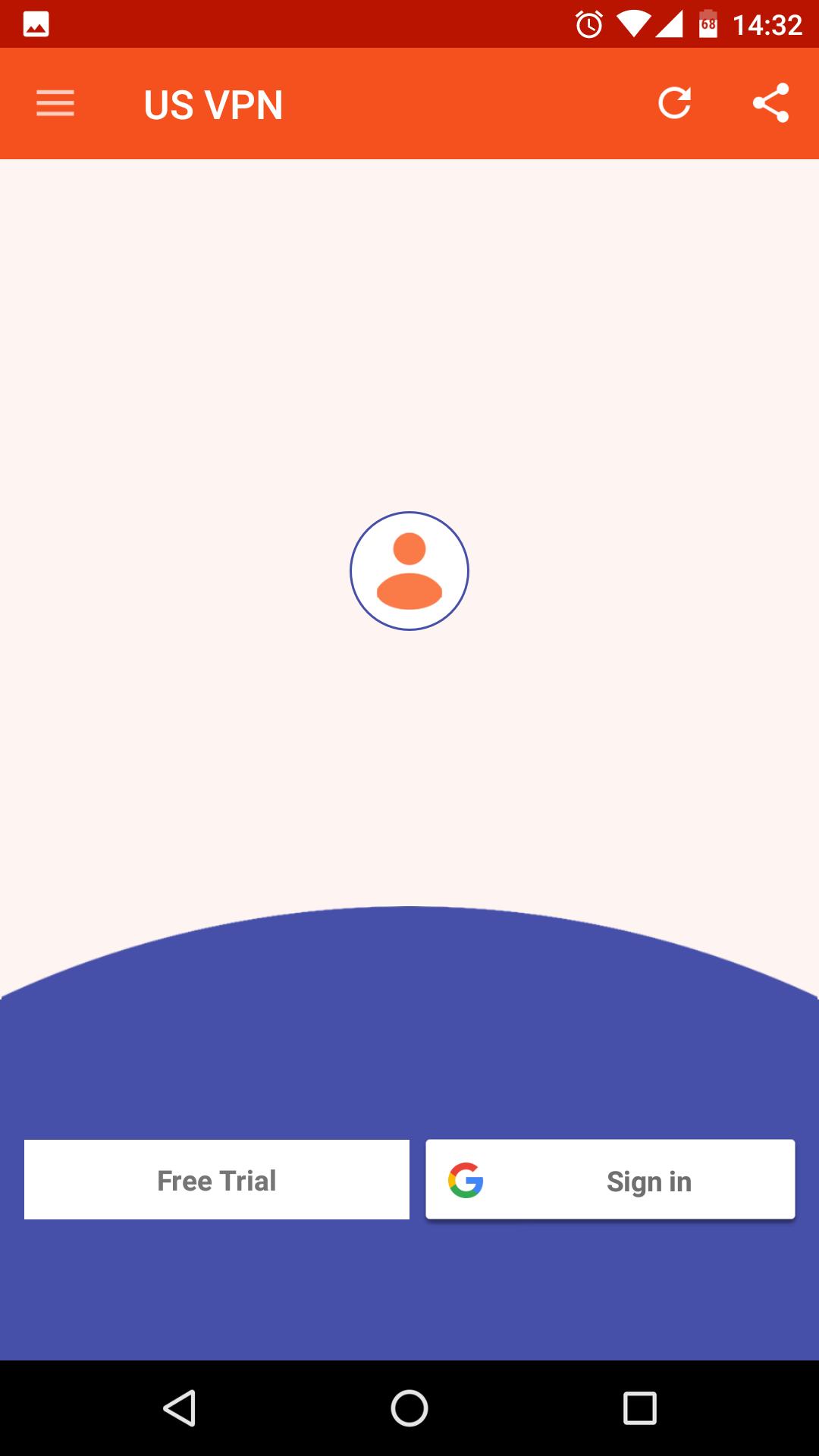
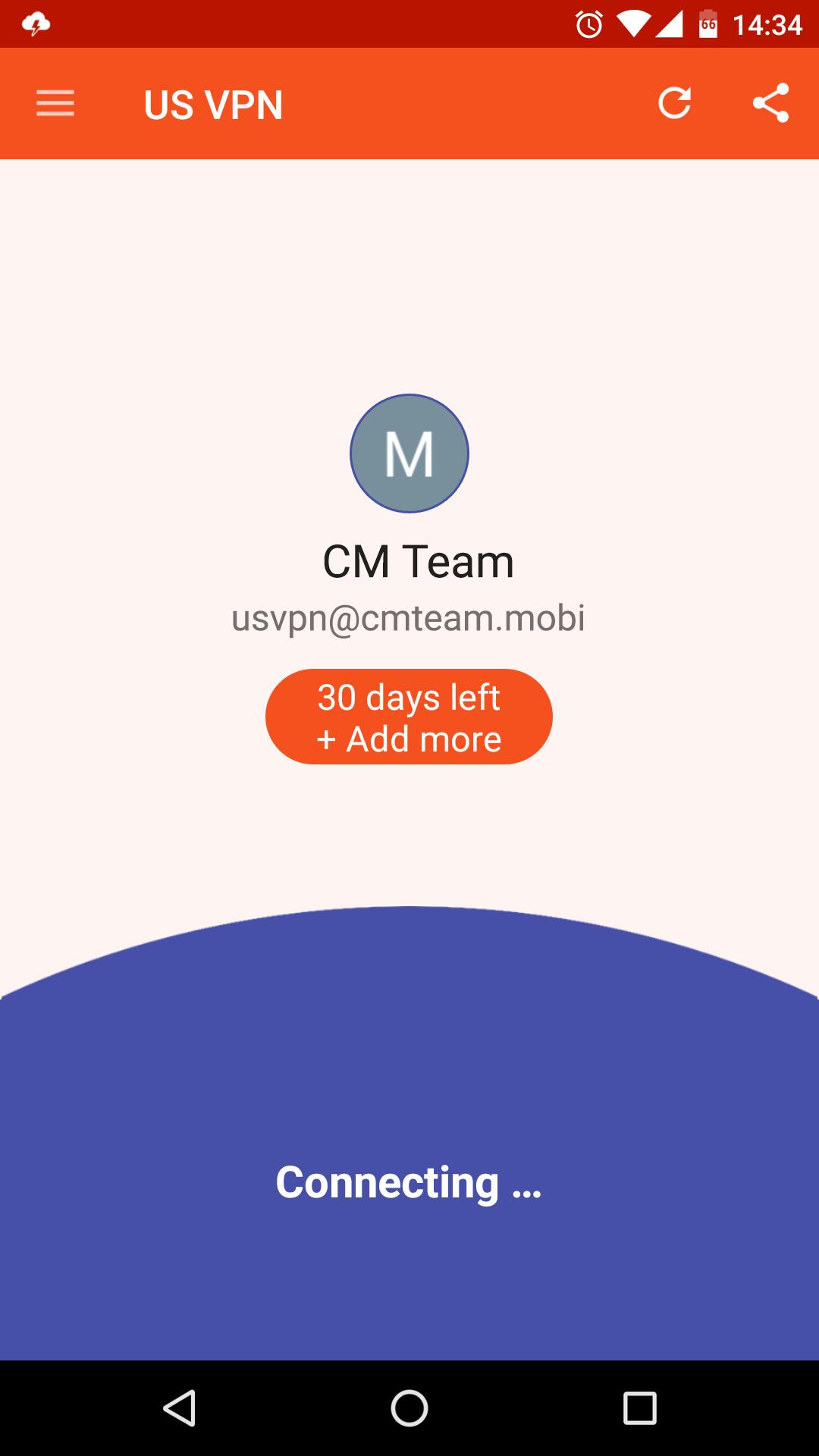
US VPN - The best free & unlimited vpn tunnel for android to unblock sites, watch online video, bypass blocked apps, secure WiFi hotspots and browse privately and anonymously.
Premium Features, All server in USA!
✓ Ultra-Fast
✓ Unlimited Bandwidth
✓ Easy to Use
✓ Friendly interface
✓ No Logs: That means, that you're absolutely anonymous and protected while using our app.
Unblock the web!
✓ Unblock websites and apps such as Viber, Skype, Youtube, Whatsup, Google, Netflix, etc...
One click connection
✓ Just one tap to get the best VPN service ever!
Protect Privacy and Security
✓ Enjoy private browsing.
✓ Protect data privacy, personal information security and internet security while VPN Robot is on.
✓ Protect your network traffic under public WiFi hotspot browse anonymously and securely without being tracked.
✓ Encrypts data using OpenVPN protocols (TCP/UDP).
Notice
✓ Please don't download BitTorrent, any P2P will get account blocked!
Support
Email to us: cmlab.contactinfo@gmail.com
Fanapge: https://www.facebook.com/cmteam.mobi
Preview
Information
Developer
CM Team
Latest Version
3.2.190227
Last Updated
2019-02-27
Category
Tools
Available on
Google Play
Show More
How to play US VPN - Proxy Server with GameLoop on PC
1. Download GameLoop from the official website, then run the exe file to install GameLoop
2. Open GameLoop and search for “US VPN - Proxy Server” , find US VPN - Proxy Server in the search results and click “Install”
3. Enjoy playing US VPN - Proxy Server on GameLoop
Minimum requirements
OS
Windows 8.1 64-bit or Windows 10 64-bit
GPU
GTX 1050
CPU
i3-8300
Memory
8GB RAM
Storage
1GB available space
Recommended requirements
OS
Windows 8.1 64-bit or Windows 10 64-bit
GPU
GTX 1050
CPU
i3-9320
Memory
16GB RAM
Storage
1GB available space