
Unit Converter Pro PC
Elkens software
Download Unit Converter Pro on PC With GameLoop Emulator
Unit Converter Pro on PC
Unit Converter Pro, coming from the developer Elkens software, is running on Android systerm in the past.
Now, You can play Unit Converter Pro on PC with GameLoop smoothly.
Download it in the GameLoop library or search results. No more eyeing the battery or frustrating calls at the wrong time any more.
Just enjoy Unit Converter Pro PC on the large screen for free!
Unit Converter Pro Introduction
Unit Converter Pro is a handy utility for students, teachers, and practitioners in engineering, physics, sciences, and technical subjects. It can quickly convert more than 1500 different units in 80 categories.
It contains the most important imperial and metric conversion factors for length, area, volume, mass, force, energy, temperature, and time units. But it provides many high-specialized units and categories, too.
Features include:
- Simple use
- Adjustable precision and format of result
- Daily updated foreign currency rates
- Abbreviations of units
- More than 1500 units of measurements in 80 categories
- Hiding of unwanted units
- Customization of app layout
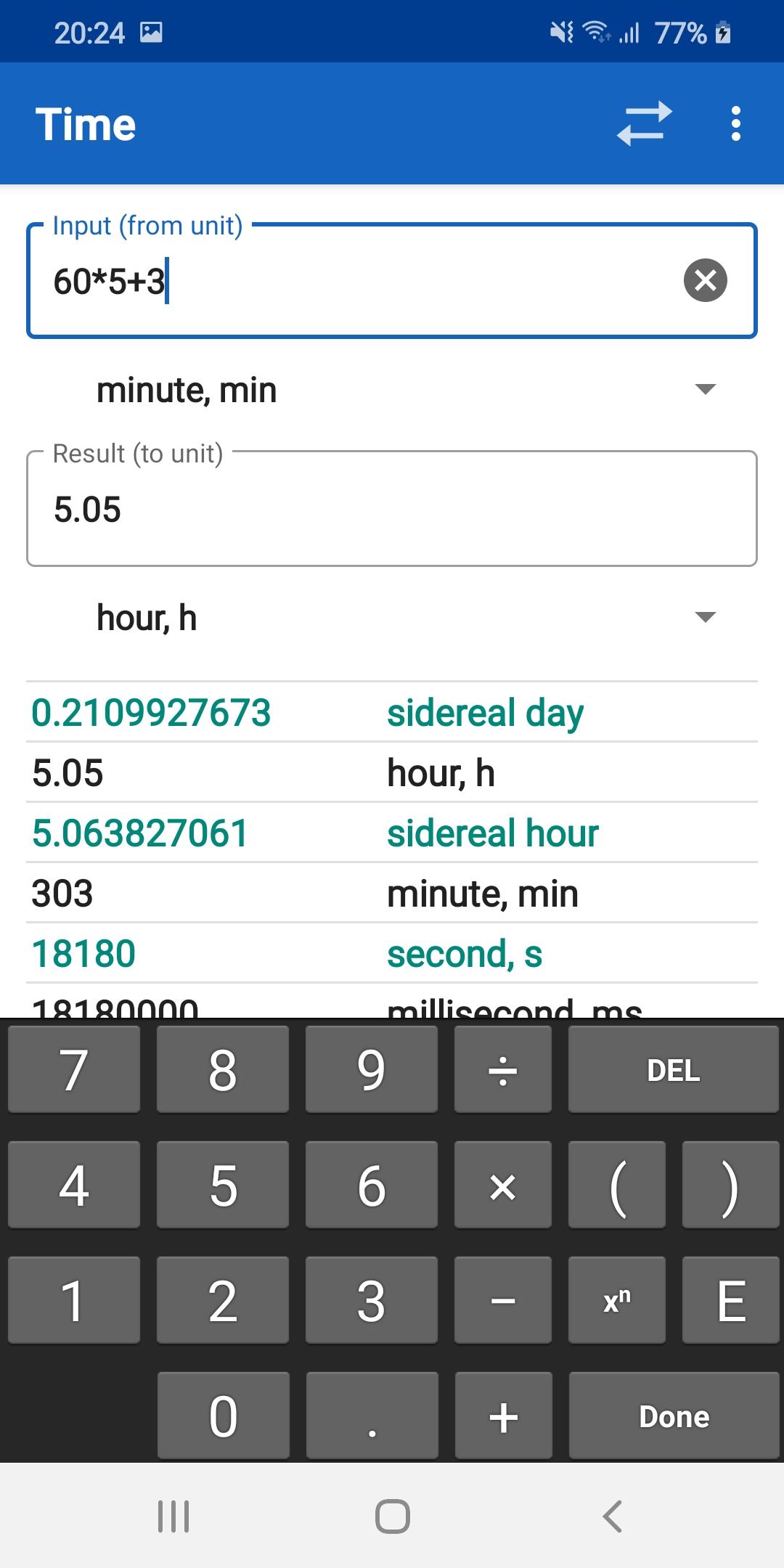
- Expression input (e.g. (4+3)*50/3)
- Adding of user-defined units and categories
- Imperial and metric conversion
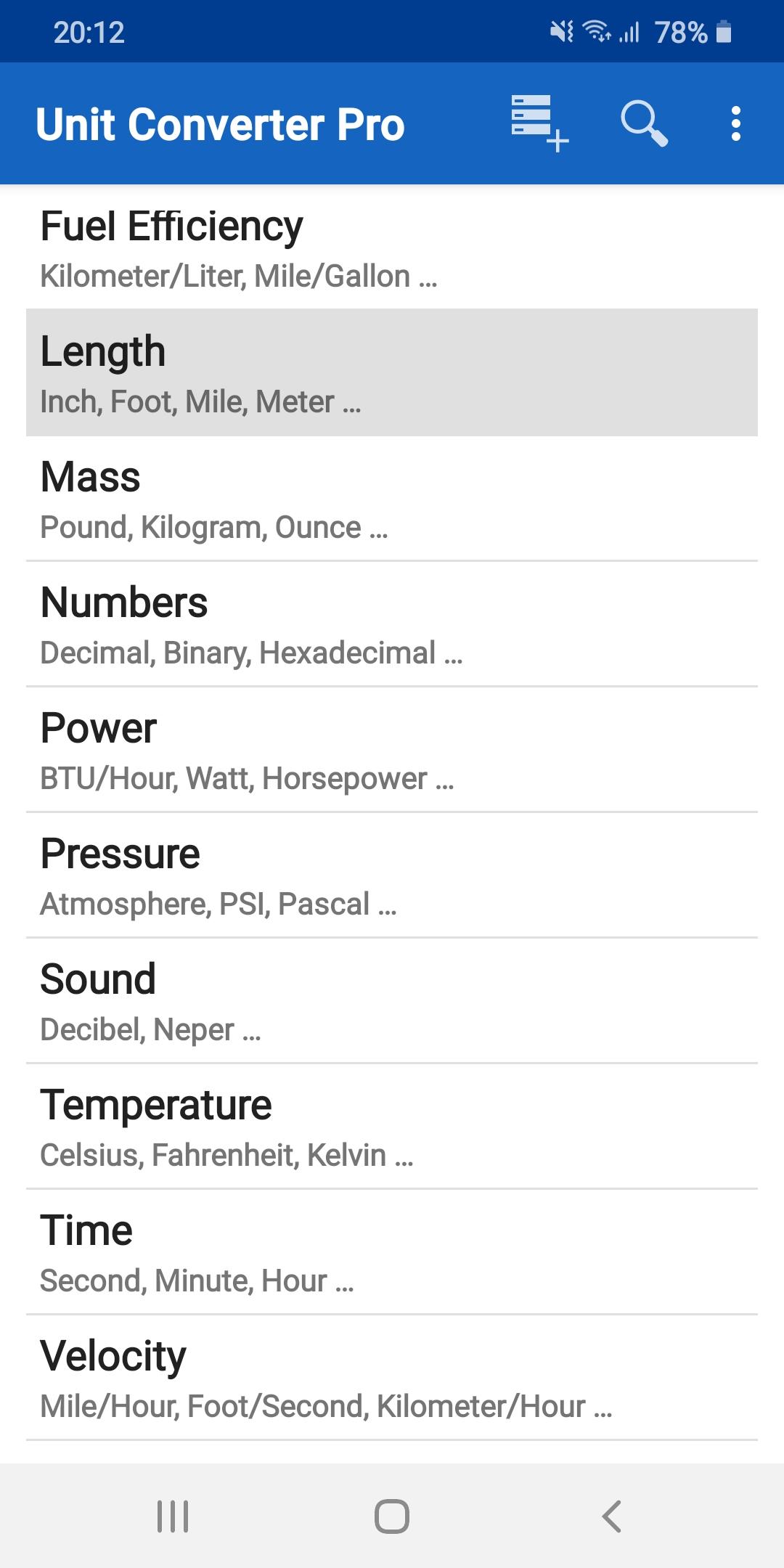
Unit Converter Pro includes Angle, Area, Currency, Data Storage, Data Transfer, Length, Density, Energy, Flow, Force, Fuel Efficiency, Mass, Length, Numbers, Power, Pressure, Sound, Temperature, Time, Velocity, Volume converters and many others.
Note: At this moment, the difference between Pro and Pro Plus versions is minimal. Both contain the same amount of units and categories. In contrast to Pro Plus, the Pro version has visible only the most common categories and units by default. The rest can be made visible by pressing the More… button.
Preview
Tags
ToolsInformation
Developer
Elkens software
Latest Version
4.2-ucplite
Last Updated
2023-06-17
Category
Tools
Available on
Google Play
Show More
How to play Unit Converter Pro with GameLoop on PC
1. Download GameLoop from the official website, then run the exe file to install GameLoop
2. Open GameLoop and search for “Unit Converter Pro” , find Unit Converter Pro in the search results and click “Install”
3. Enjoy playing Unit Converter Pro on GameLoop
Minimum requirements
OS
Windows 8.1 64-bit or Windows 10 64-bit
GPU
GTX 1050
CPU
i3-8300
Memory
8GB RAM
Storage
1GB available space
Recommended requirements
OS
Windows 8.1 64-bit or Windows 10 64-bit
GPU
GTX 1050
CPU
i3-9320
Memory
16GB RAM
Storage
1GB available space