
Ultimate Tools PC
Memo Co.
Download Ultimate Tools on PC With GameLoop Emulator
Ultimate Tools on PC
Ultimate Tools, coming from the developer Memo Co., is running on Android systerm in the past.
Now, You can play Ultimate Tools on PC with GameLoop smoothly.
Download it in the GameLoop library or search results. No more eyeing the battery or frustrating calls at the wrong time any more.
Just enjoy Ultimate Tools PC on the large screen for free!
Ultimate Tools Introduction
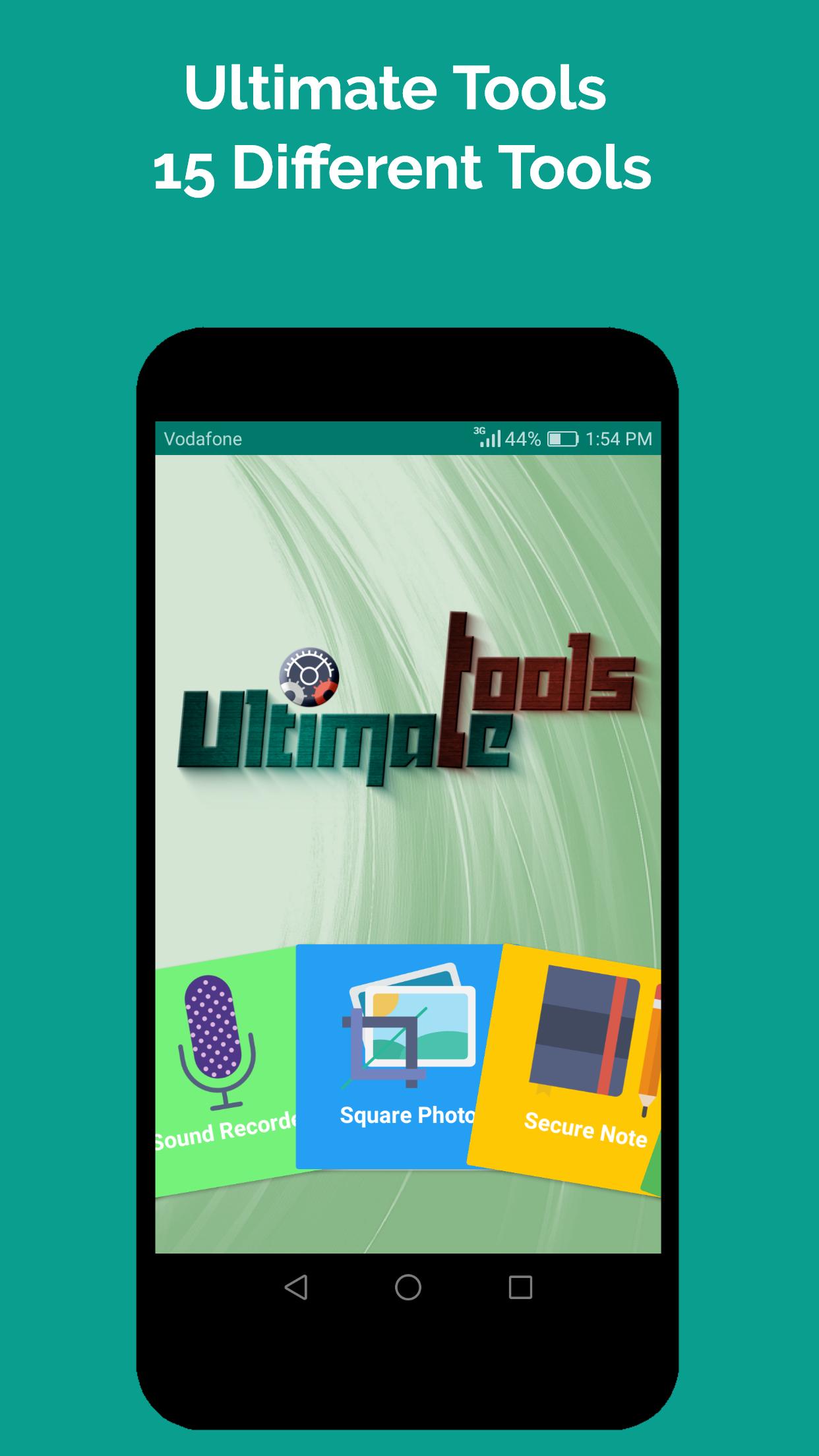
Ultimate Tools Combines Daily Use Advanced Tools With Many Magical Tools
The most Important Feature in the APP is the simplicity and Functionality along With professional UI Design and Small Size
At The beginning of Each Tool You Will find hints to teach you how to use the tool
Let's See What you Will find In Our APP and The Features
★Note★ This app uses the Device Administrator permission (ShakeLock and WaveLock) : We will ask you to grant this permission in the app in a very clear way so that the app will be able to lock your device and nothing more .
*NOTE* The Shake Lock Feature To Unlock The Device May Not Work With All The Devices Because Some Devices Designed to Disable G-sensor in Lock Screen to Prevent Apps From Waking it and Consume More Power
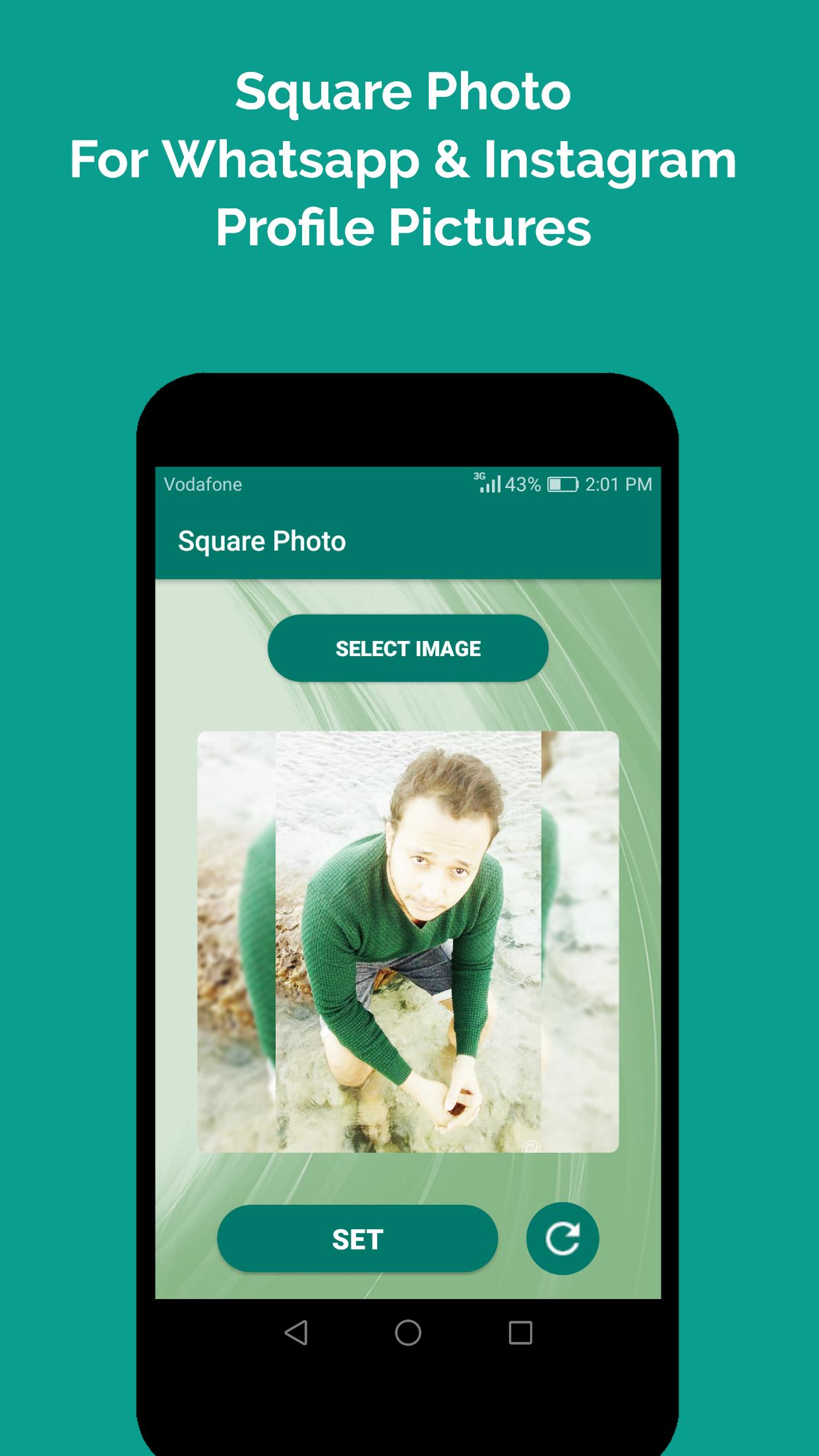
★ Square Photo
- Convert your Rectangle Shape Photos To Square Photos in order to use it in WhatsApp & Instagram Profile Pictures Without Crop
- Round Corners and great blur background
★ Wave Lock & Shake Lock
- Lock & Wake Up The phone So No need To use the Power button Any more
*Note* Fingerprint Devices May not Behave Well With the Sensors Due To High Security Specially to Wake Up the Device
★ URL Wallpaper
- Add the image URL and Set it As wallpaper
★ Secure Note
- Setting Password For Private Notes
★ Currency
- Supporting 41 Countries From All over the world
- Daily Updated & Getting Rates From 4 Banks
★ Sound Recorder
- Recording Sound at the best Resolution Provided By Your Device
★ Capitals
- Search For Any Country From 197 Countries
★ Unit Converter
- Containing 14 Units Category
★ Advanced Stop Watch & Count Down Timer
- Saving The Results At Any Point While the Time is Running
★ Tax & Discount Calculators
★ Qr & Bar Reader
★ Flash-light
************
★ Uninstall Tip
To Uninstall The APP Make Sure That WaveLock & ShakeLock Admin Permissions Are Disabled
***********
Please note that this is a free app with ads.
***Thanks For Using Our APP, Waiting For Your Ratings To Make Us Provide You With the best Experience***
Much Appreciation goes to Those Magnificent Creators
------------------------------------------------
Wasabeef Glide transformations Library
andkulikov Transitions-Everywhere Library
Ceryle(Ege Aker) Segmented button Library
Zxing QR Bar Reader library
Mitesh Pithadiya Searchable Spinner Library
Yavor Ivanov Fab Speed Dial Library
Cleveroad Inc FanLayout Manager Library
Niek Haarman ListView animations Library
Dean Wild MaterialShowcaseView Library
Thomas Bouron. Shake Detector Library
Adrian Chifor Cool Look idea of the Edit note Activity
Glide Library Creators
Icons Designed By "Madebyoliver" From Flaticon
Video Designed By ahmed.mubarak111@yahoo.com
Thanks For Your Ideas Which Helped Us Alot
-----------------------------------------
Phil Shadlyn
ZorgeR
MohammadAG
if you have any feedback or question Please E-mail us On m.mubarak93@Yahoo.com
Or Facebook https://www.facebook.com/ultimatetoolsmemo
Preview
Tags
ToolsInformation
Developer
Memo Co.
Latest Version
1.6
Last Updated
2017-08-18
Category
Tools
Available on
Google Play
Show More
How to play Ultimate Tools with GameLoop on PC
1. Download GameLoop from the official website, then run the exe file to install GameLoop
2. Open GameLoop and search for “Ultimate Tools” , find Ultimate Tools in the search results and click “Install”
3. Enjoy playing Ultimate Tools on GameLoop
Minimum requirements
OS
Windows 8.1 64-bit or Windows 10 64-bit
GPU
GTX 1050
CPU
i3-8300
Memory
8GB RAM
Storage
1GB available space
Recommended requirements
OS
Windows 8.1 64-bit or Windows 10 64-bit
GPU
GTX 1050
CPU
i3-9320
Memory
16GB RAM
Storage
1GB available space