
Singapore VPN – Fast & Secure PC
Developer Rajnagor
Download Singapore VPN – Fast & Secure on PC With GameLoop Emulator
Singapore VPN – Fast & Secure on PC
Singapore VPN – Fast & Secure, coming from the developer Developer Rajnagor, is running on Android systerm in the past.
Now, You can play Singapore VPN – Fast & Secure on PC with GameLoop smoothly.
Download it in the GameLoop library or search results. No more eyeing the battery or frustrating calls at the wrong time any more.
Just enjoy Singapore VPN – Fast & Secure PC on the large screen for free!
Singapore VPN – Fast & Secure Introduction
Singapore VPN – Fast, Secure & Easy VPN for Android
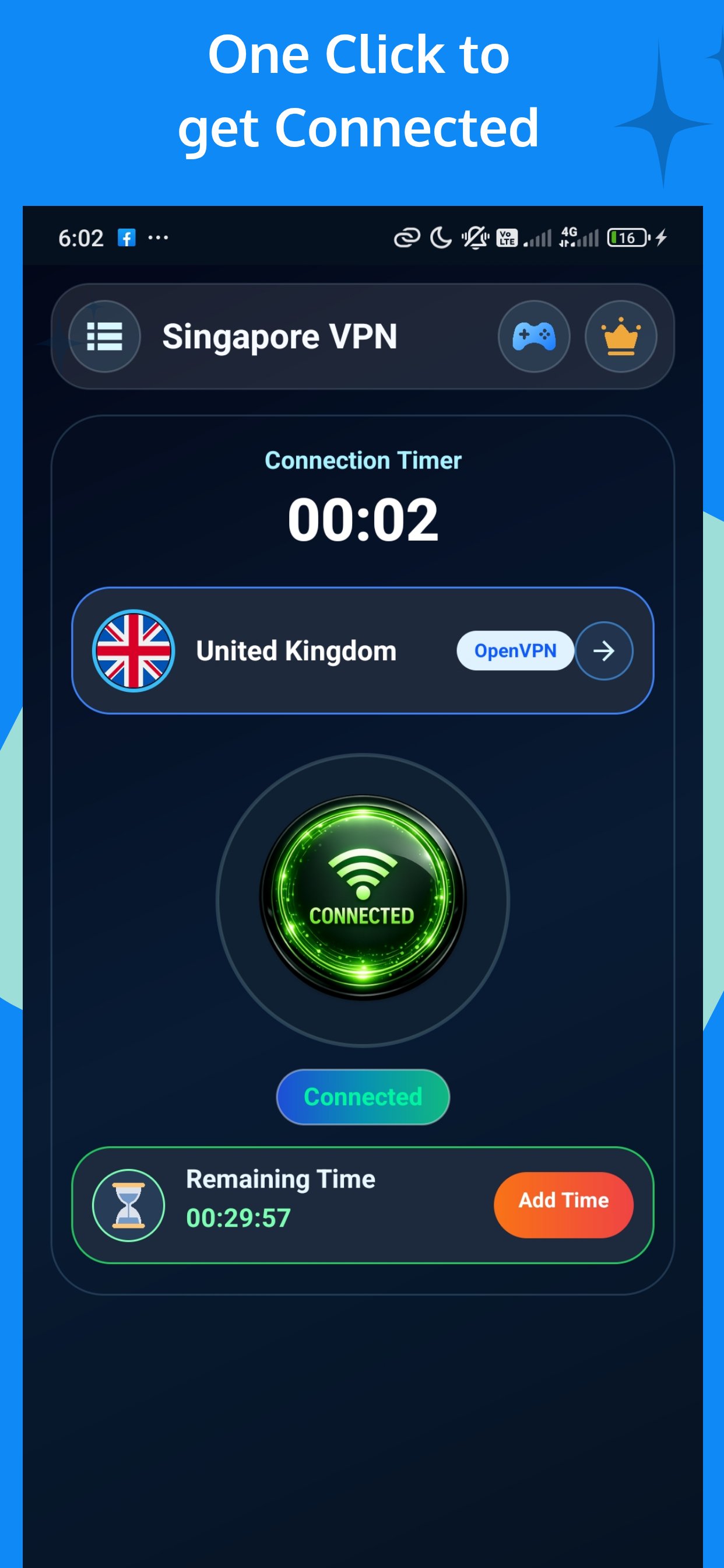
Singapore VPN is a fast, reliable, and easy-to-use VPN (Virtual Private Network) app designed for Android users. With just one tap, you can connect to secure servers and protect your internet connection while browsing, streaming, or using apps.
Whether you're using public Wi-Fi or mobile data, Singapore VPN helps improve your online privacy and keeps your connection more secure.
🔐 Why Choose Singapore VPN?
✔️ Simple and user-friendly interface
✔️ One-tap connection to VPN servers
✔️ Works on Wi-Fi, LTE/4G/5G networks
✔️ Helps protect your connection on public networks
✔️ Lightweight and optimized for Android devices
🚀 Key Features
• Easy connection with a single tap
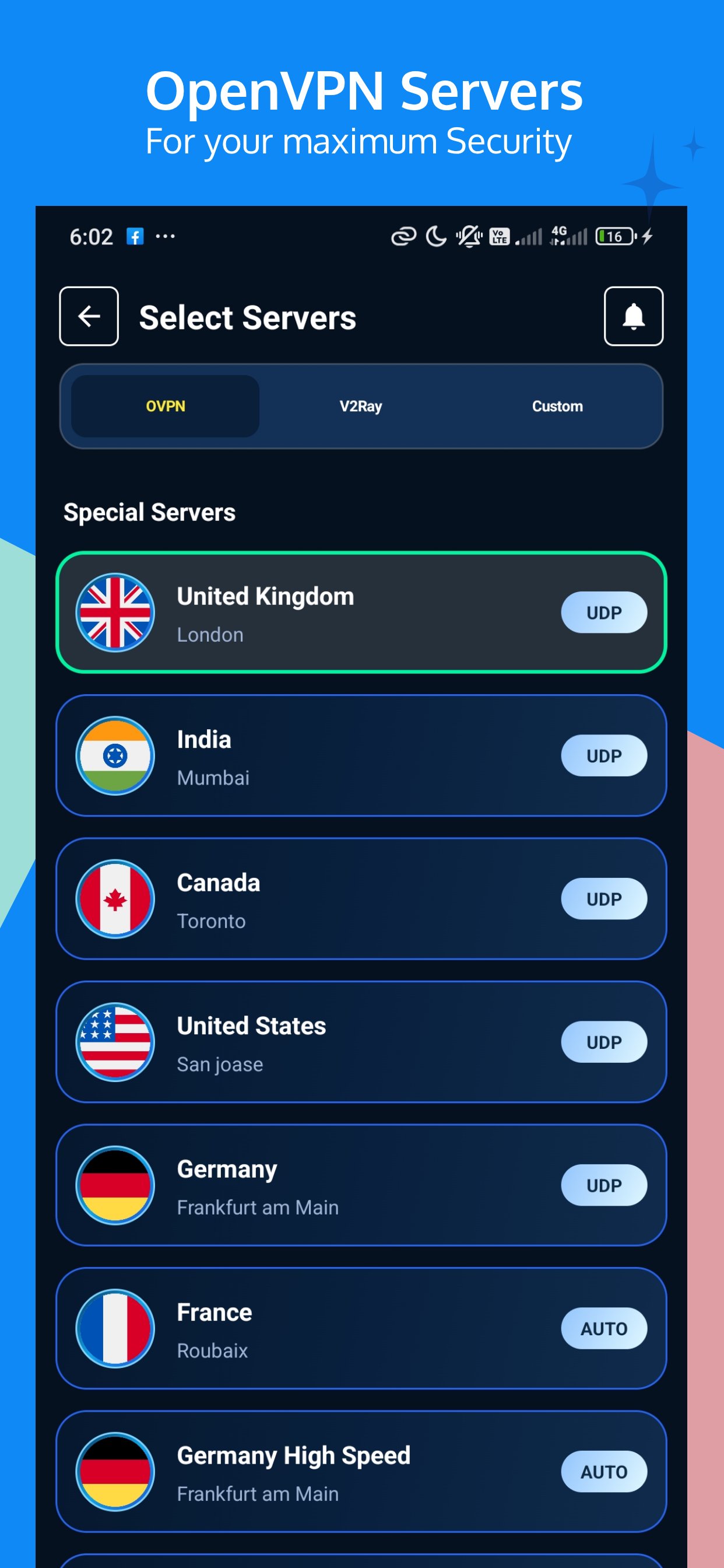
• Multiple VPN servers for better performance
• Helps enhance online privacy and security
• No registration required to start using
• Small app size and fast performance
• Works with most apps and browsers
🌍 Use Cases
Singapore VPN can be helpful when:
• Connecting to public Wi-Fi networks
• Securing your connection while browsing
• Accessing your regular apps when traveling
• Improving connection stability in some cases
🔒 Privacy & Security
Singapore VPN uses encryption to help protect your data while it is transmitted over the internet. We aim to provide a safer browsing experience for users.
📡 Servers
• Free servers available
• Premium servers with improved speed and performance
• Server availability may vary depending on usage and location
📢 Free & Premium
• Free version supported by ads
• Optional premium upgrade available for enhanced experience
⭐ Support
If you have any questions or suggestions, feel free to contact us:
📧 easinalam10@gmail.com
If you enjoy using Singapore VPN, please consider leaving a positive review ⭐⭐⭐⭐⭐
Preview
Tags
ToolsInformation
Developer
Developer Rajnagor
Latest Version
v15-6-10-2026
Last Updated
2026-10-07
Category
Tools
Available on
Google Play
Show More
How to play Singapore VPN – Fast & Secure with GameLoop on PC
1. Download GameLoop from the official website, then run the exe file to install GameLoop
2. Open GameLoop and search for “Singapore VPN – Fast & Secure” , find Singapore VPN – Fast & Secure in the search results and click “Install”
3. Enjoy playing Singapore VPN – Fast & Secure on GameLoop
Minimum requirements
OS
Windows 8.1 64-bit or Windows 10 64-bit
GPU
GTX 1050
CPU
i3-8300
Memory
8GB RAM
Storage
1GB available space
Recommended requirements
OS
Windows 8.1 64-bit or Windows 10 64-bit
GPU
GTX 1050
CPU
i3-9320
Memory
16GB RAM
Storage
1GB available space