
Tube Tags - Keywords Tool PC
Mudassar Hussain
Download Tube Tags - Keywords Tool on PC With GameLoop Emulator
Tube Tags - Keywords Tool on PC
Tube Tags - Keywords Tool, coming from the developer Mudassar Hussain, is running on Android systerm in the past.
Now, You can play Tube Tags - Keywords Tool on PC with GameLoop smoothly.
Download it in the GameLoop library or search results. No more eyeing the battery or frustrating calls at the wrong time any more.
Just enjoy Tube Tags - Keywords Tool PC on the large screen for free!
Tube Tags - Keywords Tool Introduction
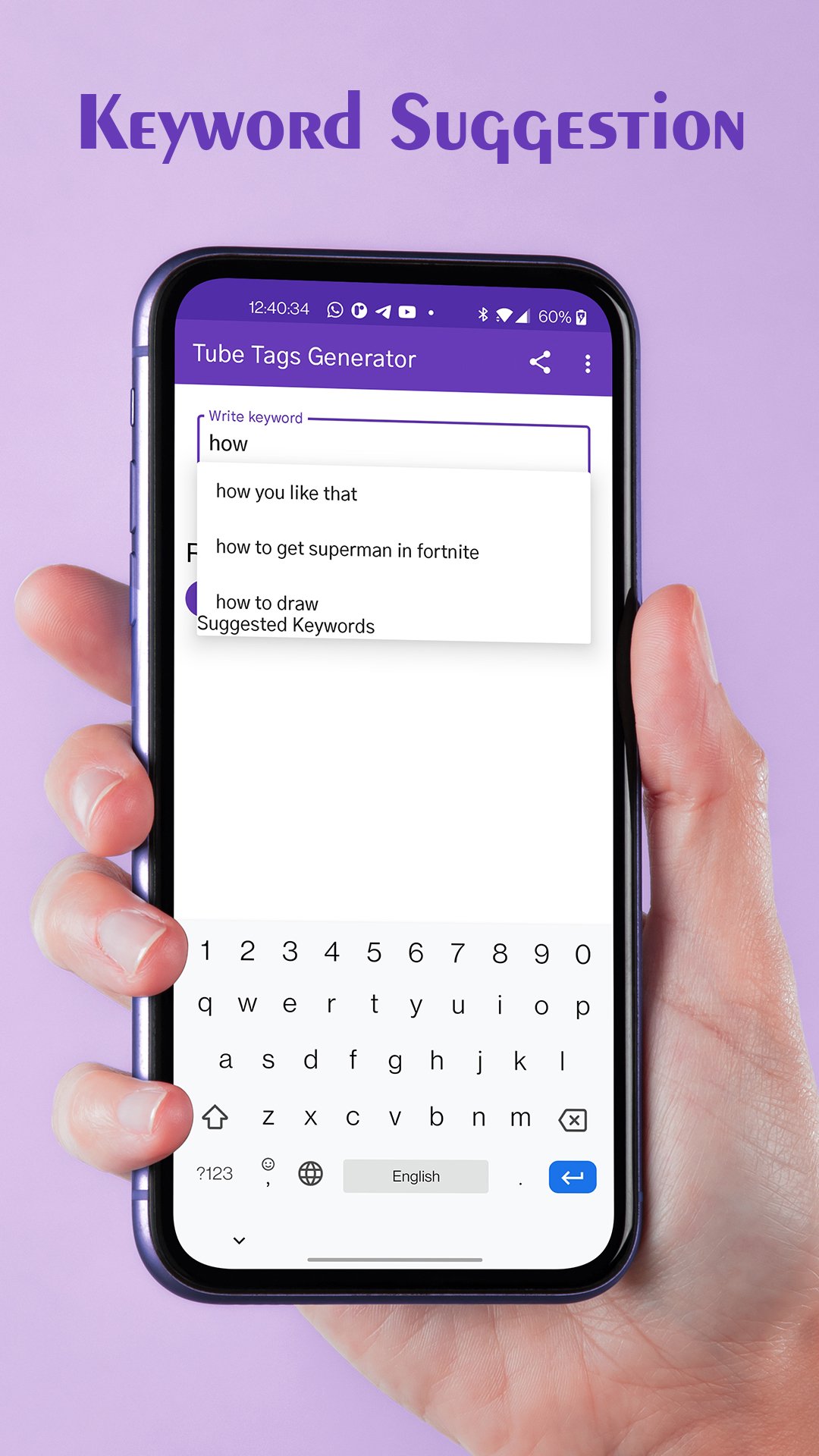
Tube Tags - Keyword Suggestion Tool help you to find high quality and longtail keywords for you to easily rank your video. Tube Tags uses A.I to generate high quality and SEO friendly Tags for your videos in just few seconds. It generate highly relevant long-tail keywords about a particular topic. It helps users find videos faster by recommending related keywords when they start typing in their search query.
For your convenience, Tube Tags Generator separates generated keywords with commas when you copy them. All you need to do is simply copy and paste them right into the corresponding field under your video post.
* We provide optimization tags with a ranking that can dramatically improve your videos' performance, subscriber engagement, and promotion opportunities.
* Find the best YT tags that make your video viral and optimize your videos tag to get more subscribers and views!
* Get more views by simply find the video Tags.
* Also get video description to improve your video SEO
* Download or Save video Thumbnails to get a better idea of Thumbnail Maker!
Important note:
- Do not copy all keywords of other videos
- Only use keywords related to your video content
- Use the related keywords in the title, description on your video.
Preview

Tags
ToolsInformation
Developer
Mudassar Hussain
Latest Version
1.12
Last Updated
2022-12-31
Category
Tools
Available on
Google Play
Show More
How to play Tube Tags - Keywords Tool with GameLoop on PC
1. Download GameLoop from the official website, then run the exe file to install GameLoop
2. Open GameLoop and search for “Tube Tags - Keywords Tool” , find Tube Tags - Keywords Tool in the search results and click “Install”
3. Enjoy playing Tube Tags - Keywords Tool on GameLoop
Minimum requirements
OS
Windows 8.1 64-bit or Windows 10 64-bit
GPU
GTX 1050
CPU
i3-8300
Memory
8GB RAM
Storage
1GB available space
Recommended requirements
OS
Windows 8.1 64-bit or Windows 10 64-bit
GPU
GTX 1050
CPU
i3-9320
Memory
16GB RAM
Storage
1GB available space