
TRAI MyCALL PC
Telecom Regulatory Authority of India (TRAI)
Download TRAI MyCALL on PC With GameLoop Emulator
TRAI MyCALL on PC
TRAI MyCALL, coming from the developer Telecom Regulatory Authority of India (TRAI), is running on Android systerm in the past.
Now, You can play TRAI MyCALL on PC with GameLoop smoothly.
Download it in the GameLoop library or search results. No more eyeing the battery or frustrating calls at the wrong time any more.
Just enjoy TRAI MyCALL PC on the large screen for free!
TRAI MyCALL Introduction
The app 'TRAI MyCall' is owned by Telecom Regulatory Authority of India (TRAI). TRAI, being a telecom regulator, collects perceived call quality from telecom consumers in India through MyCall.
This App requires 'Call Log' & 'Contact' permission, to display calls(both received & dialled), which allow consumers to give call-wise feedback. The call log presented to the user in the App is mapped with Contacts, which help users to identify the call and provide their feedback. Without access to Call Log, consumers can’t provide their feedback. Feedbacks are only initiated by the users and users can uninstall the App any time, if they do not wish to provide the access to 'Call Log' & 'Contacts'. The feedbacks are stored in the backend anonymously, without any reference to the Contacts/Call Log. These feedbacks are important for TRAI, as telecom sector regulator in India, for monitoring the quality of service (QoS) & policy making.
Key Features
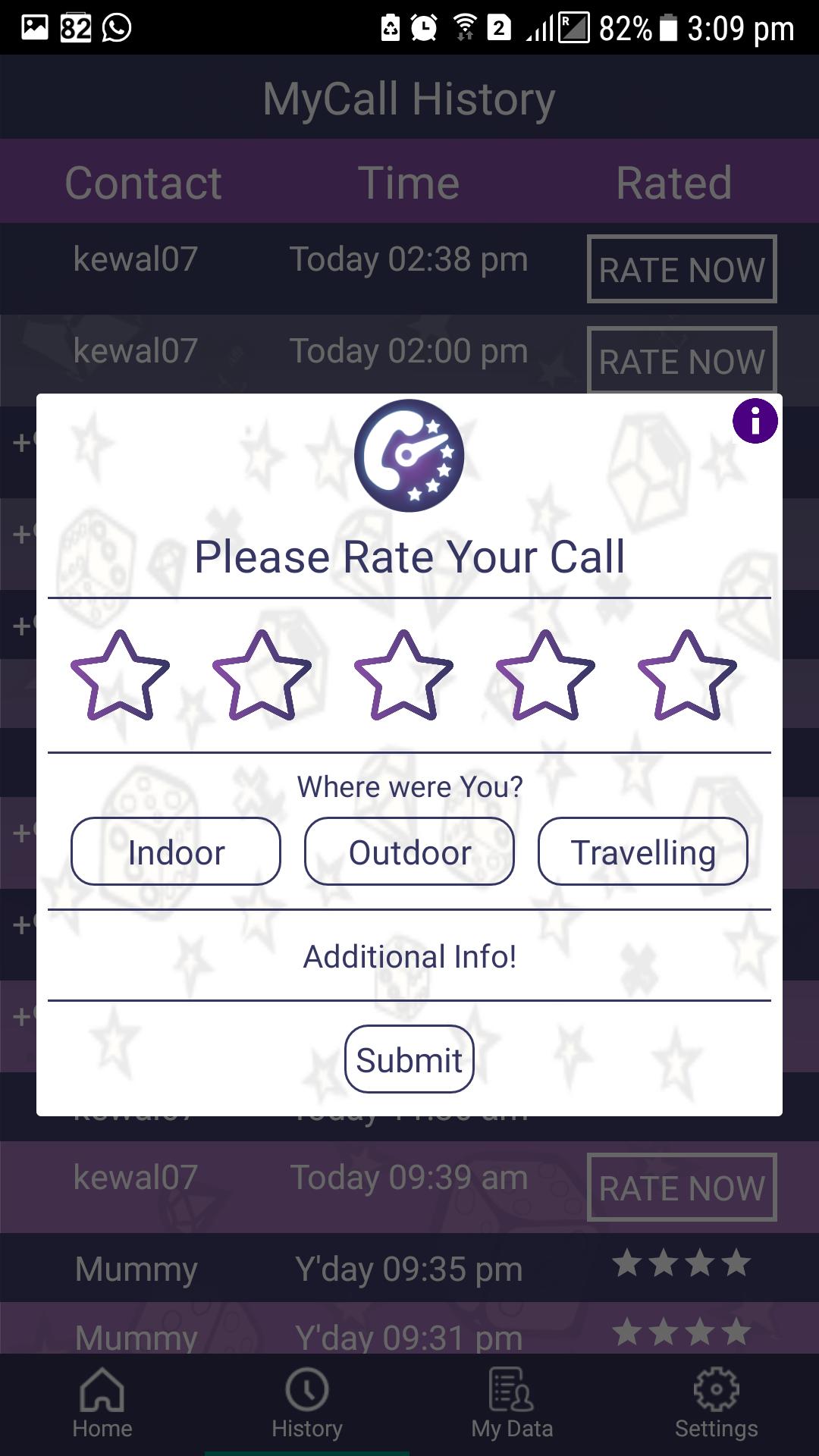
a. Real time rating pop up after calls (user configurable layout)
b. Historical & summarized feedback data
c. Feature to rate a call later from History; ability to rate multiple calls together
d. Map based feedback dashboards on the app
e. Configurable rating frequency settings & data sync settings
f. Hindi language support synchronized based on phone language setting
g. Option for users to mark call as dropped or poor network
h. Option for users to provide additional information such as background noise or audio delay
Preview
Tags
ToolsInformation
Developer
Telecom Regulatory Authority of India (TRAI)
Latest Version
1.0.30
Last Updated
2024-07-03
Category
Tools
Available on
Google Play
Show More
How to play TRAI MyCALL with GameLoop on PC
1. Download GameLoop from the official website, then run the exe file to install GameLoop
2. Open GameLoop and search for “TRAI MyCALL” , find TRAI MyCALL in the search results and click “Install”
3. Enjoy playing TRAI MyCALL on GameLoop
Minimum requirements
OS
Windows 8.1 64-bit or Windows 10 64-bit
GPU
GTX 1050
CPU
i3-8300
Memory
8GB RAM
Storage
1GB available space
Recommended requirements
OS
Windows 8.1 64-bit or Windows 10 64-bit
GPU
GTX 1050
CPU
i3-9320
Memory
16GB RAM
Storage
1GB available space