TRAI DND 3.0(Do Not Disturb) PC
Telecom Regulatory Authority of India (TRAI)
Download TRAI DND 3.0(Do Not Disturb) on PC With GameLoop Emulator
TRAI DND 3.0(Do Not Disturb) on PC
TRAI DND 3.0(Do Not Disturb), coming from the developer Telecom Regulatory Authority of India (TRAI), is running on Android systerm in the past.
Now, You can play TRAI DND 3.0(Do Not Disturb) on PC with GameLoop smoothly.
Download it in the GameLoop library or search results. No more eyeing the battery or frustrating calls at the wrong time any more.
Just enjoy TRAI DND 3.0(Do Not Disturb) PC on the large screen for free!
TRAI DND 3.0(Do Not Disturb) Introduction
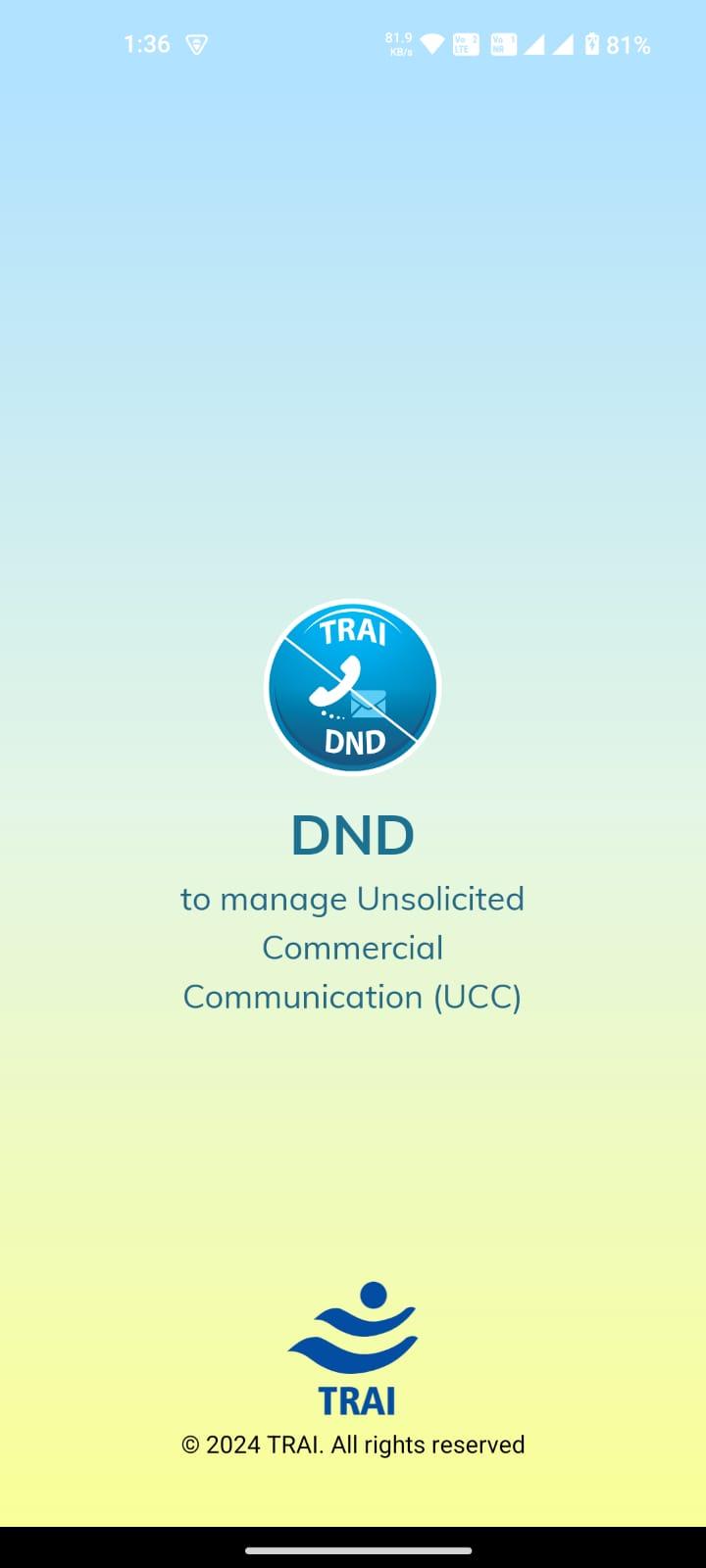
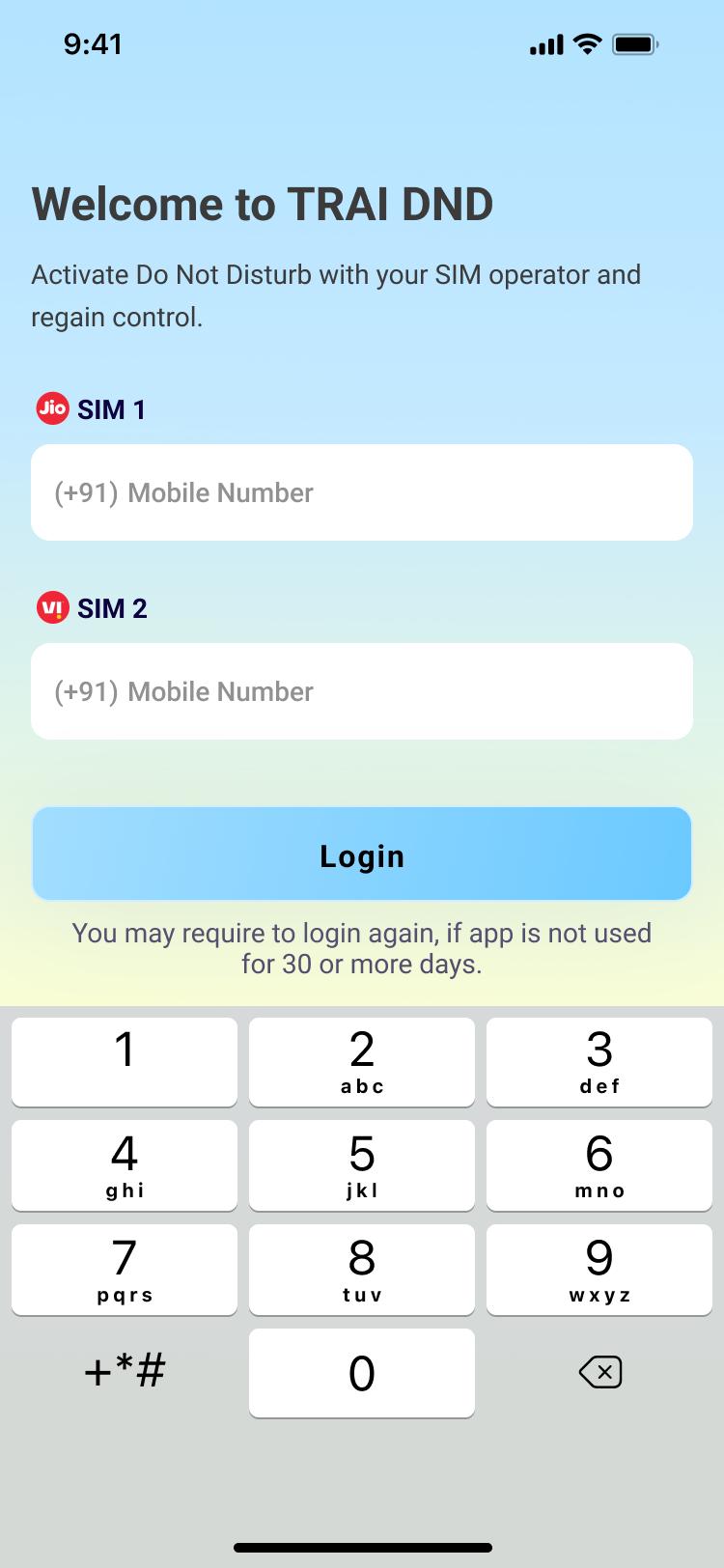
Do Not Disturb (DND 3.0) App enables smart phone users to register their mobile number under DND to avoid Unsolicited Commercial Communication (UCC)/ Telemarketing Calls / SMS. This is based on TRAI, “Telecom Commercial Communication Customer Preference Regulations, 2018”.
TRAI’s UCC Regulations, Amendments can be seen at: http://www.trai.gov.in/telecom/consumer-initiatives/unsolicited-commercial-communication.
The App helps you:
1. Set your DND preferences.
2. Lodge a UCC complaint with your service provider.
3. Check the status of complaints filed with your service provider.
The App requires permission to access your address book to distinguish between calls/messages from your saved contacts and those from unknown telemarketers. You contact list is neither uploaded to the backend, nor shared in any manner.
The new release has the following additional features:
· An intelligent spam detection engine (for SMS only) to assist the subscriber in reporting
· Crowdsourcing of data about offending messages and calls to speed up detection of unregistered telemarketers
· Updates about action taken on complaints within the App
· Easier interface and set up
Note: In MIUI Phones, permission has to be added manually for getting list of messages from header like XY-AAAAAA. For this, Please go to app permissions and click on other permissions. Select DND app and you will find Service SMS field which is disabled. Please enable this field to view header sms in DND App.
Privacy Policy: https://trai.gov.in/portals-apps/privacy-policy
Preview
Tags
ToolsInformation
Developer
Telecom Regulatory Authority of India (TRAI)
Latest Version
3.3.7
Last Updated
2025-08-28
Category
Tools
Available on
Google Play
Show More
How to play TRAI DND 3.0(Do Not Disturb) with GameLoop on PC
1. Download GameLoop from the official website, then run the exe file to install GameLoop
2. Open GameLoop and search for “TRAI DND 3.0(Do Not Disturb)” , find TRAI DND 3.0(Do Not Disturb) in the search results and click “Install”
3. Enjoy playing TRAI DND 3.0(Do Not Disturb) on GameLoop
Minimum requirements
OS
Windows 8.1 64-bit or Windows 10 64-bit
GPU
GTX 1050
CPU
i3-8300
Memory
8GB RAM
Storage
1GB available space
Recommended requirements
OS
Windows 8.1 64-bit or Windows 10 64-bit
GPU
GTX 1050
CPU
i3-9320
Memory
16GB RAM
Storage
1GB available space