TIGO Monitor PC
UHS Pty Ltd
Download TIGO Monitor on PC With GameLoop Emulator
TIGO Monitor on PC
TIGO Monitor, coming from the developer UHS Pty Ltd, is running on Android systerm in the past.
Now, You can play TIGO Monitor on PC with GameLoop smoothly.
Download it in the GameLoop library or search results. No more eyeing the battery or frustrating calls at the wrong time any more.
Just enjoy TIGO Monitor PC on the large screen for free!
TIGO Monitor Introduction
Welcome to the Tigo Secure Smarthome!
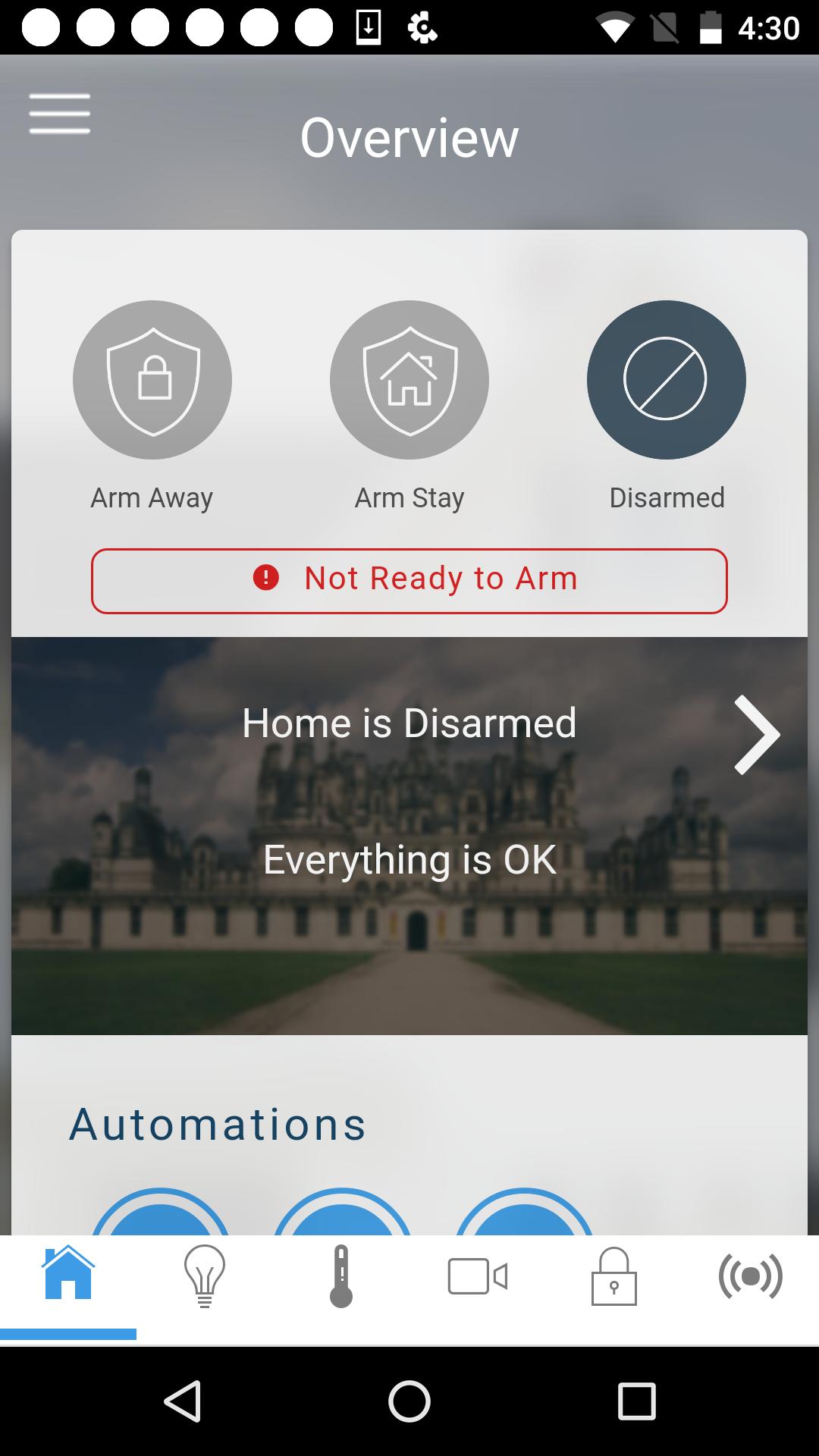
The Tigo app enables remote control of Tigo security products in homes and businesses. The Tigo app provides real-time management of security and automation control systems from virtually anywhere. Optimize the safety, comfort and convenience of your Tigo products with the Tigo app.
Note: Functionality of this app requires compatible equipment and an appropriate Tigo service plan. Available features vary based on system and service plan.
Key Features:
Security
- Arm and disarm system
- See if doors and windows are open
- Monitor special areas such as a safes, liquor or medicine cabinets
- Monitor property and safety of loved ones
- Know when children get home from school or leave the home
- Look in on pets during the day
- Monitor history of users and events
- View live video and event-triggered recorded clips from security cameras
Lighting
- Turn on, off and dim lights
Geo Action
- Automate actions on user's location events when leaving or entering the home or business*
Door Locks
- Lock and unlock
Thermostat
- Change the temperature and fan
Video
- Watch live-video and recorded clips
Schedules and Scenes
- Create scenes that are triggered by specified actions (i.e., When system is disarmed, turn on house lights)
- Create schedules that limit system access (i.e., Housekeeper user account only active Monday - Friday from 8AM to 12PM)
- Combine scenes and schedules for enhanced automation (i.e., Monday - Friday, after 10PM and before 6AM, when system is armed, lock doors, turn off lights and set thermostat to 70 degrees)
Alerts
- Receive Email notification of system alerts
- Emergency alerts
- Non-emergency Alerts
* Continued use of GPS running in the background can dramatically decrease battery life.
Preview

Tags
ToolsInformation
Developer
UHS Pty Ltd
Latest Version
2.6.1
Last Updated
2017-06-29
Category
Tools
Available on
Google Play
Show More
How to play TIGO Monitor with GameLoop on PC
1. Download GameLoop from the official website, then run the exe file to install GameLoop
2. Open GameLoop and search for “TIGO Monitor” , find TIGO Monitor in the search results and click “Install”
3. Enjoy playing TIGO Monitor on GameLoop
Minimum requirements
OS
Windows 8.1 64-bit or Windows 10 64-bit
GPU
GTX 1050
CPU
i3-8300
Memory
8GB RAM
Storage
1GB available space
Recommended requirements
OS
Windows 8.1 64-bit or Windows 10 64-bit
GPU
GTX 1050
CPU
i3-9320
Memory
16GB RAM
Storage
1GB available space