
TALS TelloAltLimitSetter PC
keiziweb
Download TALS TelloAltLimitSetter on PC With GameLoop Emulator
TALS TelloAltLimitSetter on PC
TALS TelloAltLimitSetter, coming from the developer keiziweb, is running on Android systerm in the past.
Now, You can play TALS TelloAltLimitSetter on PC with GameLoop smoothly.
Download it in the GameLoop library or search results. No more eyeing the battery or frustrating calls at the wrong time any more.
Just enjoy TALS TelloAltLimitSetter PC on the large screen for free!
TALS TelloAltLimitSetter Introduction
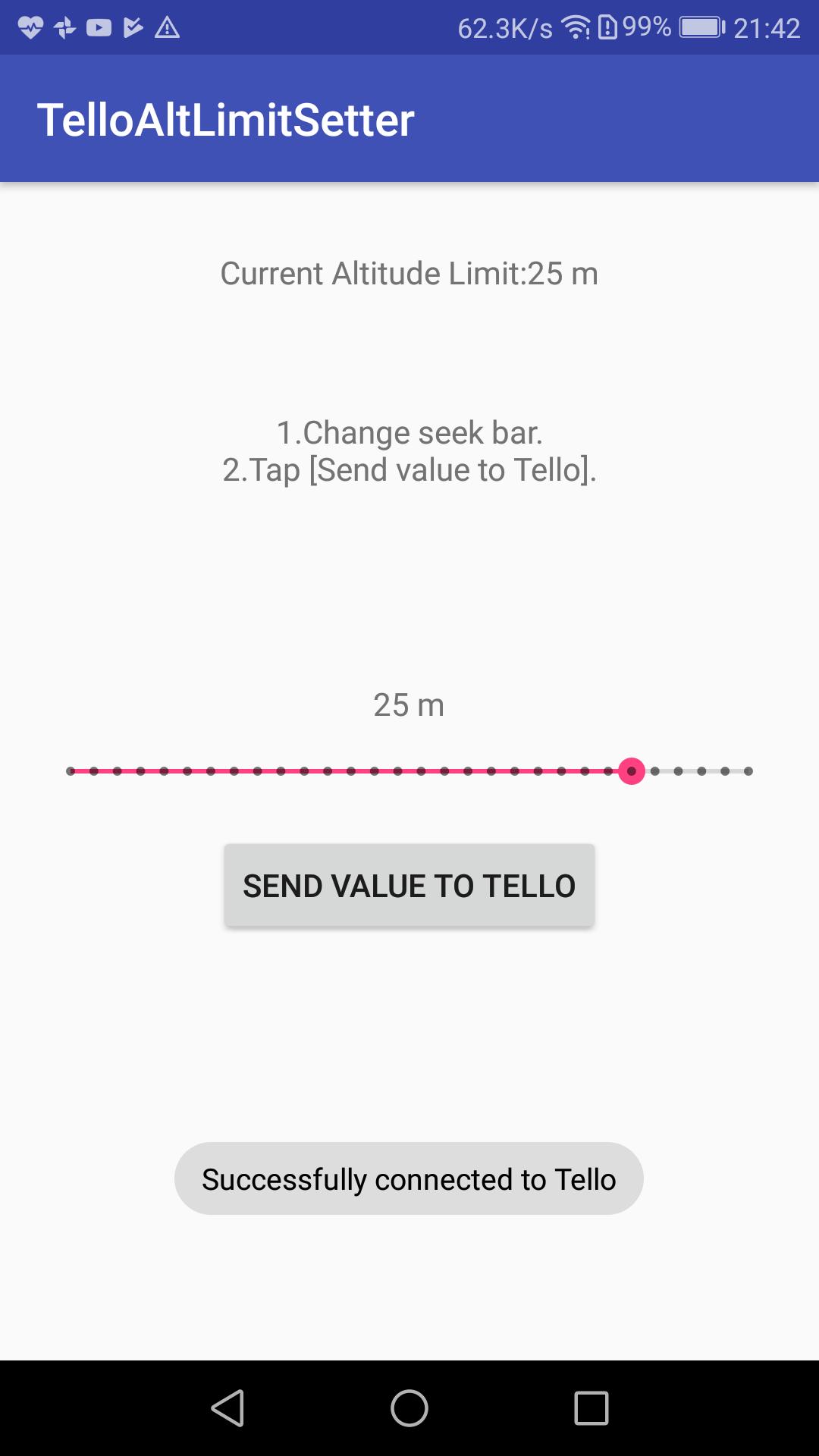
It is an application that changes the altitude limit of Ryze Tech's drones "Tello".
It is maximum 30 m.
iOS version. Search by "TALS" in AppStore.
https://itunes.apple.com/us/app/telloaltlimitsetter/id1382095075?l=ja&ls=1&mt=8
-Usage
1. Connect the smartphone to Tello's Wi-Fi.
2. Launch TelloAltLimitSetter.
3. Change the set value with the seek bar.
4. Tap 'Rewrite altitude limit' button.
When rewriting is successful, "current altitude limit value" will be rewritten.
■ Attention
-Fix the problem later.
-This application is irrelevant to Ryze Tech and DJI.
-The use of this application is self-responsibility. The results are not guaranteed. We do not guarantee anything.
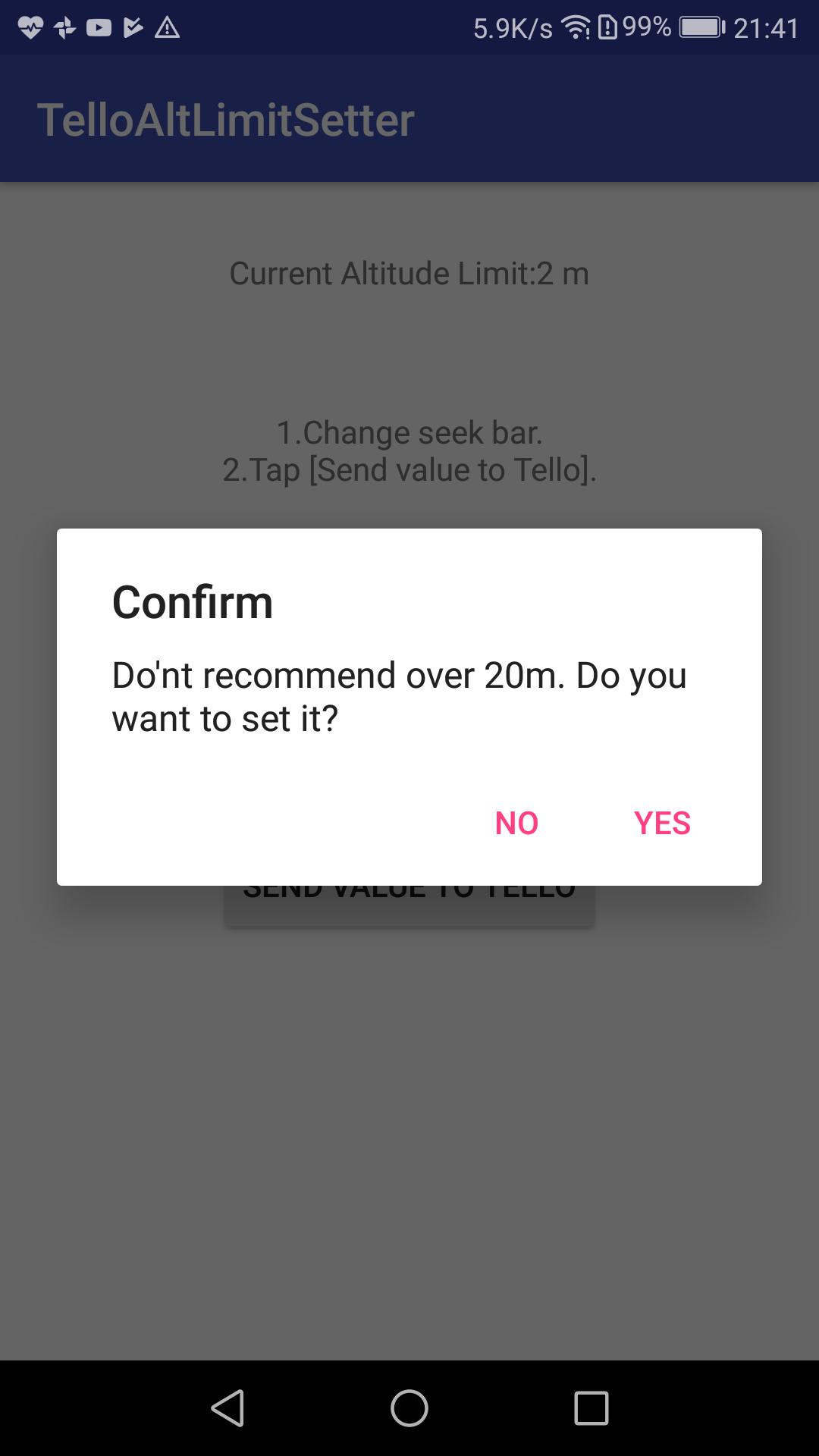
-If it is set to 10 m or more, there is a danger of crash or airframe loss due to the influence of wind and Wi-Fi loss. Please judge the situation and use it.
■Reference
https://github.com/Kragrathea/TelloPC
https://dl-cdn.ryzerobotics.com/downloads/tello/0228/Tello+SDK+Readme.pdf
https://drive.google.com/file/d/1t12MK-jG4df90gMjD8syPrAZ8VmdqCDA/view
https://gobot.io/blog/2018/04/20/hello-tello-hacking-drones-with-go/
■Written article
Tello & C#
https://note.mu/keizi666/n/n68eb25c8aa59
Tello & Java
https://note.mu/keizi666/n/nddef168ffb76
Tello & Swift
https://note.mu/keizi666/n/nc0e3d3cd3a21
■I designed some parts for Tello
https://www.thingiverse.com/keizi666/designs
Preview
Tags
ToolsInformation
Developer
keiziweb
Latest Version
1.0.3
Last Updated
2018-07-03
Category
Tools
Available on
Google Play
Show More
How to play TALS TelloAltLimitSetter with GameLoop on PC
1. Download GameLoop from the official website, then run the exe file to install GameLoop
2. Open GameLoop and search for “TALS TelloAltLimitSetter” , find TALS TelloAltLimitSetter in the search results and click “Install”
3. Enjoy playing TALS TelloAltLimitSetter on GameLoop
Minimum requirements
OS
Windows 8.1 64-bit or Windows 10 64-bit
GPU
GTX 1050
CPU
i3-8300
Memory
8GB RAM
Storage
1GB available space
Recommended requirements
OS
Windows 8.1 64-bit or Windows 10 64-bit
GPU
GTX 1050
CPU
i3-9320
Memory
16GB RAM
Storage
1GB available space