
Surveyor Calculator PC
B01 software
Download Surveyor Calculator on PC With GameLoop Emulator
Surveyor Calculator on PC
Surveyor Calculator, coming from the developer B01 software, is running on Android systerm in the past.
Now, You can play Surveyor Calculator on PC with GameLoop smoothly.
Download it in the GameLoop library or search results. No more eyeing the battery or frustrating calls at the wrong time any more.
Just enjoy Surveyor Calculator PC on the large screen for free!
Surveyor Calculator Introduction
Surveyor Calculator is an application designed to perform the max speed and productivity in the field of survey.
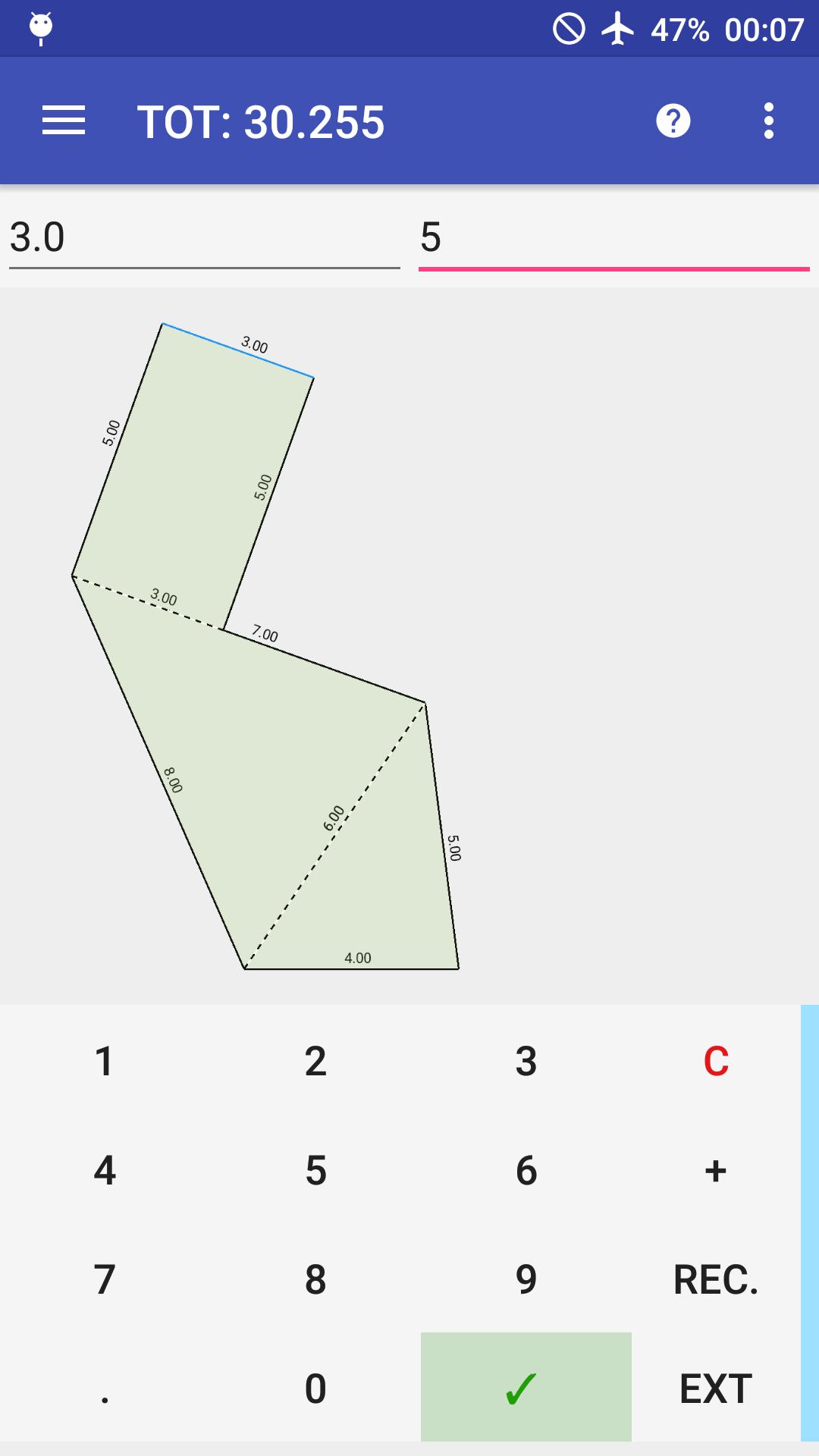
It allows to calculate areas of a survey but also to create automatically a digital figure of the survey to share or print in a PDF format.
Why this is a very useful app? This app is very useful because to do these things you need only a smartphone. You can:
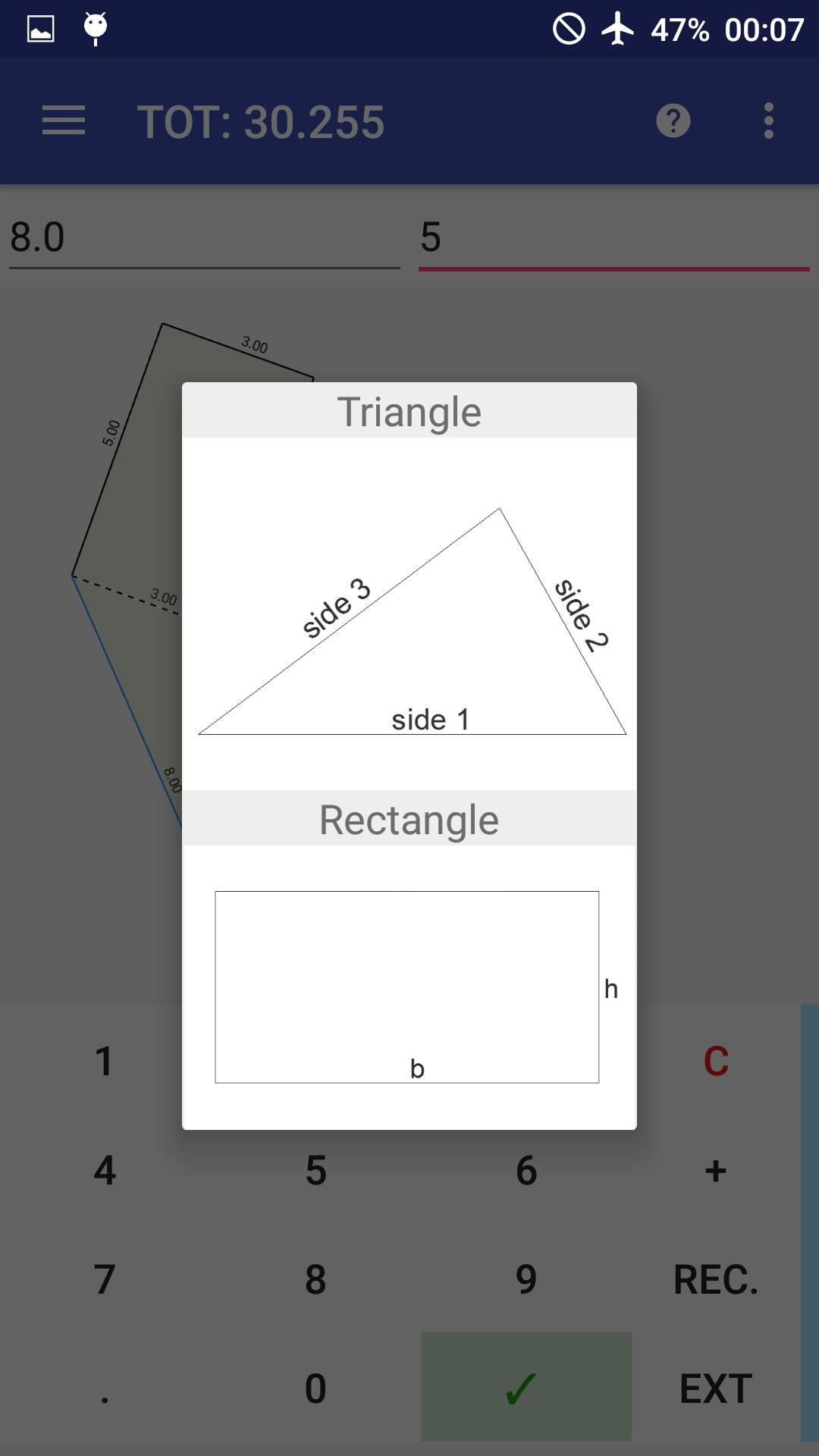
- Triangle, trapezoid, isoscele triangle, rectangle and rectum triangle supported
- Add figures just writing its sides and tapping a side to link with
- Calculate immediatly area
- Add figure where you want in the X,Y space or in a specified distance from a point
- Add positive or negative figure internally or externally to another
- Pinch to zoom, double tap to fill the space
- Manage sides, quotes, areas
- Export in PDF with table (if you want) that contains partial and total areas
Tutorial: https://drive.google.com/file/d/0B6WwmXidoHmqNXZuMnR2eWpDdjg/view?usp=sharing
How it works?
Surveyor calc works like a simple calculator.
You have only to write the sides of a figure measured in your survey.
“+” can be changed to “-“ if you want to add “negative” triangles and “C” is a “del button”.
There are only two things to remember:
- You have to write the triangles sides in the counterclockwise sense;
- When adding a new figure, remember to tap a side where you want to link the new figure.
Facebook page: https://www.facebook.com/SurveyorCalc
Preview
Tags
ToolsInformation
Developer
B01 software
Latest Version
2.3.6
Last Updated
2021-03-23
Category
Tools
Available on
Google Play
Show More
How to play Surveyor Calculator with GameLoop on PC
1. Download GameLoop from the official website, then run the exe file to install GameLoop
2. Open GameLoop and search for “Surveyor Calculator” , find Surveyor Calculator in the search results and click “Install”
3. Enjoy playing Surveyor Calculator on GameLoop
Minimum requirements
OS
Windows 8.1 64-bit or Windows 10 64-bit
GPU
GTX 1050
CPU
i3-8300
Memory
8GB RAM
Storage
1GB available space
Recommended requirements
OS
Windows 8.1 64-bit or Windows 10 64-bit
GPU
GTX 1050
CPU
i3-9320
Memory
16GB RAM
Storage
1GB available space