Super Battery Saver - Battery Optimizer PC
Elite Apps Studio
Download Super Battery Saver - Battery Optimizer on PC With GameLoop Emulator
Super Battery Saver - Battery Optimizer on PC
Super Battery Saver - Battery Optimizer, coming from the developer Elite Apps Studio, is running on Android systerm in the past.
Now, You can play Super Battery Saver - Battery Optimizer on PC with GameLoop smoothly.
Download it in the GameLoop library or search results. No more eyeing the battery or frustrating calls at the wrong time any more.
Just enjoy Super Battery Saver - Battery Optimizer PC on the large screen for free!
Super Battery Saver - Battery Optimizer Introduction
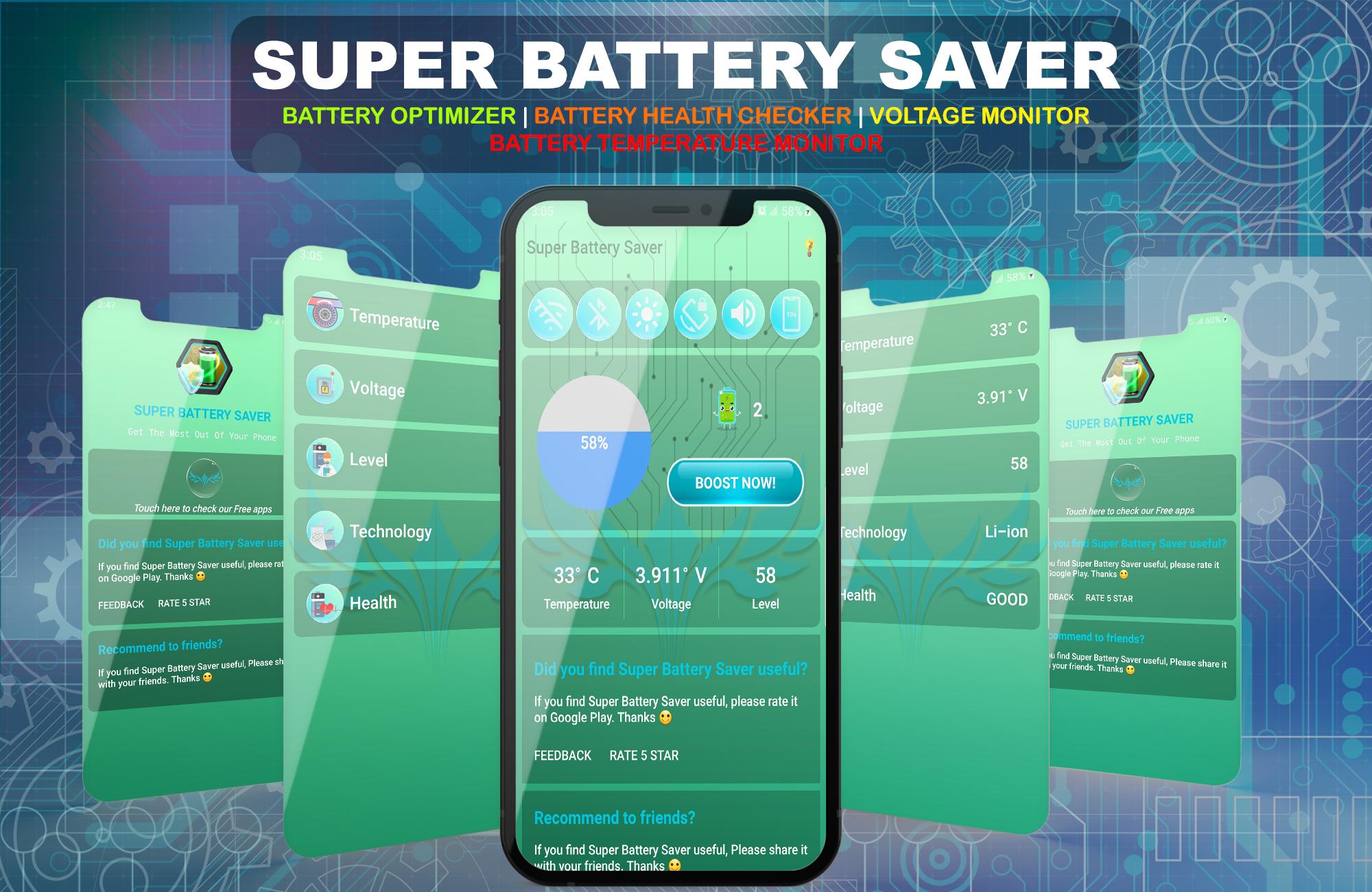
Now you can boost the battery life of your smartphone, Spend less time with your phone on charging and get more out of your Android smartphone’s battery life without constant concerns about Low battery levels. Super Battery Saver – Battery Optimizer Boost your mobile battery life, Monitor it's voltage and temperature, shows you every little detail about your phone's battery.
Is your Android Smartphone becoming too hot or keeps lagging? This is because a lot of applications and services are running in the background, causing your phone to rapidly draining its battery. Super Battery Saver stops all those applications and services and save your phone's battery so you can make the most out of your smartphone.
Features:
• One Touch Battery Saver
• Battery Health Checker
• Easy to use interface.
• Get Tips to save your phone’s battery.
• Battery Voltage Monitor
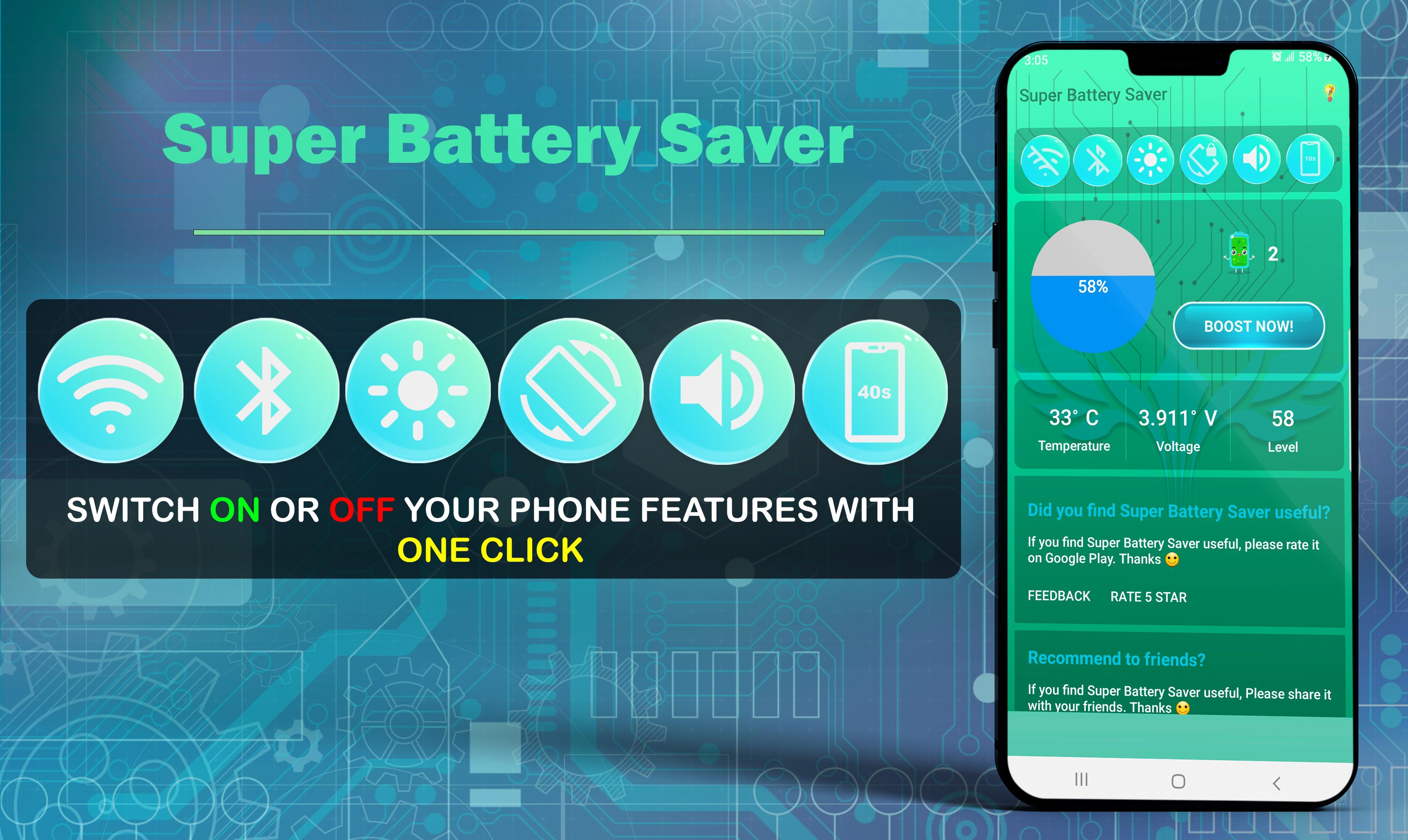
• Switch On or Off features like Wi-Fi, Bluetooth right from the app.
• Battery Temperature Monitor.
Feedback
- If you like Super Battery Saver, please write a review and give us 5 star
- If you have any problem with this app please send us a feedback regarding your issue, we will fix it quickly.
Preview
Information
Developer
Elite Apps Studio
Latest Version
1.0
Last Updated
2021-09-25
Category
Tools
Available on
Google Play
Show More
How to play Super Battery Saver - Battery Optimizer with GameLoop on PC
1. Download GameLoop from the official website, then run the exe file to install GameLoop
2. Open GameLoop and search for “Super Battery Saver - Battery Optimizer” , find Super Battery Saver - Battery Optimizer in the search results and click “Install”
3. Enjoy playing Super Battery Saver - Battery Optimizer on GameLoop
Minimum requirements
OS
Windows 8.1 64-bit or Windows 10 64-bit
GPU
GTX 1050
CPU
i3-8300
Memory
8GB RAM
Storage
1GB available space
Recommended requirements
OS
Windows 8.1 64-bit or Windows 10 64-bit
GPU
GTX 1050
CPU
i3-9320
Memory
16GB RAM
Storage
1GB available space