
STS VPN Super Unlimited Proxy PC
STS PRODUCTS
Download STS VPN Super Unlimited Proxy on PC With GameLoop Emulator
STS VPN Super Unlimited Proxy on PC
STS VPN Super Unlimited Proxy, coming from the developer STS PRODUCTS, is running on Android systerm in the past.
Now, You can play STS VPN Super Unlimited Proxy on PC with GameLoop smoothly.
Download it in the GameLoop library or search results. No more eyeing the battery or frustrating calls at the wrong time any more.
Just enjoy STS VPN Super Unlimited Proxy PC on the large screen for free!
STS VPN Super Unlimited Proxy Introduction
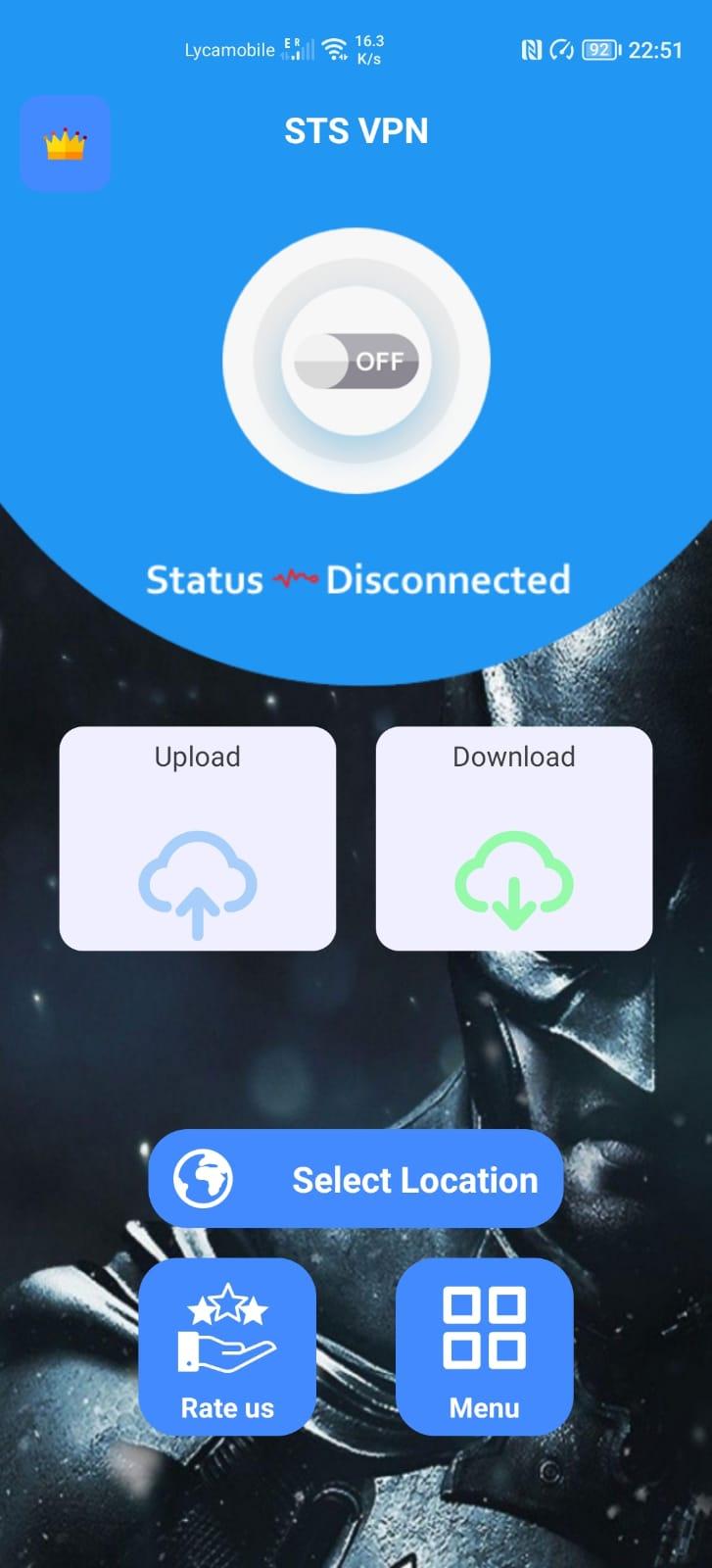
STS VPN – the free app that makes your Internet more private –
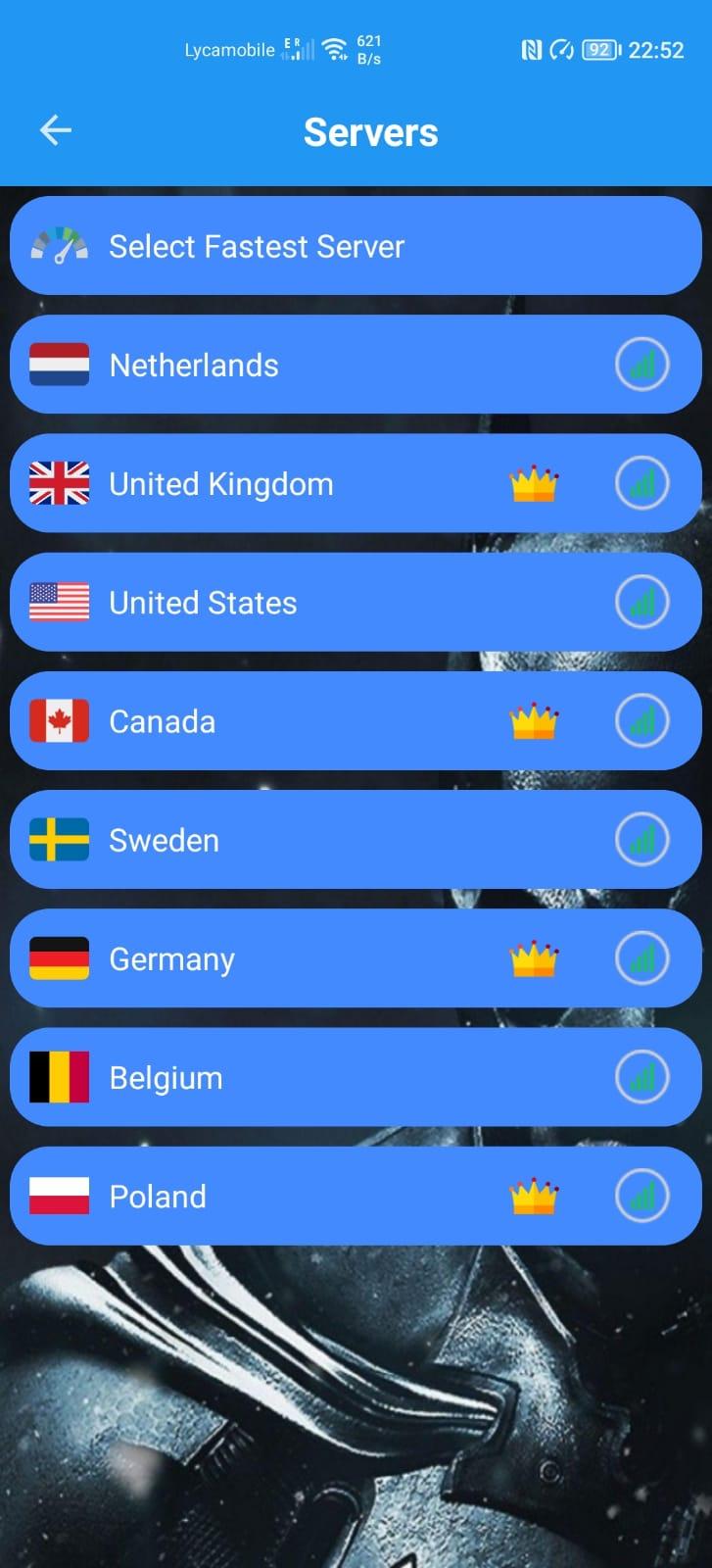
STS VPN makes your Internet more private and safer. No one should be able to snoop 🔍 on what you do on the Internet. We’ve created STS VPN so that you can connect to the Internet securely anytime, anywhere.
A better way to connect
STS VPN replaces the connection between your phone and the Internet with a modern, optimized, protocol.
Greater privacy 🔒
STS VPN prevents anyone from snooping on you by encrypting more of the traffic leaving your phone. We believe privacy is a right. We won't sell your data.
Better security 🛑
STS VPN protects your phone from security threats like malware, phishing, crypto mining and other security threats. Enable STS VPN for Families option from the DNS settings inside the app.
Easy to use ✌️
One-touch setup to make your Internet more safe and private. Install it today, get a more private Internet, it’s that simple.
The only way to get STS VPN 🚀
We test thousands of paths over the Internet every second to find which have the best performance. Skip right past Internet traffic jams using the same technology that we use to make thousands of websites 30% faster (on average).
---------------------
Subscription Information for WARP+
• STS VPN is free, but STS VPN + is a paid feature which can be enabled at any time.
• Subscribe on a monthly basis to receive unlimited STS VPN + data for the duration of the subscription.
• Your subscription will automatically renew for the same package length at the same price until you cancel in settings in the Google Play Store at least 24 hours prior to the end of the current period.
• Any unused portion of a free trial period and/or STS VPN + data transfer credits, if offered, will be forfeited when you purchase a subscription, where applicable.
Preview
Tags
ToolsInformation
Developer
STS PRODUCTS
Latest Version
1.0.7
Last Updated
2022-11-17
Category
Tools
Available on
Google Play
Show More
How to play STS VPN Super Unlimited Proxy with GameLoop on PC
1. Download GameLoop from the official website, then run the exe file to install GameLoop
2. Open GameLoop and search for “STS VPN Super Unlimited Proxy” , find STS VPN Super Unlimited Proxy in the search results and click “Install”
3. Enjoy playing STS VPN Super Unlimited Proxy on GameLoop
Minimum requirements
OS
Windows 8.1 64-bit or Windows 10 64-bit
GPU
GTX 1050
CPU
i3-8300
Memory
8GB RAM
Storage
1GB available space
Recommended requirements
OS
Windows 8.1 64-bit or Windows 10 64-bit
GPU
GTX 1050
CPU
i3-9320
Memory
16GB RAM
Storage
1GB available space