Speed Test - 5G 4G Force LTE PC
Digital Rooms Inc.
Download Speed Test - 5G 4G Force LTE on PC With GameLoop Emulator
Speed Test - 5G 4G Force LTE on PC
Speed Test - 5G 4G Force LTE, coming from the developer Digital Rooms Inc., is running on Android systerm in the past.
Now, You can play Speed Test - 5G 4G Force LTE on PC with GameLoop smoothly.
Download it in the GameLoop library or search results. No more eyeing the battery or frustrating calls at the wrong time any more.
Just enjoy Speed Test - 5G 4G Force LTE PC on the large screen for free!
Speed Test - 5G 4G Force LTE Introduction
5G 4G Force LTE application allows you to change your smartphone network to 5G, 4G LTE, 3G, Edge from the settings which not easily accessible.
Here you can lock network mode as you want to do like 5G, 4G, 3G & others.
Easily modify advanced network configurations 5G/4G LTE/3G network mode>
Using this application you cane easily open hidden settings & select your network mode with advanced network configurations.
Find & search for 5G/4G LTE stable signal.
You can easily switch if your phone is supported that particular mode.
Very helpful when your network internet speed is slow & want to increase internet speed with force LTE mode .
Check network speed easily here with mobile data or wifi data.
Features :-
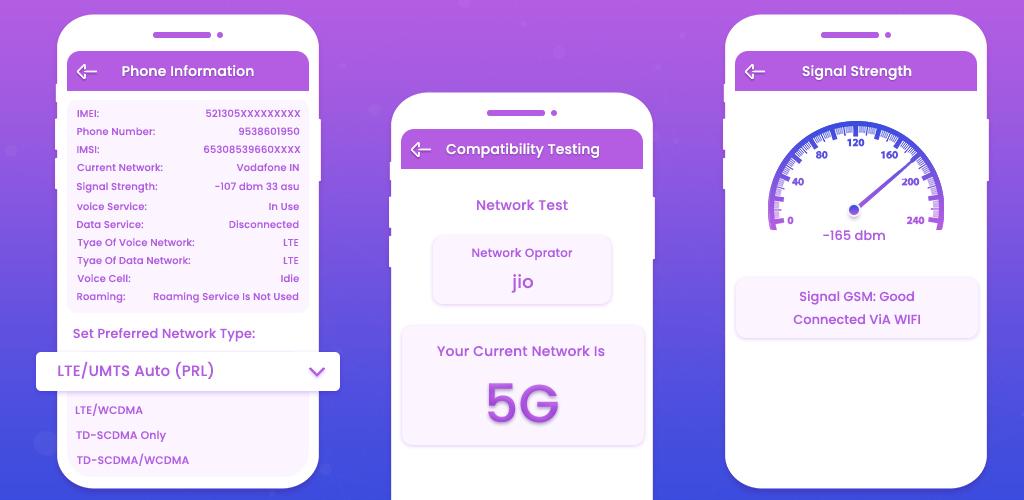
* Check device compatibility is it support 5G or 4G or 3G.
* Switch into 5G/4G LTE Network, WCDMA, GSM, CDMA network easily.
* If internet speed is slow then you can easily switch to other network mode like 5G, 4G & others.
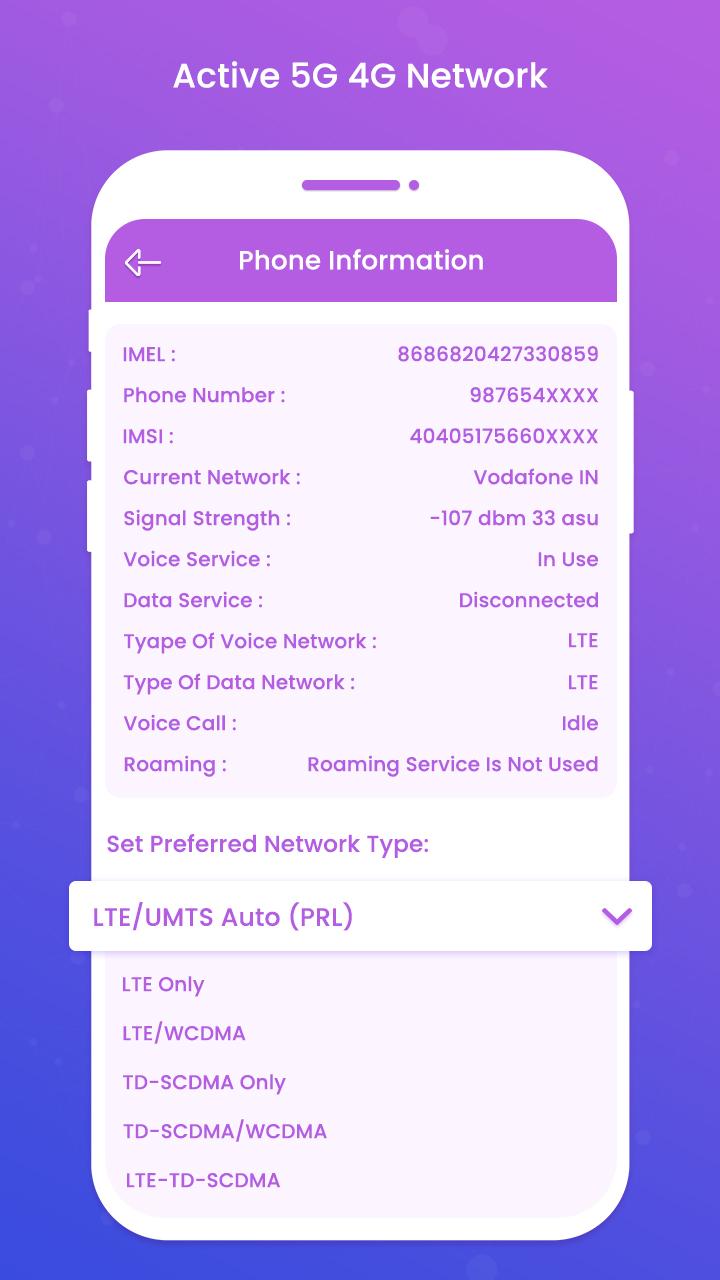
* Show here network information like network connectivity, network capability, properties info & more.
* Check phone compatibility for network supported.
* Check also signal strength here manually.
* Carrier information like carrier name, mobile country code, mobile network code.
* Analyze internet speed with faster testing.
* Show application by its usage.
* Check which application most used in a day, week & month wise.
Disclaimer :-
- 5G 4G Force LTE app doesn't work on restricted device for force switching mode.
- 5G 4G Force LTE app is not represent or associated with any other network switching application.
- Application work on supported device only.
Preview
Tags
ToolsInformation
Developer
Digital Rooms Inc.
Latest Version
1.1
Last Updated
2023-08-30
Category
Tools
Available on
Google Play
Show More
How to play Speed Test - 5G 4G Force LTE with GameLoop on PC
1. Download GameLoop from the official website, then run the exe file to install GameLoop
2. Open GameLoop and search for “Speed Test - 5G 4G Force LTE” , find Speed Test - 5G 4G Force LTE in the search results and click “Install”
3. Enjoy playing Speed Test - 5G 4G Force LTE on GameLoop
Minimum requirements
OS
Windows 8.1 64-bit or Windows 10 64-bit
GPU
GTX 1050
CPU
i3-8300
Memory
8GB RAM
Storage
1GB available space
Recommended requirements
OS
Windows 8.1 64-bit or Windows 10 64-bit
GPU
GTX 1050
CPU
i3-9320
Memory
16GB RAM
Storage
1GB available space