
SMS Auto Forwarder PC
Soft Brain
Download SMS Auto Forwarder on PC With GameLoop Emulator
SMS Auto Forwarder on PC
SMS Auto Forwarder, coming from the developer Soft Brain, is running on Android systerm in the past.
Now, You can play SMS Auto Forwarder on PC with GameLoop smoothly.
Download it in the GameLoop library or search results. No more eyeing the battery or frustrating calls at the wrong time any more.
Just enjoy SMS Auto Forwarder PC on the large screen for free!
SMS Auto Forwarder Introduction
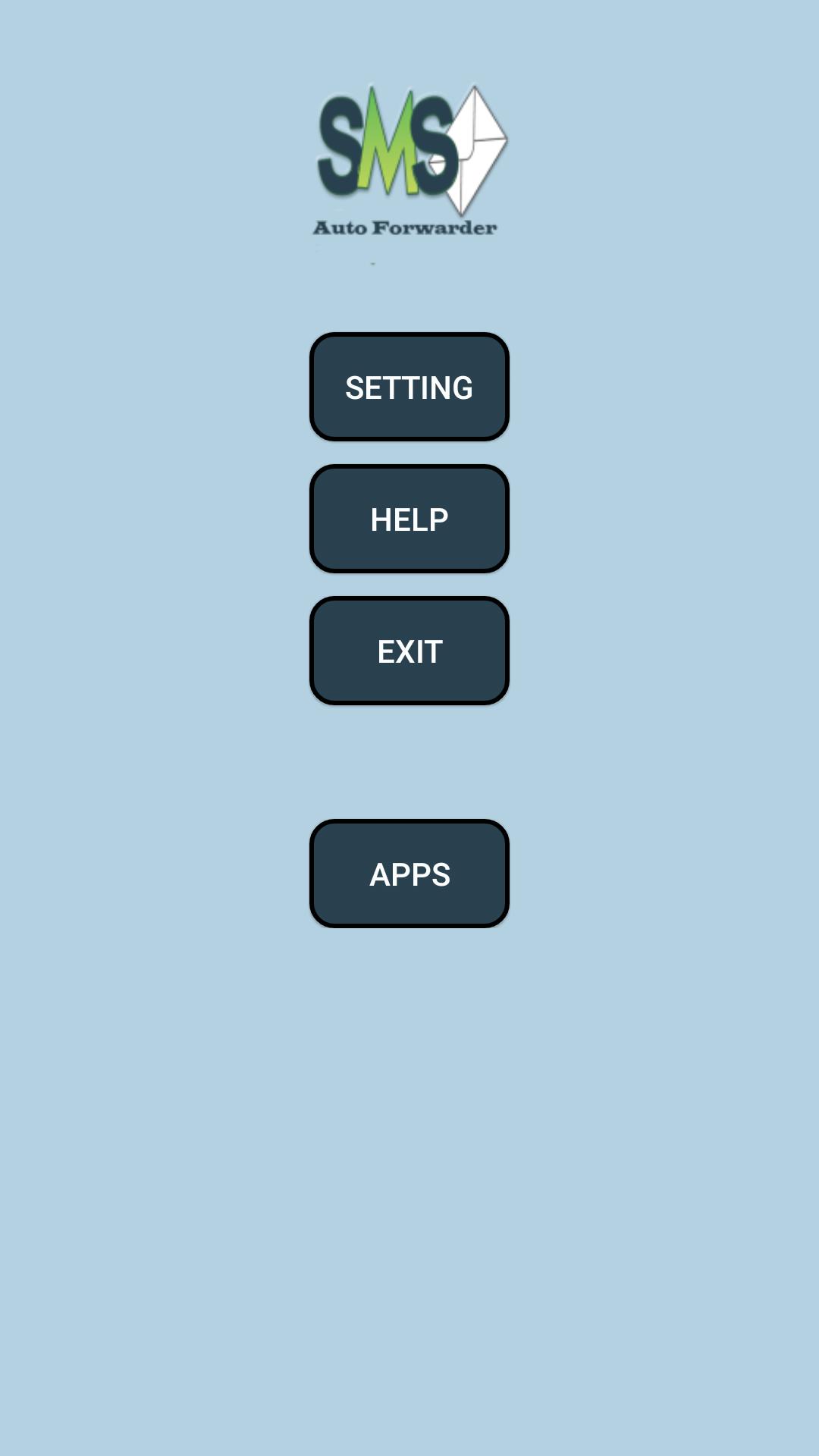
SMS Diverter, Forwards SMSs that received by the phone in which this app is installed, to the cell numbers which are added to the List/ specified by you in the application. It is best for the situation in which you have Two or more mobiles (one heavy and one light or feature phone) and you want to divert or forward SMSs from one phone to another/multi phones. The heavy phone need more charge and most of the time on charge so sometime the users forget the heavy phone at office or home. Getting out heavy phone every time from pocket is also not easy as compared to light phone.
Thus to solve the above problems the need of SMS diverter or forwarder was felt and developed
FEACHERS
⦁ Simple & Light In Functions & Design.
⦁ Have SMSs Multicasting Facility, Upto 5 Numbers
⦁ Blocks un-necessary SMSs from Forwading
⦁ Require Less Storage Space
⦁ Have ON/OFF Option, Does not need to Un-Install
⦁ Need No Internet Connection
Preview

Information
Developer
Soft Brain
Latest Version
10.0
Last Updated
2018-08-21
Category
Tools
Available on
Google Play
Show More
How to play SMS Auto Forwarder with GameLoop on PC
1. Download GameLoop from the official website, then run the exe file to install GameLoop
2. Open GameLoop and search for “SMS Auto Forwarder” , find SMS Auto Forwarder in the search results and click “Install”
3. Enjoy playing SMS Auto Forwarder on GameLoop
Minimum requirements
OS
Windows 8.1 64-bit or Windows 10 64-bit
GPU
GTX 1050
CPU
i3-8300
Memory
8GB RAM
Storage
1GB available space
Recommended requirements
OS
Windows 8.1 64-bit or Windows 10 64-bit
GPU
GTX 1050
CPU
i3-9320
Memory
16GB RAM
Storage
1GB available space