Smart Remote Control Sharp TV PC
Remote Master
Download Smart Remote Control Sharp TV on PC With GameLoop Emulator
Smart Remote Control Sharp TV on PC
Smart Remote Control Sharp TV, coming from the developer Remote Master, is running on Android systerm in the past.
Now, You can play Smart Remote Control Sharp TV on PC with GameLoop smoothly.
Download it in the GameLoop library or search results. No more eyeing the battery or frustrating calls at the wrong time any more.
Just enjoy Smart Remote Control Sharp TV PC on the large screen for free!
Smart Remote Control Sharp TV Introduction
Smart Remote Control Sharp TV – Universal Sharp TV Remote App
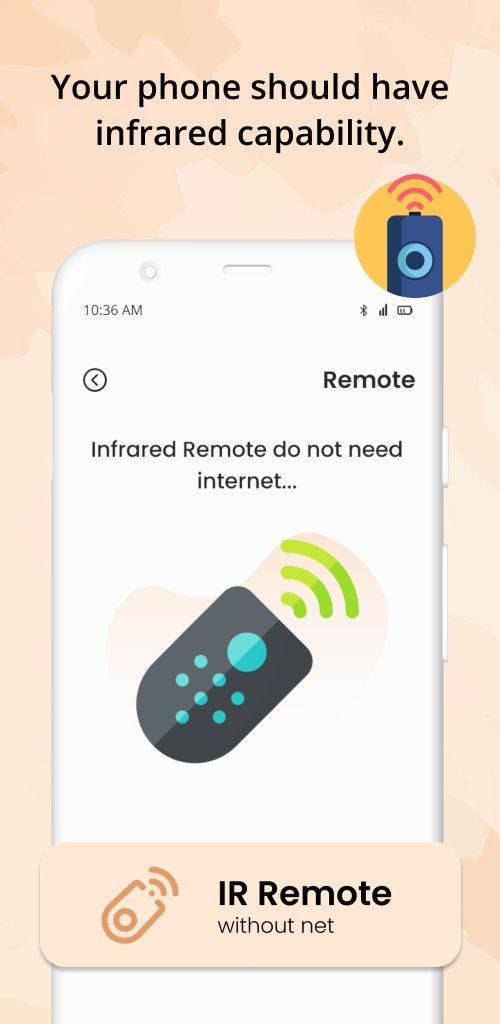
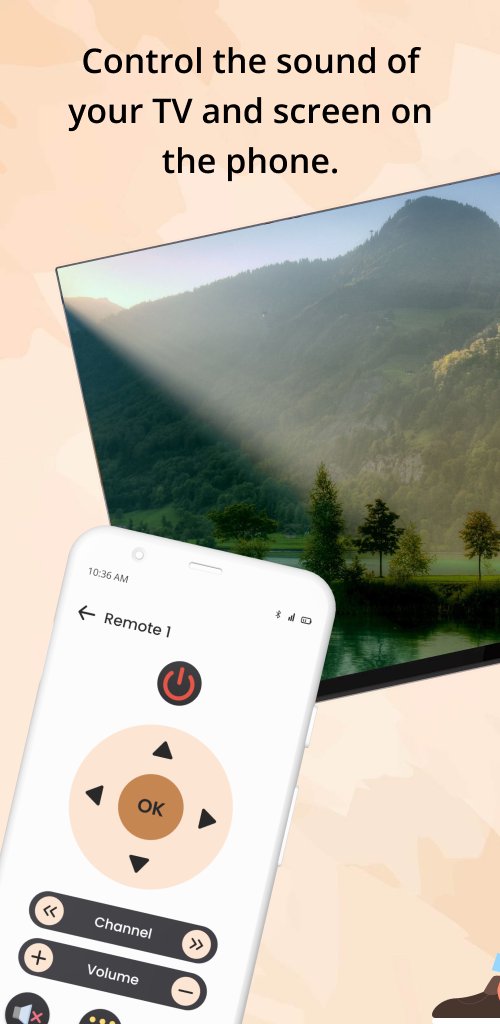
Turn your smartphone into a powerful Sharp TV Remote Control with Smart Remote Control Sharp TV. This smart and easy-to-use Sharp Smart TV Remote app lets you control your television and home entertainment devices directly from your phone or tablet.
If you’re tired of managing multiple remotes for your TV, cable box, and streaming devices, this Universal TV Remote app for Sharp TV simplifies everything into one smart solution.
What Is a Smart TV Remote App?
A smart TV remote app allows you to control your Sharp Smart TV using your mobile device. With internet connectivity and smart features, you can access streaming apps, navigate menus, adjust settings, and enjoy a smoother TV experience without a physical remote.
Universal Remote for Sharp TV
The Smart Remote Control Sharp TV works as a Universal Remote Control, allowing you to manage:
• Sharp Smart TVs
• Cable and set-top boxes
• Streaming devices
• Other compatible home entertainment devices
Control everything from one app instead of switching between multiple remotes.
Easy Setup & Simple Control
Setting up the Sharp TV Remote app is quick and straightforward. Follow on-screen instructions, connect your devices, and start controlling your TV instantly.
Voice Control Support
Use voice commands on supported devices to turn your TV on or off, change channels, search for content, and control playback hands-free.
Smart Features & Personalization
The app is designed to enhance your viewing experience with smart navigation, quick access to apps, and personalized control options.
Key Features of Smart Remote Control Sharp TV
• Full Sharp TV remote control: power, volume, channels
• Compatible with Sharp Smart TVs
• Universal remote for multiple devices
• Voice control support (on supported devices)
• Quick access to streaming apps
• Easy setup and intuitive interface
• Smart TV navigation and menu control
Why Choose This Sharp TV Remote App?
• No need for multiple physical remotes
• Control your Sharp TV from anywhere in the room
• Faster navigation and easier access to content
• Works as a free smart TV remote solution
• Lightweight and reliable universal remote app
⚠️ Disclaimer
This application is a third-party Sharp TV Remote Control app and is not affiliated with or endorsed by Sharp TV. This app is not an official Sharp product.
Download Smart Remote Control Sharp TV today and enjoy a smarter, simpler way to control your Sharp Smart TV using your smartphone.
Preview
Tags
ToolsInformation
Developer
Remote Master
Latest Version
1.0.20
Last Updated
2025-12-31
Category
Tools
Available on
Google Play
Show More
How to play Smart Remote Control Sharp TV with GameLoop on PC
1. Download GameLoop from the official website, then run the exe file to install GameLoop
2. Open GameLoop and search for “Smart Remote Control Sharp TV” , find Smart Remote Control Sharp TV in the search results and click “Install”
3. Enjoy playing Smart Remote Control Sharp TV on GameLoop
Minimum requirements
OS
Windows 8.1 64-bit or Windows 10 64-bit
GPU
GTX 1050
CPU
i3-8300
Memory
8GB RAM
Storage
1GB available space
Recommended requirements
OS
Windows 8.1 64-bit or Windows 10 64-bit
GPU
GTX 1050
CPU
i3-9320
Memory
16GB RAM
Storage
1GB available space