Smart Tally Counter + Widget PC
L.droid
Download Smart Tally Counter + Widget on PC With GameLoop Emulator
Smart Tally Counter + Widget on PC
Smart Tally Counter + Widget, coming from the developer L.droid, is running on Android systerm in the past.
Now, You can play Smart Tally Counter + Widget on PC with GameLoop smoothly.
Download it in the GameLoop library or search results. No more eyeing the battery or frustrating calls at the wrong time any more.
Just enjoy Smart Tally Counter + Widget PC on the large screen for free!
Smart Tally Counter + Widget Introduction
Count anything, effortlessly.
Smart Tally Counter + Widget is a powerful multi-counter app that makes tracking and tallying simple, intuitive, and efficient. Whether you’re managing inventory, counting fitness reps, logging daily habits, or keeping score in a game, this app is designed to help you count anything—anywhere, anytime—with ease.
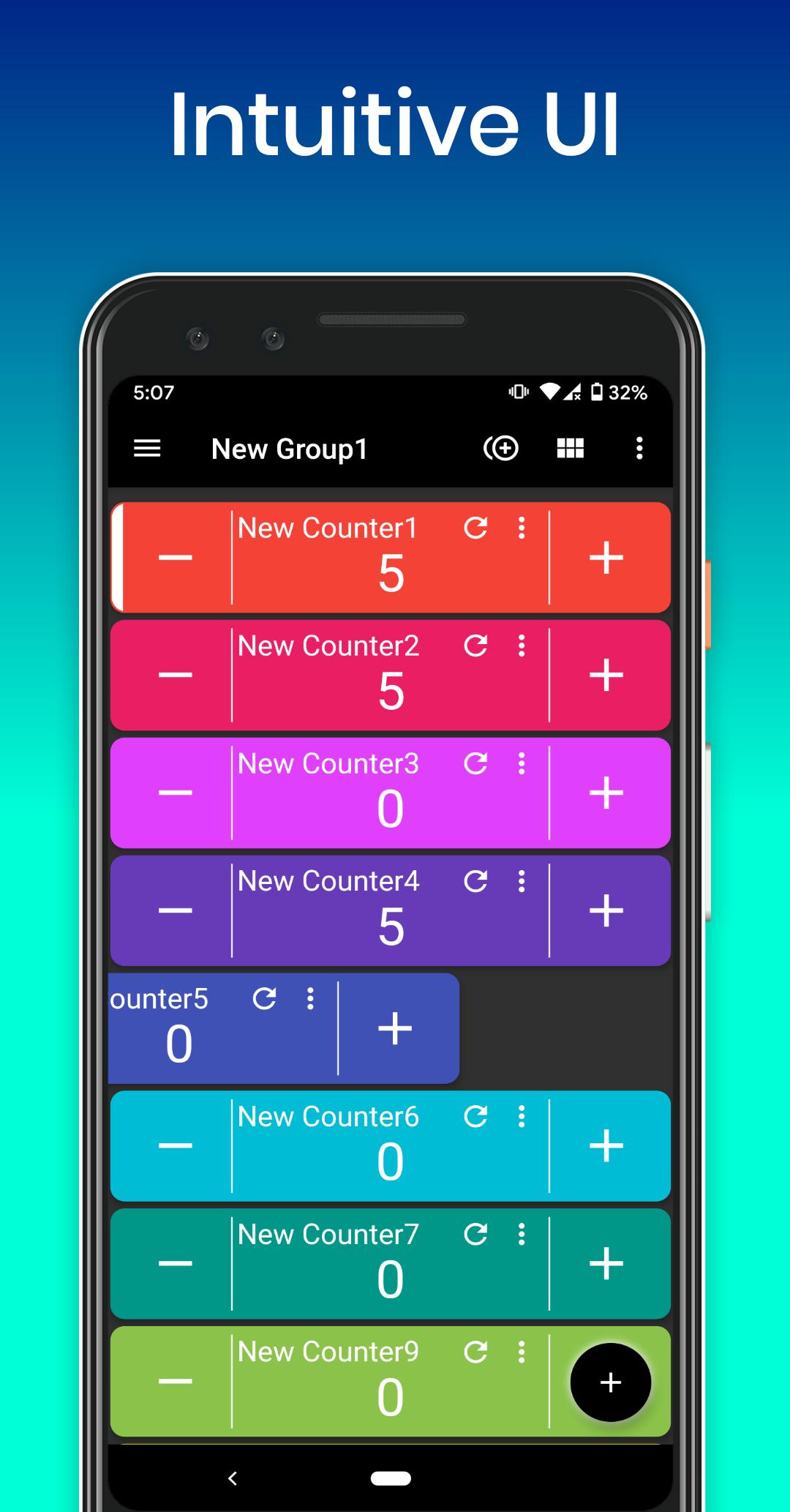
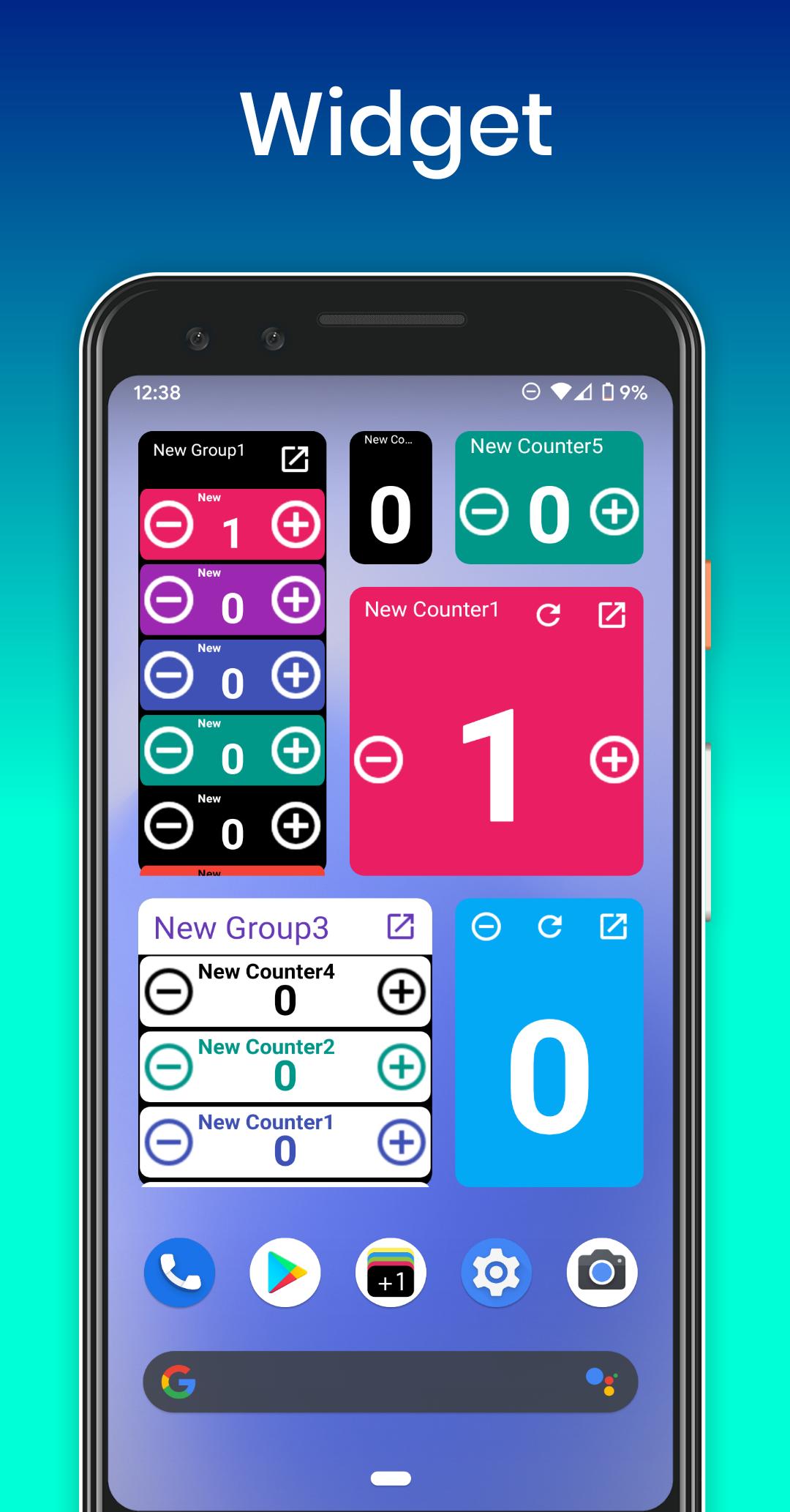
Create unlimited tally counters, organize them into custom groups, and customize each with its own name, color, increment/decrement values, and more. Use widgets to count directly from your home screen without opening the app. With features like history tracking, pie/bar charts, and bulk counting, Smart Tally Counter is more than just a clicker—it’s your complete counting assistant.
Key Features:
• Unlimited counters and groups
• 3 types of widgets (List / Button / Simple)
• Sort counters with drag & drop
• Grid or list view toggle
• Multi-select and bulk count
• Custom increment/decrement and start values
• Min/max limit alerts
• Pie and bar chart visualizations
• Detailed count history with timestamps
• Total count and percentage displays
• Sound, vibration, and TTS (voice count) feedback
• Count using volume buttons
• Light & dark themes
• Portrait, landscape, and fullscreen support
• Offline use—no account required
• Easy data sharing via clipboard, email, or other apps
Perfect for:
Inventory tracking, fitness logging, game scores, survey tallies, classroom attendance, habit tracking, event counting, traffic observations, and anything else you want to count or organize.
Smart Tally Counter + Widget helps you count smarter—not harder.
Download now and take control of your counts with speed and simplicity!
Preview
Tags
ToolsInformation
Developer
L.droid
Latest Version
1.4.3
Last Updated
2025-10-07
Category
Tools
Available on
Google Play
Show More
How to play Smart Tally Counter + Widget with GameLoop on PC
1. Download GameLoop from the official website, then run the exe file to install GameLoop
2. Open GameLoop and search for “Smart Tally Counter + Widget” , find Smart Tally Counter + Widget in the search results and click “Install”
3. Enjoy playing Smart Tally Counter + Widget on GameLoop
Minimum requirements
OS
Windows 8.1 64-bit or Windows 10 64-bit
GPU
GTX 1050
CPU
i3-8300
Memory
8GB RAM
Storage
1GB available space
Recommended requirements
OS
Windows 8.1 64-bit or Windows 10 64-bit
GPU
GTX 1050
CPU
i3-9320
Memory
16GB RAM
Storage
1GB available space