
Smart VPN Browser PC
Browser Pintar
Download Smart VPN Browser on PC With GameLoop Emulator
Smart VPN Browser on PC
Smart VPN Browser, coming from the developer Browser Pintar, is running on Android systerm in the past.
Now, You can play Smart VPN Browser on PC with GameLoop smoothly.
Download it in the GameLoop library or search results. No more eyeing the battery or frustrating calls at the wrong time any more.
Just enjoy Smart VPN Browser PC on the large screen for free!
Smart VPN Browser Introduction
🚀Smart Browser Searcher is an amazingly fast search for Android. 🚀
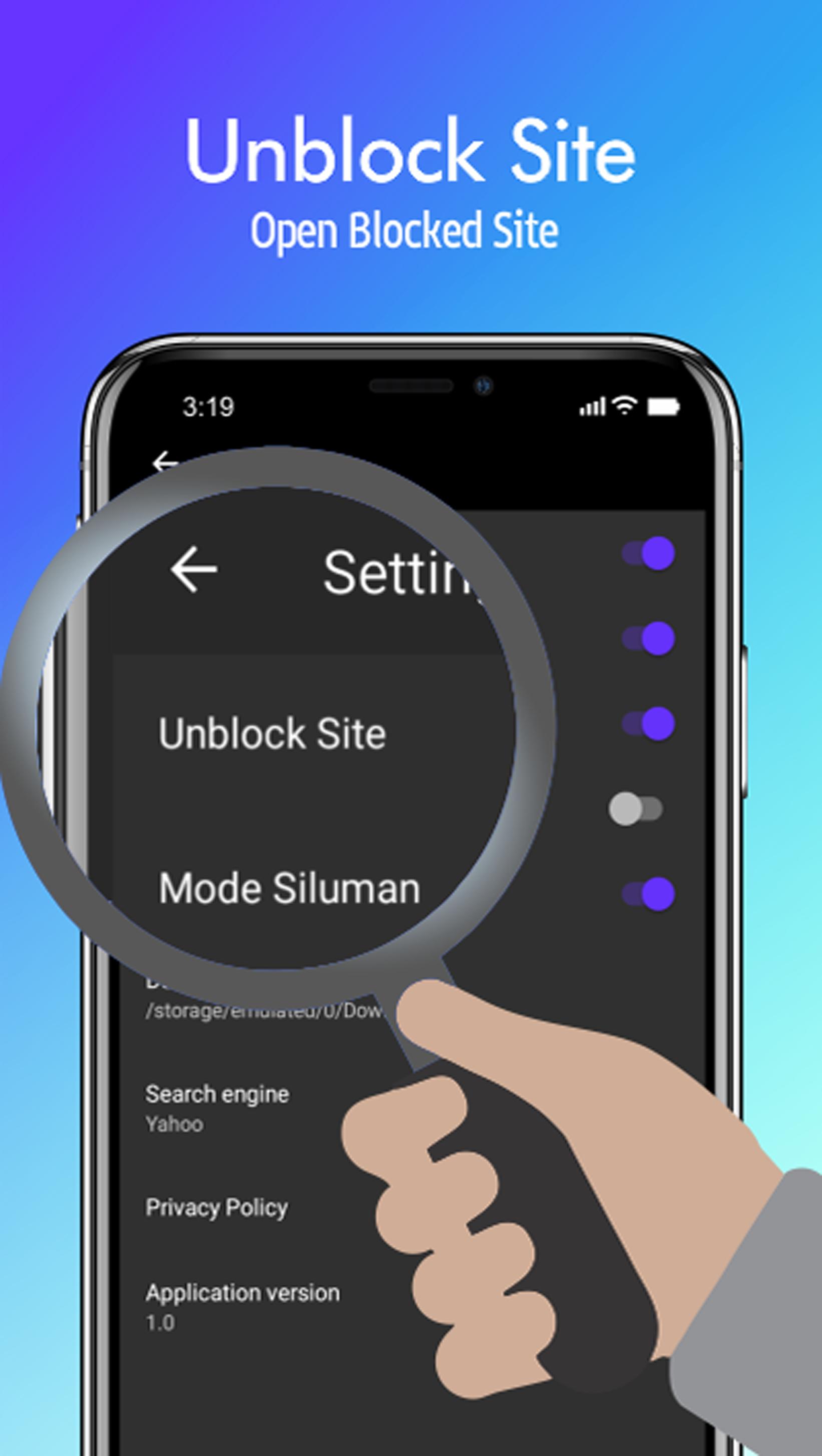
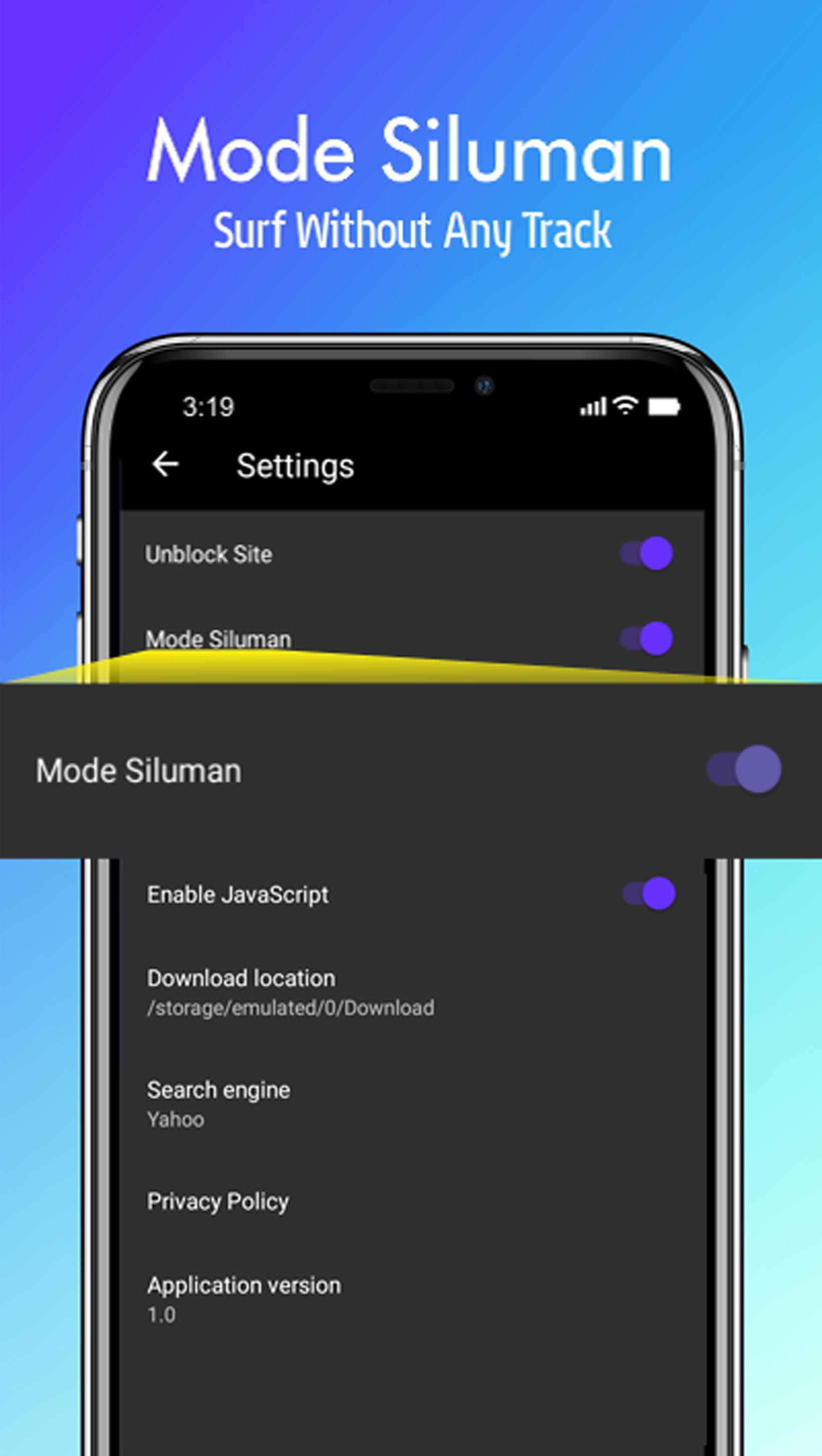
We support fast loading speeds, HTML5 video players, AdBlock (Anti Ads) for the web, tab bar, Unblock Site, Stealth browsing mode and flash player (for opening videos or games)
Unblock websites you love to visit today Quickly. Freedom on the internet must not be censored. Say NO to censoring and browsing all the web using the Anti Block Browser, and access all blocked websites at no charge.
How to open a blocked site?
You can use it for two main things, you can:
1)Unblock sites that are blocked in your country, or
2)Protect your privacy online, because this application is a proxy browser for Android, your traffic is routed through the France server, so there are no footprints left behind if you use our application, making it the perfect solution to escape government surveillance.
Main feature:
✔ Flash player
✔ AdBlock (Anti Ads on the Web)
✔ Unblock Site
✔ Stealth Mode
✔ Personalize Search
✔ Fast streaming and download
✔ Anti Block browser
✔ Built-in proxy VPN for user protection and security.
✔ The fastest material design and proxy browser.
✔ Unlimited bandwidth for browsing.
✔ Free web applications, videos, images.
✔ Fast proxy server integrated, no need to set up a proxy yourself, just open the application, browse and open your favorite websites.
Have ideas, suggestions or others? Don't hesitate to contact us admin@browserpintar.com
Official application from https://www.browserpintar.com
NOTE!
Please note that our Android application will ensure your protection and personal search only from within the application. So, make sure to stay inside the application if you want to protect your privacy online or unblock websites!
Download this application today and enjoy your freedom!
Use this application wisely!
Preview
Tags
ToolsInformation
Developer
Browser Pintar
Latest Version
36.1
Last Updated
2023-01-18
Category
Tools
Available on
Google Play
Show More
How to play Smart VPN Browser with GameLoop on PC
1. Download GameLoop from the official website, then run the exe file to install GameLoop
2. Open GameLoop and search for “Smart VPN Browser” , find Smart VPN Browser in the search results and click “Install”
3. Enjoy playing Smart VPN Browser on GameLoop
Minimum requirements
OS
Windows 8.1 64-bit or Windows 10 64-bit
GPU
GTX 1050
CPU
i3-8300
Memory
8GB RAM
Storage
1GB available space
Recommended requirements
OS
Windows 8.1 64-bit or Windows 10 64-bit
GPU
GTX 1050
CPU
i3-9320
Memory
16GB RAM
Storage
1GB available space