
Smart App Lock - Privacy Lock PC
ak41
Download Smart App Lock - Privacy Lock on PC With GameLoop Emulator
Smart App Lock - Privacy Lock on PC
Smart App Lock - Privacy Lock, coming from the developer ak41, is running on Android systerm in the past.
Now, You can play Smart App Lock - Privacy Lock on PC with GameLoop smoothly.
Download it in the GameLoop library or search results. No more eyeing the battery or frustrating calls at the wrong time any more.
Just enjoy Smart App Lock - Privacy Lock PC on the large screen for free!
Smart App Lock - Privacy Lock Introduction
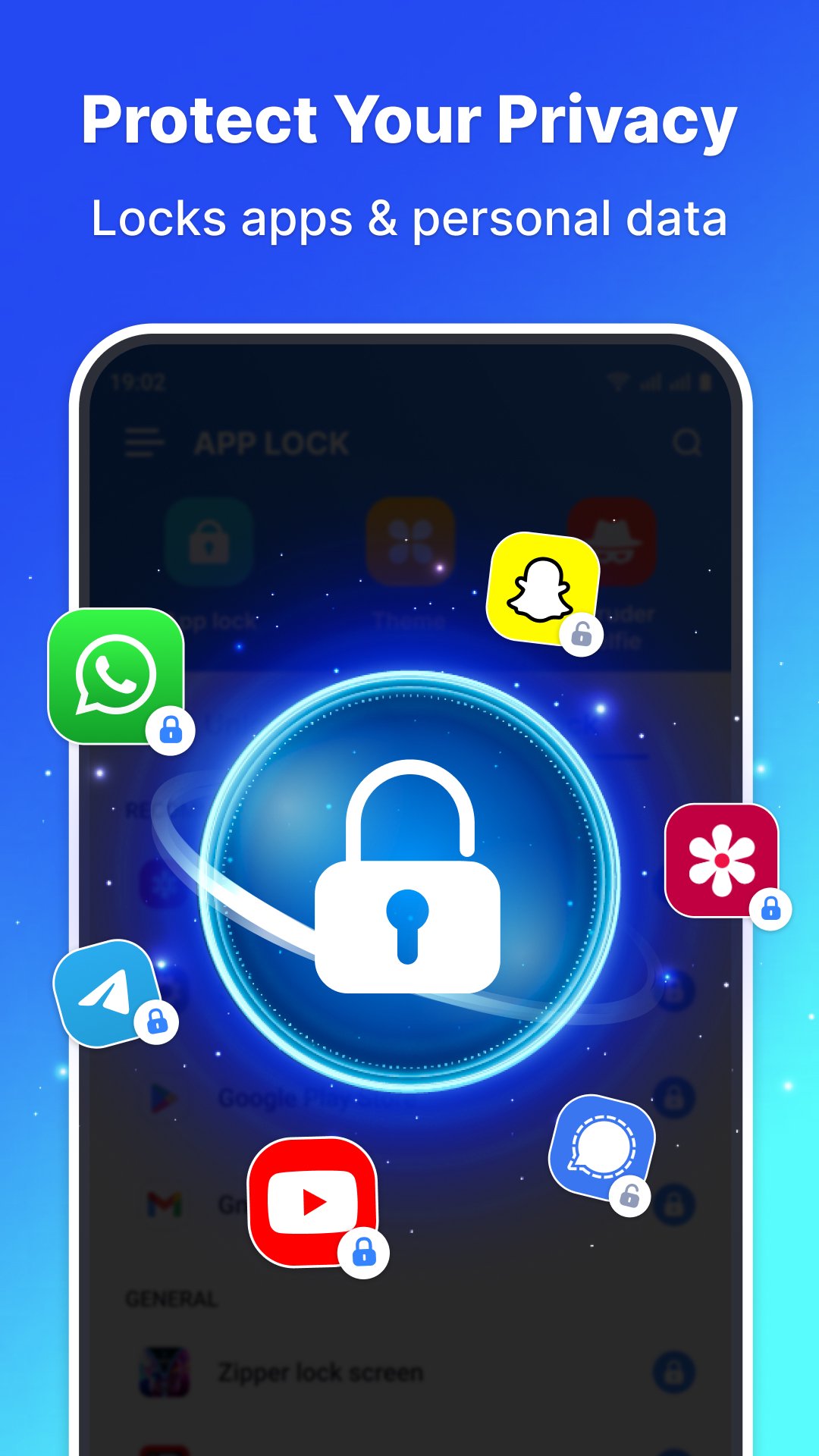
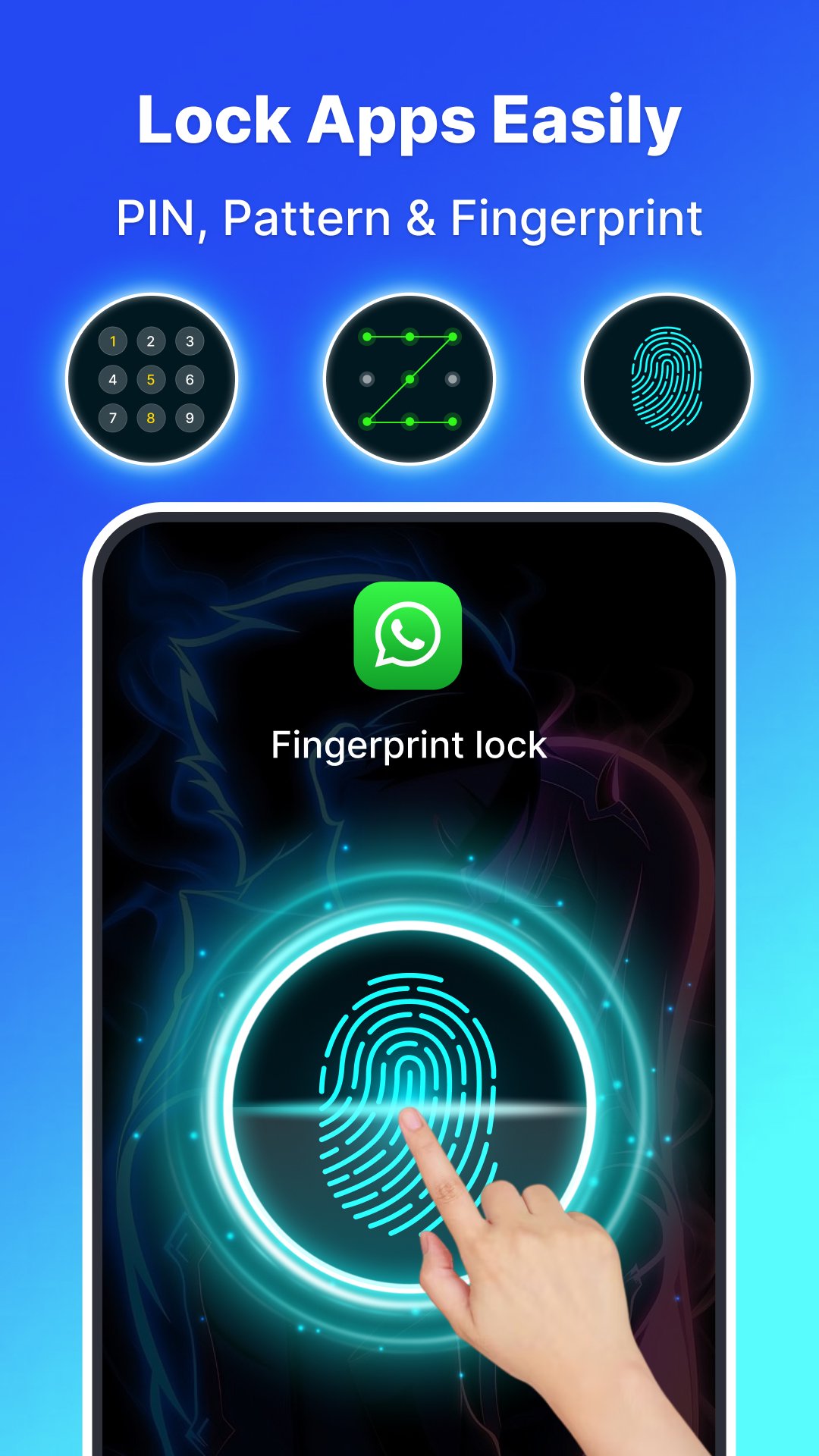
Smart App Lock – Privacy Lock is a powerful app lock solution designed to protect your privacy and secure your apps with advanced security methods. With fingerprint lock, PIN lock, pattern lock, and password lock, you can easily keep your private apps, photos, videos, and messages safe from intruders.
Whether you want to lock WhatsApp, lock Messenger, lock Facebook, lock Instagram, or lock TikTok, this app locker ensures your personal data stays private.
➡️ Start protecting your apps today — it only takes 1 second to set up!
🔐 ★ Lock Any Applications You Need
Keep your apps safe with a secure app security lock.
Use App Lock to protect:
• Social apps: WhatsApp, Messenger, Facebook, Instagram, TikTok
• Finance apps: PayPal, banking apps, Android Pay
• System apps: Settings, Play Store, Contacts, Messages
• Any other private applications you want to secure
📸 ★ Intruder Selfie – Catch Intruders Instantly
If someone tries to break in, the front camera captures their photo.
• Choose photo capture after 1–4 wrong attempts
➡️ Enable intruder detection to know exactly who tried to unlock your apps.
⭐ ★ Key Features
• 100% free app lock
• Fingerprint lock (for supported devices)
• PIN lock app, pattern lock app, password lock app
• Prevent uninstall to avoid bypassing protection
• Beautiful lock themes & wallpapers
• Switch password types anytime
• Vibration & visible pattern customization
• Advanced privacy protection & privacy guard
➡️ Install Smart App Lock now and keep your phone safe 24/7.
Preview
Tags
ToolsInformation
Developer
ak41
Latest Version
1.1.6
Last Updated
2026-01-30
Category
Tools
Available on
Google Play
Show More
How to play Smart App Lock - Privacy Lock with GameLoop on PC
1. Download GameLoop from the official website, then run the exe file to install GameLoop
2. Open GameLoop and search for “Smart App Lock - Privacy Lock” , find Smart App Lock - Privacy Lock in the search results and click “Install”
3. Enjoy playing Smart App Lock - Privacy Lock on GameLoop
Minimum requirements
OS
Windows 8.1 64-bit or Windows 10 64-bit
GPU
GTX 1050
CPU
i3-8300
Memory
8GB RAM
Storage
1GB available space
Recommended requirements
OS
Windows 8.1 64-bit or Windows 10 64-bit
GPU
GTX 1050
CPU
i3-9320
Memory
16GB RAM
Storage
1GB available space