SlideIT Arabic Classic Pack PC
Dasur Ltd.
Download SlideIT Arabic Classic Pack on PC With GameLoop Emulator
SlideIT Arabic Classic Pack on PC
SlideIT Arabic Classic Pack, coming from the developer Dasur Ltd., is running on Android systerm in the past.
Now, You can play SlideIT Arabic Classic Pack on PC with GameLoop smoothly.
Download it in the GameLoop library or search results. No more eyeing the battery or frustrating calls at the wrong time any more.
Just enjoy SlideIT Arabic Classic Pack PC on the large screen for free!
SlideIT Arabic Classic Pack Introduction
لوحة المفاتيح العربية
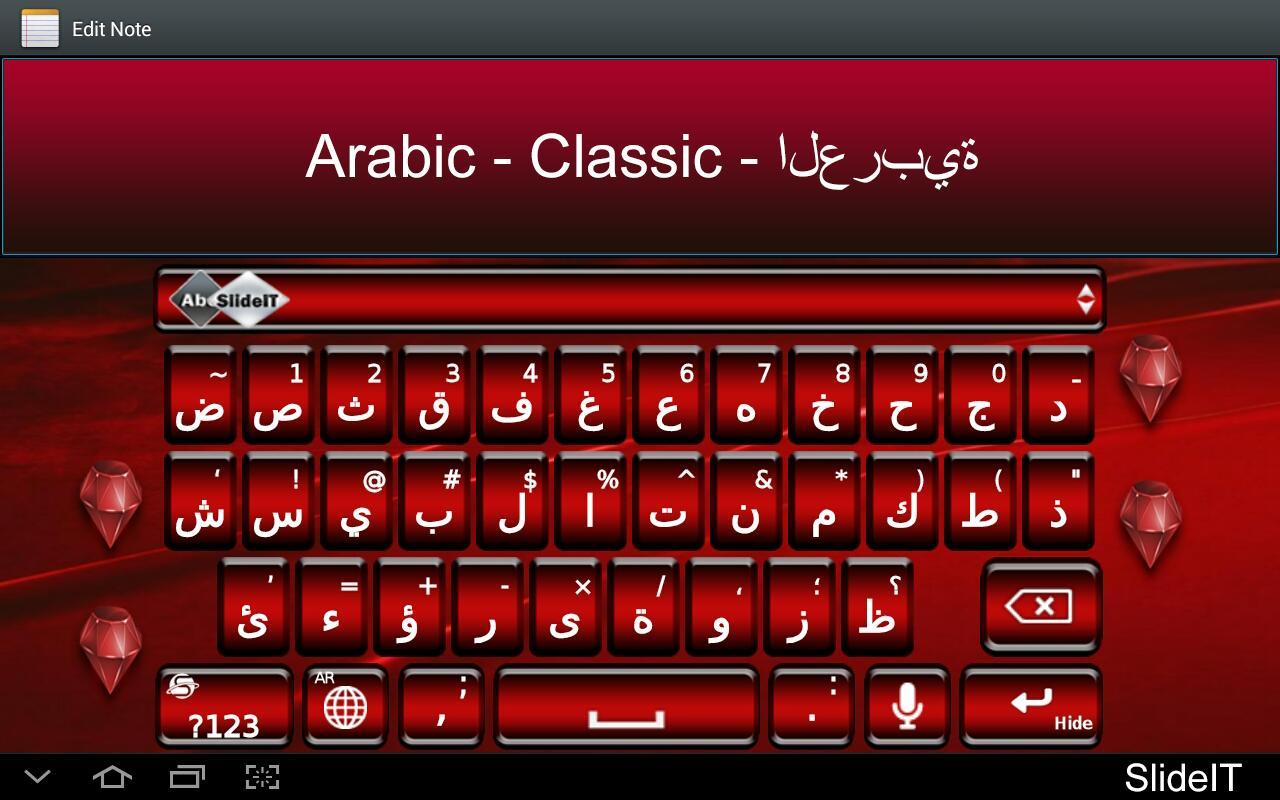
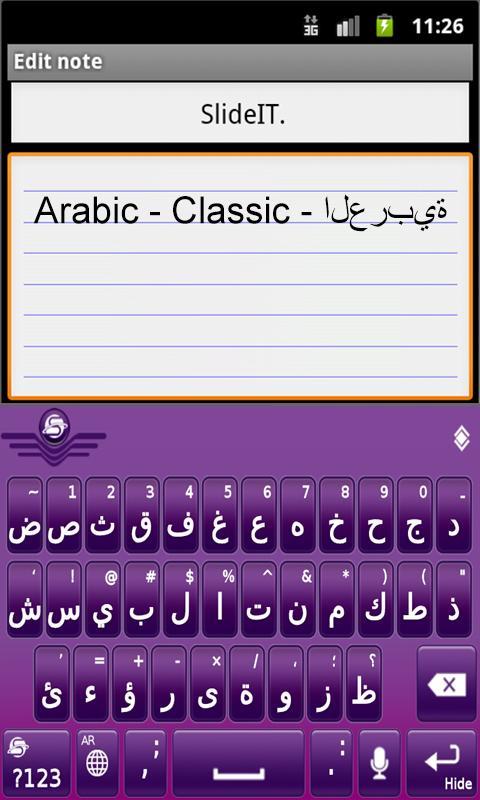
Arabic Language Pack Plugin for the SlideIT Keyboard v5.0 and up.
After installing, go to SlideIT settings and set it as one of your SlideIT languages.
= Arabic fonts embedded.=
= Letter joining =
(Need Arabic fonts in the ROM to support all text editors)
This is only an addon. In order to use this language pack, you must install the SlideIT keyboard.
العربية برنامج مجموعة اللغة، بالنسبة للوحة المفاتيح SlideIT، الإصدار 5
بعد التثبيت، اذهب إلى إعدادات لوحة المفاتيح SlideIT وحددها كلغتك الأساسية أو الثانوية.
تدعم لوحة المفاتيح SlideIT أكثر من 40 مجموعة لغوية متاحة مجاناً بالإضافة إلى نسق لوحة مفاتيح للتحميل. وسواء كنت تكتب بالأيسلندية أو الصربية أو الكاتالانية أو العربية فليس أمامك سوى اختيار SlideIT!
Preview
Information
Developer
Dasur Ltd.
Latest Version
3.0
Last Updated
2012-11-04
Category
Tools
Available on
Google Play
Show More
How to play SlideIT Arabic Classic Pack with GameLoop on PC
1. Download GameLoop from the official website, then run the exe file to install GameLoop
2. Open GameLoop and search for “SlideIT Arabic Classic Pack” , find SlideIT Arabic Classic Pack in the search results and click “Install”
3. Enjoy playing SlideIT Arabic Classic Pack on GameLoop
Minimum requirements
OS
Windows 8.1 64-bit or Windows 10 64-bit
GPU
GTX 1050
CPU
i3-8300
Memory
8GB RAM
Storage
1GB available space
Recommended requirements
OS
Windows 8.1 64-bit or Windows 10 64-bit
GPU
GTX 1050
CPU
i3-9320
Memory
16GB RAM
Storage
1GB available space