
SQUIRREL VPN PC
Sixty Nine Devs
Download SQUIRREL VPN on PC With GameLoop Emulator
SQUIRREL VPN on PC
SQUIRREL VPN, coming from the developer Sixty Nine Devs, is running on Android systerm in the past.
Now, You can play SQUIRREL VPN on PC with GameLoop smoothly.
Download it in the GameLoop library or search results. No more eyeing the battery or frustrating calls at the wrong time any more.
Just enjoy SQUIRREL VPN PC on the large screen for free!
SQUIRREL VPN Introduction
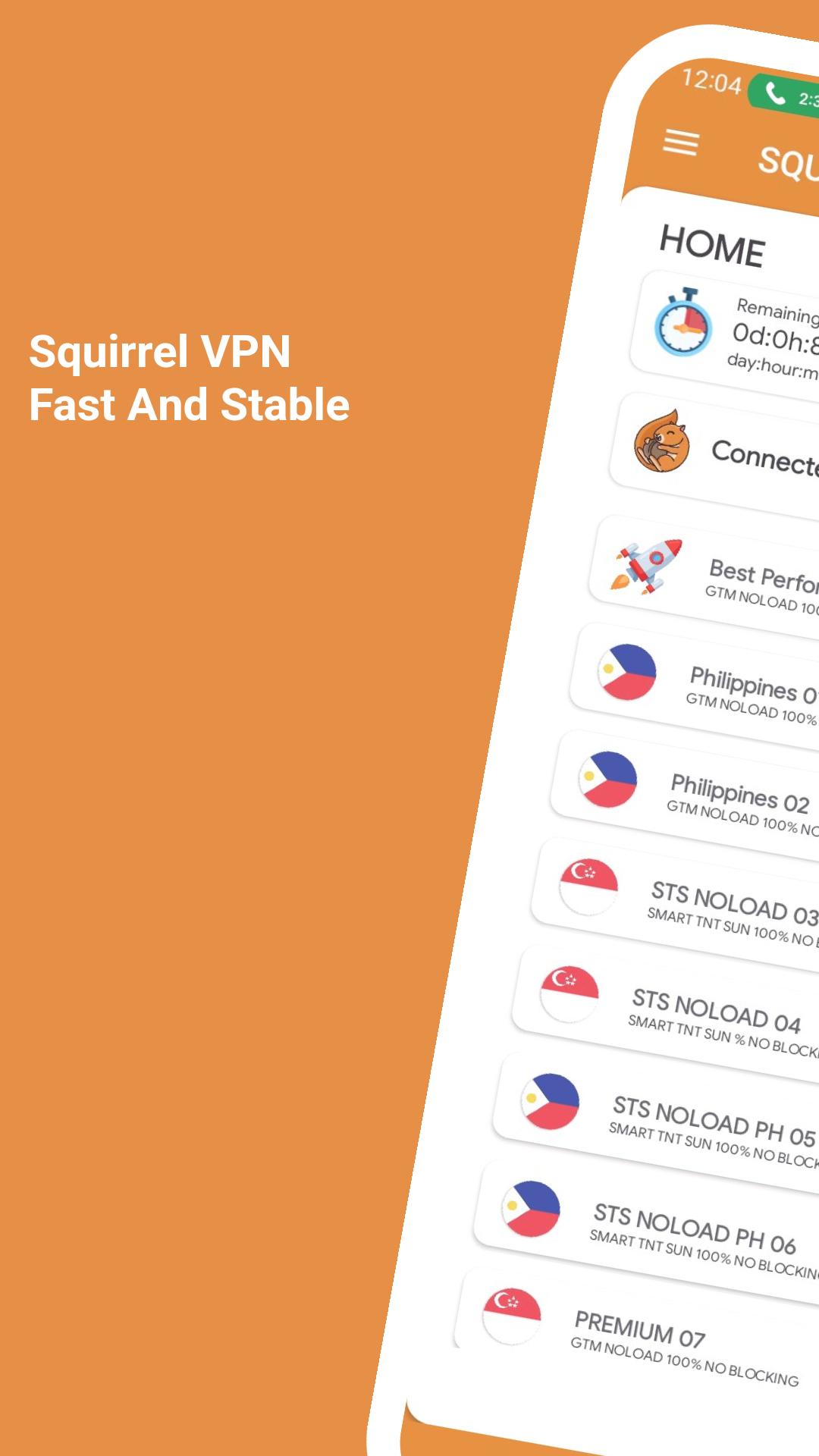
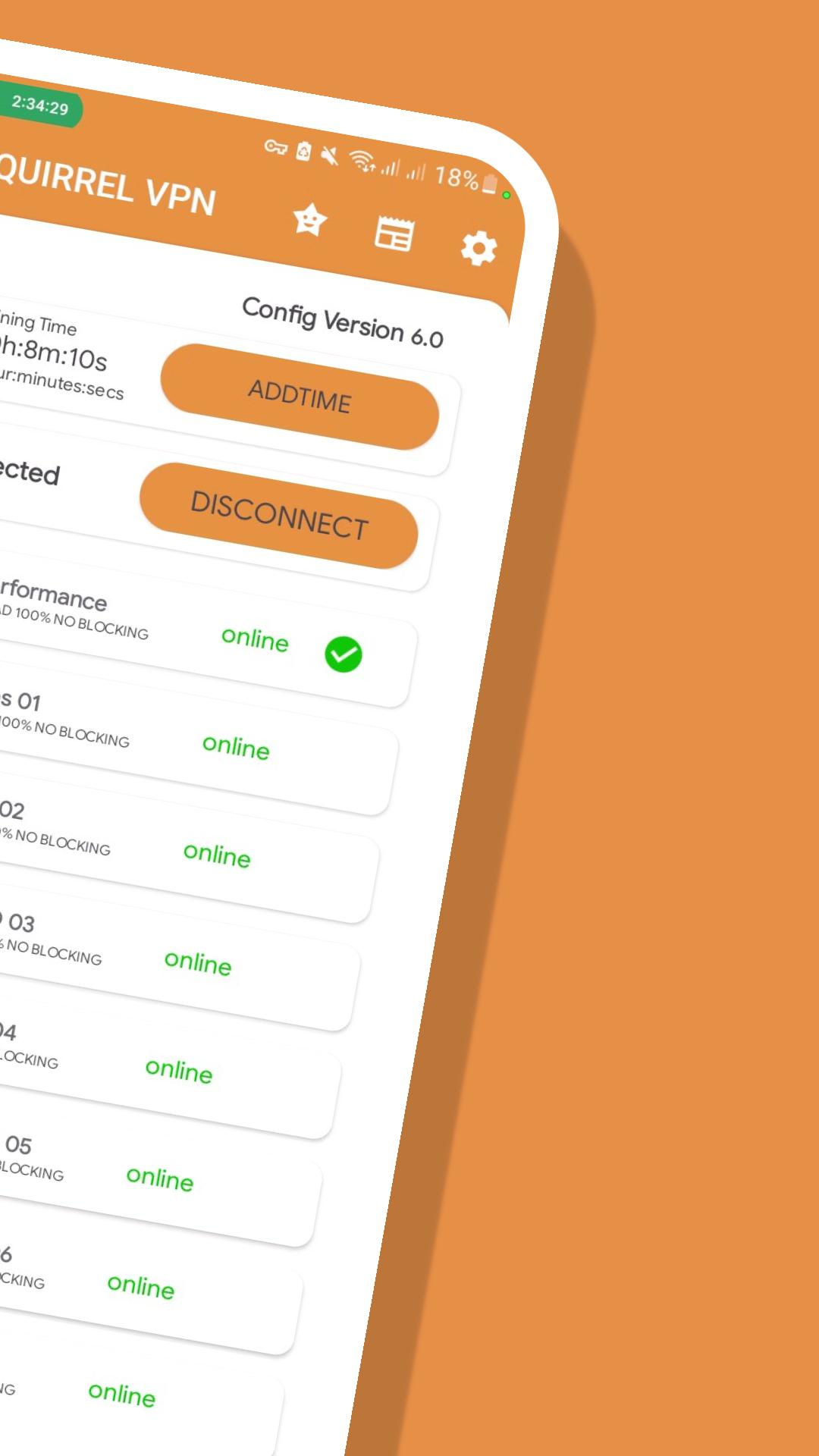
SQUIRREL VPN Is a simple VPN client that working through SSH protocol.
Premium vpn in the Philippines that you can use for free.
SQUIRREL VPN is one of the top free vpn in the Philippines that offers stable connection, highspeed servers, bypass filters, and with different tunneling protocols.
No Account Needed
Download SQUIRREL VPN (REBORN) and experience its features for free without creating login account.
Unbeatable Speed and Reliability
You can connect with different servers located in different countries and safely access contents with highspeed.
24/7 Customer Support
We are here for you to to help you with your questions, queries and issues through our email and social media sites.
Easy to Use
SQUIRREL VPN is a user friendly vpn that you can use easily. Just click any server and connection you want then click on Connect button.
Features:
Advance Protocol selection
Autoreconnects once disconnected
Fast servers
Supports different vpn protocols (ssh, ssl, websocket Slowdns)
Free Internet Access
Bypass any network restrictions
Free to Use
No Account Needed
No Speed and Bandwith Limit
No Expiration
Preview
Tags
ToolsInformation
Developer
Sixty Nine Devs
Latest Version
29.0.0
Last Updated
2023-10-16
Category
Tools
Available on
Google Play
Show More
How to play SQUIRREL VPN with GameLoop on PC
1. Download GameLoop from the official website, then run the exe file to install GameLoop
2. Open GameLoop and search for “SQUIRREL VPN” , find SQUIRREL VPN in the search results and click “Install”
3. Enjoy playing SQUIRREL VPN on GameLoop
Minimum requirements
OS
Windows 8.1 64-bit or Windows 10 64-bit
GPU
GTX 1050
CPU
i3-8300
Memory
8GB RAM
Storage
1GB available space
Recommended requirements
OS
Windows 8.1 64-bit or Windows 10 64-bit
GPU
GTX 1050
CPU
i3-9320
Memory
16GB RAM
Storage
1GB available space