
SIHI® BT-Remote PC
Flowserve SIHI
Download SIHI® BT-Remote on PC With GameLoop Emulator
SIHI® BT-Remote on PC
SIHI® BT-Remote, coming from the developer Flowserve SIHI, is running on Android systerm in the past.
Now, You can play SIHI® BT-Remote on PC with GameLoop smoothly.
Download it in the GameLoop library or search results. No more eyeing the battery or frustrating calls at the wrong time any more.
Just enjoy SIHI® BT-Remote PC on the large screen for free!
SIHI® BT-Remote Introduction
For an efficient local operation of the vacuum system, the operator can create a data connection between the vacuum system and tablet¬ PC or smartphone by using the application software SIHI® BT-Remote app. SIHI® Dry and SIHI® Boost vacuum systems with wireless connections are equipped with built-in Bluetooth® communication interfaces.
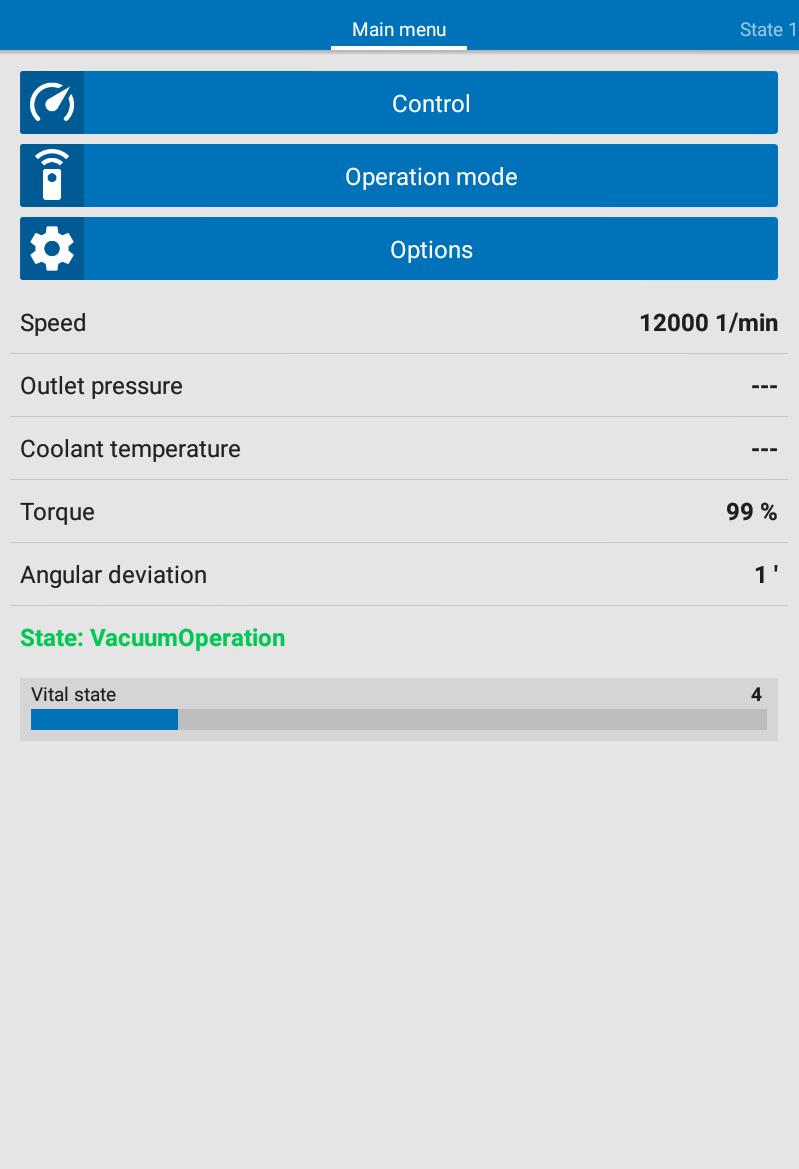
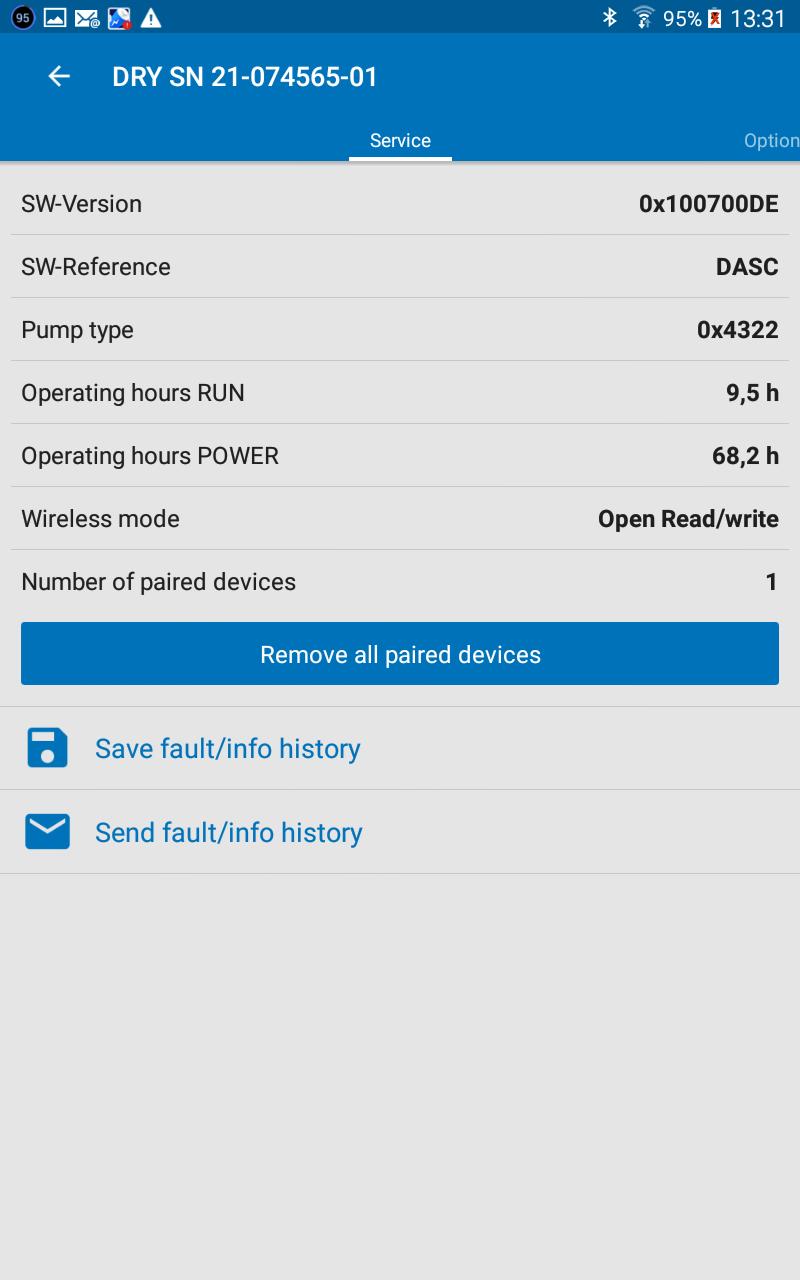
The SIHI® BT-Remote app allows the operation as well as the condition visualization of the vacuum system. This allows a comfortable operation, scheduling service intervals plus efficient error analysis of the vacuum system.
Main features:
Control of:
+ Start
+ Vacuum mode
+ Change of speed
+ Shutdown
+ Stop
Visualization:
+ Ready to start
+ Valve positions
+ Temperatures
+ Pressures
+ Speeds
+ Standby
+ Vital status inclusive error status
Note:
Precondition for Bluetooth® communication is a dry running SIHI vacuum system with Control FX Bluetooth® interface and its activation on the hardware of the vacuum system
If you need support from Flowserve SIHI service, go to Flowserve.com for contact Information
Compatibility:
Android-Version 4.00 or greater
Preview
Tags
ToolsInformation
Developer
Flowserve SIHI
Latest Version
R19-166
Last Updated
2024-09-24
Category
Tools
Available on
Google Play
Show More
How to play SIHI® BT-Remote with GameLoop on PC
1. Download GameLoop from the official website, then run the exe file to install GameLoop
2. Open GameLoop and search for “SIHI® BT-Remote” , find SIHI® BT-Remote in the search results and click “Install”
3. Enjoy playing SIHI® BT-Remote on GameLoop
Minimum requirements
OS
Windows 8.1 64-bit or Windows 10 64-bit
GPU
GTX 1050
CPU
i3-8300
Memory
8GB RAM
Storage
1GB available space
Recommended requirements
OS
Windows 8.1 64-bit or Windows 10 64-bit
GPU
GTX 1050
CPU
i3-9320
Memory
16GB RAM
Storage
1GB available space