
Links-Shortcut Manager PC
Any Studio
Download Links-Shortcut Manager on PC With GameLoop Emulator
Links-Shortcut Manager on PC
Links-Shortcut Manager, coming from the developer Any Studio, is running on Android systerm in the past.
Now, You can play Links-Shortcut Manager on PC with GameLoop smoothly.
Download it in the GameLoop library or search results. No more eyeing the battery or frustrating calls at the wrong time any more.
Just enjoy Links-Shortcut Manager PC on the large screen for free!
Links-Shortcut Manager Introduction
Unleash the Power of Shortcut on Your Android!
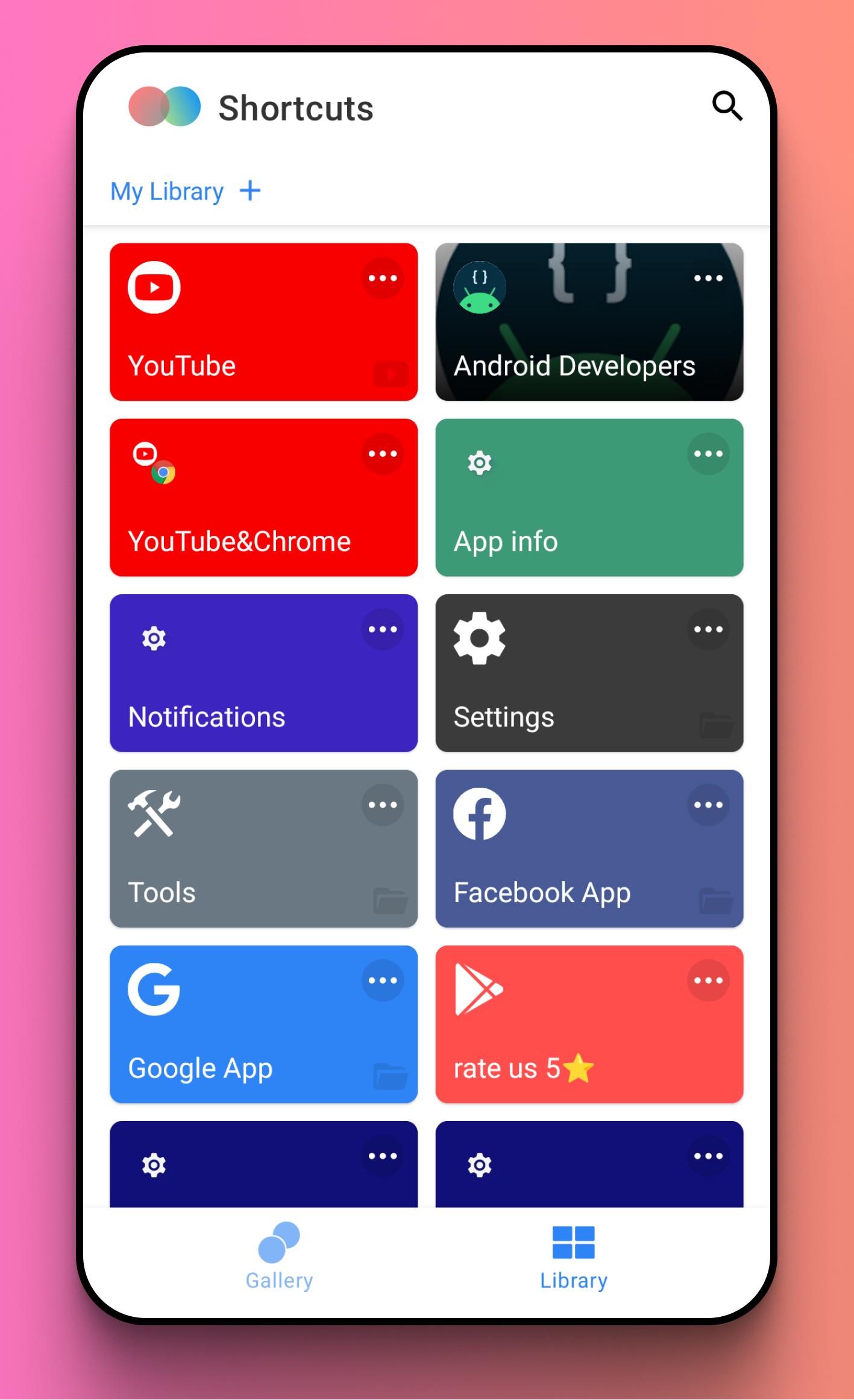
Tired of endless tapping and navigating through menus? Shortcut puts everything you need right at your fingertips. Create custom shortcuts for apps, files, Links within apps, and even specific system settings, directly on your homescreen. Streamline your mobile experience and boost your productivity with powerful, personalized shortcuts.
Take Control of Your Apps & Files:
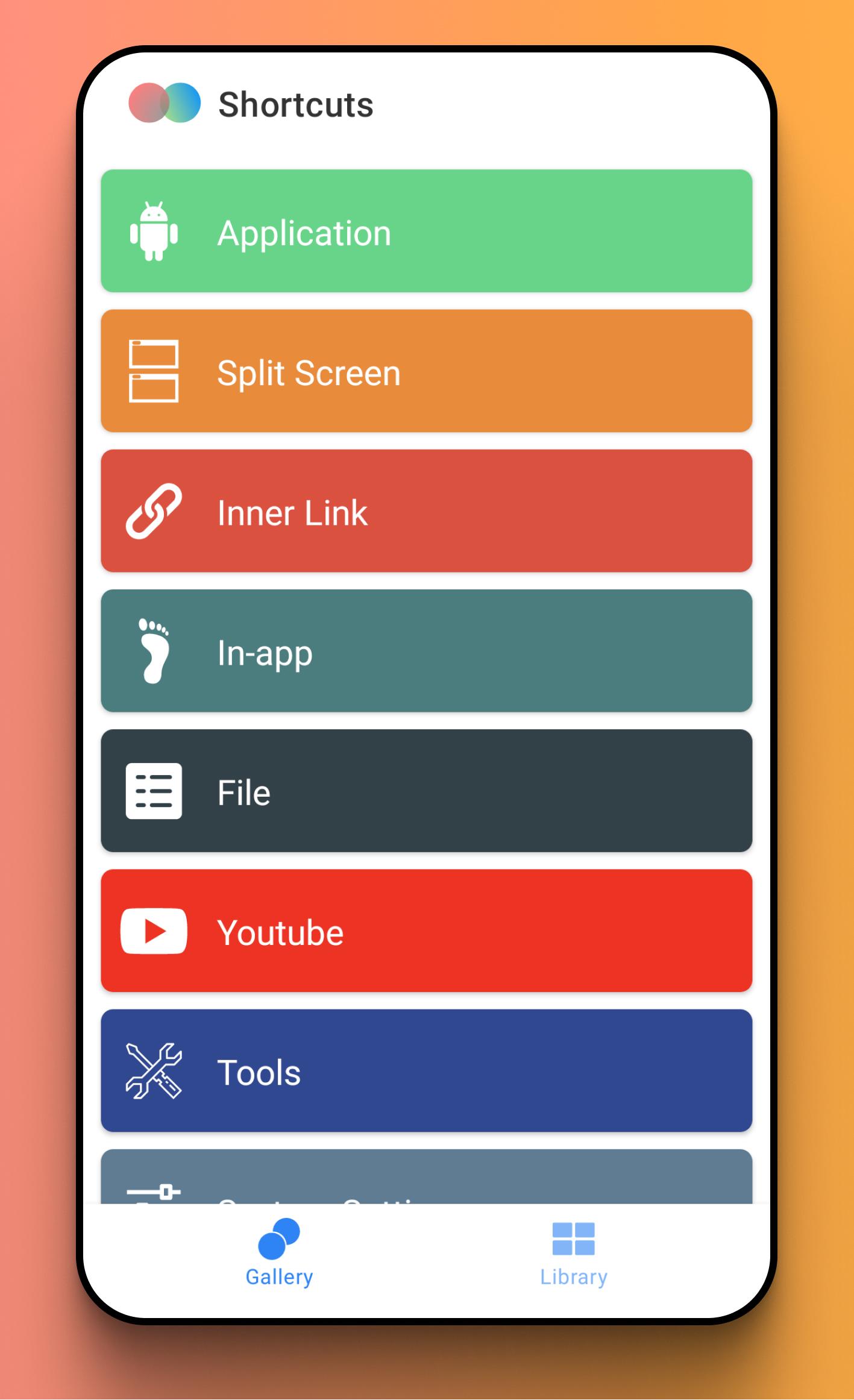
* App Shortcuts: Launch your favorite apps instantly.
* Split Screen Master: Launch two apps simultaneously in split-screen mode with a single tap. Perfect for multitasking!
* File Access: Quickly access your photos, videos, documents, and audio files.
* Links: Dive directly into specific pages within your apps, saving you time and clicks.
* In-app shortcuts: Access key features faster.
Supercharge Your Workflow with Powerful Tools:
Access essential tools directly from your homescreen: Search, Downloads, Stopwatch, Alarm, Call, Storage Cleaner, Voice Recorder, Battery Usage, and Ringtone settings.
Customize Your System Settings Access:
Configure shortcuts for frequently accessed system settings like Wi-Fi, Bluetooth, Display, Sound, Location, and dozens more. No more digging through the settings menu!
Unlock Quick Access to Your Favorite Social Media:
Jump directly to key features within Instagram, Twitter, Facebook, and YouTube. Create shortcuts for posting, messaging, exploring, and more.
Personalize Your Shortcuts with Custom Icons:
Choose from tens of thousands of built-in icons and styles, or use the universal icon editor to create your perfect look.
Preview
Tags
ToolsInformation
Developer
Any Studio
Latest Version
1.8.5
Last Updated
2024-10-13
Category
Tools
Available on
Google Play
Show More
How to play Links-Shortcut Manager with GameLoop on PC
1. Download GameLoop from the official website, then run the exe file to install GameLoop
2. Open GameLoop and search for “Links-Shortcut Manager” , find Links-Shortcut Manager in the search results and click “Install”
3. Enjoy playing Links-Shortcut Manager on GameLoop
Minimum requirements
OS
Windows 8.1 64-bit or Windows 10 64-bit
GPU
GTX 1050
CPU
i3-8300
Memory
8GB RAM
Storage
1GB available space
Recommended requirements
OS
Windows 8.1 64-bit or Windows 10 64-bit
GPU
GTX 1050
CPU
i3-9320
Memory
16GB RAM
Storage
1GB available space