
SENSI MAX FF PC
J&J Developer
Download SENSI MAX FF on PC With GameLoop Emulator
SENSI MAX FF on PC
SENSI MAX FF, coming from the developer J&J Developer, is running on Android systerm in the past.
Now, You can play SENSI MAX FF on PC with GameLoop smoothly.
Download it in the GameLoop library or search results. No more eyeing the battery or frustrating calls at the wrong time any more.
Just enjoy SENSI MAX FF PC on the large screen for free!
SENSI MAX FF Introduction
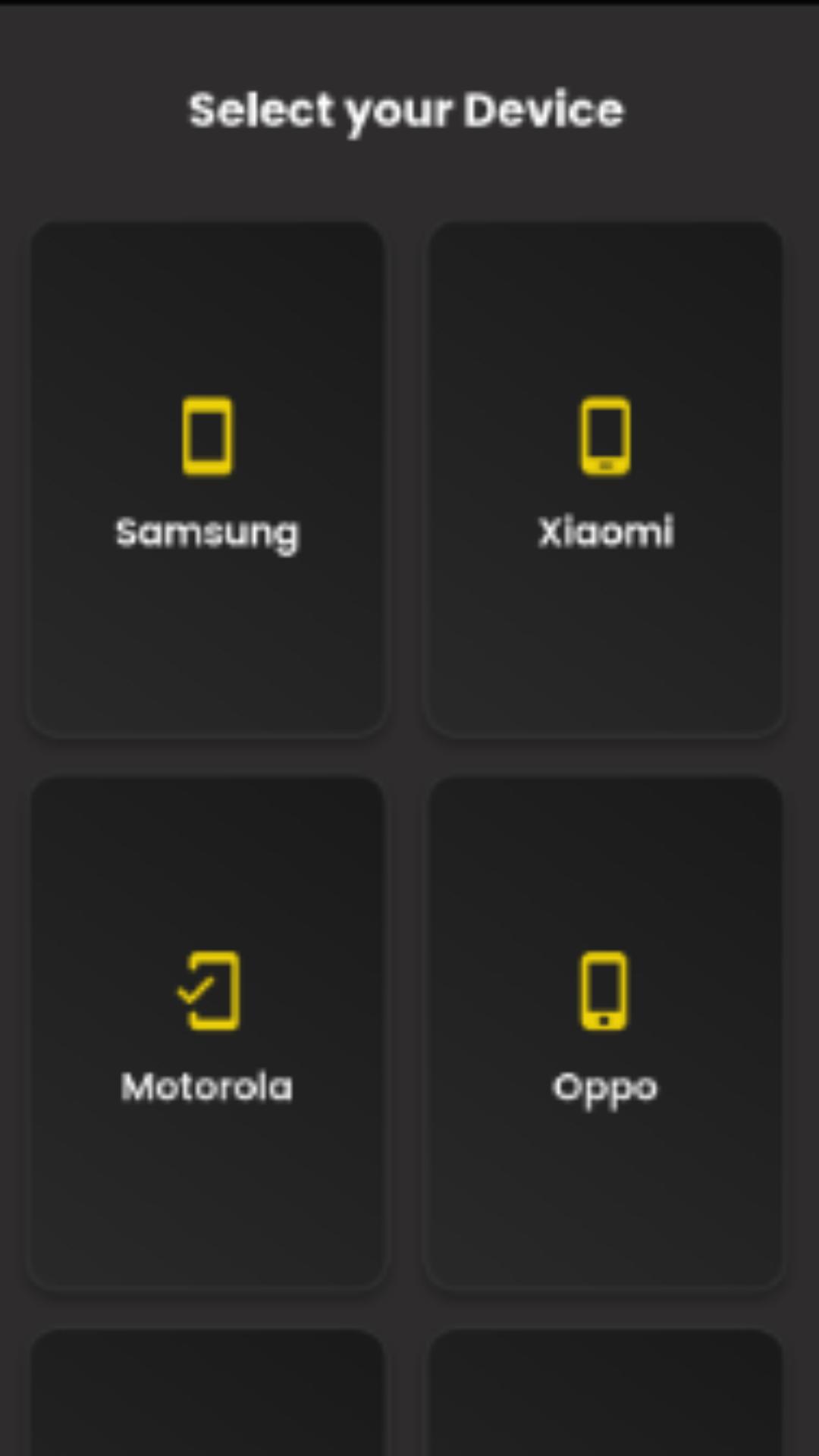
SENSI MAX was developed to help players find recommended sensitivity tips quickly and easily.
Simply select your device brand and you'll see a suggested setting. Using it is completely optional—you can choose whether to apply it or not, depending on your preference and play style.
Main Features:
Sensitivity suggestions for various phone brands
Simple and easy-to-use interface
Use is 100% optional
Based on settings widely used by gaming communities
Please note:
This application does not offer illegal competitive advantages, does not modify game files, and does not guarantee specific performance. The tips are merely suggestions, so you can adjust your gaming experience as you see fit.
We have no affiliation with the game company; we are a team of independent developers dedicated to improving the game.
J&J Studio - Copyright 2025
Preview

Tags
ToolsInformation
Developer
J&J Developer
Latest Version
5.0.0
Last Updated
2025-08-09
Category
Tools
Available on
Google Play
Show More
How to play SENSI MAX FF with GameLoop on PC
1. Download GameLoop from the official website, then run the exe file to install GameLoop
2. Open GameLoop and search for “SENSI MAX FF” , find SENSI MAX FF in the search results and click “Install”
3. Enjoy playing SENSI MAX FF on GameLoop
Minimum requirements
OS
Windows 8.1 64-bit or Windows 10 64-bit
GPU
GTX 1050
CPU
i3-8300
Memory
8GB RAM
Storage
1GB available space
Recommended requirements
OS
Windows 8.1 64-bit or Windows 10 64-bit
GPU
GTX 1050
CPU
i3-9320
Memory
16GB RAM
Storage
1GB available space