
X Send File Share and Transfer PC
Apps ka world
Download X Send File Share and Transfer on PC With GameLoop Emulator
X Send File Share and Transfer on PC
X Send File Share and Transfer, coming from the developer Apps ka world, is running on Android systerm in the past.
Now, You can play X Send File Share and Transfer on PC with GameLoop smoothly.
Download it in the GameLoop library or search results. No more eyeing the battery or frustrating calls at the wrong time any more.
Just enjoy X Send File Share and Transfer PC on the large screen for free!
X Send File Share and Transfer Introduction
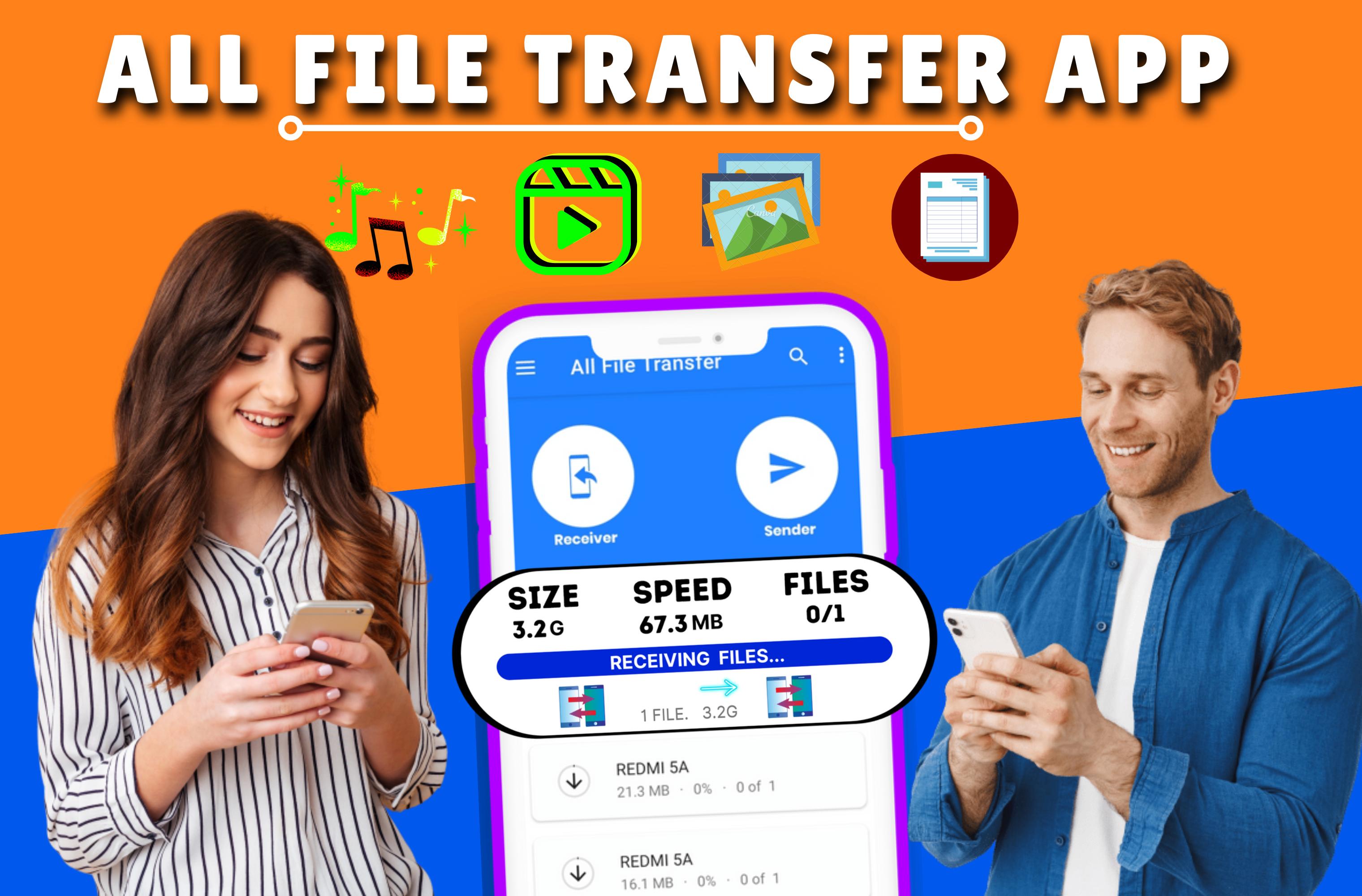
This Pro Level Xender Share Application, is the most Trusted and Fastest Sharing Application that Supports almost all of the File 📁Formats. Send and Receive anything you want, from Documents,🗎 Photos, to Videos, in an Instant with a few taps.
Xender File Transfer Sharing App Connects two or more smartphones 📲to share photos, applications, and other media. With the Xender transfer app, it is not taking too much time. The moment you click on send, it will be reached to your friend within seconds. To make sure, download and install the xender file transfer app on your device. All you need is the Personal Hotspot feature and you’re good to go.
This Xender: Any File Transfer & Share App is the Quick & Easiest way to Share Music, Share Videos, Share Photos, Share Mobile Apps, or any File Share in a Minute without Internet.
This Easy File Transfer App Sharing your Favorite Music, Videos, Photos, and Mobile Apps in a Quickly & Easy manner with 300 Times Faster than Bluetooth without the Internet
This is the Best Alternative of Xender & Shareit App and fully Made In India Application.
The Top Features of Xender File Transfer and Share App are as Follows:
✔ Transfer xender data wirelessly between different devices via WiFi direct.
✔ Share xender movies,🎞️music and other media files.
✔ Through xender share and transfer files without losing quality.
✔ Play ⏯️all xender music and videos as soon as you receive.
✔ Convert xender video to audio.
✔ View, move and also delete files with xender file manager.
✔ Resume and Pause your downloading files
✔ Share Large or Small File Instantly
✔ Share any File Without Internet
✔ Top Alternative of Shareit & Xender
✔ Very Easy & Quick to Share & Receive files
✔ Works on Every device.
✔ File Transfer Speed up to 50Mb/s
✔ Easy Connectivity through QR Code.
✔ Send Anywhere and Anytime
With this Xender All File Transfer App, you can instantly send and receive files ( Secure file transfer) irrespective of the File Size like Big Movies, and Videos with 500 times Faster Speed than Bluetooth transfer without WiFi Connectivity and any interruption and loss in file transfer speed.
So What Else do you want? Just choose the files you want to share and send with your Friends, Family and the World.
Xender: All File Transfer App asks for some permission that is necessary to use our apps functionality like location to help discover nearby users to send and receive files, Camera access to Scan QR code and Photo & Media Access to Securely Store the Shared File.
So, if you are looking for an app which makes the sharing of files a lot easier, then xender share app is the right place. Anyone can easily manage and use the application to make the file transfer successful. Install this app on your device and enjoy sharing big files without waiting too long
Disclaimer:-
All trademarks and copyrights are owned by their respective owners.
This is not an official Application. This app is not related to the creator of the application. This app doesn't affiliate with xender whatsoever. This is not an official of xender original apps. We made this App only as a helping app, learning purpose only for those who want to know how to use and how to transfer files.
If there is any trademark or copyright violation that does not follow within the Fair Use, please contact us and we will immediately take action on it.
Preview

Tags
ToolsInformation
Developer
Apps ka world
Latest Version
1.2
Last Updated
2022-09-18
Category
Tools
Available on
Google Play
Show More
How to play X Send File Share and Transfer with GameLoop on PC
1. Download GameLoop from the official website, then run the exe file to install GameLoop
2. Open GameLoop and search for “X Send File Share and Transfer” , find X Send File Share and Transfer in the search results and click “Install”
3. Enjoy playing X Send File Share and Transfer on GameLoop
Minimum requirements
OS
Windows 8.1 64-bit or Windows 10 64-bit
GPU
GTX 1050
CPU
i3-8300
Memory
8GB RAM
Storage
1GB available space
Recommended requirements
OS
Windows 8.1 64-bit or Windows 10 64-bit
GPU
GTX 1050
CPU
i3-9320
Memory
16GB RAM
Storage
1GB available space