Screen Mirroring Pro PC
ImsaTools
Download Screen Mirroring Pro on PC With GameLoop Emulator
Screen Mirroring Pro on PC
Screen Mirroring Pro, coming from the developer ImsaTools, is running on Android systerm in the past.
Now, You can play Screen Mirroring Pro on PC with GameLoop smoothly.
Download it in the GameLoop library or search results. No more eyeing the battery or frustrating calls at the wrong time any more.
Just enjoy Screen Mirroring Pro PC on the large screen for free!
Screen Mirroring Pro Introduction
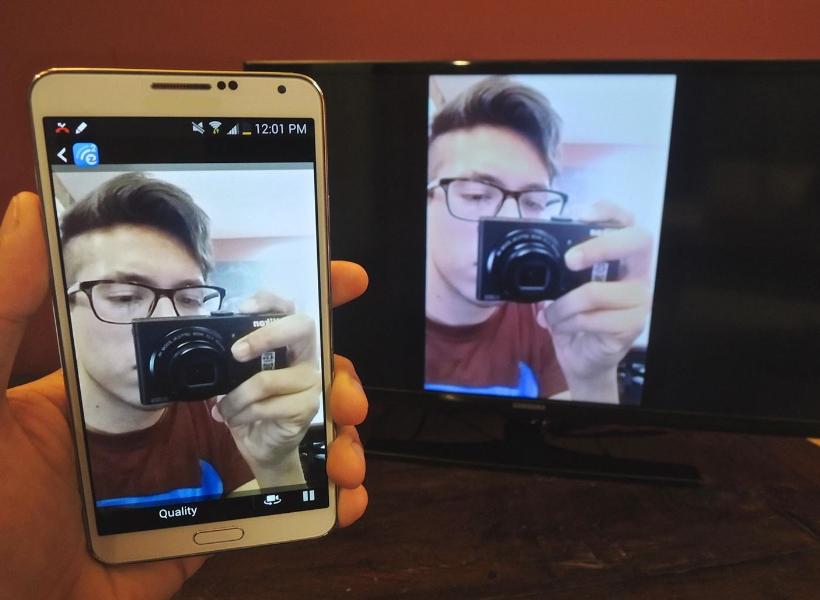
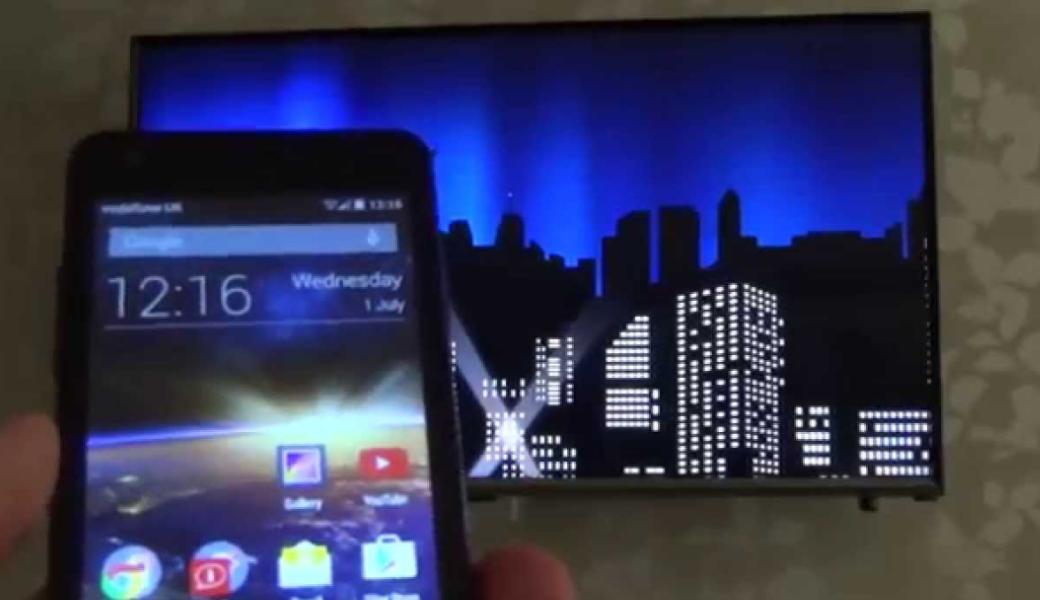
Screen Mirroring App will assist you to scan and mirror your android phone or tab's screen on smart TV/Display (mira cast enabled ) or Wireless dongles or adapters.
Screen Mirroring Able to play videos, music, photos, etc in my smartphone with any devices (smartphone, smartTV, laptop, tablet, etc) at anywhere.
Mirror screen does not need extra dongle or cable. Click the “Start”, the Mobile hotspot will be operating automatically. and After hotspot will be operating, connect to AP from other devices.
Screen Mirroring can only play contents but send screen as is such as HDMI, MHL, Miracast and Chromecast. It has been tested and found works on most of android mobiles.
Features:
★ screen mirroring app
★ mirror screen
★ screen mirroring samsung tv
★ mirror tv
★ screen mirroring samsung smart tv
★ samsung screen mirroring
★ mirror cast
★ screen mirroring Samsung
★ cast screen android
★ samsung mirroring app
★ screen mirr
★ mirror screen android
★ screen mirroring for samsung tv
★ mirroring to tv
★ screen mirroring laptop
Please follow below steps to mirror your mobile screen to smart TV.
1) Your TV should support Wireless Display or any sort of Display Dongles.
2) The TV must be connected to wifi network same as your phone.
3) The Phone version must be android 4.2 and above.
4) Download and run Screen Mirroring App.
Preview
Information
Developer
ImsaTools
Latest Version
2.0
Last Updated
2017-02-18
Category
Tools
Available on
Google Play
Show More
How to play Screen Mirroring Pro with GameLoop on PC
1. Download GameLoop from the official website, then run the exe file to install GameLoop
2. Open GameLoop and search for “Screen Mirroring Pro” , find Screen Mirroring Pro in the search results and click “Install”
3. Enjoy playing Screen Mirroring Pro on GameLoop
Minimum requirements
OS
Windows 8.1 64-bit or Windows 10 64-bit
GPU
GTX 1050
CPU
i3-8300
Memory
8GB RAM
Storage
1GB available space
Recommended requirements
OS
Windows 8.1 64-bit or Windows 10 64-bit
GPU
GTX 1050
CPU
i3-9320
Memory
16GB RAM
Storage
1GB available space