
PDF Creator- Doc & PDF Scanner PC
BlueSoft inc.
Download PDF Creator- Doc & PDF Scanner on PC With GameLoop Emulator
PDF Creator- Doc & PDF Scanner on PC
PDF Creator- Doc & PDF Scanner, coming from the developer BlueSoft inc., is running on Android systerm in the past.
Now, You can play PDF Creator- Doc & PDF Scanner on PC with GameLoop smoothly.
Download it in the GameLoop library or search results. No more eyeing the battery or frustrating calls at the wrong time any more.
Just enjoy PDF Creator- Doc & PDF Scanner PC on the large screen for free!
PDF Creator- Doc & PDF Scanner Introduction
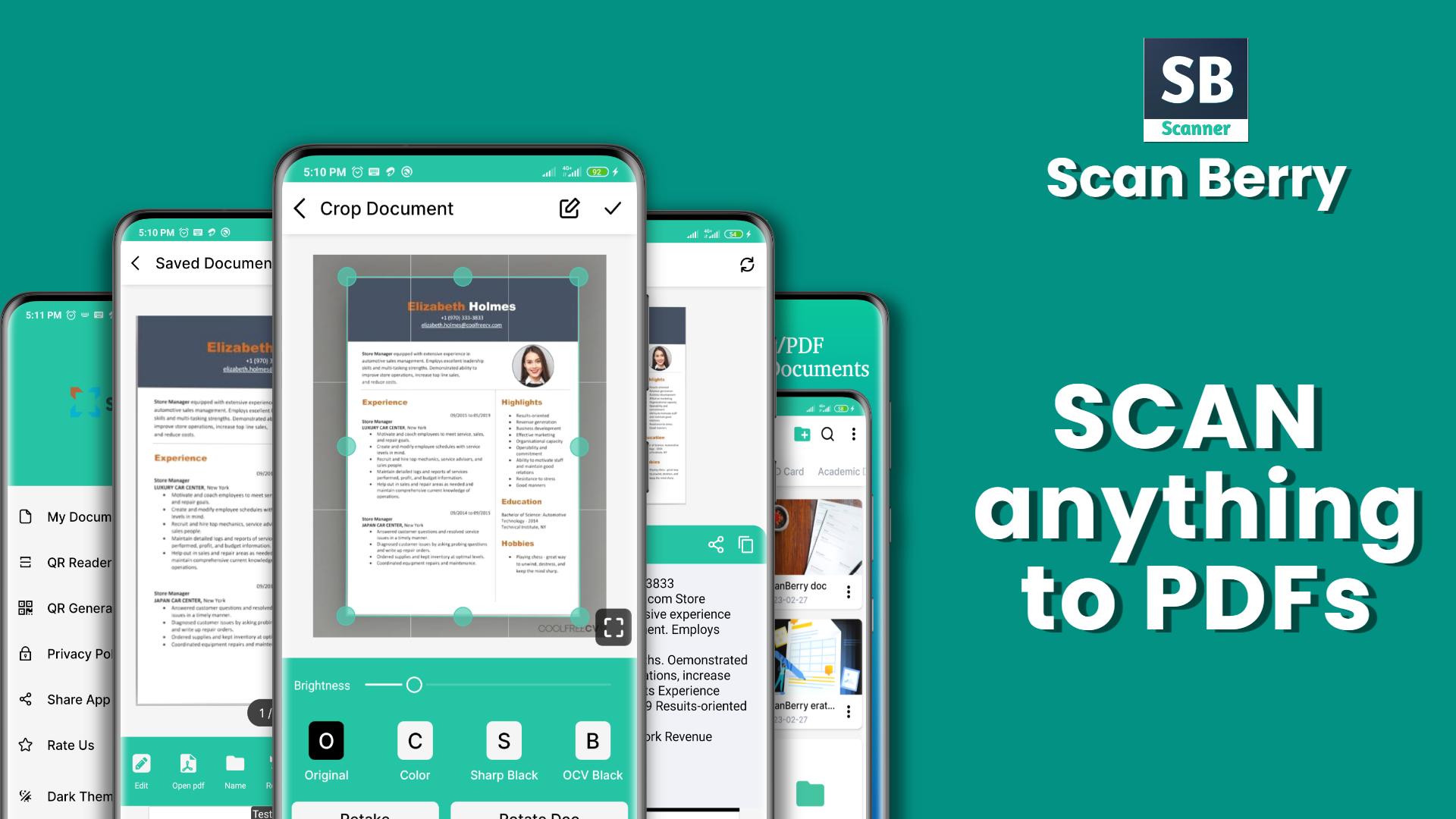
ScanBerry is a feature-rich document scanner app that is designed to help you scan, save, and share your documents on-the-go. With its advanced image processing technology, ScanBerry can quickly and accurately digitize everything from receipts and invoices to contracts and business cards.
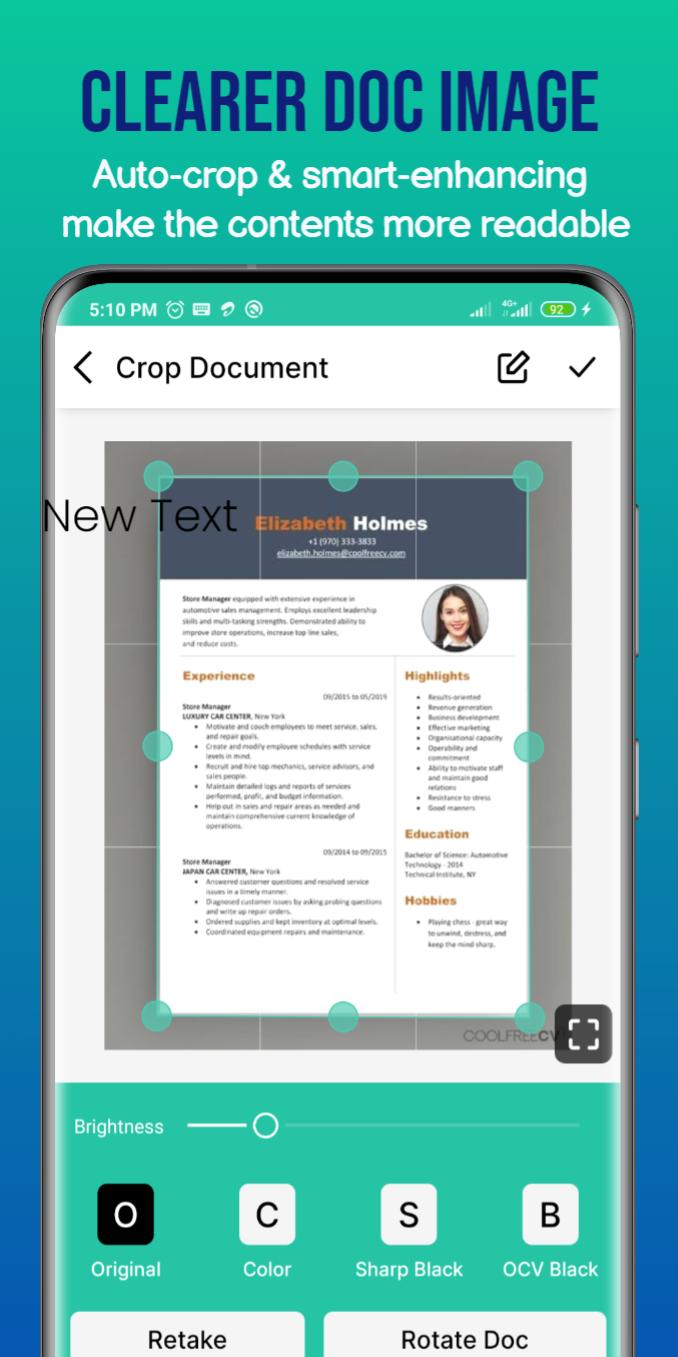
One of the key features of ScanBerry is its simplicity. The app is easy to use and requires no special skills or training. Just point your phone's camera at the document you want to scan, and the app will automatically detect the edges, crop the image, and adjust the perspective to give you a clear, crisp scan.
ScanBerry is also incredibly fast. The app can process documents in seconds, so you don't have to waste time waiting for your scans to complete. And if you need to scan multiple pages, ScanBerry supports batch scanning, so you can scan all your documents in one go.
Once you have scanned your documents, ScanBerry makes it easy to organize and manage them. You can save your scans in various file formats like PDF and JPG and organize them in folders for easy access. You can also use the app's powerful search feature to find the document you need quickly and easily.
ScanBerry also lets you share your scans with others easily. You can email your scanned documents directly from the app, save them to your phone's gallery, or upload them to cloud storage services like Google Drive and Dropbox. You can even print your scanned documents directly from the app.
But ScanBerry is not just a document scanner app. It also comes with a range of additional features that make it an essential tool for anyone who needs to manage documents on-the-go. For example, the app comes with a built-in OCR (optical character recognition) feature that can convert your scans into editable text. This is incredibly useful if you need to extract information from your scanned documents, such as names, addresses, or other important details.
ScanBerry also lets you sign your documents digitally. If you need to sign a contract, for example, you can use the app's built-in signature tool to sign the document directly on your phone. This saves you the hassle of having to print the document, sign it by hand, and then scan it back in.
Another useful feature of ScanBerry is its ability to create and manage QR codes. If you need to share a URL, contact information, or any other data, you can create a QR code using the app's built-in QR code generator. You can then share the QR code with others, and they can scan it with their phone to access the information.
ScanBerry is also designed with security in mind. All your scanned documents are stored locally on your device and can be password-protected. This means that your documents are safe and secure, and only you can access them.
In conclusion, ScanBerry is a powerful, easy-to-use, and feature-rich document scanner app that is perfect for anyone who needs to manage documents on-the-go. Whether you're a student, a freelancer, a business owner, or anyone in between, ScanBerry can help you go paperless and manage your documents more efficiently.
Preview
Tags
ToolsInformation
Developer
BlueSoft inc.
Latest Version
1.2
Last Updated
2023-02-28
Category
Tools
Available on
Google Play
Show More
How to play PDF Creator- Doc & PDF Scanner with GameLoop on PC
1. Download GameLoop from the official website, then run the exe file to install GameLoop
2. Open GameLoop and search for “PDF Creator- Doc & PDF Scanner” , find PDF Creator- Doc & PDF Scanner in the search results and click “Install”
3. Enjoy playing PDF Creator- Doc & PDF Scanner on GameLoop
Minimum requirements
OS
Windows 8.1 64-bit or Windows 10 64-bit
GPU
GTX 1050
CPU
i3-8300
Memory
8GB RAM
Storage
1GB available space
Recommended requirements
OS
Windows 8.1 64-bit or Windows 10 64-bit
GPU
GTX 1050
CPU
i3-9320
Memory
16GB RAM
Storage
1GB available space