Sanskrit Keyboard PC
Desh Keyboards
Download Sanskrit Keyboard on PC With GameLoop Emulator
Sanskrit Keyboard on PC
Sanskrit Keyboard, coming from the developer Desh Keyboards, is running on Android systerm in the past.
Now, You can play Sanskrit Keyboard on PC with GameLoop smoothly.
Download it in the GameLoop library or search results. No more eyeing the battery or frustrating calls at the wrong time any more.
Just enjoy Sanskrit Keyboard PC on the large screen for free!
Sanskrit Keyboard Introduction
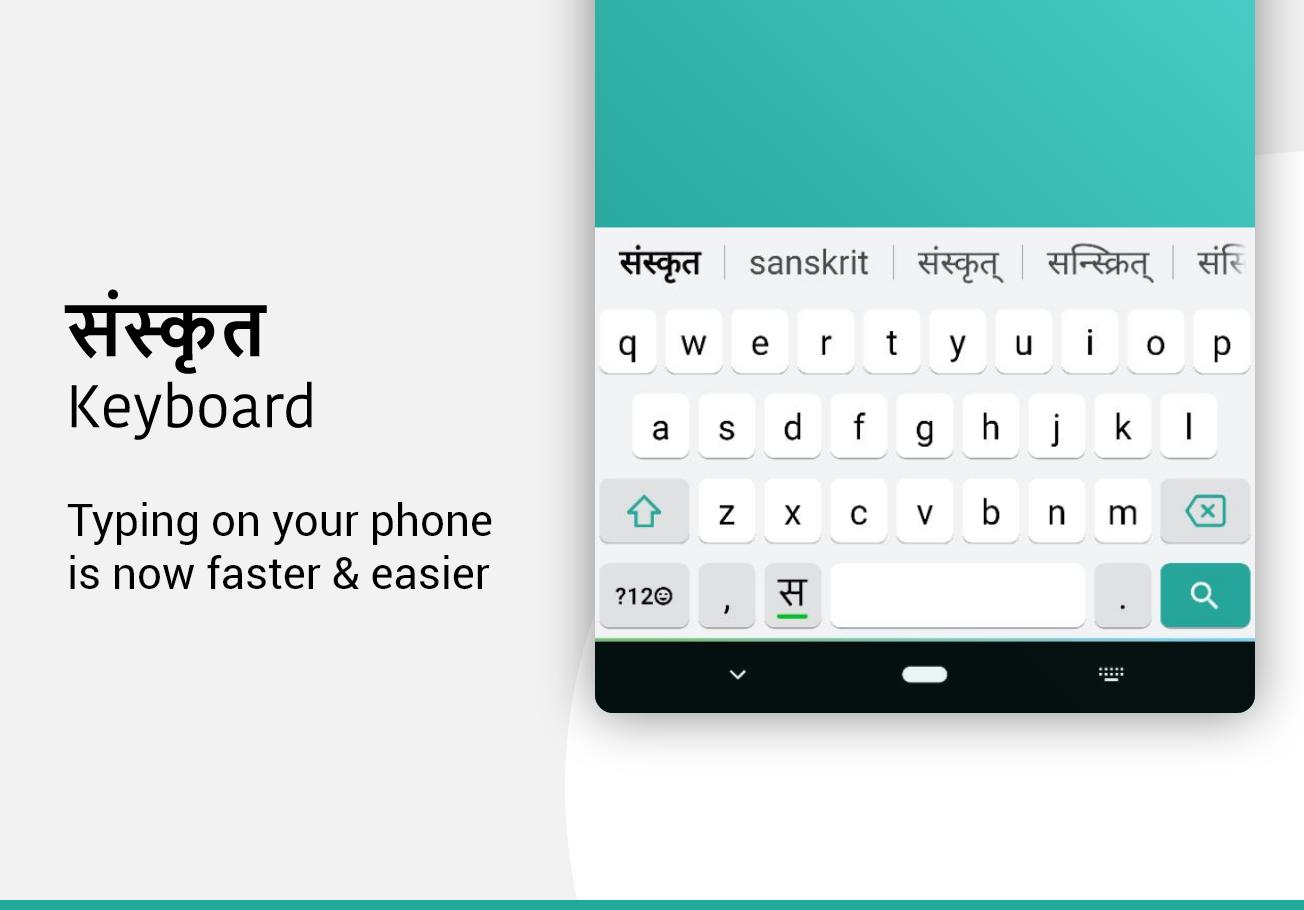
Sanskrit Keyboard lets you type in English characters which gets instantly converted to Sanskrit.
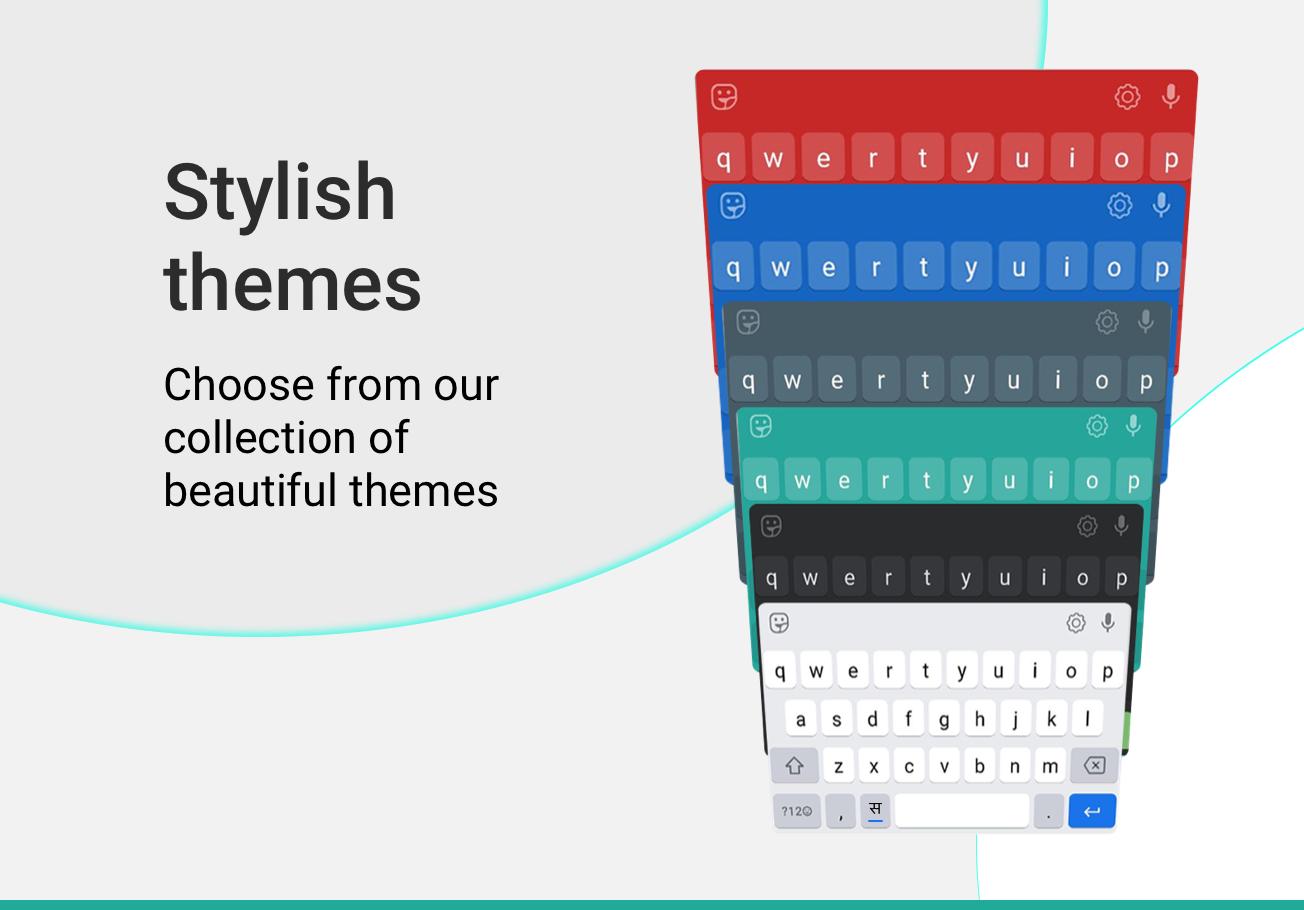
Typing with this Sanskrit keyboard is the fastest way to type - you don't need any other Sanskrit input tools. It works inside all applications on your phone - no more copy-paste! Supports 21+ colorful themes with easy settings, this is the trendiest way to type Sanskrit letters on Android, and the easiest Sanskrit typing keyboard!
Chat with your friends and family in your native language - use native Sanskrit text on any chatting or social media apps on your phone like a regular keyboard.
How to start Sanskrit typing using this Sanskrit Keyboard:
1. Open Sanskrit Keyboard from your apps after installing
2. Enable and choose Sanskrit Keyboard as your default keyboard.
3. Customize settings and choose from 21 amazing themes
4. Start typing Sanskrit language everywhere!
Start typing in English and choose Sanskrit word suggestions for what you're typing. Offline support coming soon. Works on Android phones and Android tablets. Simple to use with touch screen Sanskrit text typing from phonetic transliteration using this keyboard.
- Sanskrit keypad, Sanskrit layout and Sanskrit mobile keyboard in all your applications
- Easy swith to English or Sanskrit text as you need. Turn off Sanskrit when you don't need by using the language button.
- Emoji's are supported: hold on the 123 number button and you'll get a list of smileys. There are 3 pages from which you can choose what you need from the Sanskrit smiley keyboard..
- Color themes can be changed from the settings page. Look for Sanskrit keyboard in your apps to access this.
- Easily search and open apps installed on your phone and discover new apps relevant to you with our App Search feature.
No more typing with slow manual keyboards - this is the best Android Sanskrit Transliteration Keyboard that is free, fast, effortless and easy to use.
No personal information or credit card details are collected. We store anonymous statistics may be shared to improve your experience - share your suggestions at apps@clusterdev.com
Please leave great feedback - it helps us keep going!
Preview
Tags
ToolsInformation
Developer
Desh Keyboards
Latest Version
16.8.3
Last Updated
2025-10-13
Category
Tools
Available on
Google Play
Show More
How to play Sanskrit Keyboard with GameLoop on PC
1. Download GameLoop from the official website, then run the exe file to install GameLoop
2. Open GameLoop and search for “Sanskrit Keyboard” , find Sanskrit Keyboard in the search results and click “Install”
3. Enjoy playing Sanskrit Keyboard on GameLoop
Minimum requirements
OS
Windows 8.1 64-bit or Windows 10 64-bit
GPU
GTX 1050
CPU
i3-8300
Memory
8GB RAM
Storage
1GB available space
Recommended requirements
OS
Windows 8.1 64-bit or Windows 10 64-bit
GPU
GTX 1050
CPU
i3-9320
Memory
16GB RAM
Storage
1GB available space