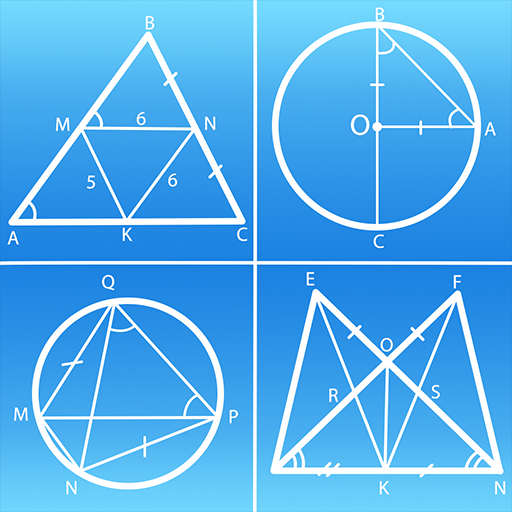
Geometry: Shape Calculator PC
ARPAPLUS
Download Geometry: Shape Calculator on PC With GameLoop Emulator
Geometry: Shape Calculator on PC
Geometry: Shape Calculator, coming from the developer ARPAPLUS, is running on Android systerm in the past.
Now, You can play Geometry: Shape Calculator on PC with GameLoop smoothly.
Download it in the GameLoop library or search results. No more eyeing the battery or frustrating calls at the wrong time any more.
Just enjoy Geometry: Shape Calculator PC on the large screen for free!
Geometry: Shape Calculator Introduction
Introducing Geometry: Shape Calculator - our incredible app that takes the hassle out of calculating plane and solid figures! Whether you need to find the area, perimeter, volume, or any other measurements, our app has got you covered. With a wide range of shapes to choose from, including triangles, squares, rectangles, parallelograms, rhombuses, trapezoids, polygons, circles, ellipses, spheres, cubes, boxes, cylinders, cones, truncated cones, prisms, pyramids, truncated pyramids, and even octahedrons, you'll never struggle with geometry again.
Measure the angles, calculate the diagonal formulas, and calculate the radius. Easily calculate the perimeters and areas of the desired shapes. The following shapes are available in the application for fast parameter calculations:
Planimetrics:
Circle (area, the length of the arc, size of the sector, length of the arc segment, area of the segment), triangle (parties, angles, area, perimeter), square (parties, diagonal, area, perimeter), rectangle, parallelogram & rhombus (diagonal, area, perimeter), trapezium, ellipse & quadrilateral (area, perimeter), polygon (angles, area), annulus (area, size of the sector)
Solid geometry:
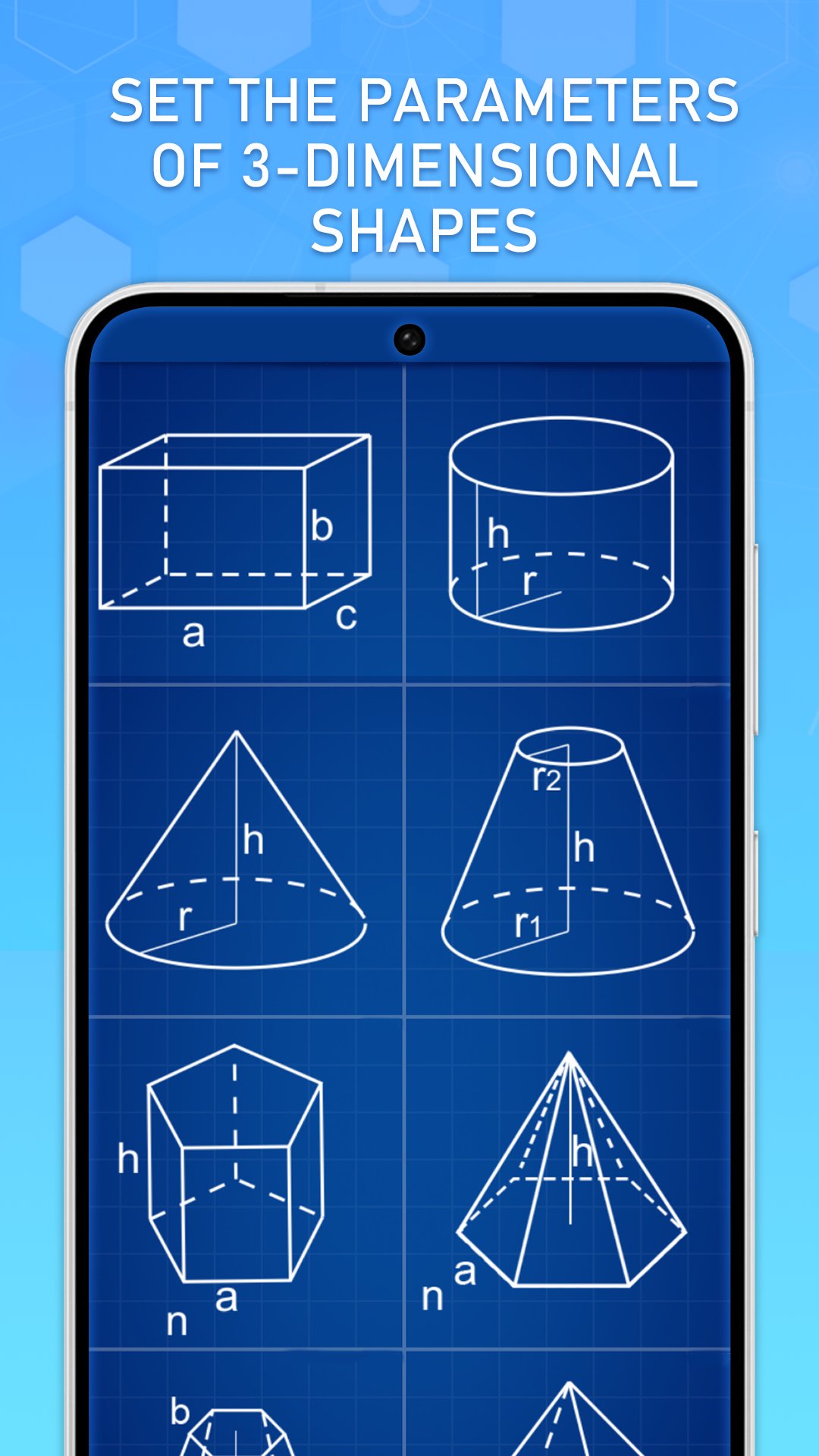
Cylinder, pyramid, cone & frustum of a cone (area, volume, area of the lateral surface), sphere, cube, prism, octahedron & parallelepiped (area, volume), frustum of a pyramid (volume)
What sets our app apart is that for each shape type, we provide not only the solution formulas but also the solutions themselves based on the input data you provide, saving you time and effort. Just input your data, and voilà! Also try the geometric shape construction simulator: change the initial data and watch how the solution and parameters of the shapes change in dynamics!
Whether you're a student studying geometry, a professional, looking for quick measurements, or simply someone who loves exploring the world of science, Geometry: Shape Calculator is your ultimate companion. No more boring textbooks or confusing online tutorials. Our app is your pocket geometrical guru, ready to make math exciting and effortless. Whether you're a student, a professional, or just a curious mind, our app will turn you into a geometry genius in no time.
Download Geometry: Shape Calculator now and unlock the power of effortless calculations for all your plane and solid figures! Discover the world of smart and fun geometry!
Preview

Tags
ToolsInformation
Developer
ARPAPLUS
Latest Version
2.8.5
Last Updated
2024-03-13
Category
Tools
Available on
Google Play
Show More
How to play Geometry: Shape Calculator with GameLoop on PC
1. Download GameLoop from the official website, then run the exe file to install GameLoop
2. Open GameLoop and search for “Geometry: Shape Calculator” , find Geometry: Shape Calculator in the search results and click “Install”
3. Enjoy playing Geometry: Shape Calculator on GameLoop
Minimum requirements
OS
Windows 8.1 64-bit or Windows 10 64-bit
GPU
GTX 1050
CPU
i3-8300
Memory
8GB RAM
Storage
1GB available space
Recommended requirements
OS
Windows 8.1 64-bit or Windows 10 64-bit
GPU
GTX 1050
CPU
i3-9320
Memory
16GB RAM
Storage
1GB available space