
Reverse Image Search Pro PC
KayelDev
Download Reverse Image Search Pro on PC With GameLoop Emulator
Reverse Image Search Pro on PC
Reverse Image Search Pro, coming from the developer KayelDev, is running on Android systerm in the past.
Now, You can play Reverse Image Search Pro on PC with GameLoop smoothly.
Download it in the GameLoop library or search results. No more eyeing the battery or frustrating calls at the wrong time any more.
Just enjoy Reverse Image Search Pro PC on the large screen for free!
Reverse Image Search Pro Introduction
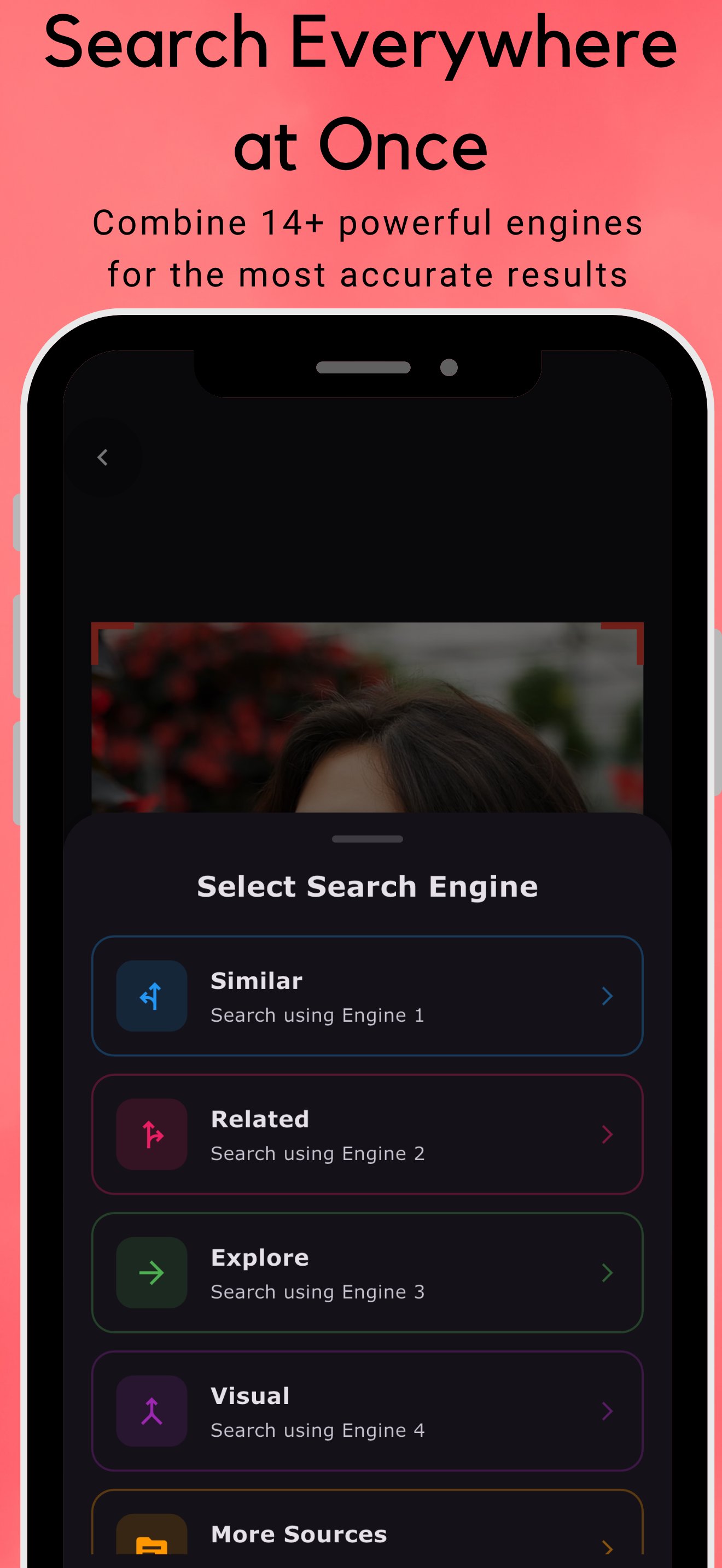
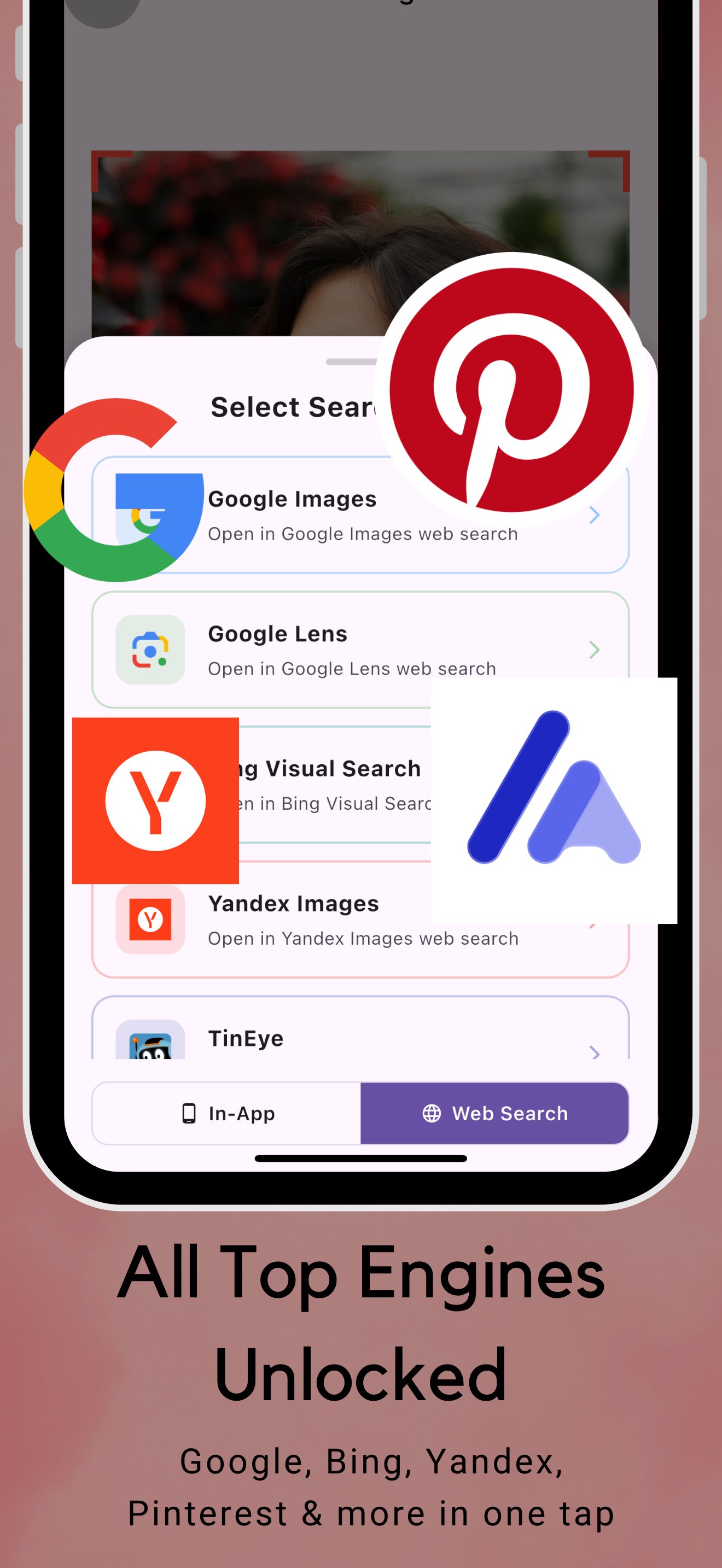
Reverse Image Search Pro combines advanced in-app search engines with 9 popular web search platforms to find the source of any image. Search by photo, camera, URL, or keywords to identify sources, find similar images, detect unauthorized use, and discover where photos were taken.
Search Methods:
5 Advanced In-App Engines (Similar, Related, Explore, Visual, More Sources)
9 Web Search Engines (Google Images, Google Lens, Bing, Yandex, TinEye, Lenso.ai, SauceNAO, IQDB, What Anime Is This?)
AI-Powered Keyword Search
More engines coming soon
Key Features:
Search from camera, photo gallery, image URL, or keywords
In-app image editor for quick touch-ups before searching
Download results as GIF, PNG, JPEG, or SVG
Full-screen viewer with zoom and swipe navigation
Find product matches across online stores
Identify places, people, and video scenes in images
Detect catfish profiles and unauthorized image use
Search history tracking
Share images to social media and contacts
High-quality image downloads
Premium Features:
Ad-free experience
Advanced similar image search
All in-app engines unlocked
Perfect for verifying image authenticity, finding inspiration, tracking unauthorized use, identifying antiques, and discovering photo locations.
Privacy Notice:
Search results depend on the search engine used. Downloaded images may be copyright-protected. Users are solely responsible for complying with intellectual property laws.
Privacy Policy: https://sites.google.com/view/kayeldev/home/privacy-policy-image-search
Preview
Tags
ToolsInformation
Developer
KayelDev
Latest Version
1.7.6
Last Updated
2025-12-07
Category
Tools
Available on
Google Play
Show More
How to play Reverse Image Search Pro with GameLoop on PC
1. Download GameLoop from the official website, then run the exe file to install GameLoop
2. Open GameLoop and search for “Reverse Image Search Pro” , find Reverse Image Search Pro in the search results and click “Install”
3. Enjoy playing Reverse Image Search Pro on GameLoop
Minimum requirements
OS
Windows 8.1 64-bit or Windows 10 64-bit
GPU
GTX 1050
CPU
i3-8300
Memory
8GB RAM
Storage
1GB available space
Recommended requirements
OS
Windows 8.1 64-bit or Windows 10 64-bit
GPU
GTX 1050
CPU
i3-9320
Memory
16GB RAM
Storage
1GB available space