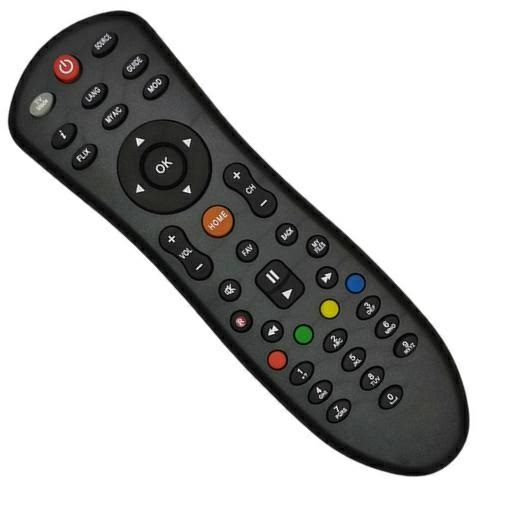
Dish TV Remote Controller PC
Remotify
Download Dish TV Remote Controller on PC With GameLoop Emulator
Dish TV Remote Controller on PC
Dish TV Remote Controller, coming from the developer Remotify, is running on Android systerm in the past.
Now, You can play Dish TV Remote Controller on PC with GameLoop smoothly.
Download it in the GameLoop library or search results. No more eyeing the battery or frustrating calls at the wrong time any more.
Just enjoy Dish TV Remote Controller PC on the large screen for free!
Dish TV Remote Controller Introduction
Dish TV Remote Controller: Your New Smart Remote!
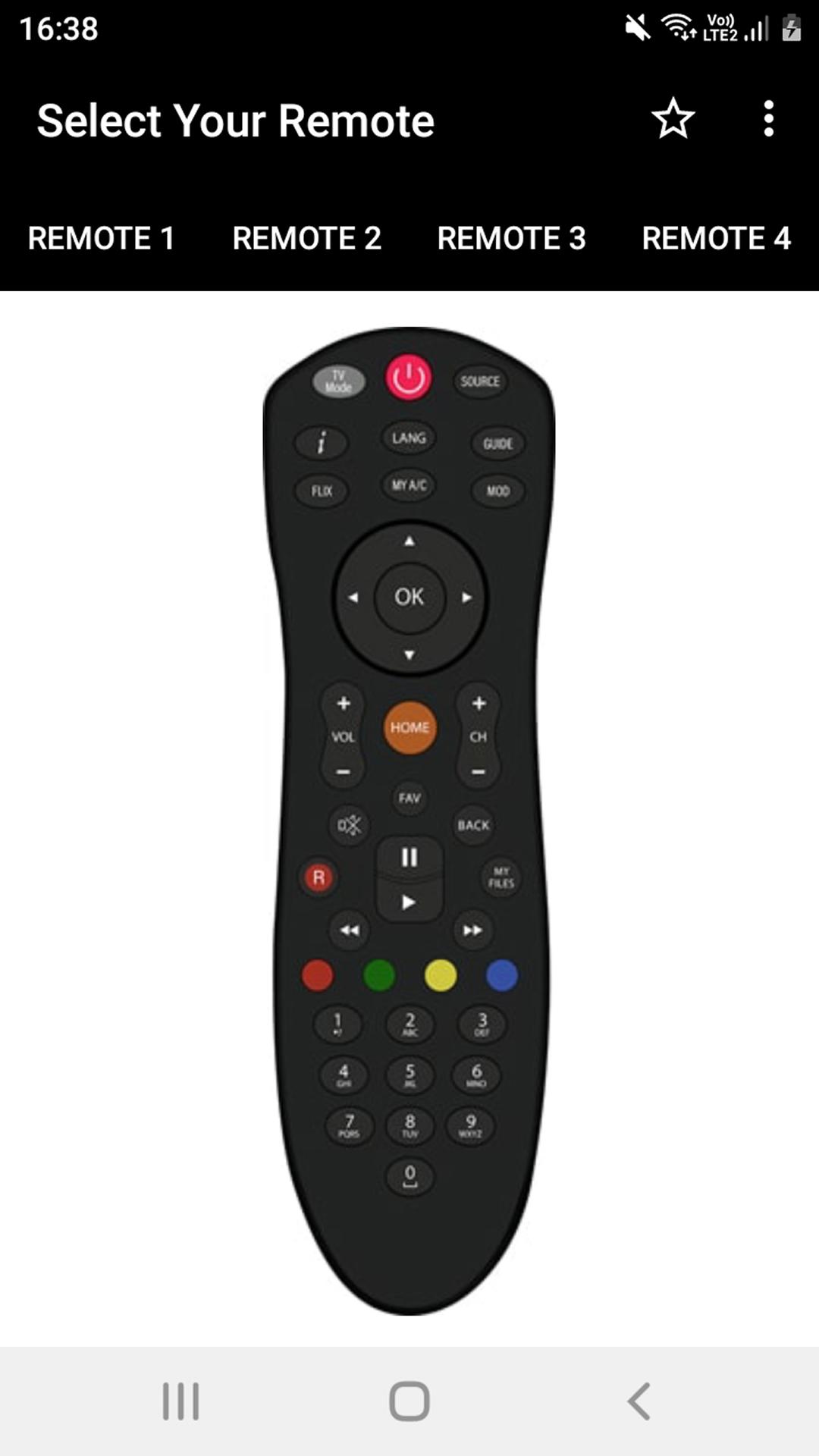
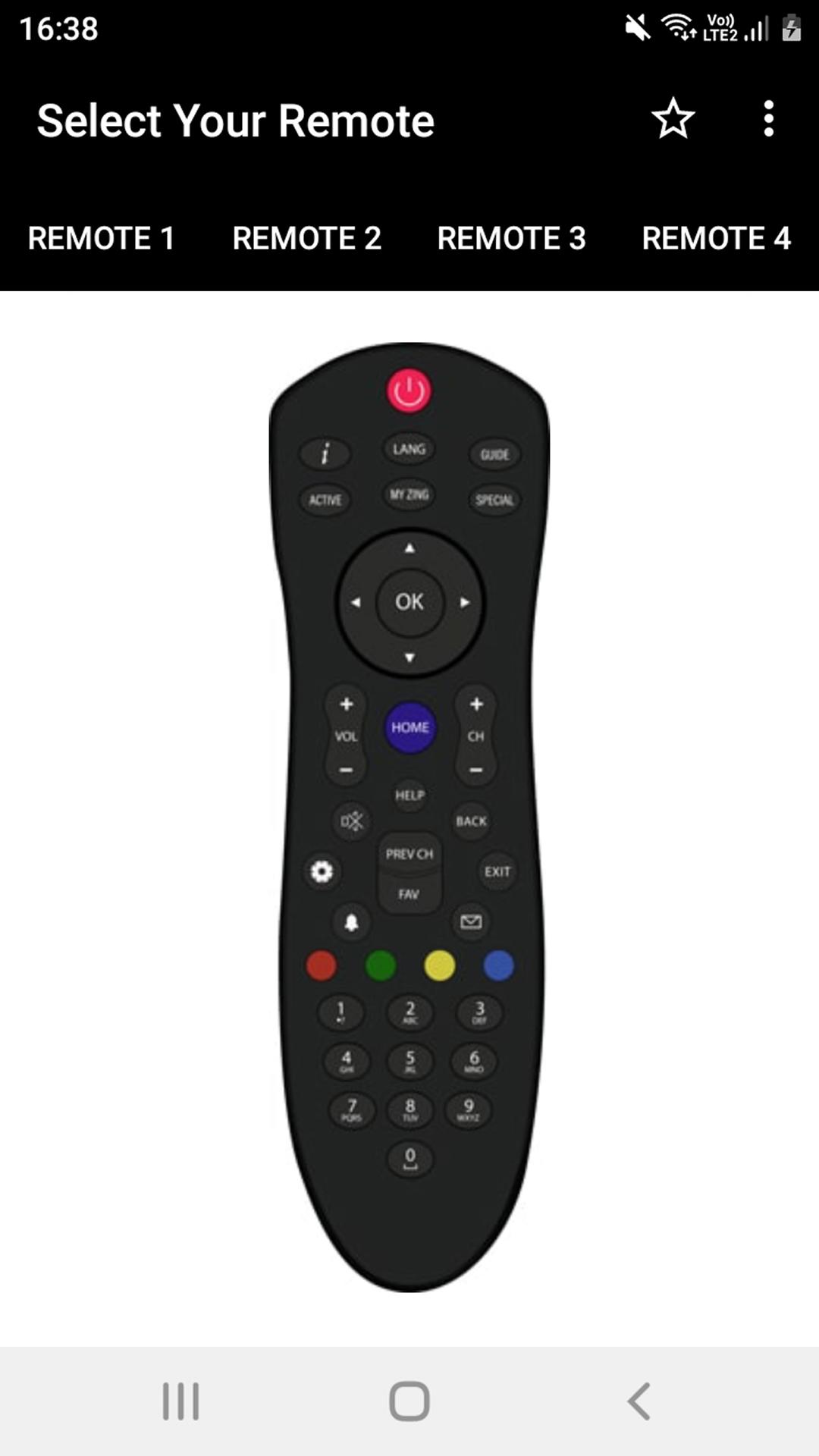
Lost your clicker again? No worries! This app turns your phone into a Dish TV Remote Controller within a couple of taps. The control apparatus is slightly sophisticated but ensures a set top box user absolute comfort.Wave your worries goodbye, DD Free Dish Remote App Controller is here to take control over your pains!
📄 Dish TV Remote Controller Key Features: 📄
🎮 The DD Free Dish Remote App Controller functions are all supported;
🎮 Serves as a functional DishTV Remote for everyday purposes;
🎮 No delay, no installation required, use your phone as a controller instantly;
🎮 User friendly modern interfaces are easy on the eyes and brain;
🎮 DishTV Remote for dozens of configured machines;
🎮 Compact and handy—your phone is a set of all controls;
🎮 The most seamless channel switching! Easy to use.
Control Made Easy Anytime, Anywhere!
For this Dish TV Remote Controller, losing or breaking remotes is not a problem. App setup is simple, and exercising control is effortless. The Remote Controller DD Free Dish Remote App Controller brings you value by ensuring boundaries to which you manage your volume, change channels, or even shift cursor functions experience control.Seamless DishTV Remote: 📺
You don't need to worry about time-consuming processes because no installation comes to mind with your Dth Videocon Remote Tool. Launch the App which should take no time, and the remote box control is in your hands. You will experience simplicity of design which allows you to move with functions at high speed with no delays and blockages.
User Friendly Interface: 📱
The DD Free Dish Remote App Control is, in this case its setup, easy to control. In general control of the remote set box is not a problem as the design is the most modern and puts there about each button in proper order. You set the control your operation is to be straight forward and you will experience there working in comfort of not control confusion. Remote Controller Nxt Digital is value to you as everything here is simplicity and speed, responsive and clear.
Reliable Dth Videocon Remote Tool:⚡
Satisfaction is integrating endless possibilities within a fingertip reach. The app is aimed ensuring you do not lose track of time, be it daily usage or beyond hours of binge watching. With support of major functionalities of your set-top box, it proves to be an apposite hand for your user-friendly Home Theatre.
Portable Entertainment Solution:📡
Stealthily, your phone can be transformed to a fully certified DishTV Remote. Easily storable within your pocket it offers the advantages of being a fully working DD Free Dish Remote App Controller. No more hunting for remotes your Dth Videocon Remote Tool can be with you anytime.
Start Using Your Dish TV Remote Controller Today!
Smartly set an upgrade in your TV experience through the DD Free Dish Remote App Controller. With the Dth Videocon Remote Tool, the DD Free Dish Remote App Controller, and the Dish TV Remote Controller, the headache of losing a controller is in the past. Control your entertainment through effortless management within your reach.Disclaimer
All product names, logos, brands, trademarks and registered trademarks, which are not owned by us, are property of their respective owners.
All company, product and service names used in this app are for identification purposes only. Use of these names, trademarks and brands does not imply endorsement.
This app is owned by us. We are not affiliated, associated, authorized, endorsed by, or in any way officially connected with any 3rd party apps or companies.
IMPORTANT:
This app needs your phone to have an Infrared sensor
Preview
Tags
ToolsInformation
Developer
Remotify
Latest Version
11.1.1
Last Updated
2025-09-10
Category
Tools
Available on
Google Play
Show More
How to play Dish TV Remote Controller with GameLoop on PC
1. Download GameLoop from the official website, then run the exe file to install GameLoop
2. Open GameLoop and search for “Dish TV Remote Controller” , find Dish TV Remote Controller in the search results and click “Install”
3. Enjoy playing Dish TV Remote Controller on GameLoop
Minimum requirements
OS
Windows 8.1 64-bit or Windows 10 64-bit
GPU
GTX 1050
CPU
i3-8300
Memory
8GB RAM
Storage
1GB available space
Recommended requirements
OS
Windows 8.1 64-bit or Windows 10 64-bit
GPU
GTX 1050
CPU
i3-9320
Memory
16GB RAM
Storage
1GB available space