iLock Screen - Phone Lock OS PC
Islamic Basic Education
Download iLock Screen - Phone Lock OS on PC With GameLoop Emulator
iLock Screen - Phone Lock OS on PC
iLock Screen - Phone Lock OS, coming from the developer Islamic Basic Education, is running on Android systerm in the past.
Now, You can play iLock Screen - Phone Lock OS on PC with GameLoop smoothly.
Download it in the GameLoop library or search results. No more eyeing the battery or frustrating calls at the wrong time any more.
Just enjoy iLock Screen - Phone Lock OS PC on the large screen for free!
iLock Screen - Phone Lock OS Introduction
Transform your Android into an iPhone with our iOS 17 Lock Screen app — the most stylish iPhone-style lock screen for Android users!
Want your phone to look exactly like an iPhone? Now you can get the real iOS 17 lock screen experience on any Android device — without buying an iPhone.
✨ Why Users Love iLock
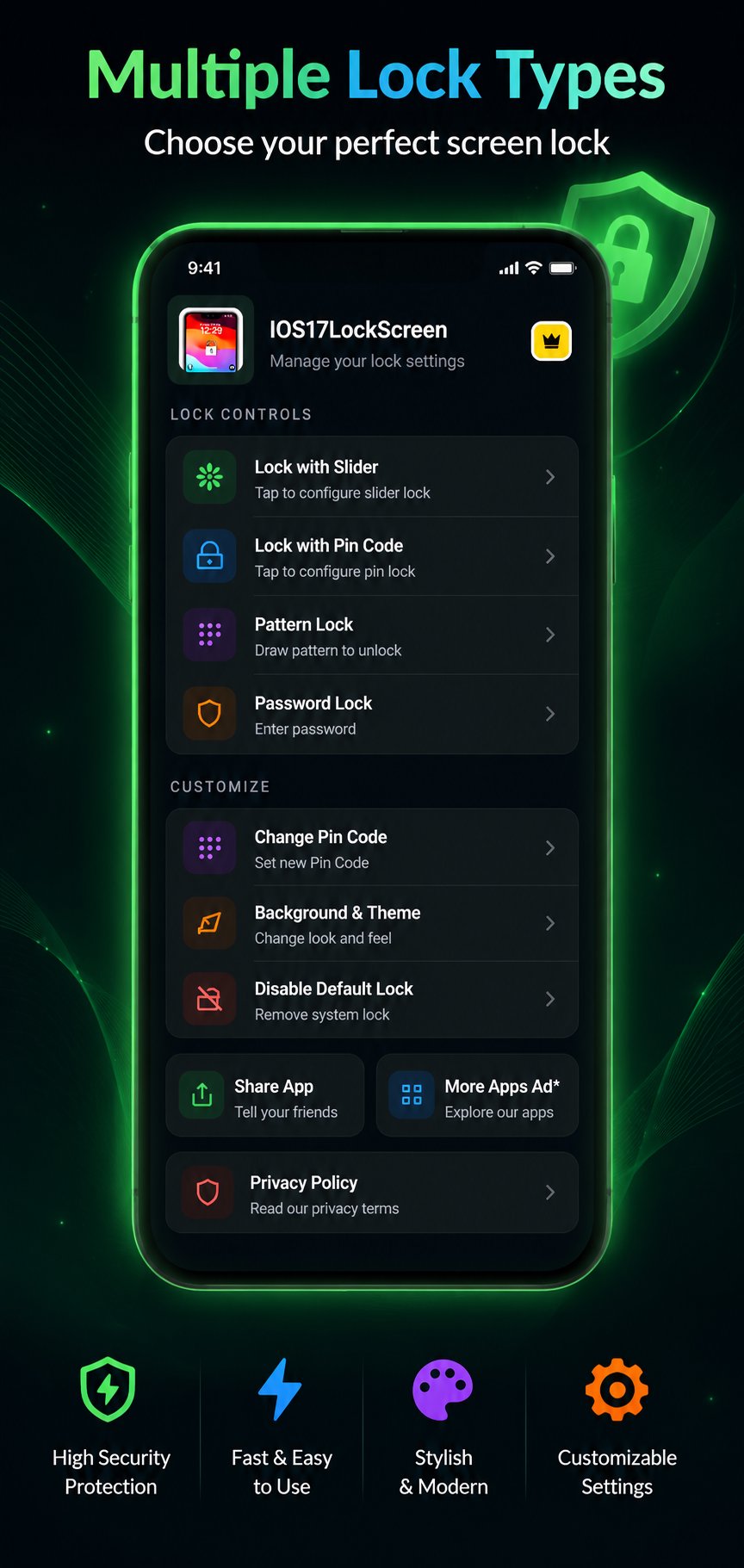
• Stunning iOS 17-inspired lock screen design
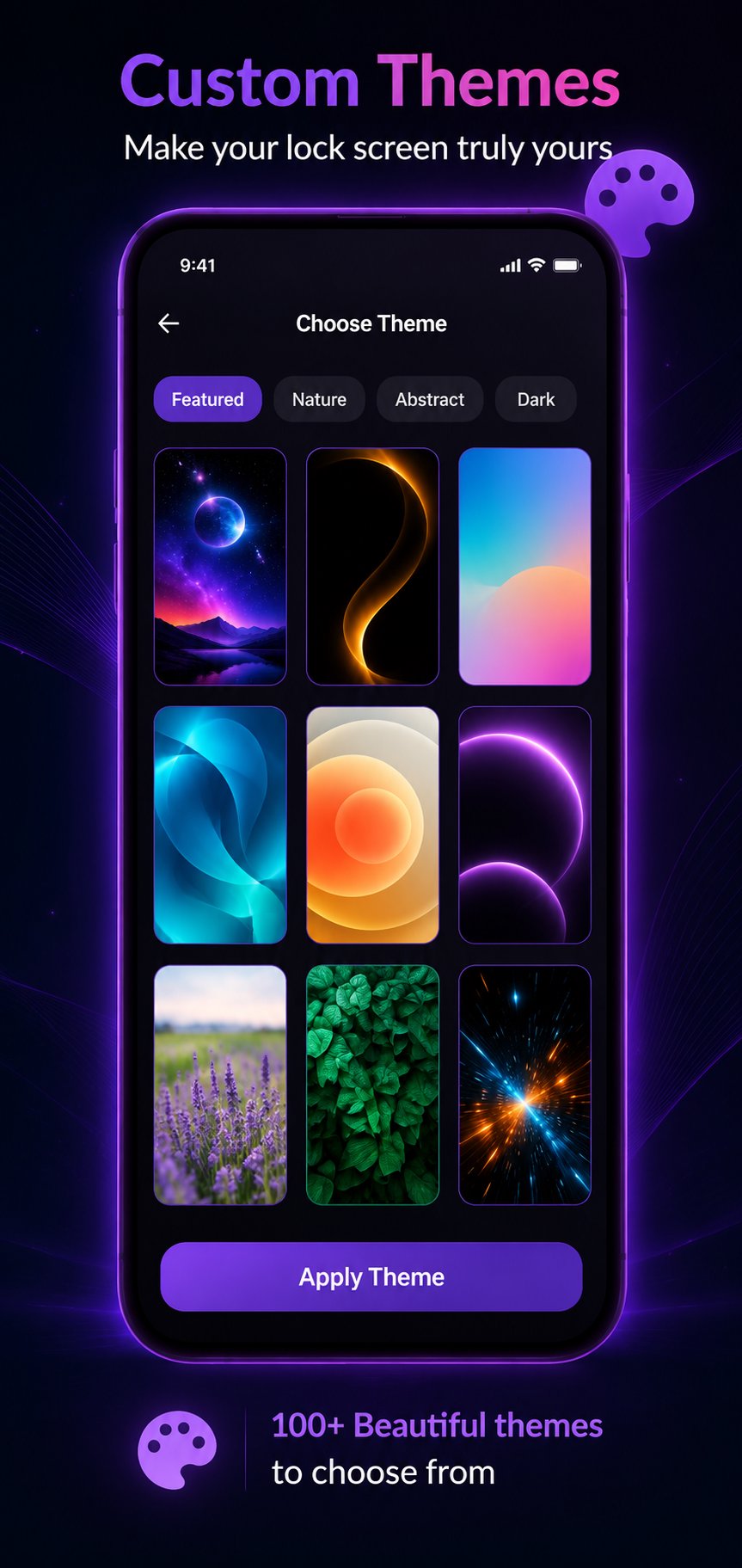
• 100+ premium iPhone-style wallpapers built-in
• Secure PIN & passcode lock — just like iPhone
• Smooth animations & minimal interface
• Fully customizable — change styles in seconds
• Works on all Android phones & tablets
🎨 Customize Your Lock Screen
Choose from a massive collection of beautiful iOS-style wallpapers. Set your date, time display, and lock style exactly how you want it. Fresh new look every day!
🔐 Secure & Stylish
Your lock screen isn't just decoration — it's your first line of security. iLock gives you both style AND protection with PIN and passcode options inspired by real iPhone security.
📱 Perfect For
→ Android users who love iPhone's clean look
→ Anyone wanting a minimal, modern lock screen
→ People switching from iPhone who miss iOS style
Download iLock now and give your Android the iPhone lock screen it deserves. 🚀
Keywords: ios lock screen, iphone lock screen android, ios 17 theme, iphone style android, lock screen wallpaper, pin lock screen, ios launcher
Preview
Tags
ToolsPersonalizationInformation
Developer
Islamic Basic Education
Latest Version
1.9
Last Updated
2026-06-18
Category
Tools
Available on
Google Play
Show More
How to play iLock Screen - Phone Lock OS with GameLoop on PC
1. Download GameLoop from the official website, then run the exe file to install GameLoop
2. Open GameLoop and search for “iLock Screen - Phone Lock OS” , find iLock Screen - Phone Lock OS in the search results and click “Install”
3. Enjoy playing iLock Screen - Phone Lock OS on GameLoop
Minimum requirements
OS
Windows 8.1 64-bit or Windows 10 64-bit
GPU
GTX 1050
CPU
i3-8300
Memory
8GB RAM
Storage
1GB available space
Recommended requirements
OS
Windows 8.1 64-bit or Windows 10 64-bit
GPU
GTX 1050
CPU
i3-9320
Memory
16GB RAM
Storage
1GB available space