
QR Code Reader - QR Scanner PC
Komorebi Inc.
Download QR Code Reader - QR Scanner on PC With GameLoop Emulator
QR Code Reader - QR Scanner on PC
QR Code Reader - QR Scanner, coming from the developer Komorebi Inc., is running on Android systerm in the past.
Now, You can play QR Code Reader - QR Scanner on PC with GameLoop smoothly.
Download it in the GameLoop library or search results. No more eyeing the battery or frustrating calls at the wrong time any more.
Just enjoy QR Code Reader - QR Scanner PC on the large screen for free!
QR Code Reader - QR Scanner Introduction
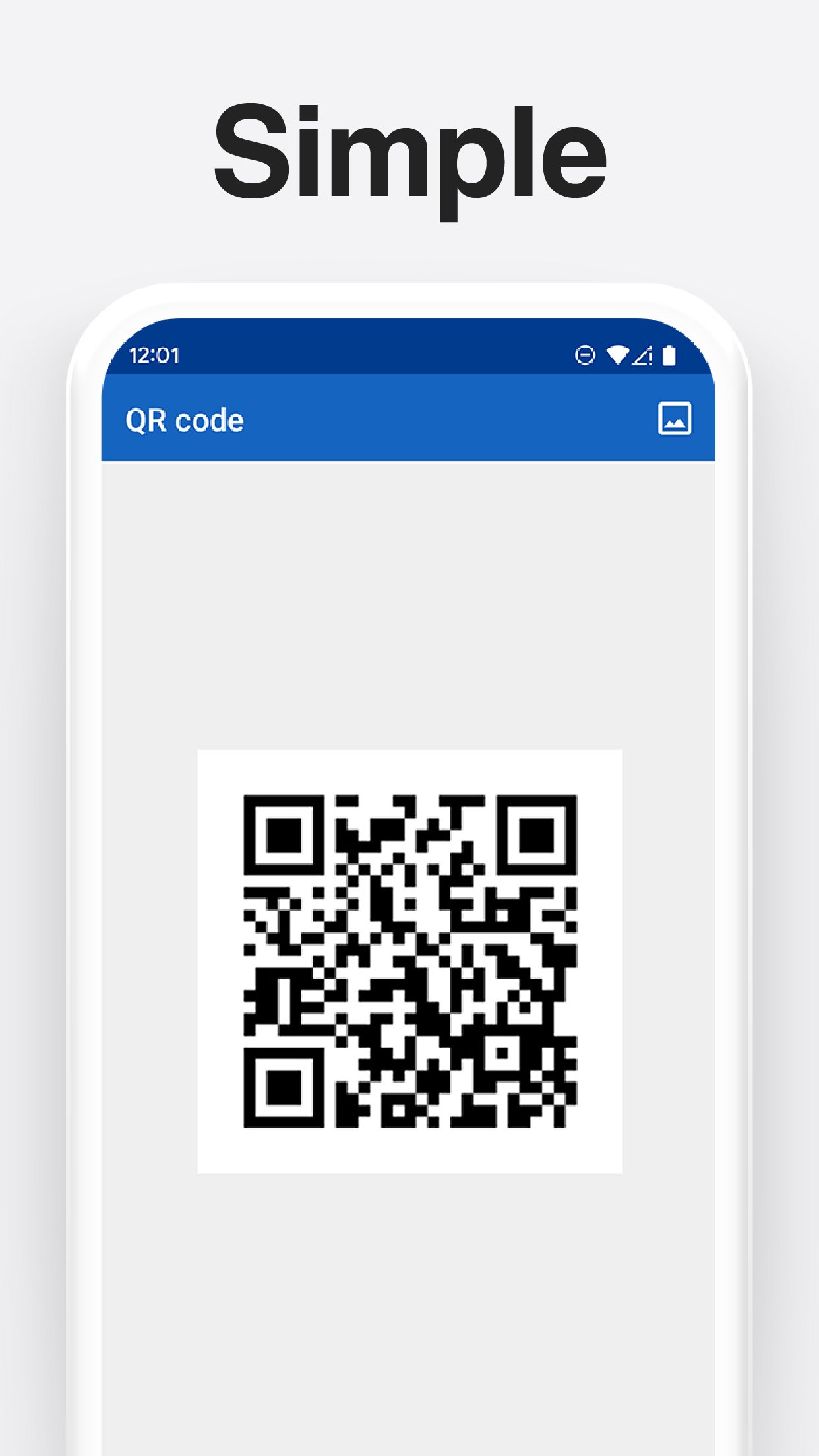
A fast, free QR code reader and barcode scanner — simple and easy to use. Point your camera at a code and the QR scanner reads it instantly: no buttons to press, no photos to take. URLs, text, contacts, products, locations and more, decoded in seconds.
■ Scan QR codes in seconds
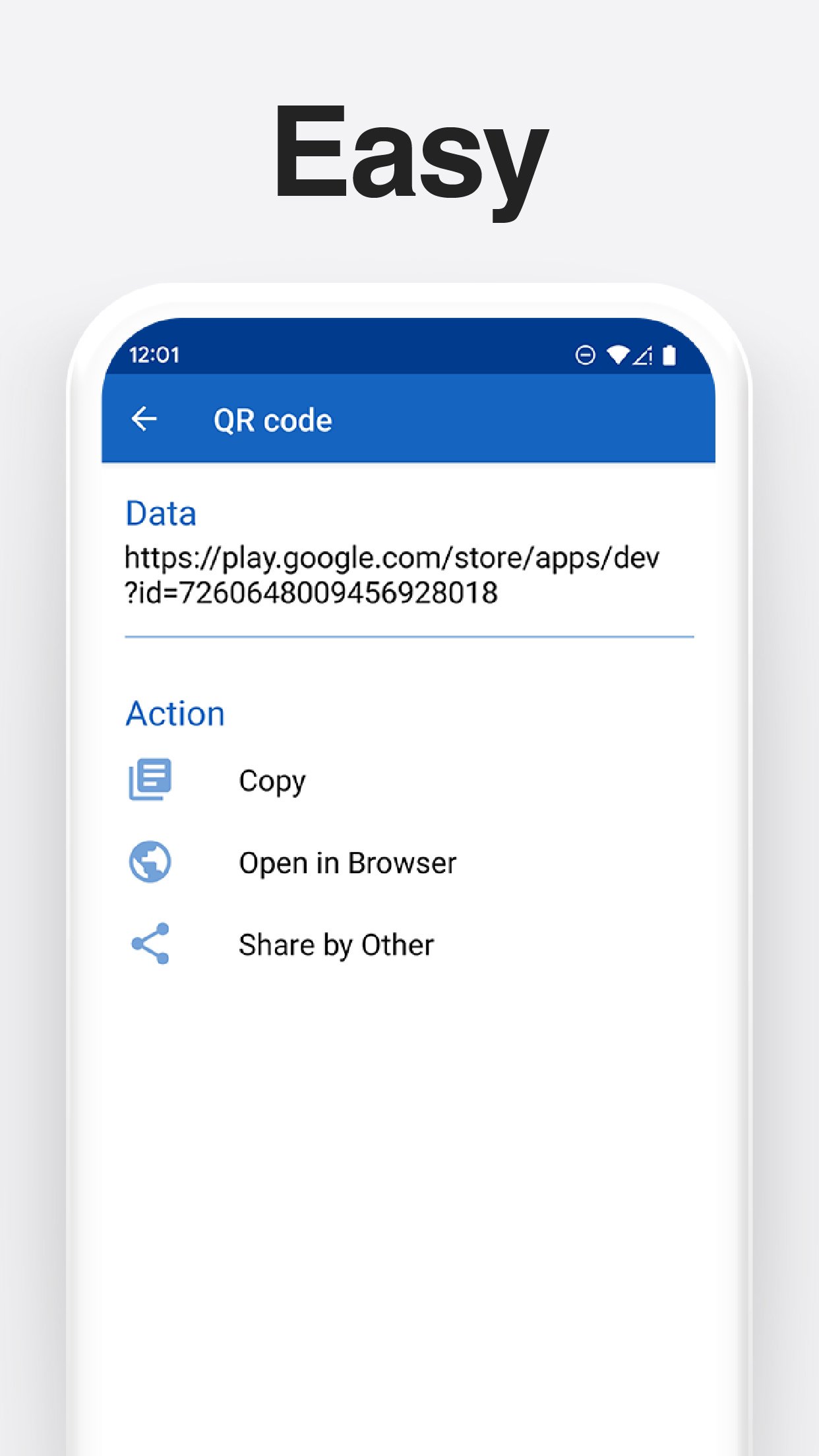
Open the app, aim your camera and the code is detected automatically. Copy the link, open it in your browser or share the result with anyone — no more typing URLs or fussing with copy-paste.
■ Scan QR codes from images
Got a QR code in a screenshot or a photo? The scanner reads QR codes directly from images in your gallery — no second device needed.
■ Scan history always at hand
Every scan is saved to your history, so you can reopen links, websites and contact details anytime. Your history is stored on your device and visible only to you.
■ Scan barcodes to look up products
Point the camera at a product barcode and jump straight to a product search: compare prices and check details while shopping.
■ Main features
✓ Automatic scanning — just point the camera, the rest is instant
✓ QR code & barcode scanner — reads QR and UPC product codes
✓ Scan from image — detect codes in photos and screenshots
✓ Scan history — reopen any past scan with one tap
✓ Flashlight — scan QR codes even in the dark or in low light
✓ Copy, open or share — send results to your browser or your friends
✓ Private — scan history stays on your device
✓ Free to use
■ One scanner for every code
✓ QR codes — open websites, read text, view locations
✓ Barcodes & UPC codes — check product info while shopping
✓ Coupons & promos — scan for discounts from your favorite brands
✓ Food QR codes — learn what's behind the label
✓ Business contacts — save contact info from a code in a tap
■ Simple, fast and free
QR codes are everywhere these days — menus, ads, posters, packages and tickets. With a lightweight QR scanner on your phone, you can check any code in seconds. A clean design, no complicated settings, and it's completely free.
■ Good to know
This app is a scanner only: it does not create or generate QR codes. Your scan history is stored locally on your device, and no account is needed at any point.
■ Pricing
All features are free to use. The app shows ads, and there are no subscriptions, no in-app purchases and no paid plans.
■ Download the QR code reader today
Scan, save and share with the only QR and barcode scanner app you'll need — download now and read any code in seconds!
Preview
Tags
ToolsInformation
Developer
Komorebi Inc.
Latest Version
7.6
Last Updated
2026-10-20
Category
Tools
Available on
Google Play
Show More
How to play QR Code Reader - QR Scanner with GameLoop on PC
1. Download GameLoop from the official website, then run the exe file to install GameLoop
2. Open GameLoop and search for “QR Code Reader - QR Scanner” , find QR Code Reader - QR Scanner in the search results and click “Install”
3. Enjoy playing QR Code Reader - QR Scanner on GameLoop
Minimum requirements
OS
Windows 8.1 64-bit or Windows 10 64-bit
GPU
GTX 1050
CPU
i3-8300
Memory
8GB RAM
Storage
1GB available space
Recommended requirements
OS
Windows 8.1 64-bit or Windows 10 64-bit
GPU
GTX 1050
CPU
i3-9320
Memory
16GB RAM
Storage
1GB available space