Ps Tunnel Plus PC
PsTell Tech
Download Ps Tunnel Plus on PC With GameLoop Emulator
Ps Tunnel Plus on PC
Ps Tunnel Plus, coming from the developer PsTell Tech, is running on Android systerm in the past.
Now, You can play Ps Tunnel Plus on PC with GameLoop smoothly.
Download it in the GameLoop library or search results. No more eyeing the battery or frustrating calls at the wrong time any more.
Just enjoy Ps Tunnel Plus PC on the large screen for free!
Ps Tunnel Plus Introduction
Stay Private and Anonymous
Ps Tunnel Plus can serve as a Wi-Fi hotspot protector for Android when
connecting to public Wi-Fi. your online information privacy is well-protected
even when connected
to an unsecure network. Allowing you to browse the internet anonymously and keep
your IP address and online data private and untouched.
securing your data and privacy to the next level. Public networks,
school Wi-Fi, cellular data no matter which network you are using,
you can always enjoy a secure and unlimited internet access with Ps Tunnel Plus anytime,
anywhere.
Ps Tunnel Plus provides unlimited free VPN proxy premium service.
Ultrafast Global VPN Servers
Ps Tunnel Plus automatically connects you to the nearest and fastest server. Enjoy the
seamless VPN connection with the fastest and most stable access to worldwide servers.
Cross-Platform Capacity
Ps Tunnel Plus works simultaneously across major platforms for all your devices:
smart phones,
A single tap of the Connection button is all it takes to start a secure and stable
VPN connection.
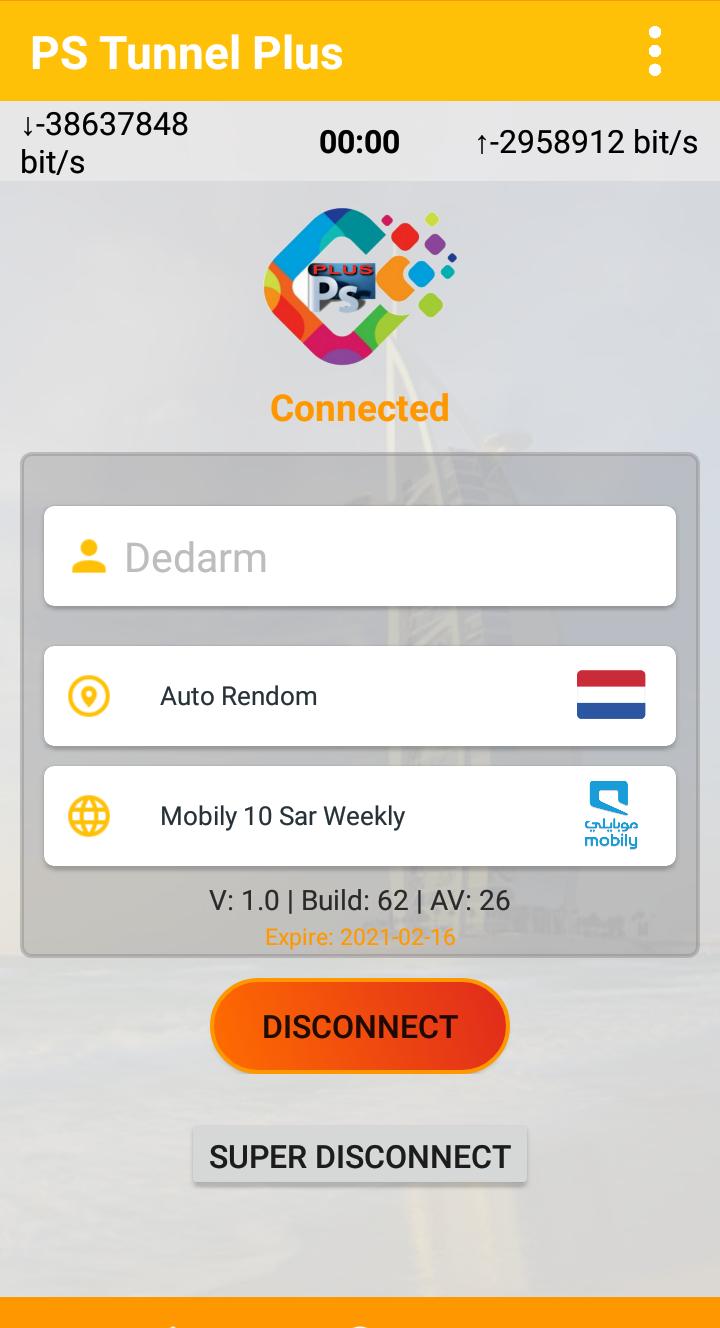
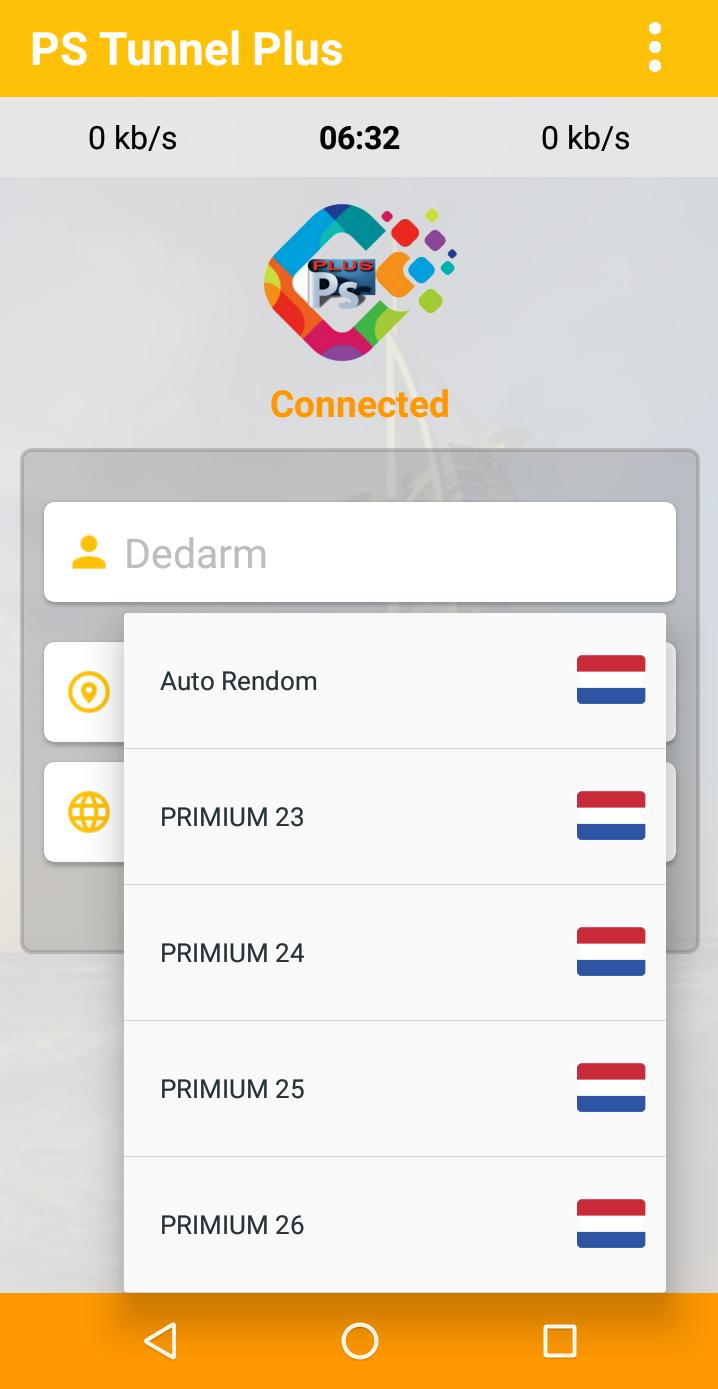
Preview
Information
Developer
PsTell Tech
Latest Version
2
Last Updated
2021-02-19
Category
Tools
Available on
Google Play
Show More
How to play Ps Tunnel Plus with GameLoop on PC
1. Download GameLoop from the official website, then run the exe file to install GameLoop
2. Open GameLoop and search for “Ps Tunnel Plus” , find Ps Tunnel Plus in the search results and click “Install”
3. Enjoy playing Ps Tunnel Plus on GameLoop
Minimum requirements
OS
Windows 8.1 64-bit or Windows 10 64-bit
GPU
GTX 1050
CPU
i3-8300
Memory
8GB RAM
Storage
1GB available space
Recommended requirements
OS
Windows 8.1 64-bit or Windows 10 64-bit
GPU
GTX 1050
CPU
i3-9320
Memory
16GB RAM
Storage
1GB available space