
Pronos VPN PC
Pronos VPN
Download Pronos VPN on PC With GameLoop Emulator
Pronos VPN on PC
Pronos VPN, coming from the developer Pronos VPN, is running on Android systerm in the past.
Now, You can play Pronos VPN on PC with GameLoop smoothly.
Download it in the GameLoop library or search results. No more eyeing the battery or frustrating calls at the wrong time any more.
Just enjoy Pronos VPN PC on the large screen for free!
Pronos VPN Introduction
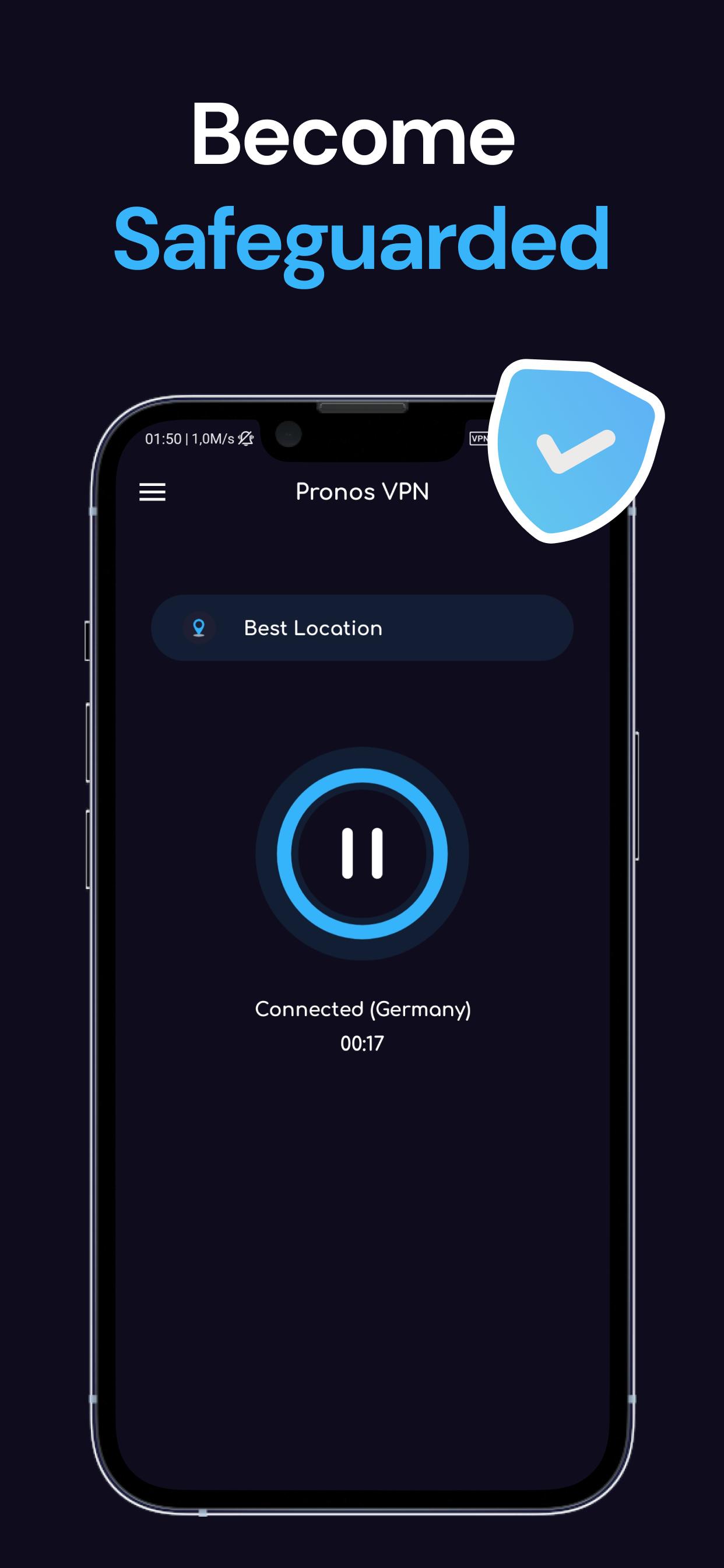
Pronos VPN is a lightning-fast app provide free VPN service. Not need any configuration, just simply click one button, you can access the Internet securely and anonymously.
Privacy Protection
Pronos VPN hides your IP address and prevents you from being tracked, and enables you to visit websites anonymously. Your private information is secured and no one can track your online activity.
Game Acceleration
Accelerate games and bring a smooth experience. Pronos VPN perfectly accelerates PUBG, Garena, Free Fire, Fortnite and other popular games to give you the best gaming experience.
FAST — No Speed Limits
A super-fast VPN with no speed or downloading limits, allows you to enjoy surfing the Net and even streaming in HD.
Unblock Geo-Restrictions
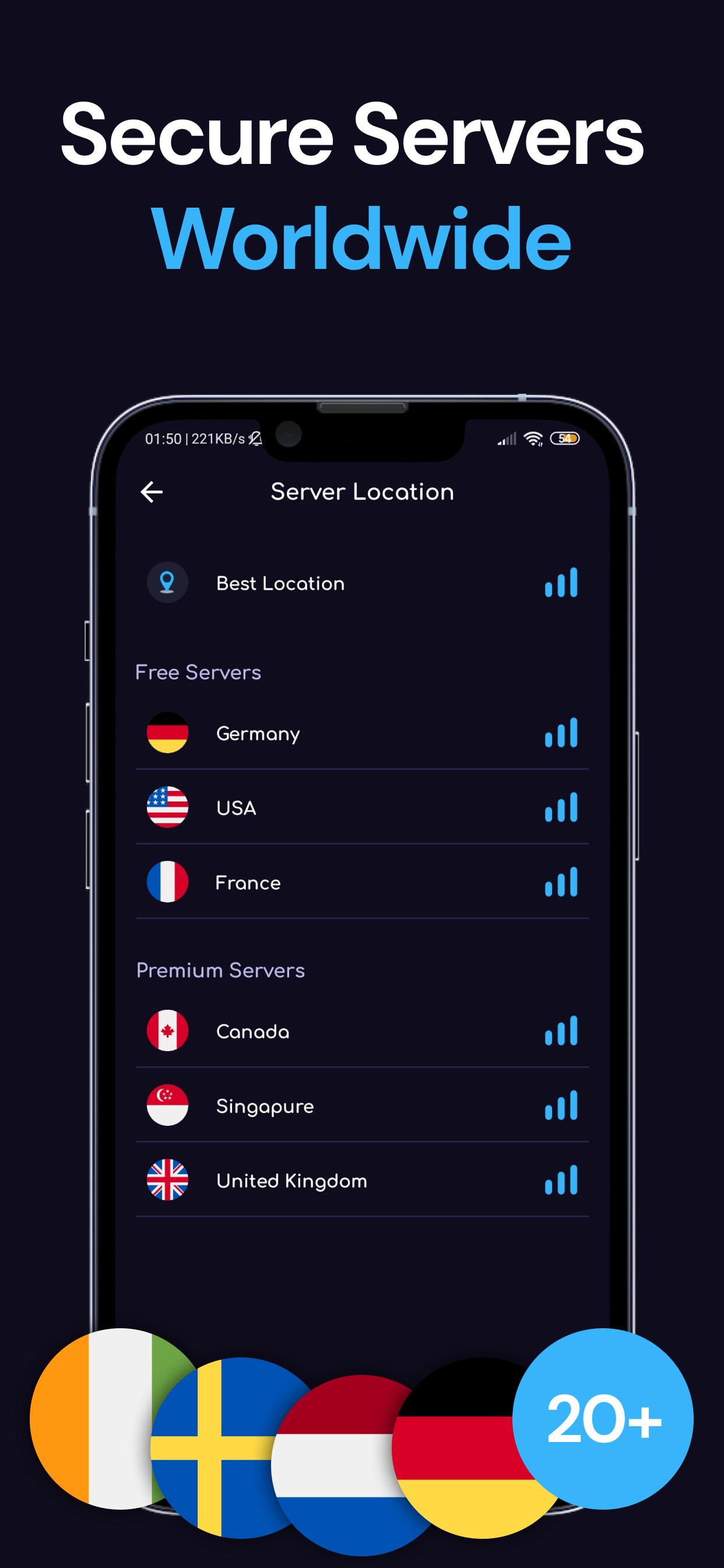
Pronos VPN will change your IP address and break through geo-blocking, so there are no barriers to accessing websites, playing games and streaming media from anywhere in the world.
3-Day Free Trial:
The free VPN/proxy trial gives you the ease of checking out the service, speed, and performance to your heart’s content. And, you can connect to any available server or location you want at any time of the day.
Preview
Tags
ToolsInformation
Developer
Pronos VPN
Latest Version
2005r
Last Updated
2022-08-30
Category
Tools
Available on
Google Play
Show More
How to play Pronos VPN with GameLoop on PC
1. Download GameLoop from the official website, then run the exe file to install GameLoop
2. Open GameLoop and search for “Pronos VPN” , find Pronos VPN in the search results and click “Install”
3. Enjoy playing Pronos VPN on GameLoop
Minimum requirements
OS
Windows 8.1 64-bit or Windows 10 64-bit
GPU
GTX 1050
CPU
i3-8300
Memory
8GB RAM
Storage
1GB available space
Recommended requirements
OS
Windows 8.1 64-bit or Windows 10 64-bit
GPU
GTX 1050
CPU
i3-9320
Memory
16GB RAM
Storage
1GB available space