Print Screen PC
Sedat BAYRAM
Download Print Screen on PC With GameLoop Emulator
Print Screen on PC
Print Screen, coming from the developer Sedat BAYRAM, is running on Android systerm in the past.
Now, You can play Print Screen on PC with GameLoop smoothly.
Download it in the GameLoop library or search results. No more eyeing the battery or frustrating calls at the wrong time any more.
Just enjoy Print Screen PC on the large screen for free!
Print Screen Introduction
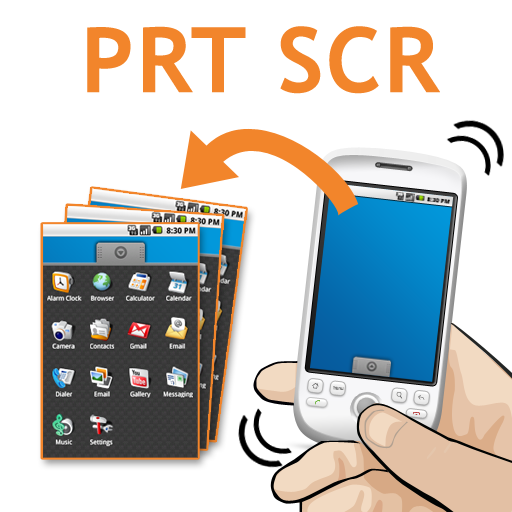
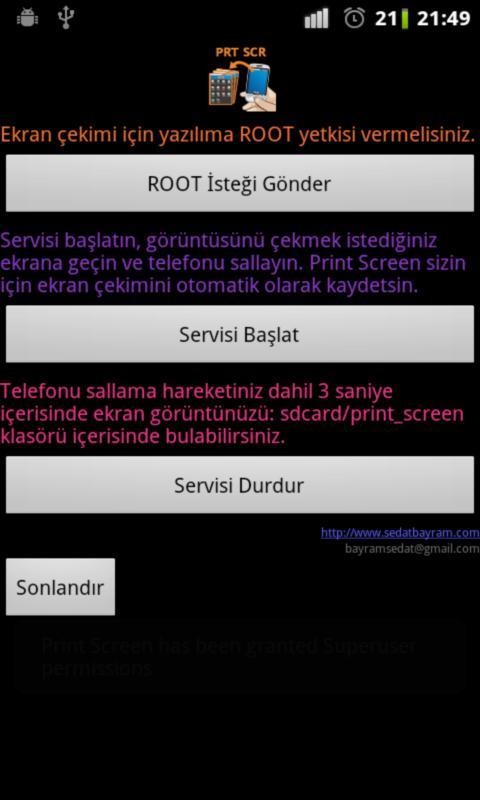
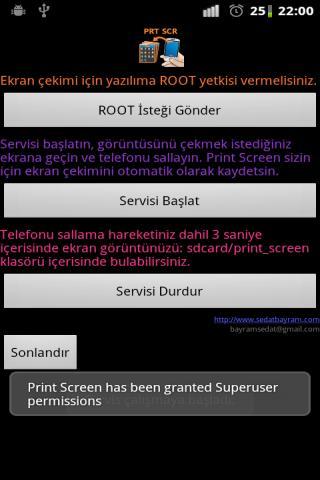
Bazen telefonunuzda oyun oynarken öyle bir hamleye denk gelirsiniz ki o anı ölümsüzleştirmek istersiniz, bazen sörf yaparken bir metni ya da resmi beğenirsiniz. Böyle özel durumlarda ekran çekimini almak için bilgisayarınızdaki gibi Print Screen tuşunu ararsınız :) İşte android telefonunuzda da vazgeçemeyeceginiz bir uygulama olan Print Screen sizlerle. Yükleyin, çalıştırın ve telefonunuzu sallayın. Hangi ekranda bu işlem yapılırsa, 3 saniye içerisinde ekranınız hızlı bir şekilde kayıtlarda.
Versiyon 2.0:
-- English language support added.
Preview
Tags
ToolsInformation
Developer
Sedat BAYRAM
Latest Version
2.3
Last Updated
2023-08-20
Category
Tools
Available on
Google Play
Show More
How to play Print Screen with GameLoop on PC
1. Download GameLoop from the official website, then run the exe file to install GameLoop
2. Open GameLoop and search for “Print Screen” , find Print Screen in the search results and click “Install”
3. Enjoy playing Print Screen on GameLoop
Minimum requirements
OS
Windows 8.1 64-bit or Windows 10 64-bit
GPU
GTX 1050
CPU
i3-8300
Memory
8GB RAM
Storage
1GB available space
Recommended requirements
OS
Windows 8.1 64-bit or Windows 10 64-bit
GPU
GTX 1050
CPU
i3-9320
Memory
16GB RAM
Storage
1GB available space