
Pinoy apps and games PC
EC Apps and News
Download Pinoy apps and games on PC With GameLoop Emulator
Pinoy apps and games on PC
Pinoy apps and games, coming from the developer EC Apps and News, is running on Android systerm in the past.
Now, You can play Pinoy apps and games on PC with GameLoop smoothly.
Download it in the GameLoop library or search results. No more eyeing the battery or frustrating calls at the wrong time any more.
Just enjoy Pinoy apps and games PC on the large screen for free!
Pinoy apps and games Introduction
Hey, young and tech-savvy folks! Are you ready to discover the coolest and trendiest apps and games in the Philippines? Look no further, because our app is the ultimate solution for you!
Our app is fast, beautiful, and super easy to use, just like your favorite social media platform. With a few taps, you'll be able to find the best local apps and games in seconds, without the hassle of scrolling through millions of options.
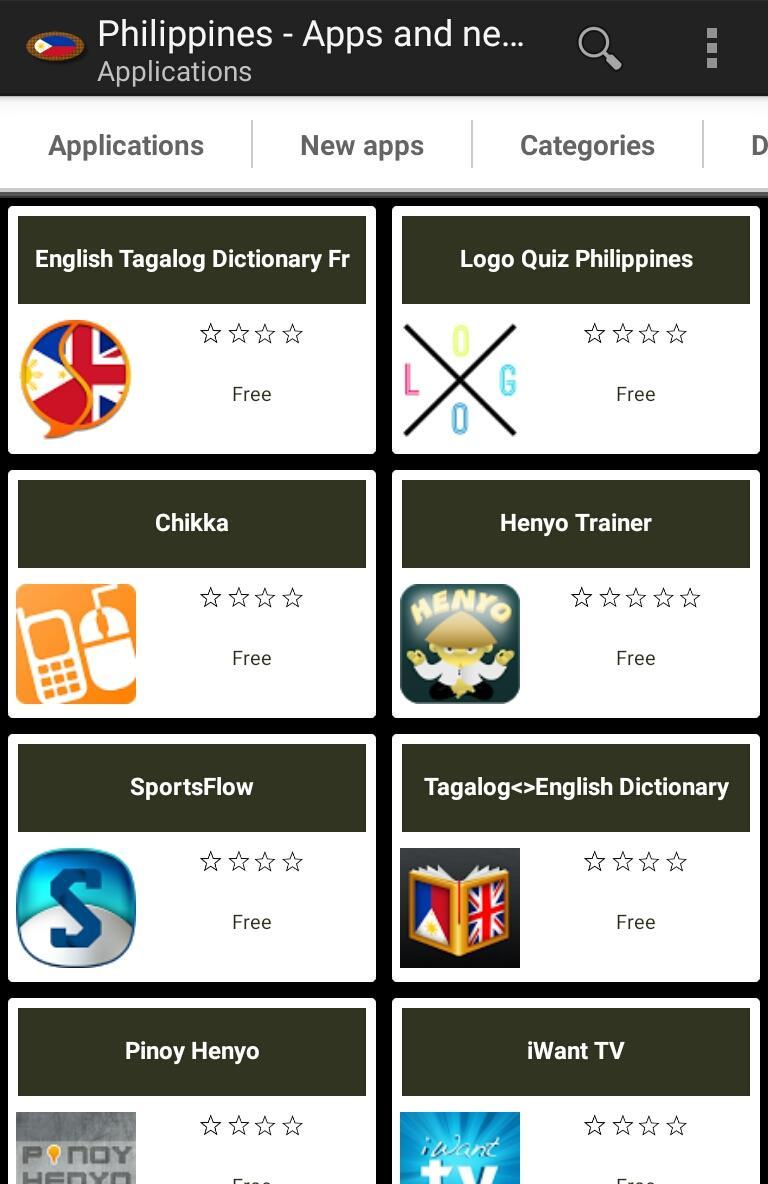
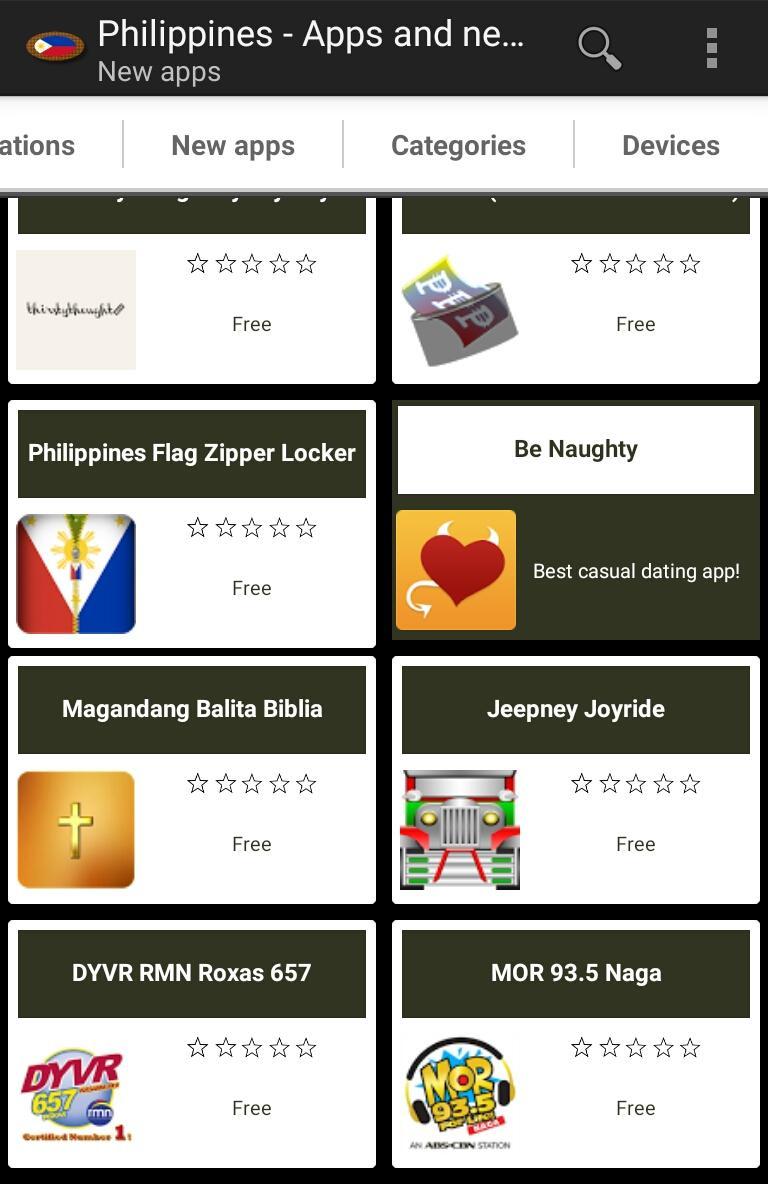
Get ready to browse the hottest apps, new releases, and categories, read descriptions and ratings, view screenshots, and install the ones you love the most. You'll be the envy of all your friends with the latest and greatest apps and games specific to Pinoy cities like Quezon City, Manila, Davao City, and beyond.
Our data updates regularly, so you'll never miss out on the latest trends and must-have apps. Plus, our expert editorial team works tirelessly to find and recommend only the coolest local apps and games for your enjoyment.
Calling all app and game developers! If you have an awesome app or game specific to the Philippines that's not yet in our database, send us the app package name and we'll add it to our list. Together, we can make the Philippines the ultimate hub of awesome apps and games!
We're all about having fun, so if you have any suggestions or run into any issues, don't hesitate to hit us up. Download our app today and let the fun begin!
Preview
Tags
ToolsInformation
Developer
EC Apps and News
Latest Version
3.0.0
Last Updated
2024-03-19
Category
Tools
Available on
Google Play
Show More
How to play Pinoy apps and games with GameLoop on PC
1. Download GameLoop from the official website, then run the exe file to install GameLoop
2. Open GameLoop and search for “Pinoy apps and games” , find Pinoy apps and games in the search results and click “Install”
3. Enjoy playing Pinoy apps and games on GameLoop
Minimum requirements
OS
Windows 8.1 64-bit or Windows 10 64-bit
GPU
GTX 1050
CPU
i3-8300
Memory
8GB RAM
Storage
1GB available space
Recommended requirements
OS
Windows 8.1 64-bit or Windows 10 64-bit
GPU
GTX 1050
CPU
i3-9320
Memory
16GB RAM
Storage
1GB available space