
Photo video Editor PC
MIGUEL RD
Download Photo video Editor on PC With GameLoop Emulator
Photo video Editor on PC
Photo video Editor, coming from the developer MIGUEL RD, is running on Android systerm in the past.
Now, You can play Photo video Editor on PC with GameLoop smoothly.
Download it in the GameLoop library or search results. No more eyeing the battery or frustrating calls at the wrong time any more.
Just enjoy Photo video Editor PC on the large screen for free!
Photo video Editor Introduction
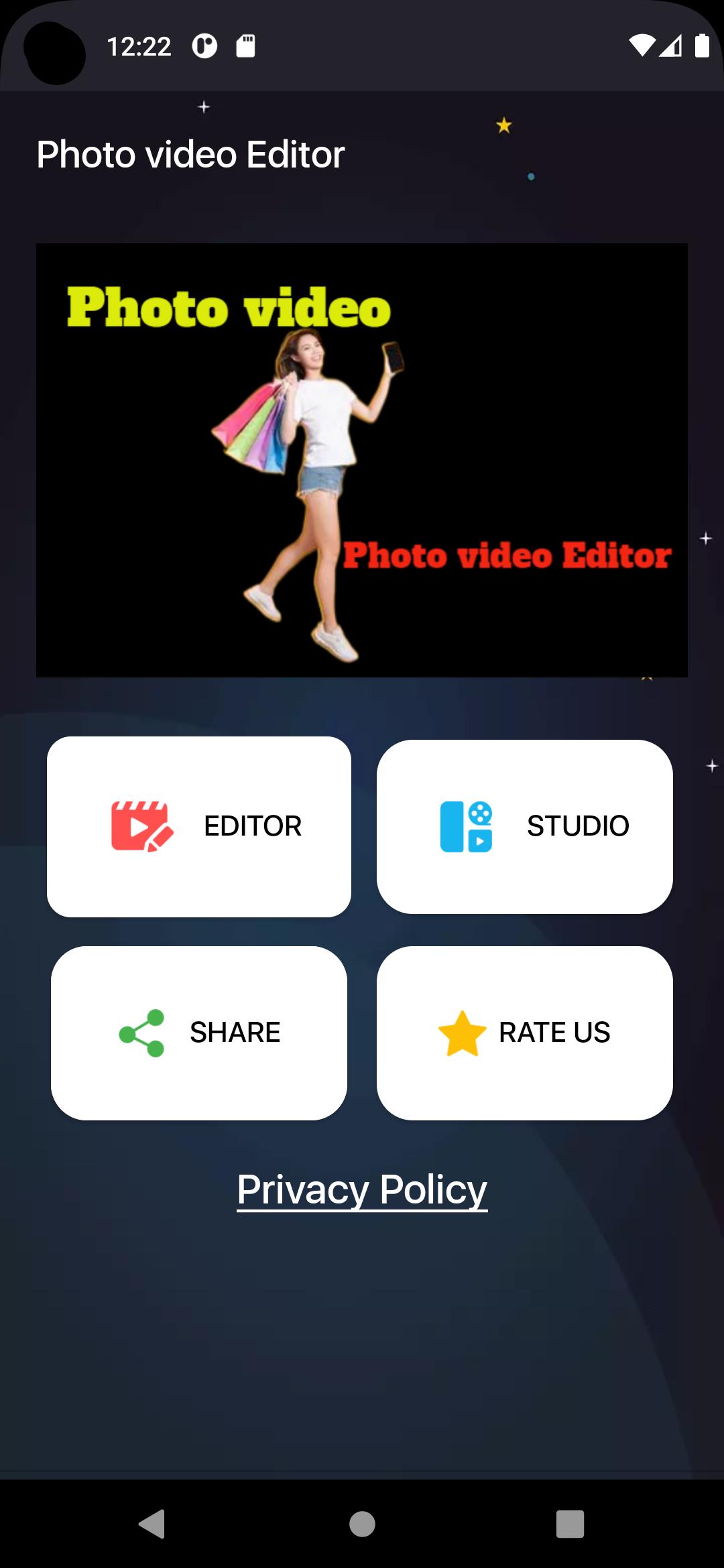
Photo video Editor: potente Editor de vídeo y Editor de fotos con funciones profesionales. Agregue música, efectos de transición, texto, emoji y filtros, desenfoque de fondo, etc.
¡Comparte tu vida diaria y mejora tus redes sociales con Photo video Editor! ¡Obtén más Me gusta en YouTube, Instagram, Tiktok y más!
Edición de video básica
- Recortar y cortar video. Divide un clip en varias piezas.
- Fusionar videos. Combina varios clips en uno.
- Editar videos con fotos y musica. Hacer presentaciones de diapositivas.
- Ajuste la velocidad del video (de 0.2xa 100x).
- Ajusta el volumen del video.
- Rebobina el clip.
Editor de video avanzado
- Imagen en imagen (PIP). Agregue capas de video y fotos encima del clip.
- Clave de croma. Elimina el color seleccionado. Puede utilizar esta herramienta para crear videos de pantalla verde.
- Fotogramas clave. Agregue animaciones de fotogramas clave a texto, pegatinas y PIP.
- Máscara. Agrega una máscara de forma al PIP.
- Mezclas. Combina tu video con el modo de fusión.
Preview
Tags
ToolsInformation
Developer
MIGUEL RD
Latest Version
2.0
Last Updated
2022-06-03
Category
Tools
Available on
Google Play
Show More
How to play Photo video Editor with GameLoop on PC
1. Download GameLoop from the official website, then run the exe file to install GameLoop
2. Open GameLoop and search for “Photo video Editor” , find Photo video Editor in the search results and click “Install”
3. Enjoy playing Photo video Editor on GameLoop
Minimum requirements
OS
Windows 8.1 64-bit or Windows 10 64-bit
GPU
GTX 1050
CPU
i3-8300
Memory
8GB RAM
Storage
1GB available space
Recommended requirements
OS
Windows 8.1 64-bit or Windows 10 64-bit
GPU
GTX 1050
CPU
i3-9320
Memory
16GB RAM
Storage
1GB available space