
Photo to video converter PC
App Basic
Download Photo to video converter on PC With GameLoop Emulator
Photo to video converter on PC
Photo to video converter, coming from the developer App Basic, is running on Android systerm in the past.
Now, You can play Photo to video converter on PC with GameLoop smoothly.
Download it in the GameLoop library or search results. No more eyeing the battery or frustrating calls at the wrong time any more.
Just enjoy Photo to video converter PC on the large screen for free!
Photo to video converter Introduction
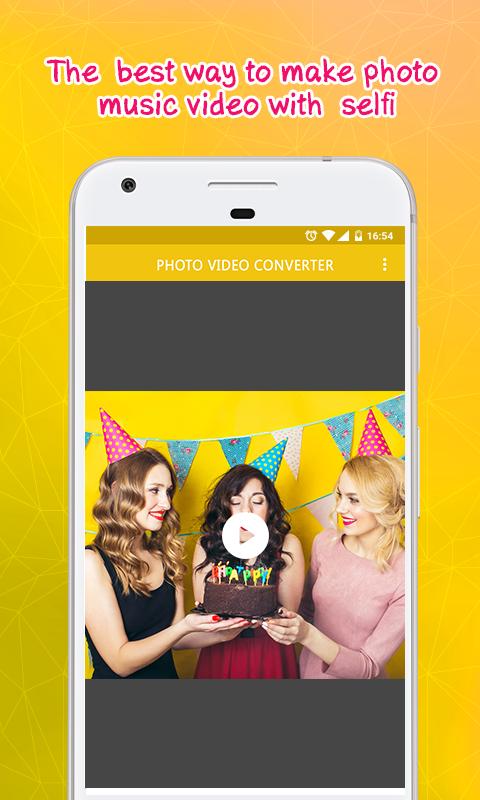
✔ Simply add pictures you plan to make a video with photo to video converter tool.
✔ You can also add themeful background music to your video through the audio corner.
✔ With Photo to Video Converter you can have creative fun on your android phone.
✔ The simple User Interface optimized for all screen resolutions makes the app easy to use.
Photo to Video Converter features:
• Create a video just the way you want it, for an unforgettable experience.
• Add Pictures from gallery as many as you like.
• You can easily select pictures that you want to use.
• Easily set the fps rate anywhere from 1 to 25 frames per second.
• Control the frame rate of the preview via fps setting.
• Add a song to the photo slideshow easily.
• Give a desired filename to the video,
• Save the videos to your phone.
• You can quickly view all your creations in the app.
√ Unleash your creative side with the best photo converter application.
√ Create high quality videos with your photos instantly on your mobile or tablet device.
√ Showcase your picture videos to your friends or family to amaze them.
√ Photo to Video Converter app is absolutely free to use.
Preview
Tags
ToolsInformation
Developer
App Basic
Latest Version
1.0.8
Last Updated
2018-12-03
Category
Tools
Available on
Google Play
Show More
How to play Photo to video converter with GameLoop on PC
1. Download GameLoop from the official website, then run the exe file to install GameLoop
2. Open GameLoop and search for “Photo to video converter” , find Photo to video converter in the search results and click “Install”
3. Enjoy playing Photo to video converter on GameLoop
Minimum requirements
OS
Windows 8.1 64-bit or Windows 10 64-bit
GPU
GTX 1050
CPU
i3-8300
Memory
8GB RAM
Storage
1GB available space
Recommended requirements
OS
Windows 8.1 64-bit or Windows 10 64-bit
GPU
GTX 1050
CPU
i3-9320
Memory
16GB RAM
Storage
1GB available space