
Device Info:CPU & System specs PC
Space D/C
Download Device Info:CPU & System specs on PC With GameLoop Emulator
Device Info:CPU & System specs on PC
Device Info:CPU & System specs, coming from the developer Space D/C, is running on Android systerm in the past.
Now, You can play Device Info:CPU & System specs on PC with GameLoop smoothly.
Download it in the GameLoop library or search results. No more eyeing the battery or frustrating calls at the wrong time any more.
Just enjoy Device Info:CPU & System specs PC on the large screen for free!
Device Info:CPU & System specs Introduction
### **Device Info: CPU & System Specs**
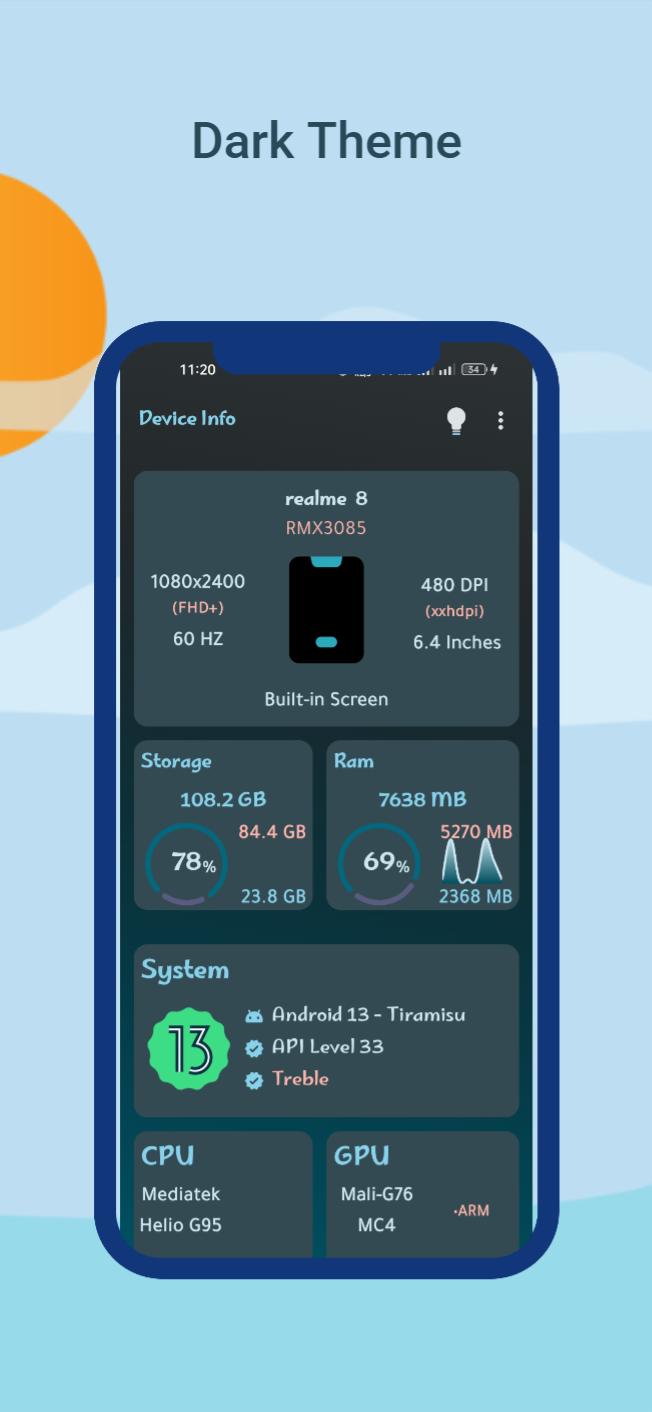
Unlock the full potential of your Android device with **Device Info: CPU & System Specs**, a powerful and intuitive app designed to provide detailed insights into your device's hardware and software. Stay updated with real-time data on performance, storage, battery health, network connectivity, and much more.
🌟 **Key Features:**
📱 **Device Information**
Get comprehensive details about your device, including:
- Device Name
- Model & Manufacturer
- Hardware, Board, and Brand
⚙️ **System Overview**
Understand your operating system with:
- OS Version & Code Name
- API Level
🎚️ **CPU Details**
Access real-time performance metrics for your device's:
- System on Chip (SoC)
- Processors
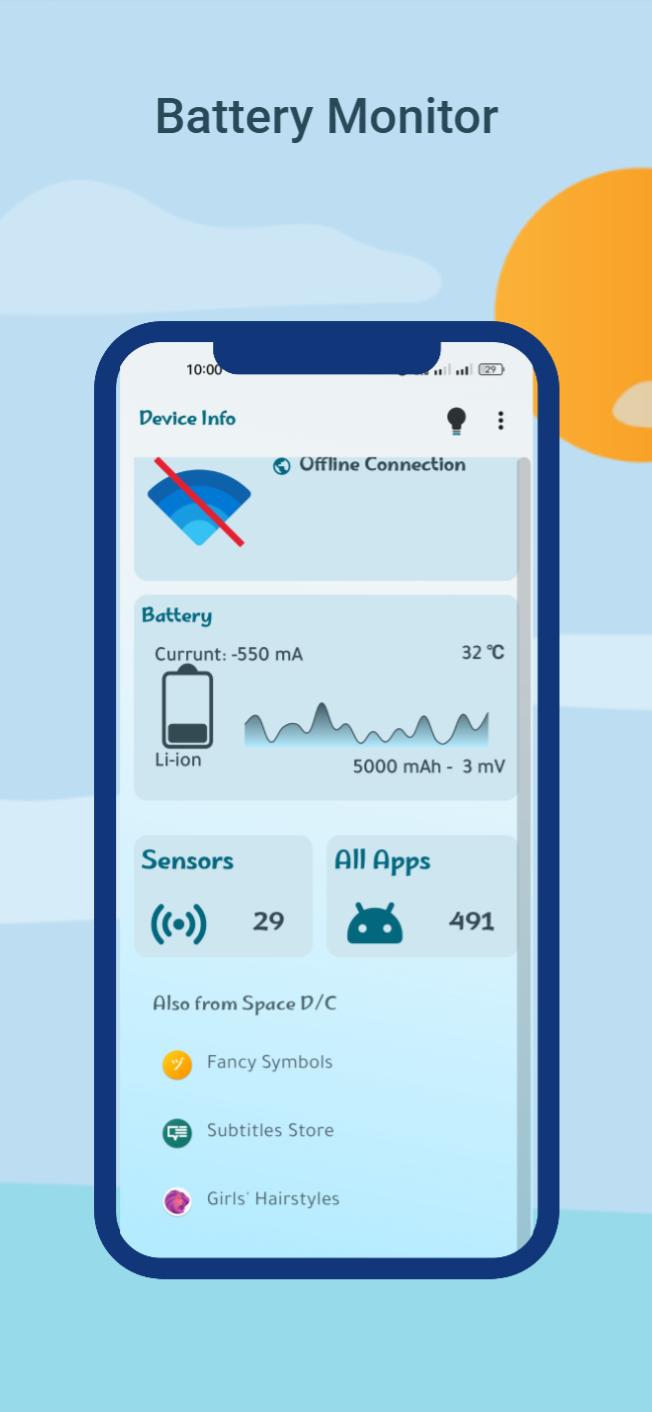
🔋 **Battery Monitoring**
Keep track of your battery's health and performance:
- Health & Charge Level
- Status & Power Source
- Technology & Temperature
- Voltage, Power (Watts), Current (mA), and Capacity
🌐 **Network Details**
Retrieve essential connectivity information, such as:
- WiFi Standards
- Link Speed
📟 **Display Specifications**
Explore the full potential of your screen with:
- Resolution & Density
- Physical Size
- Refresh Rates
- Orientation
💾 **Memory Management**
Monitor your device's memory usage:
- RAM Utilization
- Internal Storage
- External Storage
🎨 **Customizable Themes**
Choose between Material Light and Dark modes or customize the colors to match your style.
Preview
Tags
ToolsInformation
Developer
Space D/C
Latest Version
3.0.3
Last Updated
2025-03-27
Category
Tools
Available on
Google Play
Show More
How to play Device Info:CPU & System specs with GameLoop on PC
1. Download GameLoop from the official website, then run the exe file to install GameLoop
2. Open GameLoop and search for “Device Info:CPU & System specs” , find Device Info:CPU & System specs in the search results and click “Install”
3. Enjoy playing Device Info:CPU & System specs on GameLoop
Minimum requirements
OS
Windows 8.1 64-bit or Windows 10 64-bit
GPU
GTX 1050
CPU
i3-8300
Memory
8GB RAM
Storage
1GB available space
Recommended requirements
OS
Windows 8.1 64-bit or Windows 10 64-bit
GPU
GTX 1050
CPU
i3-9320
Memory
16GB RAM
Storage
1GB available space