
Pathfinder Mobile PC
tripunkt GmbH
Download Pathfinder Mobile on PC With GameLoop Emulator
Pathfinder Mobile on PC
Pathfinder Mobile, coming from the developer tripunkt GmbH, is running on Android systerm in the past.
Now, You can play Pathfinder Mobile on PC with GameLoop smoothly.
Download it in the GameLoop library or search results. No more eyeing the battery or frustrating calls at the wrong time any more.
Just enjoy Pathfinder Mobile PC on the large screen for free!
Pathfinder Mobile Introduction
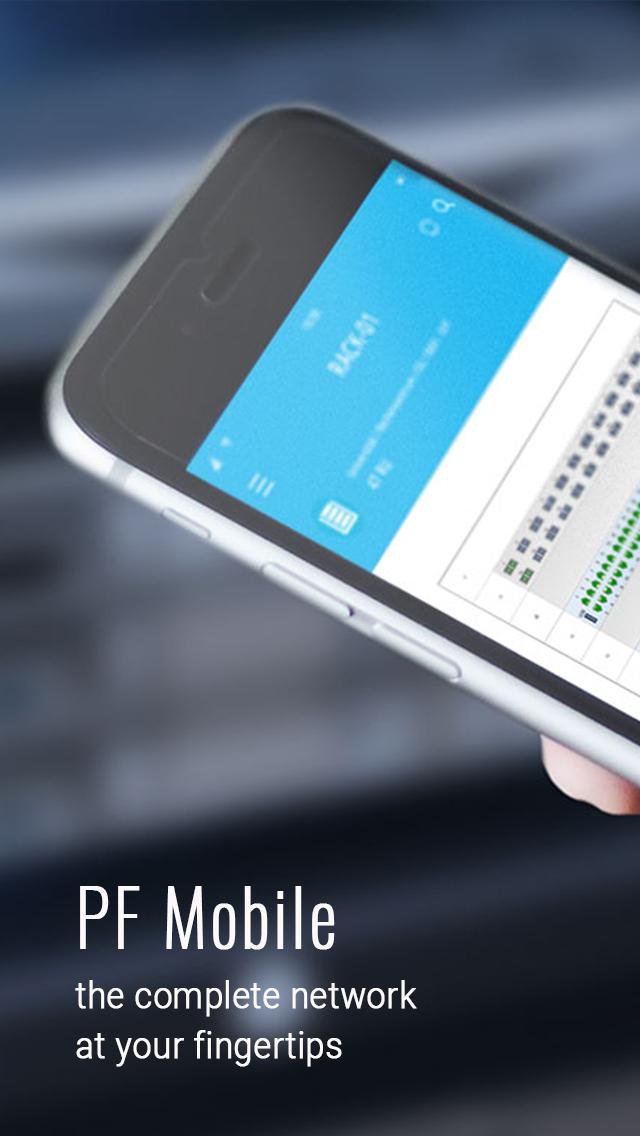
Pathfinder Mobile is the first mobile application for network technicians and administrators to document networks on site, on the go and offline. At the office, at the data center or on the phone with a customer - with Pathfinder Mobile all important information of the IT network can be accessed anytime from anywhere.
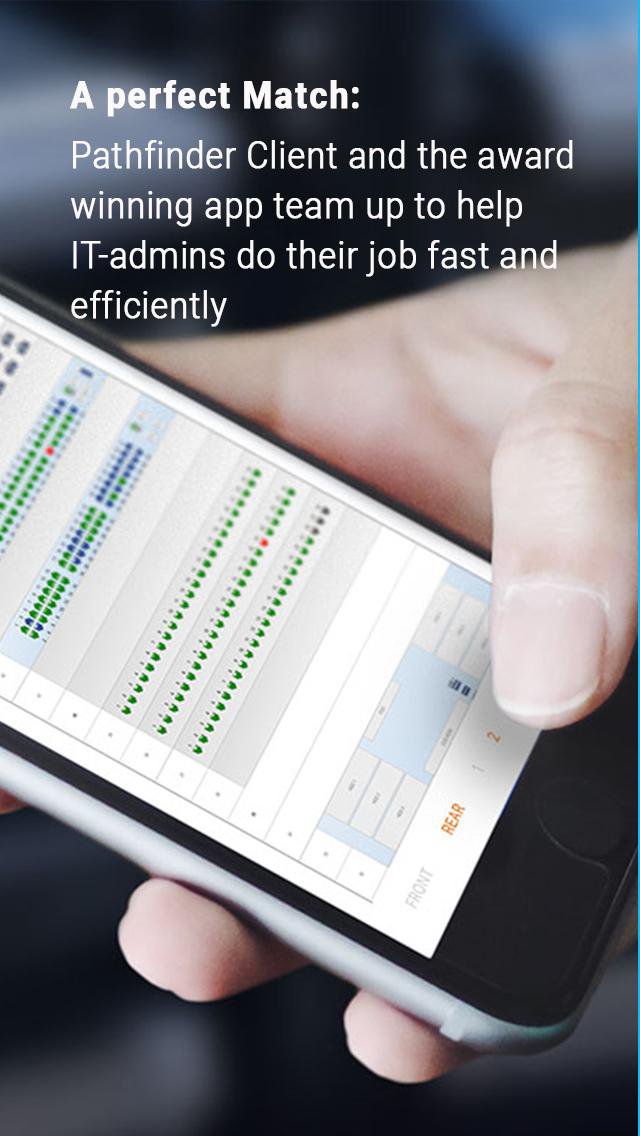
Pathfinder Mobile enables mobile access to all network connections and port states. Patch cables can be removed directly from the cabinet, reconnected. All changes are documented automatically.
Pathfinder Mobile requires a Pathfinder Server installation. This is not a standalone product.
All functions are available offline.
features:
- Visualization of signal paths from the beginning to the end with all intermediate stations.
- Search
- Detailed views of all network levels (floors, rooms, etc.).
- Detailed control cabinet views.
- Bar-code scan
- Full text search
- Work orders
- Upload of photos
Note: Select the demo database under "Settings-> Start Demo" to test the full functionality of Pathfinder Mobile. You can also setup the connection to your Pathfinder server there.
Preview
Tags
ToolsInformation
Developer
tripunkt GmbH
Latest Version
1.4.19
Last Updated
2025-11-27
Category
Tools
Available on
Google Play
Show More
How to play Pathfinder Mobile with GameLoop on PC
1. Download GameLoop from the official website, then run the exe file to install GameLoop
2. Open GameLoop and search for “Pathfinder Mobile” , find Pathfinder Mobile in the search results and click “Install”
3. Enjoy playing Pathfinder Mobile on GameLoop
Minimum requirements
OS
Windows 8.1 64-bit or Windows 10 64-bit
GPU
GTX 1050
CPU
i3-8300
Memory
8GB RAM
Storage
1GB available space
Recommended requirements
OS
Windows 8.1 64-bit or Windows 10 64-bit
GPU
GTX 1050
CPU
i3-9320
Memory
16GB RAM
Storage
1GB available space