
Malwarebytes Mobile Security PC
Malwarebytes
Download Malwarebytes Mobile Security on PC With GameLoop Emulator
Malwarebytes Mobile Security on PC
Malwarebytes Mobile Security, coming from the developer Malwarebytes, is running on Android systerm in the past.
Now, You can play Malwarebytes Mobile Security on PC with GameLoop smoothly.
Download it in the GameLoop library or search results. No more eyeing the battery or frustrating calls at the wrong time any more.
Just enjoy Malwarebytes Mobile Security PC on the large screen for free!
Malwarebytes Mobile Security Introduction
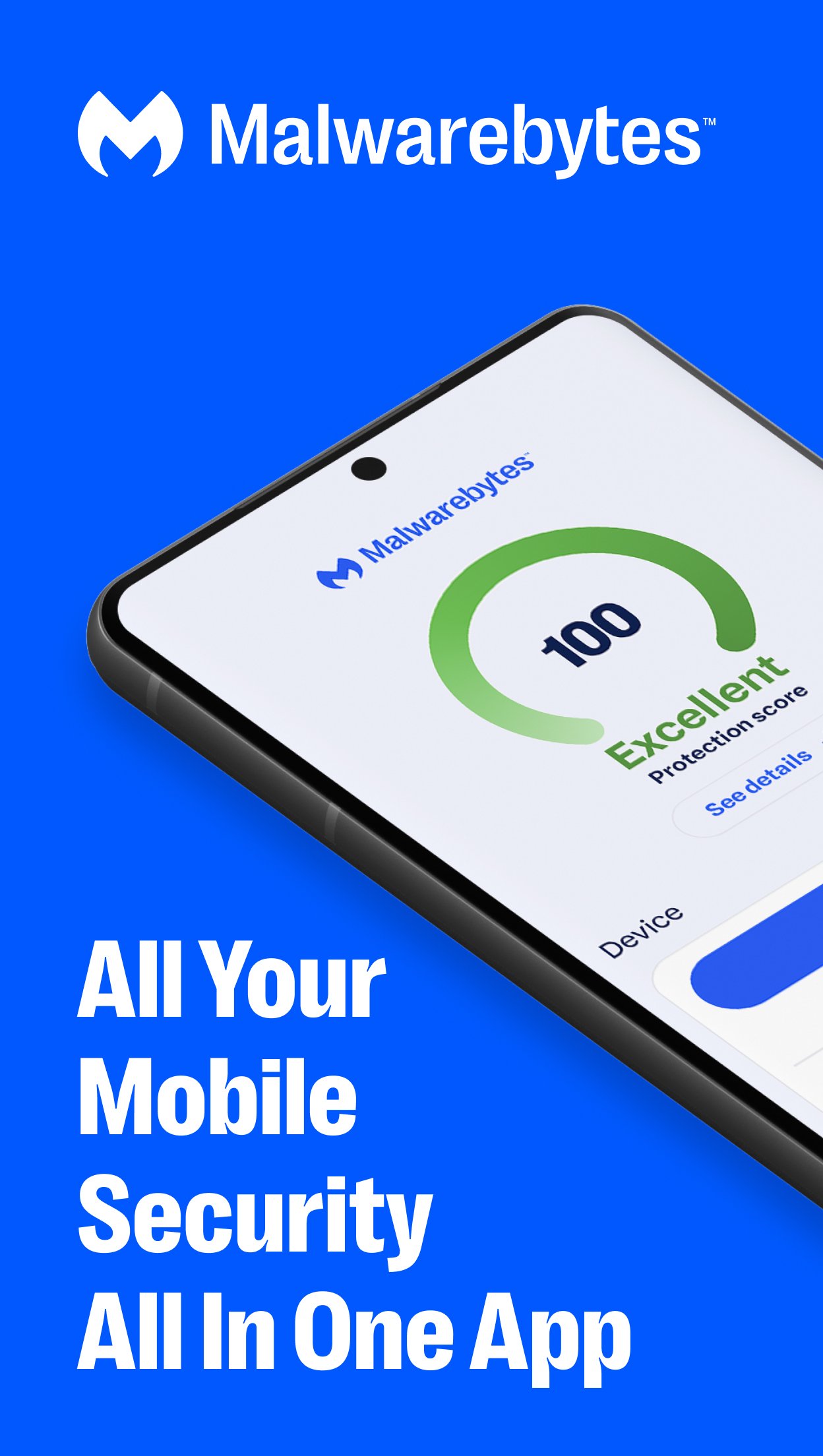
Malwarebytes delivers all-in-one mobile security and powerful digital protection against malware, online scams, identity theft, ransomware and more. Combining proactive device security with powerful antivirus defense, Malwarebytes keeps your Android device fast, safe and optimized.
From banking, insurance, photos, and important files, your phone carries your most personal information. We make sure it doesn’t fall into the wrong hands.
Malwarebytes is designed for everybody: professionals, families, even first-time smartphone users. No complicated setup. No IT expertise needed. Just easy, smart protection and Junk cleanup that works. Your phone holds your entire digital life. Protect it with Malwarebytes.
🛡️REAL-TIME MALWARE PROTECTION
Malware and security threats are constantly evolving. From viruses to spyware to ransomware that locks up your files. If not caught in time, these online threats can steal passwords, compromise bank accounts, and hijack your entire identity.
Malwarebytes stops these threats before they reach you with:
- Automatic app and file scanning: New apps and downloads are checked for malicious code before it runs.
- Zero-day threat protection: Detect brand-new malware variants that other antivirus software misses
- Ransomware shield: Blocks file-encrypting attacks that lock your device and acts as your first line of defense
🔐IDENTITY THEFT PROTECTION & DARK WEB MONITORING
Your emails, passwords, and personal data may already be on the dark web from millions of records being leaked in data breaches every year,
Malwarebytes helps you stay ahead with:
- Digital footprint scanner: Scan dark web databases for exposed emails, passwords, and more sensitive data.
- Instant breach alerts: Get notified when your info appears in new leaks and steps to secure accounts.
- Identity theft protection: 24/7 monitoring with live-agent support and up to $2 million in identity theft insurance.
🌐SECURE VPN FOR PRIVATE BROWSING
An incognito window can only do so much. No matter where you are, public Wi-Fi creates opportunities for hackers to steal your data and track your every move.
Malwarebytes VPN keeps you private with:
- Secure browsing on public Wi-Fi: Hide your IP address from trackers.
- Third-party audited no-logs policy: We don't track, store, or sell your browsing data.
- AES-256 encryption with WireGuard: Lightning-fast security across 62+ countries.
📵AI-POWERED SCAM PROTECTION
Got texts about packages you never ordered? Prize alerts for contests you’ve never entered? Online scams are getting smarter, even impersonating trusted brands.
Malwarebytes Scam Guard flags:
- Phishing messages: fake delivery alerts, bank scams, etc.
- Malicious links: Real-time scanning of URLs in texts, emails, and messaging apps
- Evolving scams: Brand impersonation, AI-generated scams, social engineering attacks, and malware threats
🧹DEVICE OPTIMIZATION
We keep your phone fast, clean, and running smoothly. Malwarebytes optimizes for:
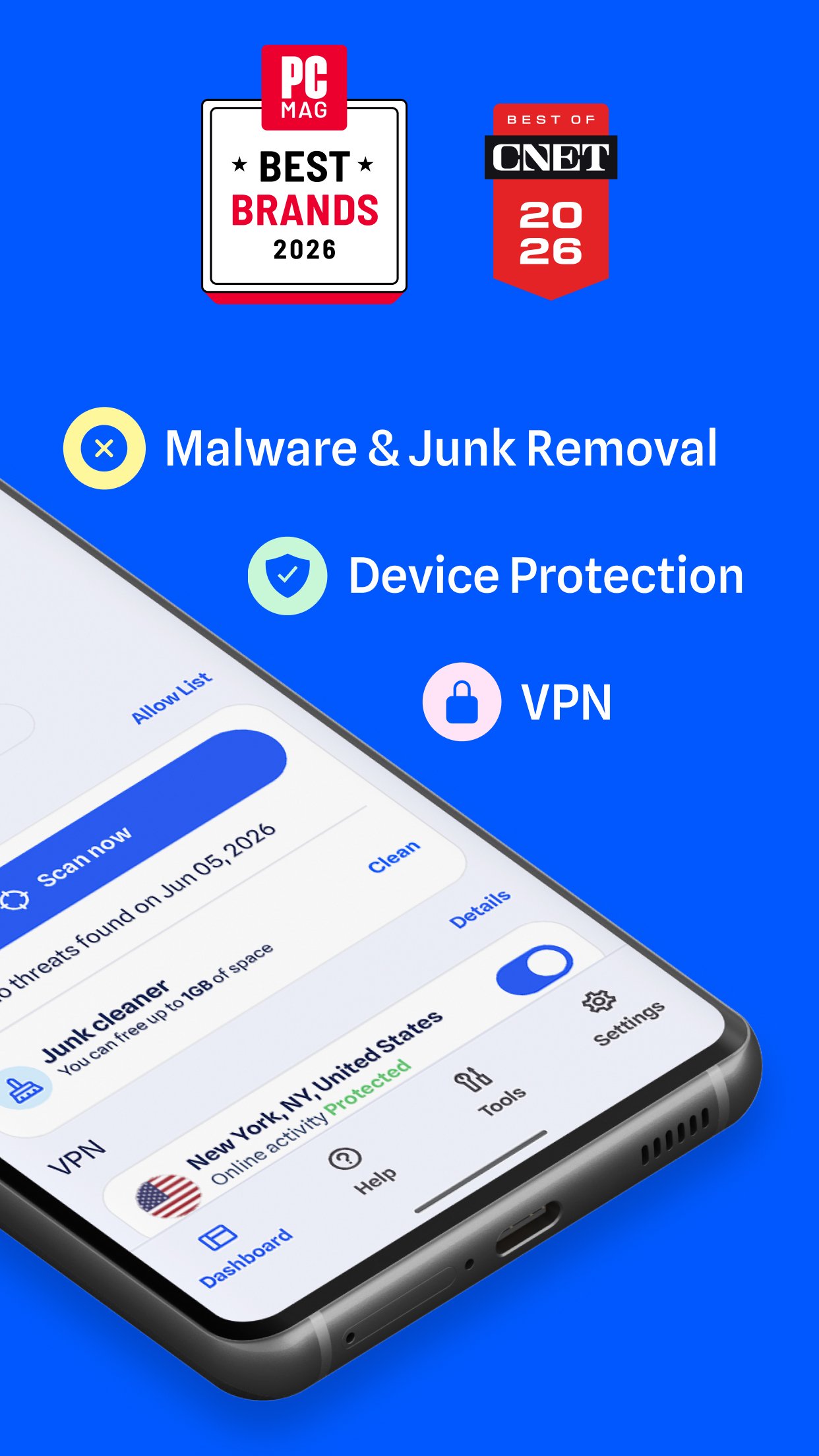
- Smart junk cleaner: Clean out junk and other unnecessary files.
- Storage analyzer: See what’s consuming space and what can be safely removed.
- One tap cleanup: Free up space in seconds. Goodbye, digital clutter!
⚡SIMPLE, POWERFUL PROTECTION
Advanced mobile security doesn't mean clutter. We make it easy for everybody with:
- Clean dashboard: Security at a glance with color-coded indicators
- Lightweight performance: Minimal battery drain, even on older Android devices
- Set-it-and-forget-it protection: Scanning happens in the background
WHY MILLIONS TRUST MALWAREBYTES
✓ All-in-One Mobile Protection
✓ Proactive Device Security
✓ AI-Powered Antivirus Protection
✓ 4 Million Daily Threats Blocked
✓ We’ll Never Sell Your Data
Enjoy a FREE 7-day trial of advanced features that offer 24/7 protection.
This app require Android 9+ and use the AccessibilityService API to detect and protect against malicious apps and scams by monitoring on-screen activity, ensuring safer on-device interactions.
Preview
Tags
ToolsBoardInformation
Developer
Malwarebytes
Latest Version
5.23.1+556
Last Updated
2026-06-17
Category
Tools
Available on
Google Play
Show More
How to play Malwarebytes Mobile Security with GameLoop on PC
1. Download GameLoop from the official website, then run the exe file to install GameLoop
2. Open GameLoop and search for “Malwarebytes Mobile Security” , find Malwarebytes Mobile Security in the search results and click “Install”
3. Enjoy playing Malwarebytes Mobile Security on GameLoop
Minimum requirements
OS
Windows 8.1 64-bit or Windows 10 64-bit
GPU
GTX 1050
CPU
i3-8300
Memory
8GB RAM
Storage
1GB available space
Recommended requirements
OS
Windows 8.1 64-bit or Windows 10 64-bit
GPU
GTX 1050
CPU
i3-9320
Memory
16GB RAM
Storage
1GB available space