
Orbut Vpn For Android PC
Orbut the tor for android
Download Orbut Vpn For Android on PC With GameLoop Emulator
Orbut Vpn For Android on PC
Orbut Vpn For Android, coming from the developer Orbut the tor for android, is running on Android systerm in the past.
Now, You can play Orbut Vpn For Android on PC with GameLoop smoothly.
Download it in the GameLoop library or search results. No more eyeing the battery or frustrating calls at the wrong time any more.
Just enjoy Orbut Vpn For Android PC on the large screen for free!
Orbut Vpn For Android Introduction
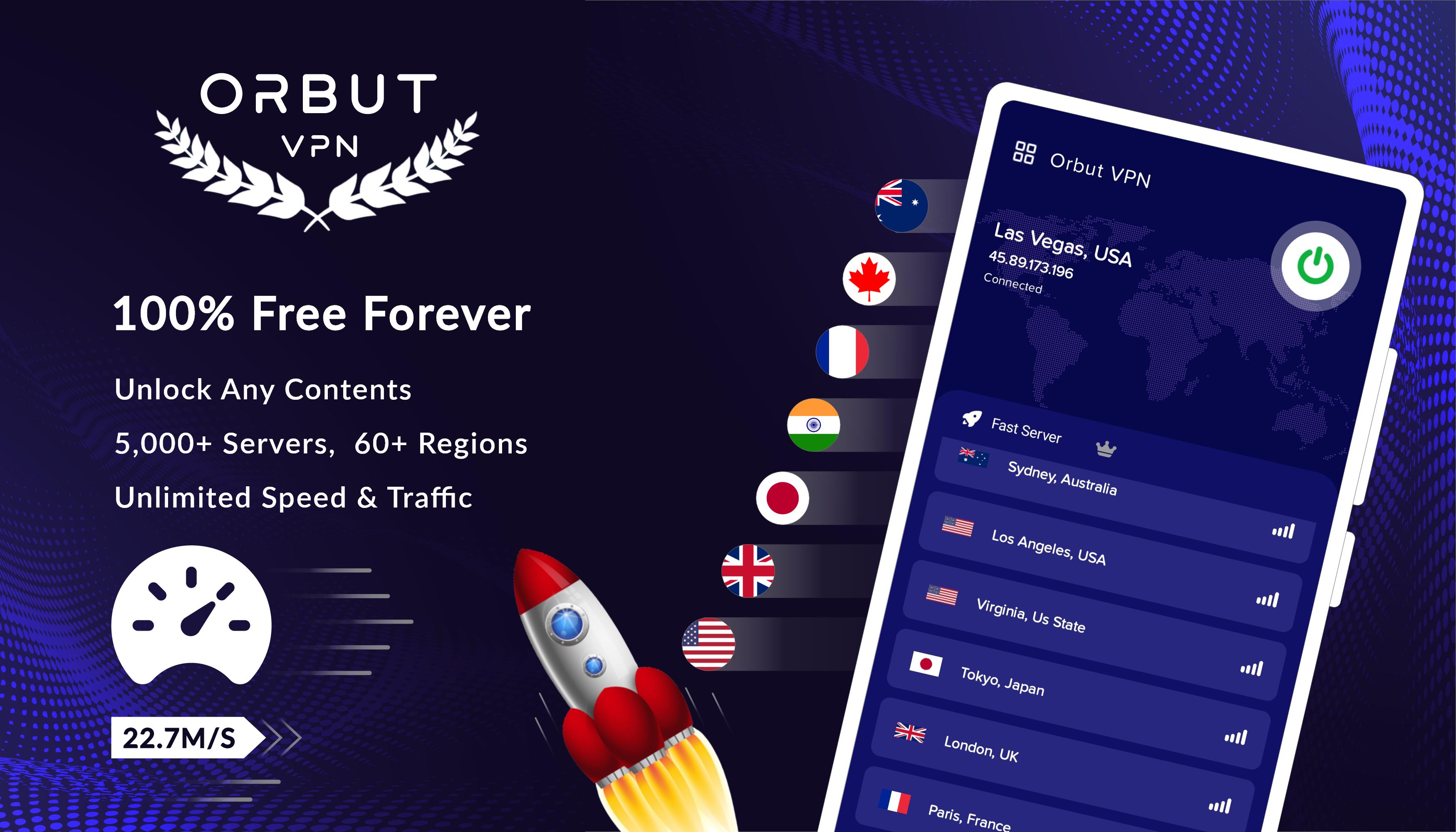
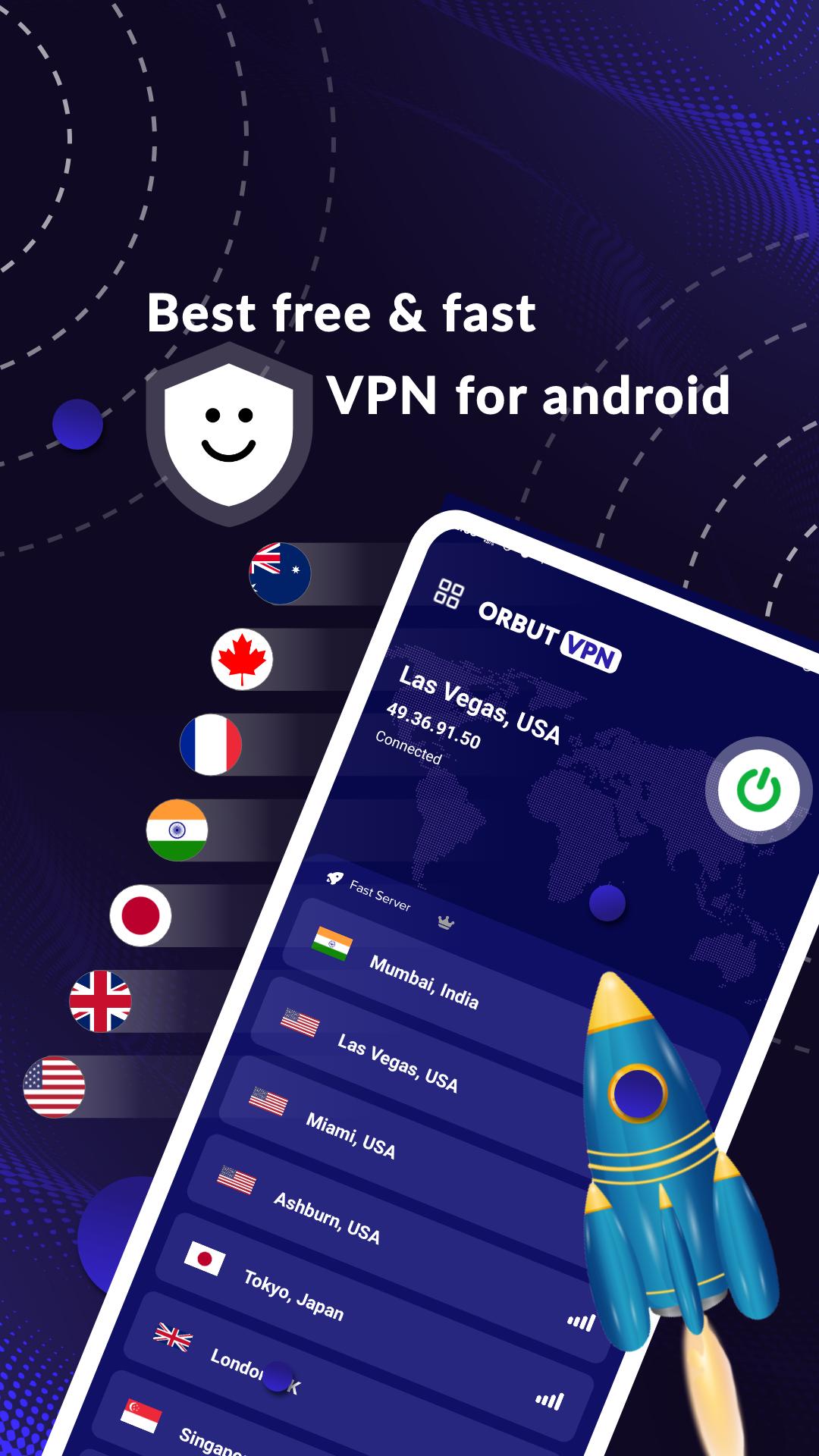
"To ensure anonymous surfing with Orbut Vpn, we needed the most secure Server and we decided to create our own server service. This is how the Orbut Tor For Android appeared.
Your Internet traffic is encrypted by Orbut using Tor, and it is then hidden by passing via a network of machines located all over the world. Android Tor is free software and an open network that assists you in protecting yourself from traffic analysis, a type of network spying that jeopardizes individual liberties and privacy, private business dealings, and state security.
Orbuta is based on Chromium. It protects your anonymity and allows you to surf the web anonymously. The interface is specially made as familiar as most secure VPN apps. We chose the most secure servers from proto, and tor for android, because they are the most popular and is used by most users. That is why Orbut is the safest and Free PROXY App on the Internet as result."
* PRIVACY FOR EVERYONE: Orbut shields your connection from snooping so they can't see what apps or websites you access. Only the fact that you are using Tor is visible to anyone watching your network traffic.
* CONTACT US: Are we missing your favorite feature? Found an annoying bug? We’d love to hear from you! Send us an email: reach@flawsometechnology.com
Preview
Tags
ToolsInformation
Developer
Orbut the tor for android
Latest Version
2.7
Last Updated
2022-12-14
Category
Tools
Available on
Google Play
Show More
How to play Orbut Vpn For Android with GameLoop on PC
1. Download GameLoop from the official website, then run the exe file to install GameLoop
2. Open GameLoop and search for “Orbut Vpn For Android” , find Orbut Vpn For Android in the search results and click “Install”
3. Enjoy playing Orbut Vpn For Android on GameLoop
Minimum requirements
OS
Windows 8.1 64-bit or Windows 10 64-bit
GPU
GTX 1050
CPU
i3-8300
Memory
8GB RAM
Storage
1GB available space
Recommended requirements
OS
Windows 8.1 64-bit or Windows 10 64-bit
GPU
GTX 1050
CPU
i3-9320
Memory
16GB RAM
Storage
1GB available space