
Onvia Home PC
Onvia Technology
Download Onvia Home on PC With GameLoop Emulator
Onvia Home on PC
Onvia Home, coming from the developer Onvia Technology, is running on Android systerm in the past.
Now, You can play Onvia Home on PC with GameLoop smoothly.
Download it in the GameLoop library or search results. No more eyeing the battery or frustrating calls at the wrong time any more.
Just enjoy Onvia Home PC on the large screen for free!
Onvia Home Introduction
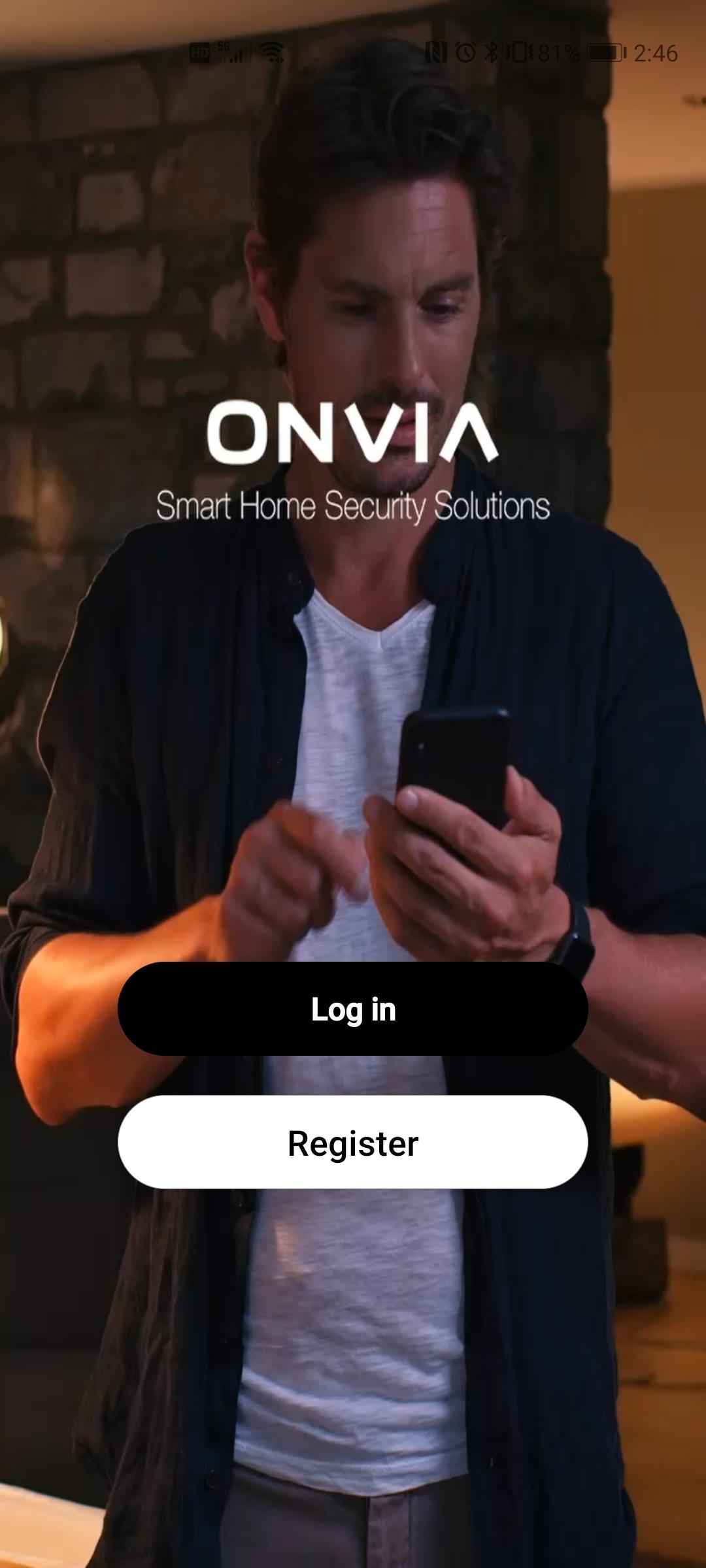
Onvia Smart Home, Smart Living
Secure, monitor and control your home with a range of smart devices from Ontips.
Whether it’s a Smart Alarm System, a Security Camera, Smart Plug, or Switch, the range of Ontips Smart Living products puts you in control of your home security.
Control your home with the app
Smart access control to your home, instant alerts and secure technology that will give you greater peace of mind.
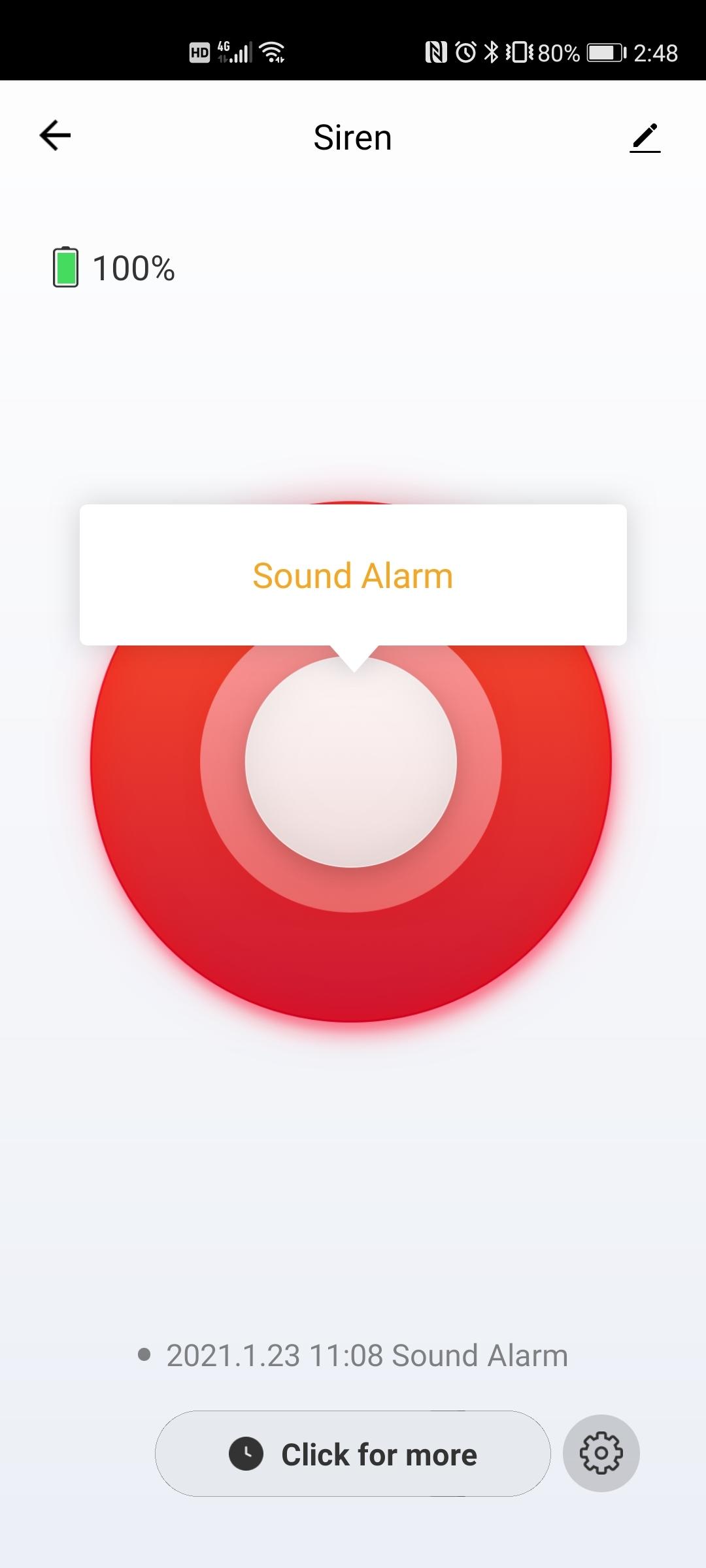
Control your alarm system anywhere via your smartphone and view the events without any limitations. Easy & Smart!
Smart Management
Share the access with your family, they will always know what's happening when you're away, no more worries!
Voice control via Amazon Echo and Google Home
Smart Wi-Fi Plug, Switch, Bulb - Control your Devices from Anywhere, No Hub Required, Works with Alexa and Google Assistant
Home Security, On the Go!
Ontips smart home alarms and cameras allows you to arm, disarm and view home from anywhere in the world via the app.
It monitors your home for activity and sends you a push notification accordingly.
Smart Sensors & Scheduling
The wireless sensors inform you of changes in your home and lets you set an automatic schedule or turn your security systems on or off.
Preview
Tags
ToolsInformation
Developer
Onvia Technology
Latest Version
1.0.5
Last Updated
2023-11-20
Category
Tools
Available on
Google Play
Show More
How to play Onvia Home with GameLoop on PC
1. Download GameLoop from the official website, then run the exe file to install GameLoop
2. Open GameLoop and search for “Onvia Home” , find Onvia Home in the search results and click “Install”
3. Enjoy playing Onvia Home on GameLoop
Minimum requirements
OS
Windows 8.1 64-bit or Windows 10 64-bit
GPU
GTX 1050
CPU
i3-8300
Memory
8GB RAM
Storage
1GB available space
Recommended requirements
OS
Windows 8.1 64-bit or Windows 10 64-bit
GPU
GTX 1050
CPU
i3-9320
Memory
16GB RAM
Storage
1GB available space