OBD2: Torque Car Scanner FixD PC
Metaverse Labs
Download OBD2: Torque Car Scanner FixD on PC With GameLoop Emulator
OBD2: Torque Car Scanner FixD on PC
OBD2: Torque Car Scanner FixD, coming from the developer Metaverse Labs, is running on Android systerm in the past.
Now, You can play OBD2: Torque Car Scanner FixD on PC with GameLoop smoothly.
Download it in the GameLoop library or search results. No more eyeing the battery or frustrating calls at the wrong time any more.
Just enjoy OBD2: Torque Car Scanner FixD PC on the large screen for free!
OBD2: Torque Car Scanner FixD Introduction
OBD2: Torque Car Scanner FixD turns your Android phone into a powerful car diagnostic and performance monitoring tool.
Compatible with leading OBD2 adapters like FixD, ELM327, Carista, RepairSolutions2, FastLink, and more — it's the all-in-one app to help you scan, monitor, and maintain your vehicle.
Whether you’re a DIYer, professional mechanic, or everyday driver, this app gives you real-time data, error codes, performance metrics, and emissions status—all from your smartphone.
Works with Popular OBD2 Tools:
- FixD
- ELM327 Bluetooth & Wi-Fi
- Carista
- Micro Mechanic
- RepairSolutions2
- FastLink
- Advance Auto Parts tools
- Torque Pro & compatible scanners
Key Features:
Read & clear Check Engine Light (CEL)
Scan diagnostic trouble codes (DTCs) with detailed explanations
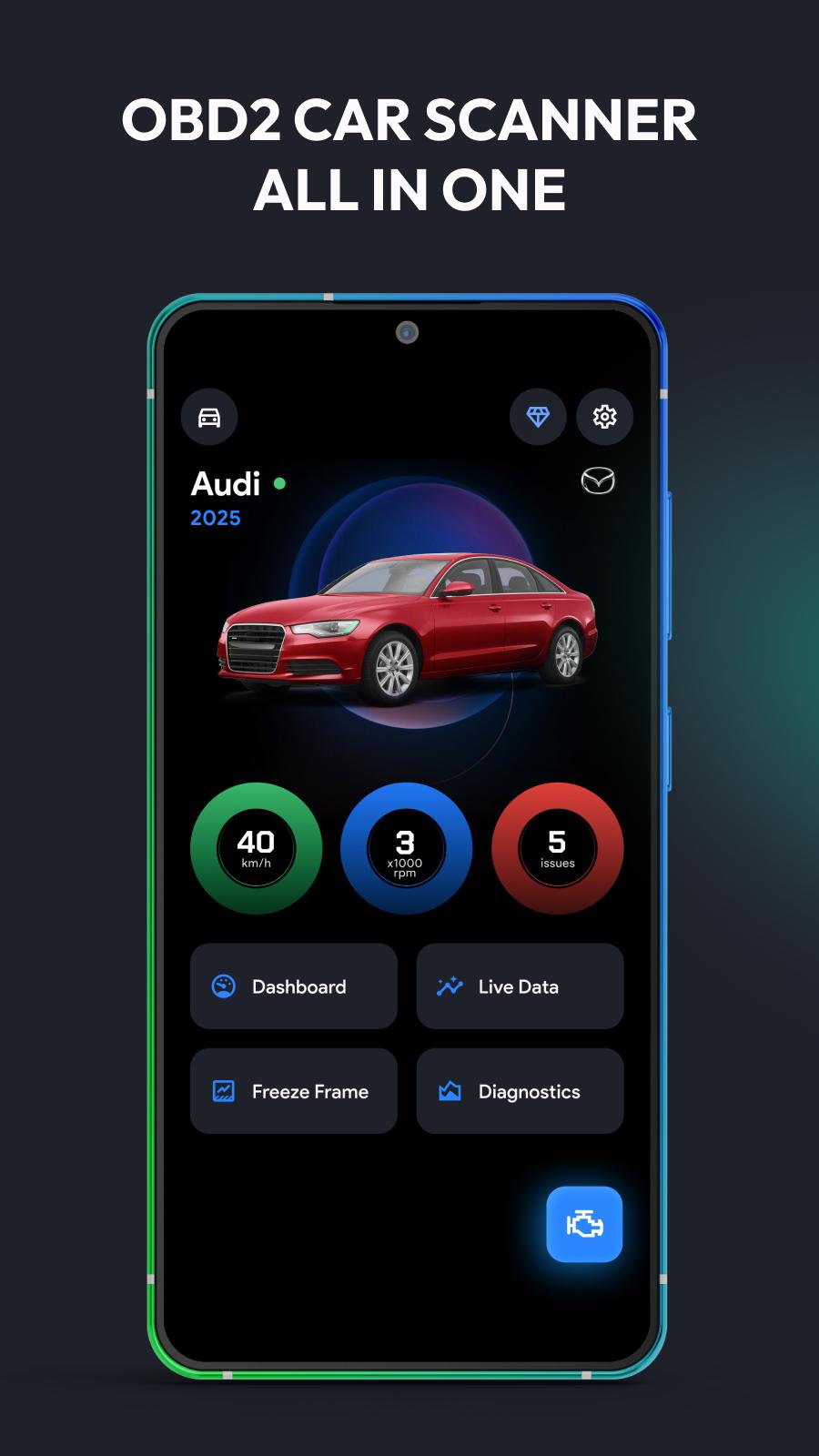
Real-time sensor monitoring: RPM, temp, fuel, throttle, boost & more
Emissions readiness check & freeze frame analysis
Build custom dashboards and HUD display for live metrics
Log trips, fuel usage, and driving patterns
Access extended PIDs & manufacturer-specific data
Compatible Vehicles:
Supports all OBD2-compliant vehicles (1996+), including:
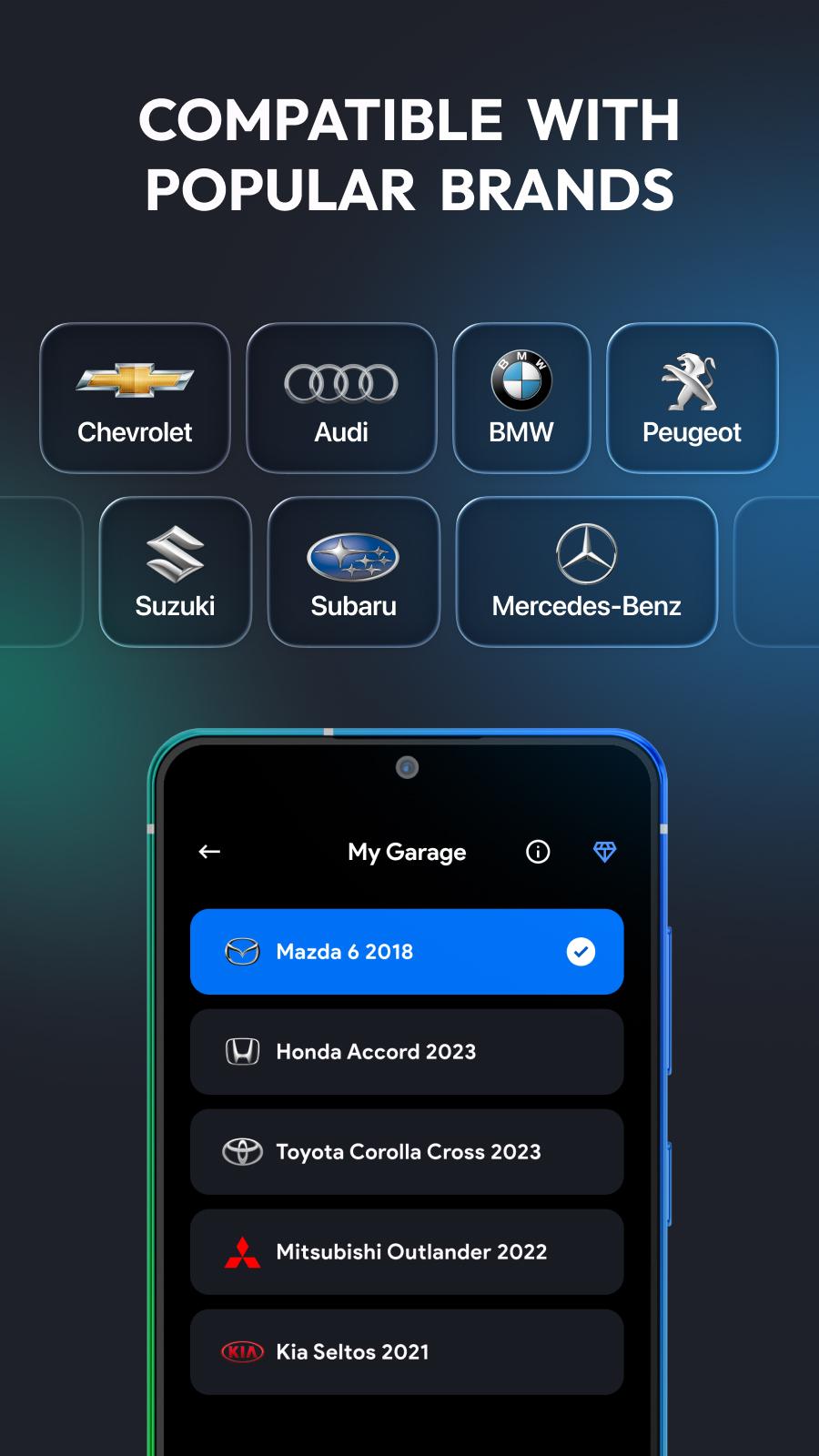
Toyota, Honda, Ford, Chevy, Nissan, BMW, Mercedes, VW, Audi, Subaru, Kia, Hyundai, Jeep, Dodge, Lexus, Mazda, and many more.
Why Choose This App?
- Works with FixD, ELM327, Carista, RepairSolutions2, FastLink
- Trusted by drivers, technicians & auto shops
- Avoid expensive repairs with early detection
- Beginner-friendly interface with pro-level features
- Updated regularly for better performance and support
Whether you're checking engine codes, prepping for emissions, or monitoring fuel efficiency, OBD2: Torque Car Scanner FixD gives you the tools to drive smarter.
Download now and unlock professional-grade car diagnostics straight from your Android device!
Preview
Tags
ToolsInformation
Developer
Metaverse Labs
Latest Version
3.6
Last Updated
2025-09-03
Category
Tools
Available on
Google Play
Show More
How to play OBD2: Torque Car Scanner FixD with GameLoop on PC
1. Download GameLoop from the official website, then run the exe file to install GameLoop
2. Open GameLoop and search for “OBD2: Torque Car Scanner FixD” , find OBD2: Torque Car Scanner FixD in the search results and click “Install”
3. Enjoy playing OBD2: Torque Car Scanner FixD on GameLoop
Minimum requirements
OS
Windows 8.1 64-bit or Windows 10 64-bit
GPU
GTX 1050
CPU
i3-8300
Memory
8GB RAM
Storage
1GB available space
Recommended requirements
OS
Windows 8.1 64-bit or Windows 10 64-bit
GPU
GTX 1050
CPU
i3-9320
Memory
16GB RAM
Storage
1GB available space